
Have additional questions? Contact us at support@fieldpulse.com or use the chat feature in the bottom right corner of your screen.
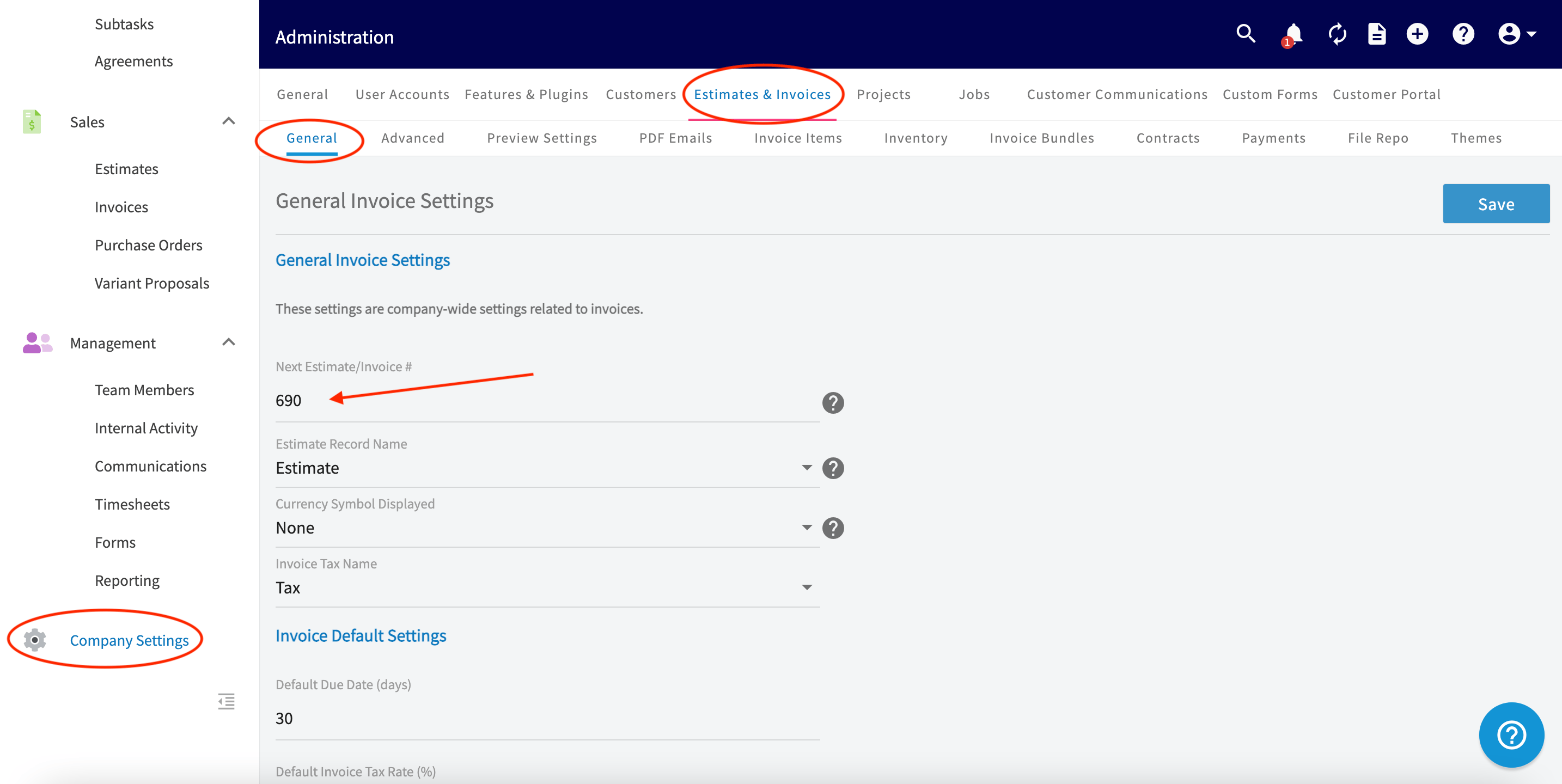
Set the next estimate and invoice number so your document sequence starts wherever you need it.
Related topics
Default Estimate & Invoice SettingsPurchase OrdersCustom Estimate & Invoice ThemesCreating a JobEstimates & Invoices: Quick Start