> ## Documentation Index
> Fetch the complete documentation index at: https://help.fieldpulse.com/llms.txt
> Use this file to discover all available pages before exploring further.
# ClearPath Widgets: Customer Details
> Add widgets that put customer name, contact info, and arrival details on the tech's job Focus View.
# Overview
The Customer Information widgets surface key details about your Customer associated with your Job. Having this front-and-center in the Focus View means you never have to hunt for contact info or arrival expectations.
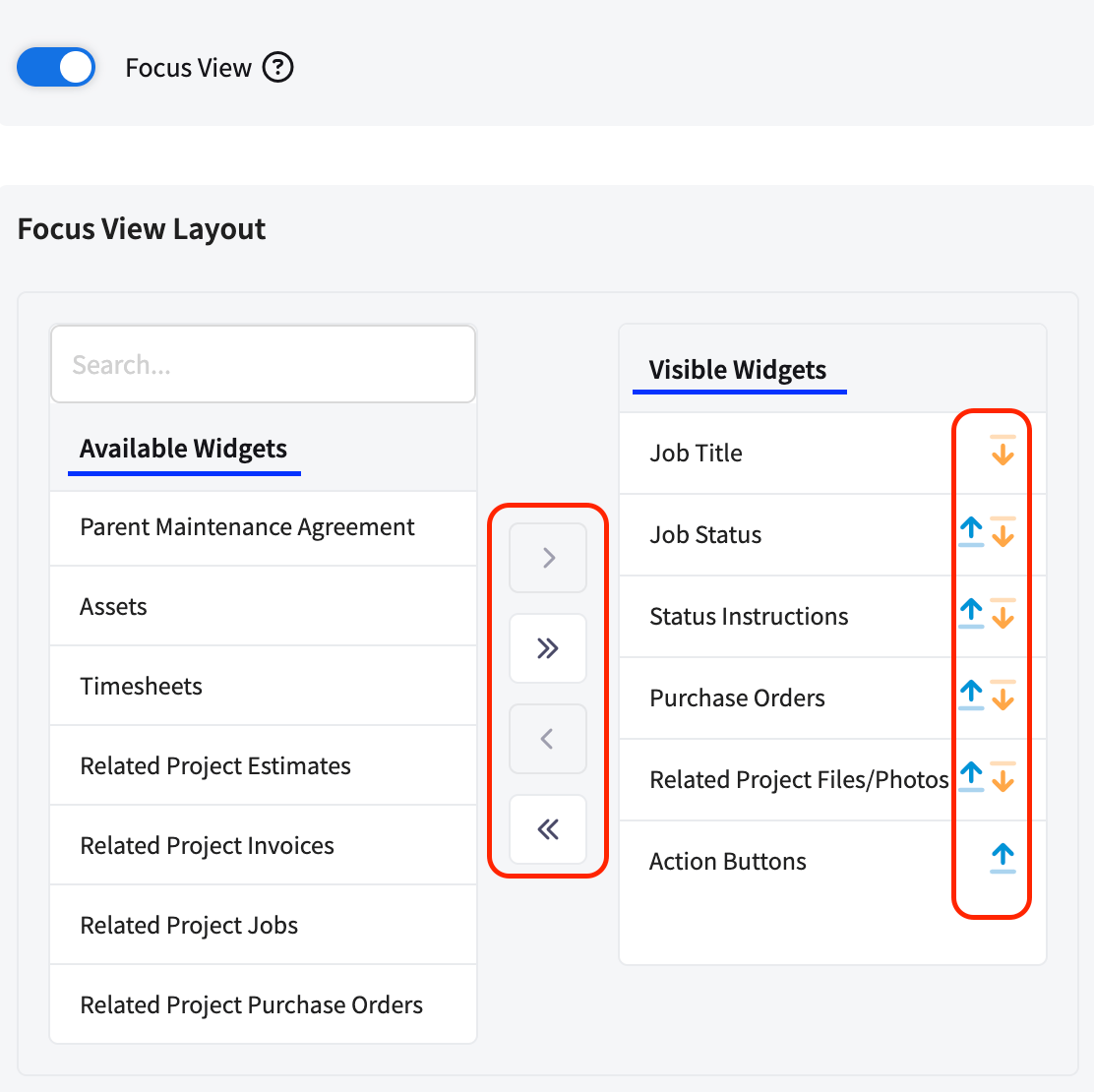
To learn how to add widgets to your Status Action Flow, [click here.](/features-add-ons/clearpath/clearpath-by-fieldpulse#h_09e9672fae)
 ***
# Widgets
## Customer Name
***
# Widgets
## Customer Name
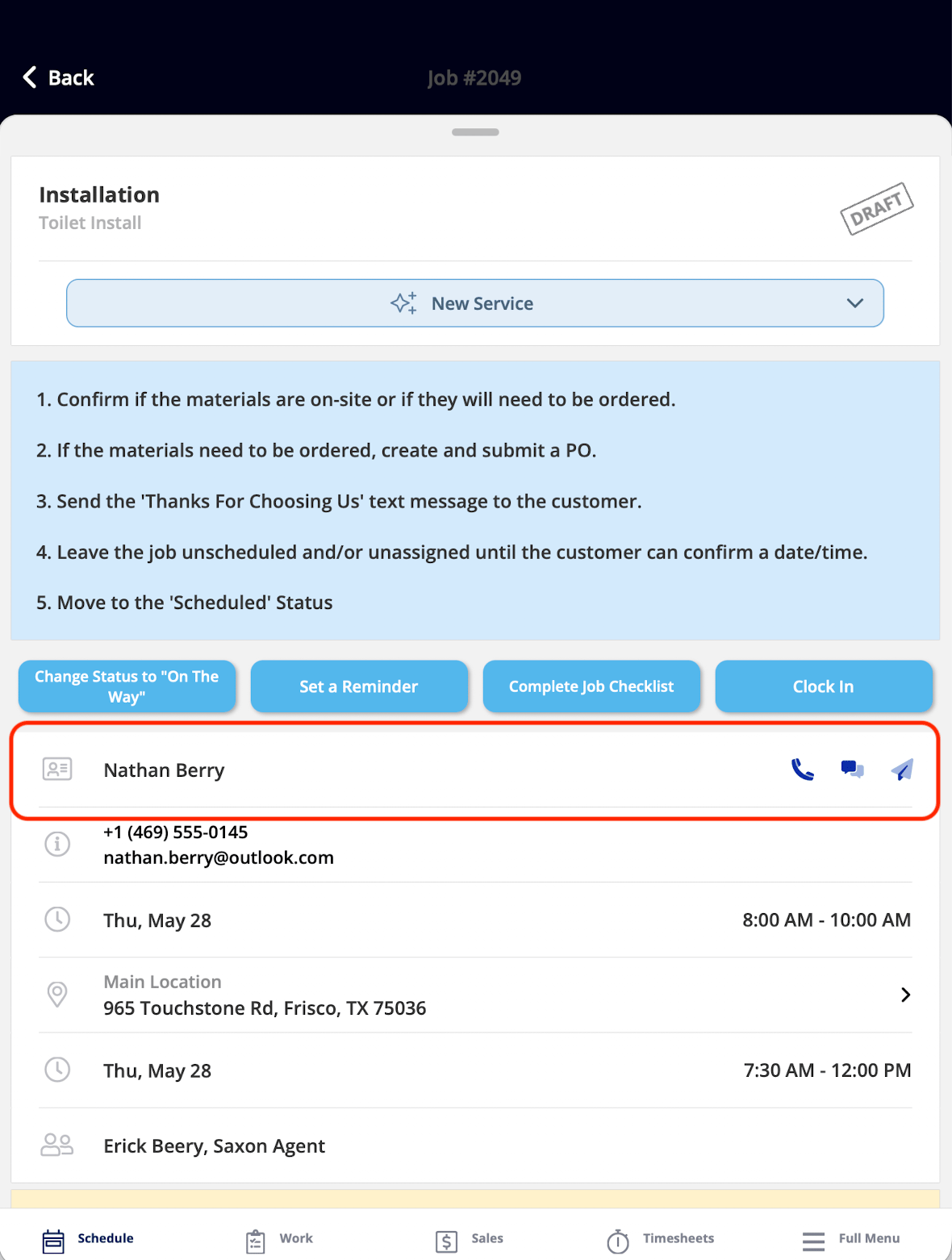 *What It Shows:* The name of your customer associated with your Job, along with quick-contact icons for phone, message, and email.
*What You Can Do:* You can tap the widget to see the full Customer record or tap the icons to call, message, or email your customer.
## **Customer Contact**
*What It Shows:* The name of your customer associated with your Job, along with quick-contact icons for phone, message, and email.
*What You Can Do:* You can tap the widget to see the full Customer record or tap the icons to call, message, or email your customer.
## **Customer Contact**
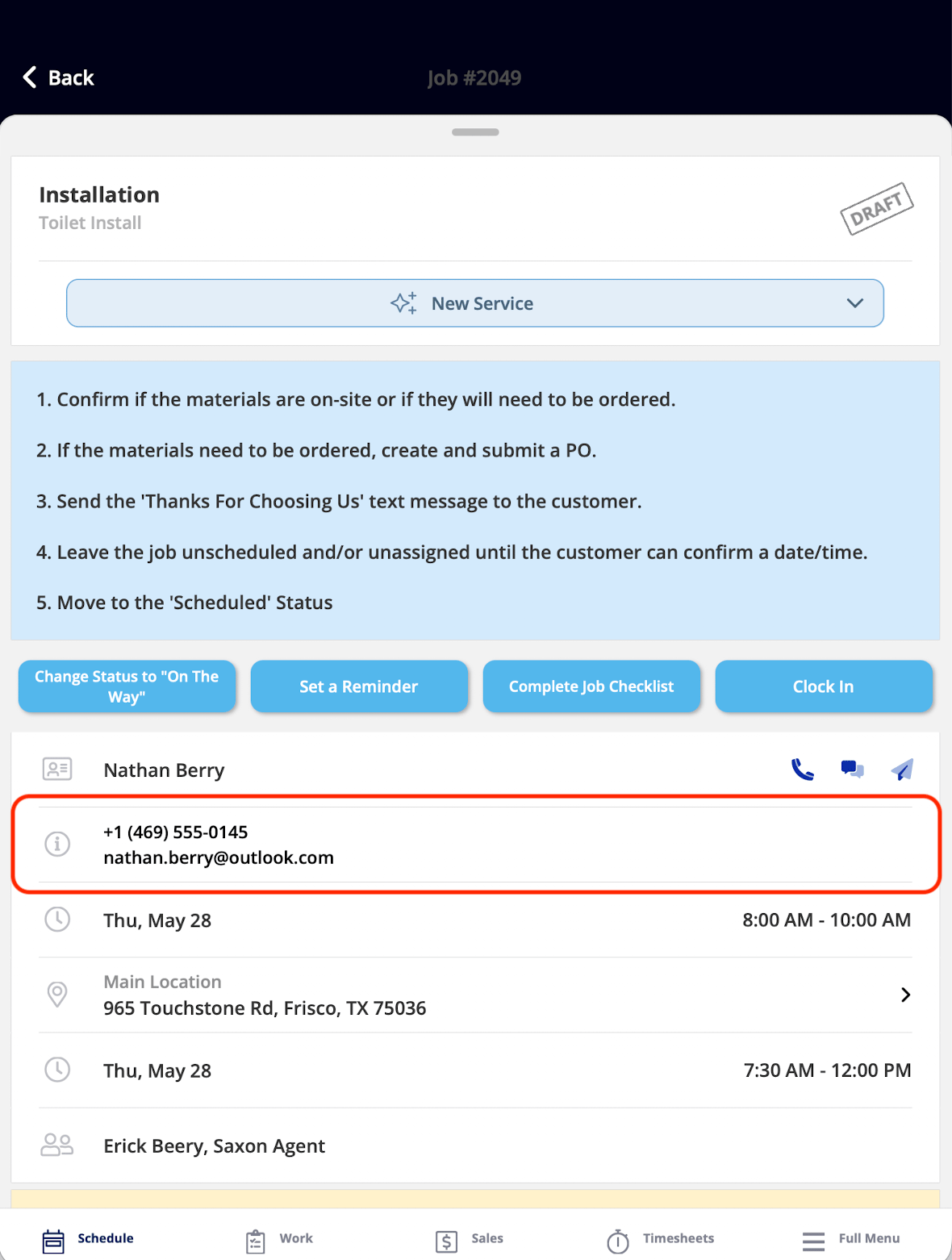 *What It Shows:* Your customer's phone number and email address.
*What You Can Do:* This widget is view-only. You can see the contact details for reference.
***
**Have additional questions?**
*Contact us at [support@fieldpulse.com](mailto:support@fieldpulse.com) or use the chat feature in the bottom right corner of your screen.*
*What It Shows:* Your customer's phone number and email address.
*What You Can Do:* This widget is view-only. You can see the contact details for reference.
***
**Have additional questions?**
*Contact us at [support@fieldpulse.com](mailto:support@fieldpulse.com) or use the chat feature in the bottom right corner of your screen.*