> ## Documentation Index
> Fetch the complete documentation index at: https://help.fieldpulse.com/llms.txt
> Use this file to discover all available pages before exploring further.
# Purchase Order Sync: QuickBooks Online
> Sync purchase orders one-way or two-way with QuickBooks Online, triggered on every PO create and update.
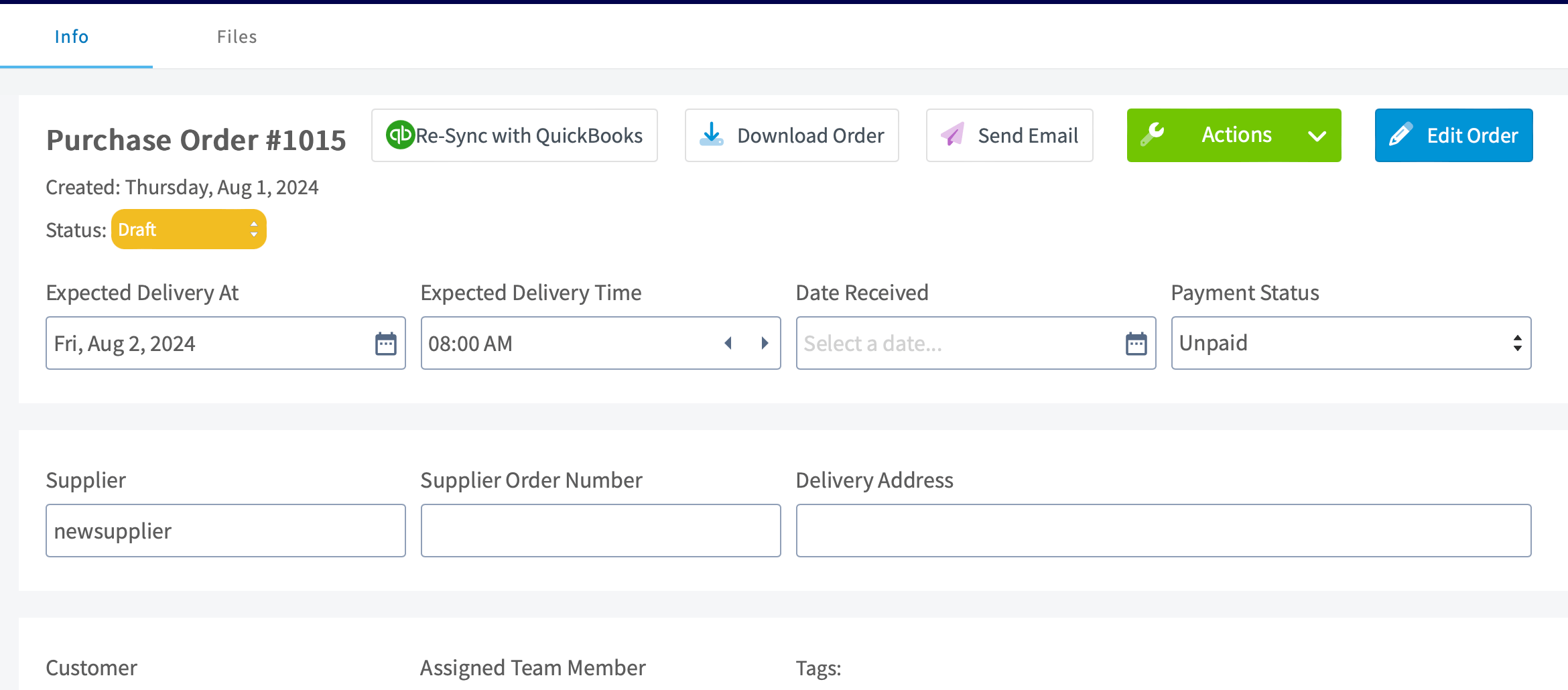
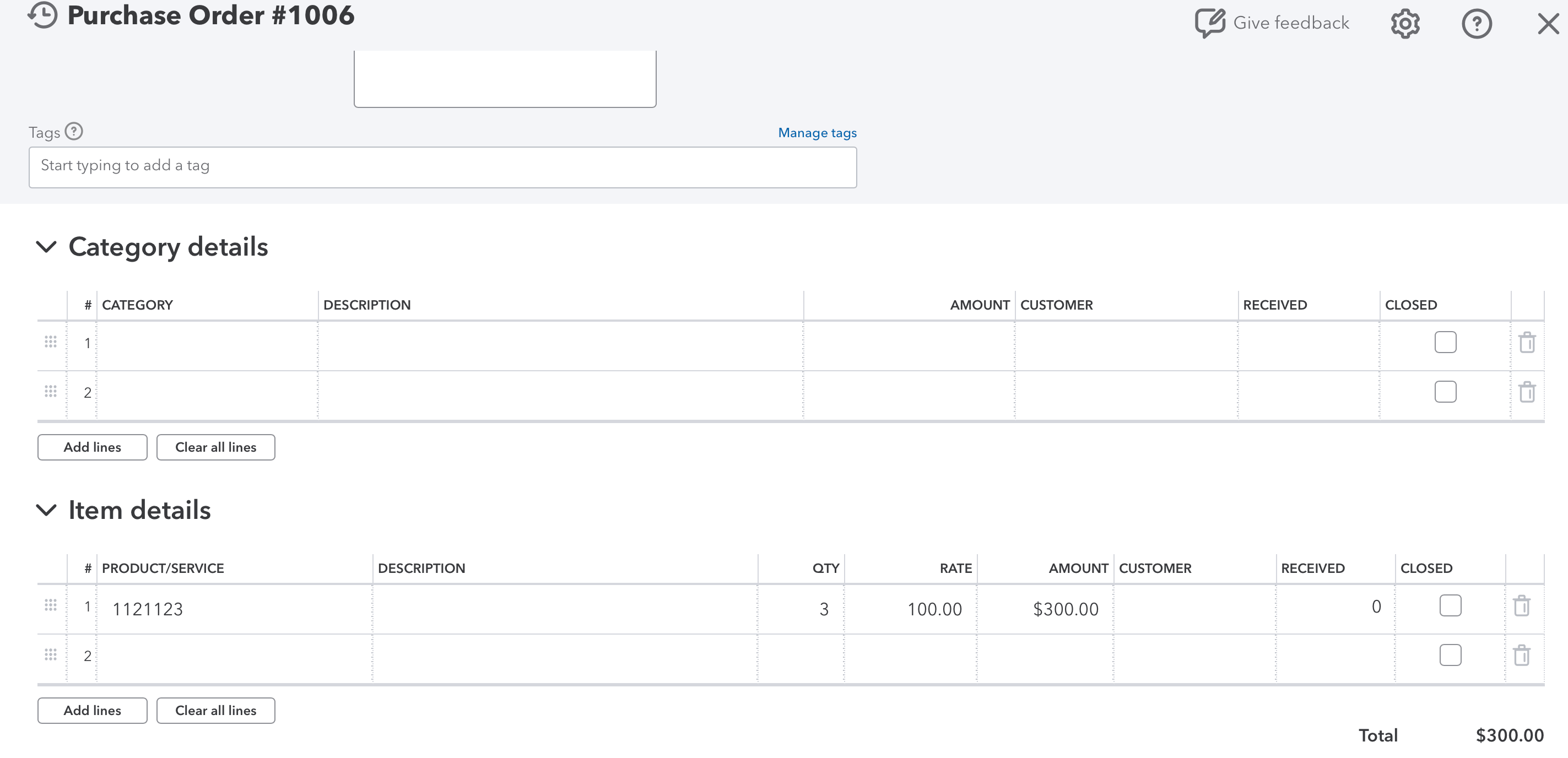
You can now sync your FieldPulse purchase orders with QuickBooks Online! This sync can be two-way or one-way, sending purchase order data between QuickBooks Online and FieldPulse. Once enabled, the sync will be triggered by newly created and updated purchase orders, pushing them to QuickBooks Online. The status of the PO itself does not trigger the sync.
 ***
# How can I get started?
Reach out to us at [support@fieldpulse.com](mailto:support@fieldpulse.com) or use the chat in the bottom right corner to initiate your purchase order sync!
***
# Purchase Order Field Overview
Explore the table below to see which FieldPulse purchase order fields sync, as well as where they will appear in QuickBooks Online. If a field is not listed in this table, it does not sync to QuickBooks Online.
| **FieldPulse Field** | **QuickBooks Online Field** |
| --------------------- | --------------------------- |
| Purchase Order Number | Document Number |
| Supplier Name | Vendor |
| Supplier Email | Email |
| Status = Ordered | Purchase Order Date |
| Address | Shipping Address |
| Line Item Title | Product/ Service |
| Description | Description |
| Quantity | Quantity |
| Unit Cost | Rate |
| Total (Per Line Item) | Amount |
| Created At Date | Created Time |
| Updated At Date | Last Updated Time |
| Order Title | Memo |
| Subtotal | Subtotal |
| Total | Total |
| Instructions | Your Message to Vendor |
***
# FieldPulse Purchase Order Statuses
The following FieldPulse statuses will reflect as *Open* in QuickBooks Online:
* *Compose*
* *Draft*
* *Ordered*
* *Pending*
* *En Route*
* *Ready for Pickup*
* *Partially Received*
* *Issue*
The following FieldPulse statuses will reflect as *Closed* in QuickBooks Online:
* *Received*
* *Completed*
* *Canceled*
***
**Have additional questions?**
*Contact us at [support@fieldpulse.com](mailto:support@fieldpulse.com) or use the chat feature in the bottom right corner of your screen.*
***
# How can I get started?
Reach out to us at [support@fieldpulse.com](mailto:support@fieldpulse.com) or use the chat in the bottom right corner to initiate your purchase order sync!
***
# Purchase Order Field Overview
Explore the table below to see which FieldPulse purchase order fields sync, as well as where they will appear in QuickBooks Online. If a field is not listed in this table, it does not sync to QuickBooks Online.
| **FieldPulse Field** | **QuickBooks Online Field** |
| --------------------- | --------------------------- |
| Purchase Order Number | Document Number |
| Supplier Name | Vendor |
| Supplier Email | Email |
| Status = Ordered | Purchase Order Date |
| Address | Shipping Address |
| Line Item Title | Product/ Service |
| Description | Description |
| Quantity | Quantity |
| Unit Cost | Rate |
| Total (Per Line Item) | Amount |
| Created At Date | Created Time |
| Updated At Date | Last Updated Time |
| Order Title | Memo |
| Subtotal | Subtotal |
| Total | Total |
| Instructions | Your Message to Vendor |
***
# FieldPulse Purchase Order Statuses
The following FieldPulse statuses will reflect as *Open* in QuickBooks Online:
* *Compose*
* *Draft*
* *Ordered*
* *Pending*
* *En Route*
* *Ready for Pickup*
* *Partially Received*
* *Issue*
The following FieldPulse statuses will reflect as *Closed* in QuickBooks Online:
* *Received*
* *Completed*
* *Canceled*
***
**Have additional questions?**
*Contact us at [support@fieldpulse.com](mailto:support@fieldpulse.com) or use the chat feature in the bottom right corner of your screen.*