> ## Documentation Index
> Fetch the complete documentation index at: https://help.fieldpulse.com/llms.txt
> Use this file to discover all available pages before exploring further.
# Customer Portal: What Your Customer Sees
> Preview every tab a client sees in their self-service portal, from editing their info to viewing job history and documents without calling in.
# Overview
The Customer Portal gives your existing customers a place to view their history with you, access their documents, and stay up to date without having to call in. This article walks through every tab they'll see once you share their portal link.
***
# Customer Portal Experience
The Customer Portal gives your existing customers a self-service hub to view their history with you. Once you share their personal portal link, they can access it anytime.
Here's a walkthrough of every tab they'll see.
## My Info
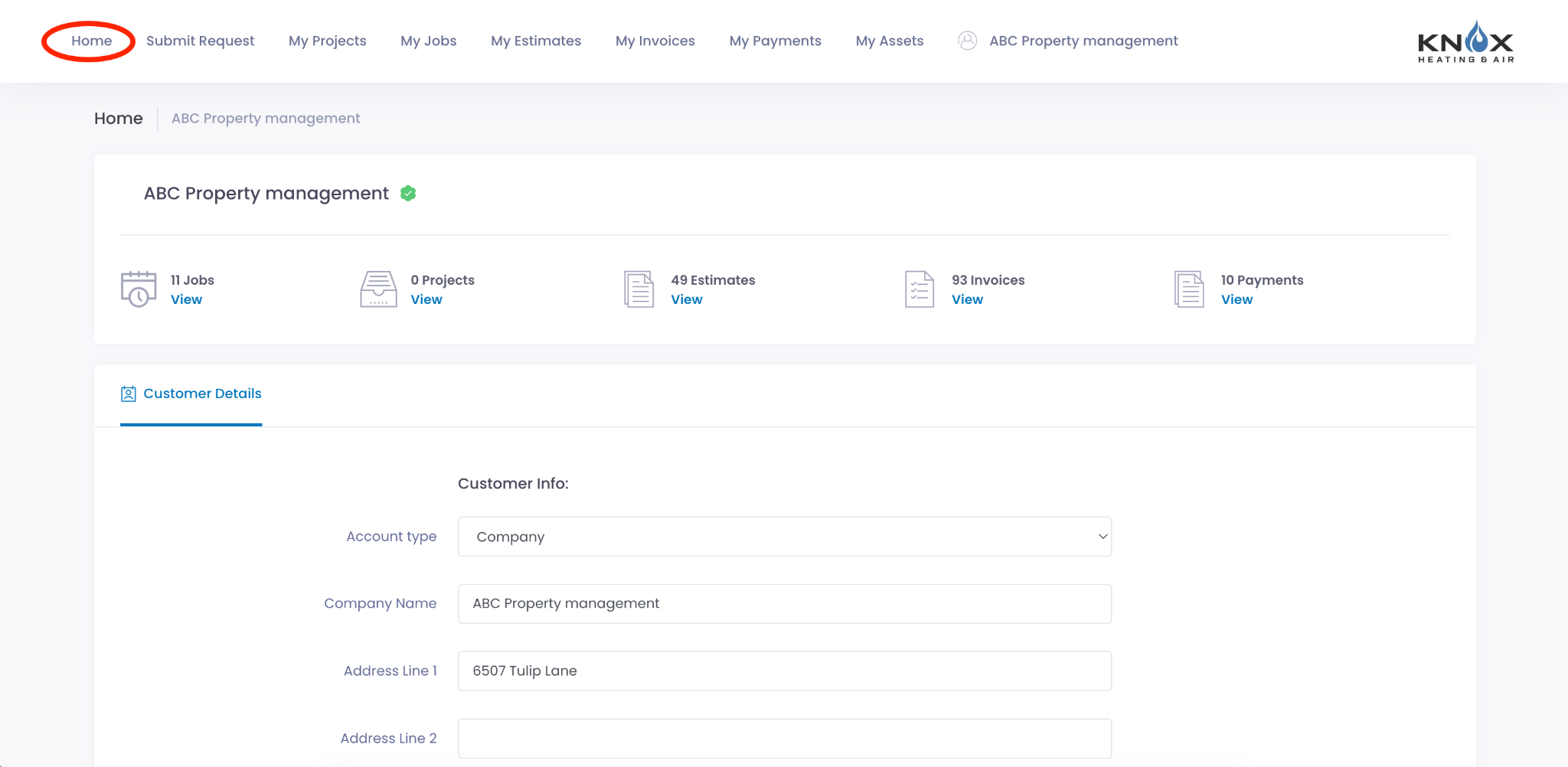
The customer sees their contact details on file and can edit them directly.
 ## Submit Request
This tab opens your Booking Portal so the customer can request a new job or service directly from their portal.
## Submit Request
This tab opens your Booking Portal so the customer can request a new job or service directly from their portal.
 ## My Jobs
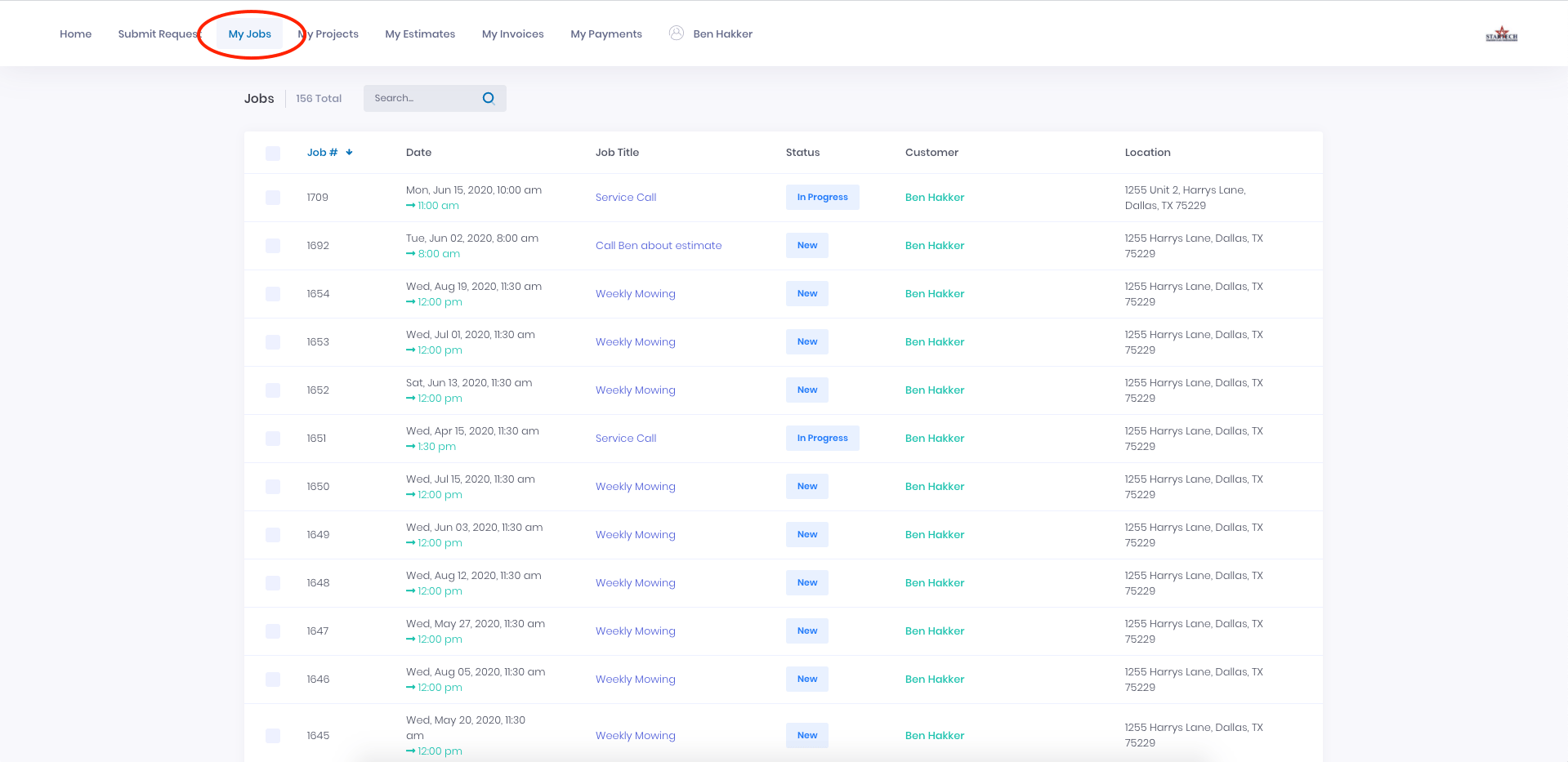
A list of all their open jobs, including date, time, and status. Clicking any job shows the details and any associated files.
## My Jobs
A list of all their open jobs, including date, time, and status. Clicking any job shows the details and any associated files.
 ## My Estimates
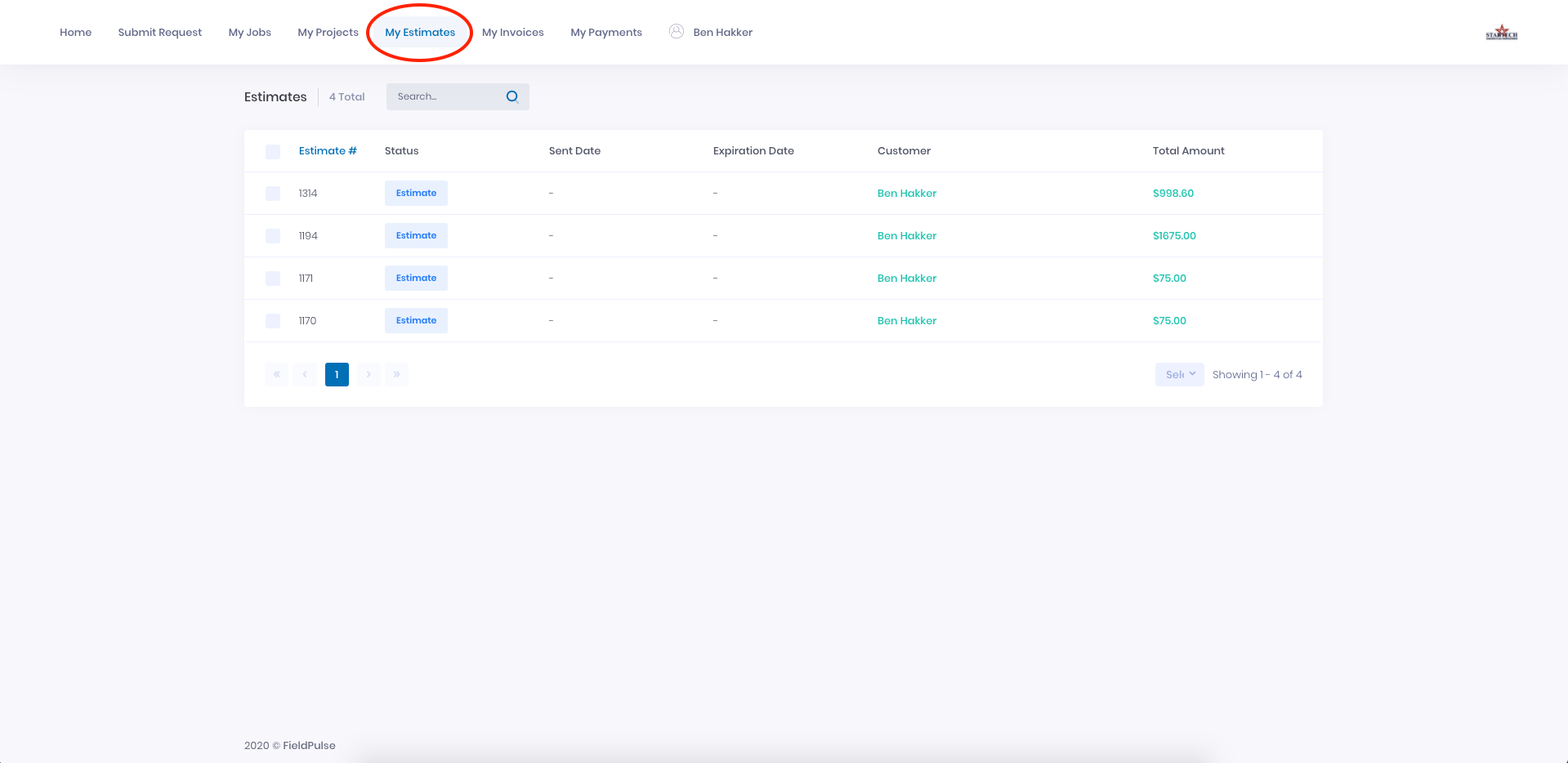
All estimates on their account, with status, sent date, expiration date, and total amount. Customers can open, download, print, and accept estimates here.
## My Estimates
All estimates on their account, with status, sent date, expiration date, and total amount. Customers can open, download, print, and accept estimates here.
 ## My Invoices
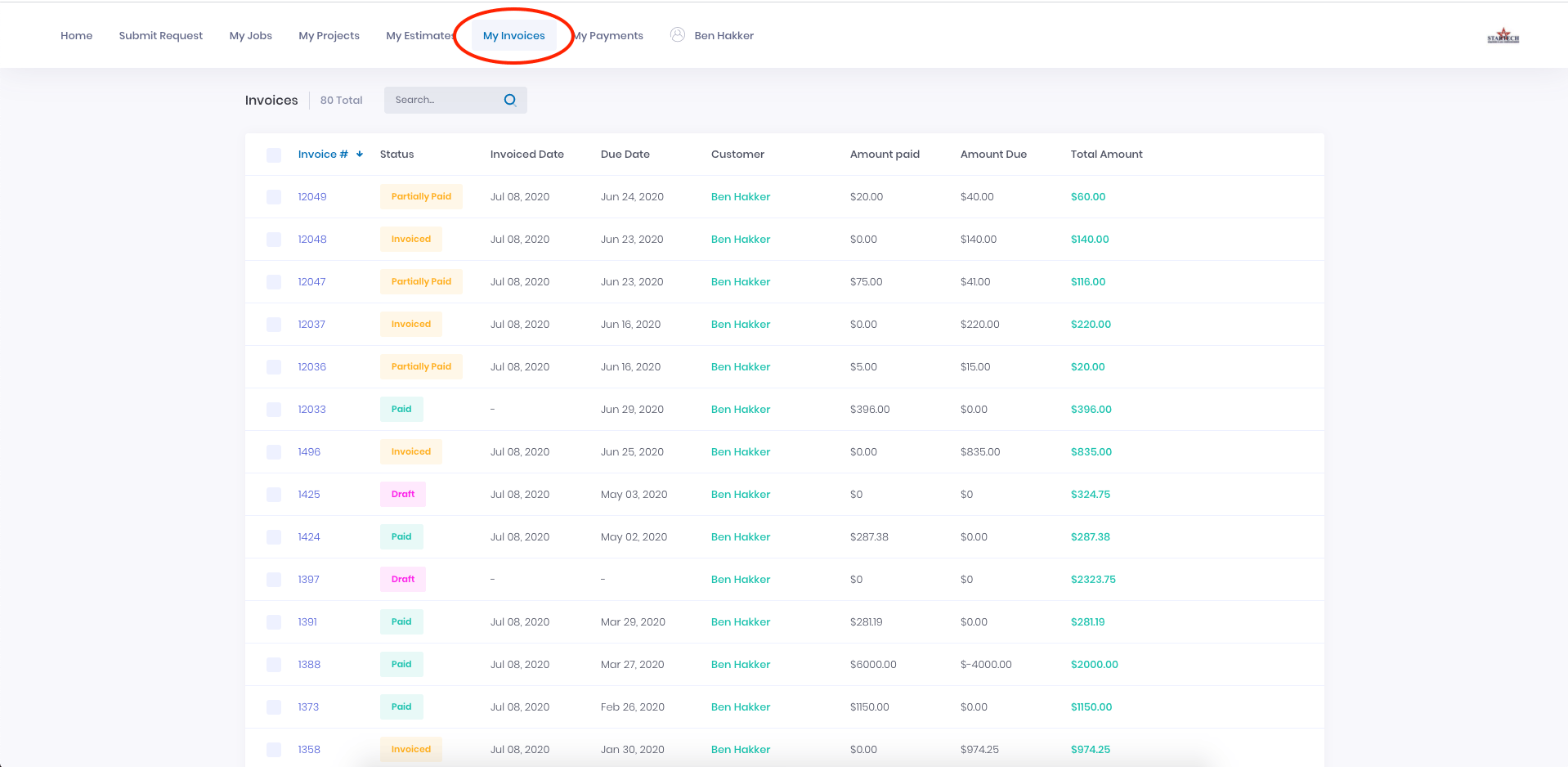
All invoices with invoice date, due date, amount paid, and balance due. Customers can open, download, and print invoices from here.
## My Invoices
All invoices with invoice date, due date, amount paid, and balance due. Customers can open, download, and print invoices from here.
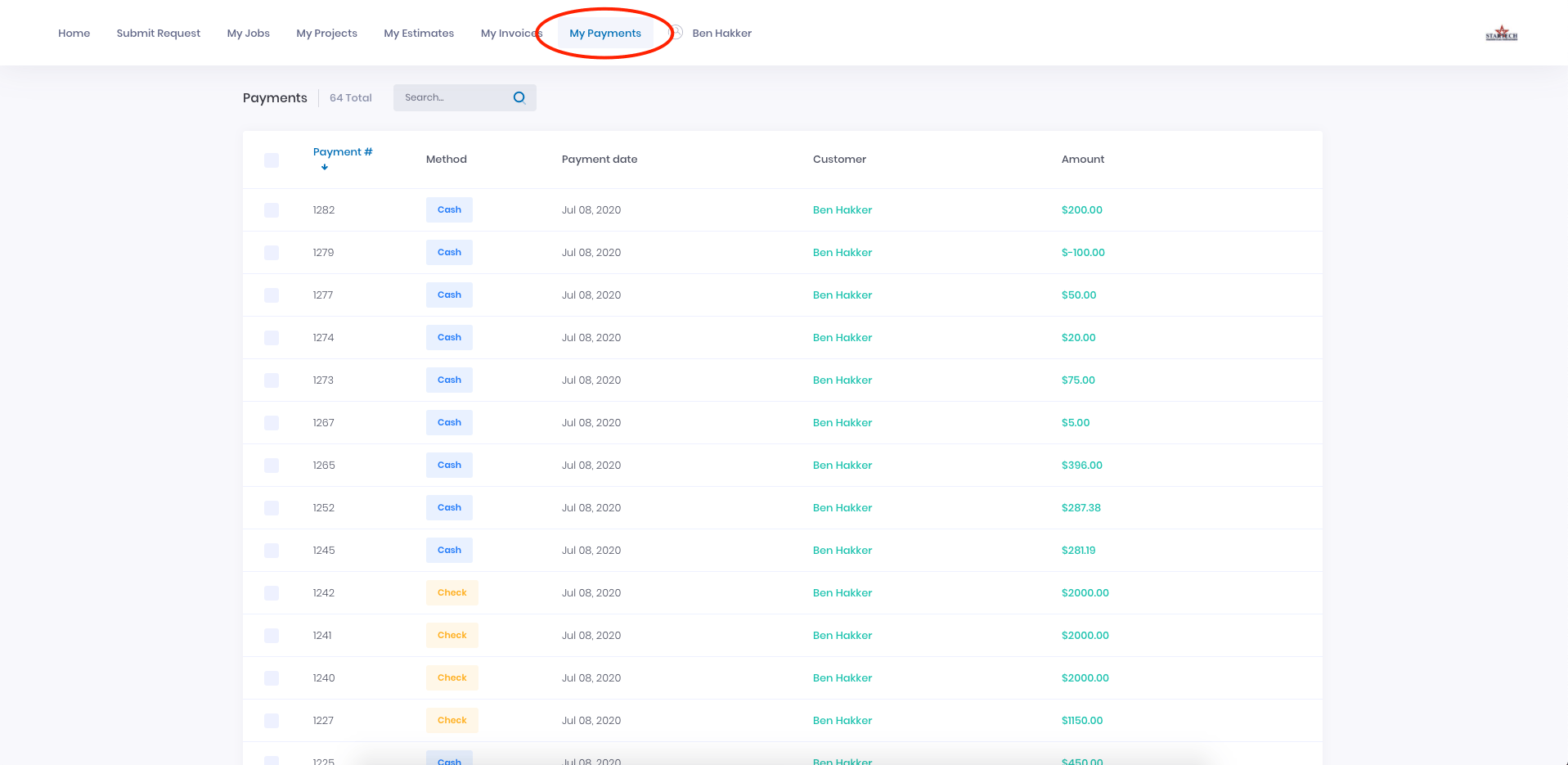
 ## My Payments
A record of every payment the customer has made, including date and payment method.
## My Payments
A record of every payment the customer has made, including date and payment method.
 **What's configurable:** Whether the portal requires password protection, and whether job/project comments are visible to the customer.
To learn more about the Customer Portal, click [the Customer Portal guide](/using-fieldpulse/customers/customer-portal)
***
**Have additional questions?**
*Contact us at [support@fieldpulse.com](mailto:support@fieldpulse.com) or use the chat feature in the bottom right corner of your screen.*
**What's configurable:** Whether the portal requires password protection, and whether job/project comments are visible to the customer.
To learn more about the Customer Portal, click [the Customer Portal guide](/using-fieldpulse/customers/customer-portal)
***
**Have additional questions?**
*Contact us at [support@fieldpulse.com](mailto:support@fieldpulse.com) or use the chat feature in the bottom right corner of your screen.*