> ## Documentation Index
> Fetch the complete documentation index at: https://help.fieldpulse.com/llms.txt
> Use this file to discover all available pages before exploring further.
# Exporting Customers
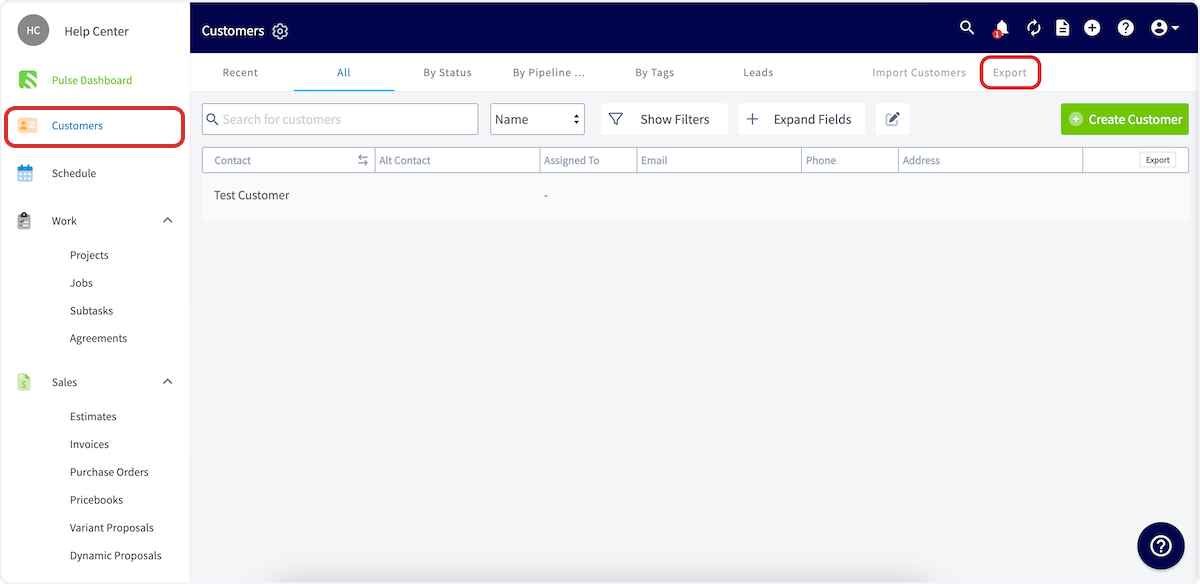
> You can export all of your customer information from FieldPulse as a .CSV. To perform an export, click on Customers in the left side menu. On the…
You can export all of your customer information from FieldPulse as a .CSV. To perform an export, click on *Customers* in the left side menu. On the *Customers* page, click *Export* at the top right.
**Permission required:** Only users with an *Admin* role can export customers.
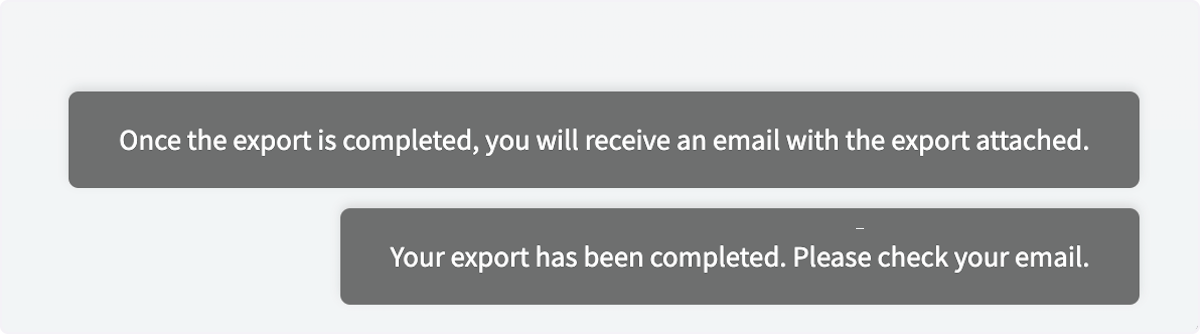
 As soon as you click the *Export* button it will initiate the export and you'll see the first (top) message pop up at the bottom right of the screen. After the export has completed, the second message will appear on your screen.
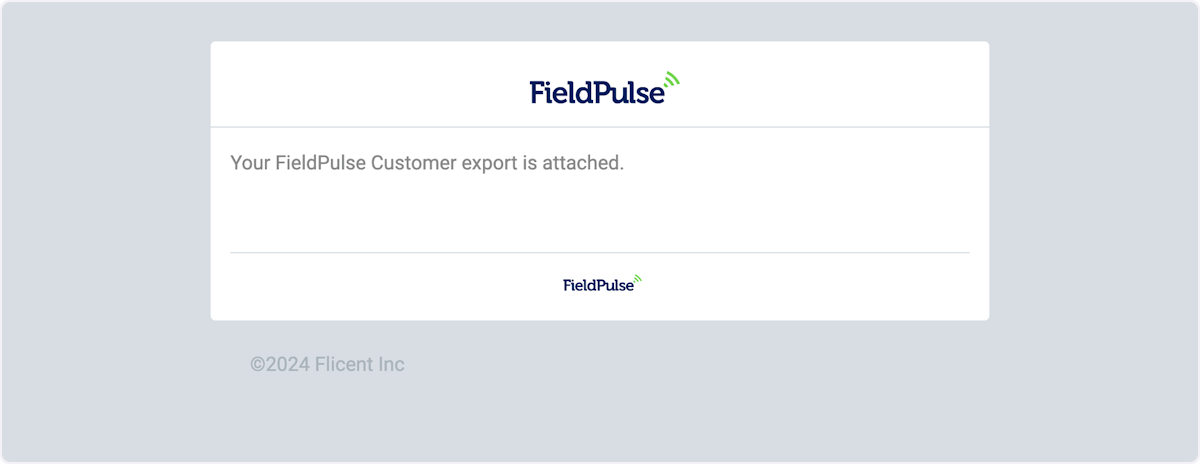
 You will receive an email similar to the one below to the email address registered with FieldPulse. Click the attachment to view and save it to your computer.
 ***
**Have additional questions?**
*Contact us at [support@fieldpulse.com](mailto:support@fieldpulse.com) or use the chat feature in the bottom right corner of your screen.*
***
**Have additional questions?**
*Contact us at [support@fieldpulse.com](mailto:support@fieldpulse.com) or use the chat feature in the bottom right corner of your screen.*