
Who uses this: Admins can enable it. Availability: Requires a HighLevel account.The HighLevel integration creates a two-way sync of customers and contacts between FieldPulse and HighLevel, so a record you add or update in one platform shows up current in the other without anyone entering it twice. HighLevel is an all-in-one marketing and sales platform (websites, funnels, forms, and follow-up campaigns); this integration keeps its contact list and your FieldPulse customer list in step.
Overview
Once connected, the HighLevel integration syncs records both directions:- FieldPulse → HighLevel. Customers in FieldPulse sync to HighLevel as Contacts.
- HighLevel → FieldPulse. Contacts in HighLevel sync to FieldPulse as Customers.

Before you begin
- You need a HighLevel account. To learn more about HighLevel, visit their site.
Connect HighLevel
- In FieldPulse, go to Company Settings > Features & Plugins.
-
Locate the HighLevel tile and select Enable.
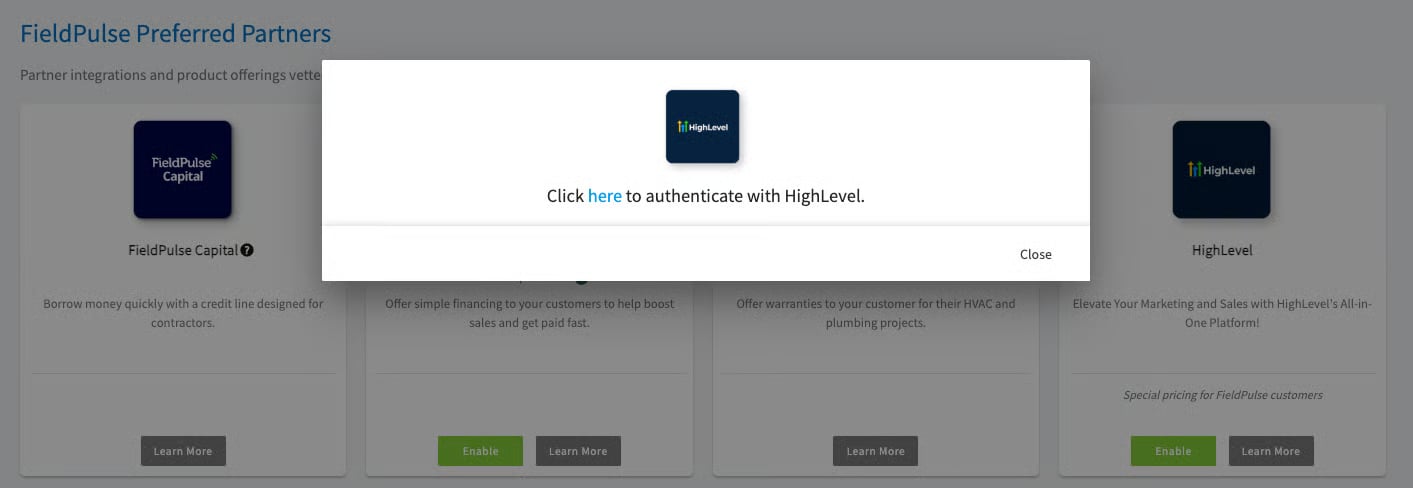
- When prompted, log in to your HighLevel account to connect the two platforms.
What syncs
The two-way sync includes these fields:
Your setup is working when a customer you add in FieldPulse appears as a contact in HighLevel, and a contact added in HighLevel appears in your FieldPulse customer list.
FAQs
What causes a new customer to be created? FieldPulse only checks HighLevel contacts when something changes in HighLevel. A new customer is created when one of these happens to a contact that doesn’t match an existing FieldPulse customer:- The contact is added.
- The contact is edited.
- The contact’s tags change.