Who uses this: Admins can enable this integration. Availability: Requires a Google account.Connecting the Google Calendar integration posts every new FieldPulse job to your Google Calendar automatically, so your jobs and the rest of your day sit in one schedule.
Overview
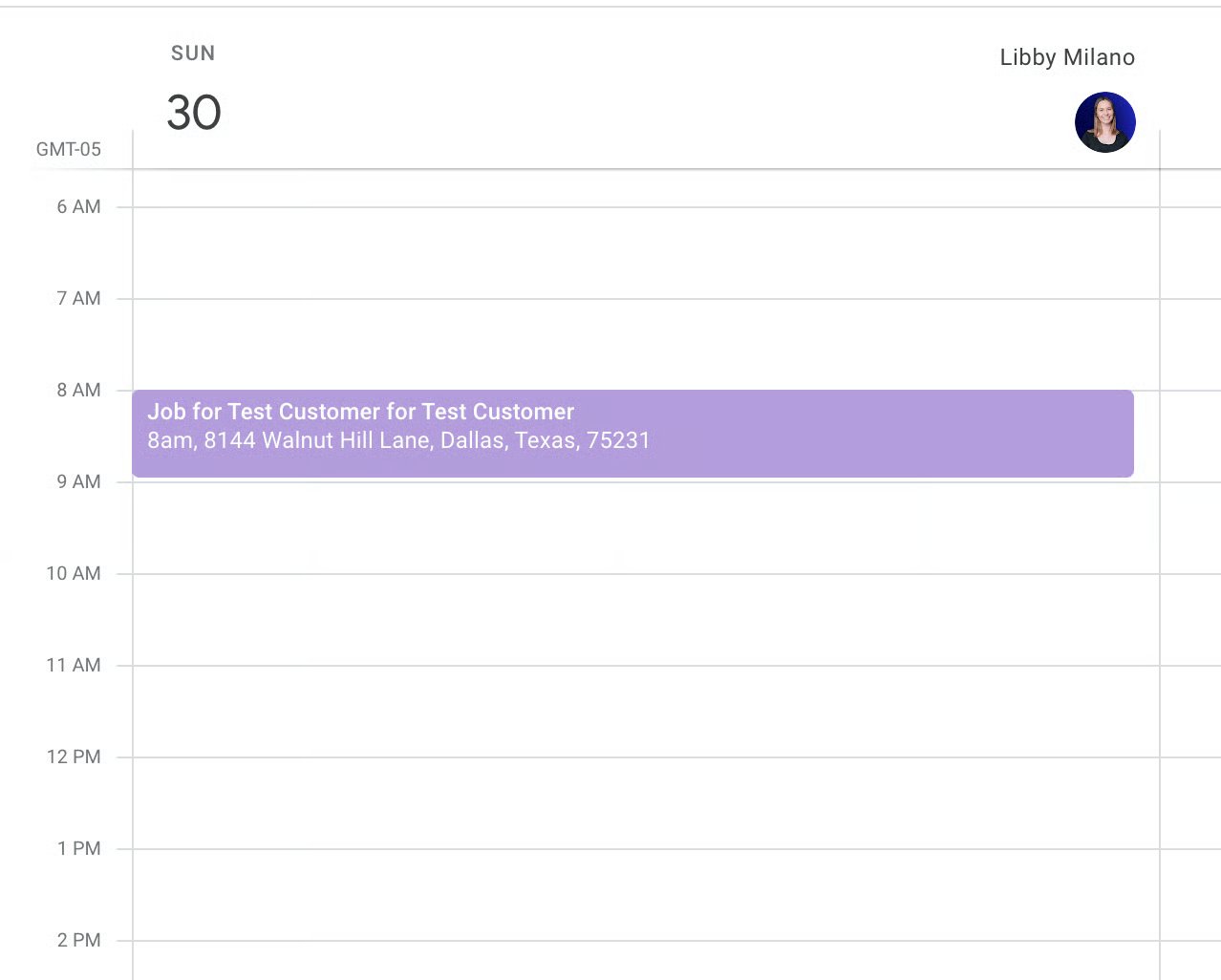
The Google Calendar integration is a one-way sync: jobs created in FieldPulse are added to your Google Calendar as events. Events created in Google Calendar are not added to FieldPulse. Only jobs created after you connect sync over — existing jobs are not backfilled. Each synced event carries these details from the FieldPulse job record:- Job Title
- Date/Time
- Customer Name
- Location
- Assigned Team Members
- Notes
Before you begin
- You need a Google account with the calendar you want jobs to post to.
- Decide which Google Calendar should receive the jobs — you choose it during setup.
Connect Google Calendar
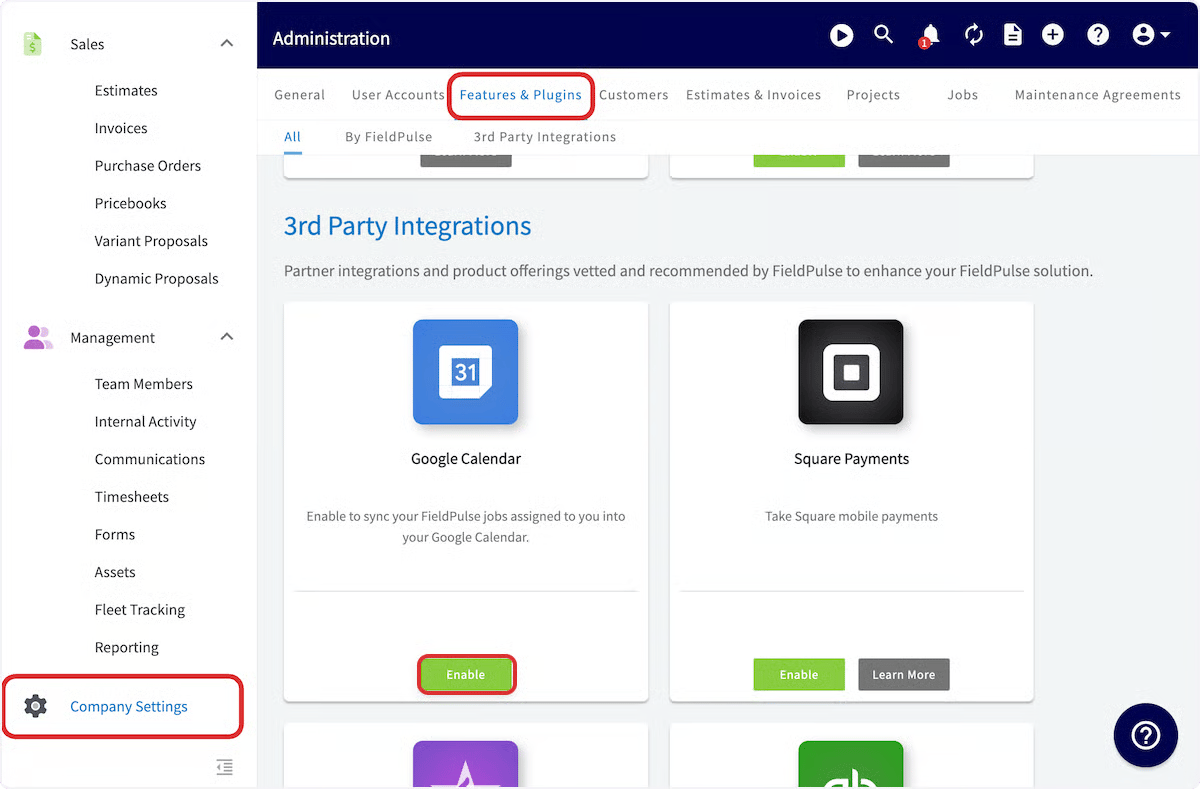
- Go to Company Settings.
- Select Features & Plugins.
-
Find Google Calendar and select Enable.
-
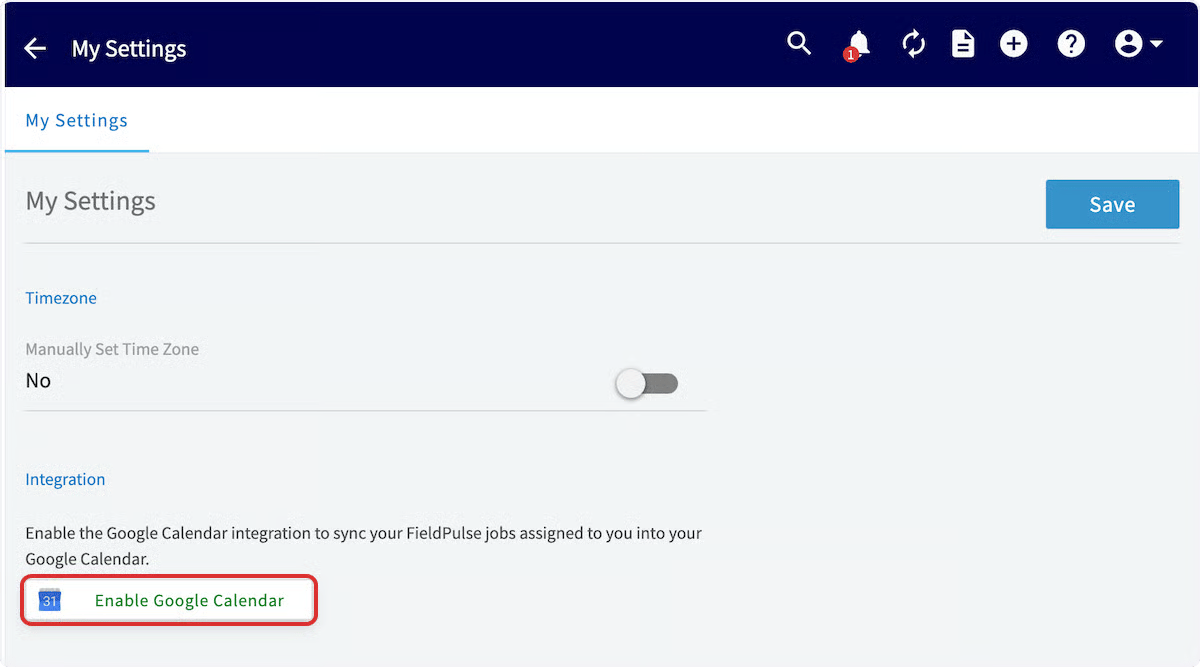
On the My Settings page, select Enable Google Calendar.
-
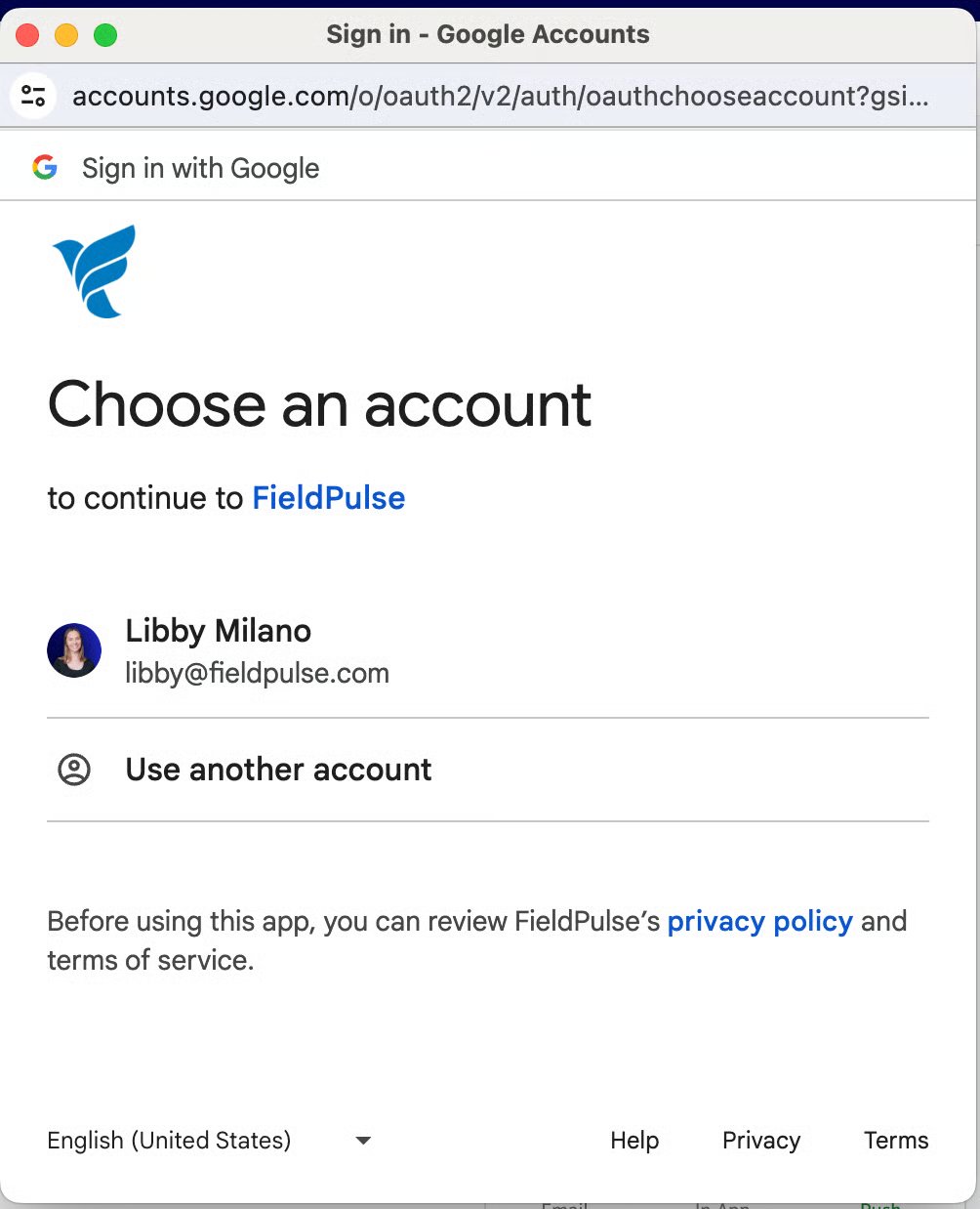
In the pop-up window, select the Google Account you want to connect. If you are not already signed in, sign in to your Google account to continue.
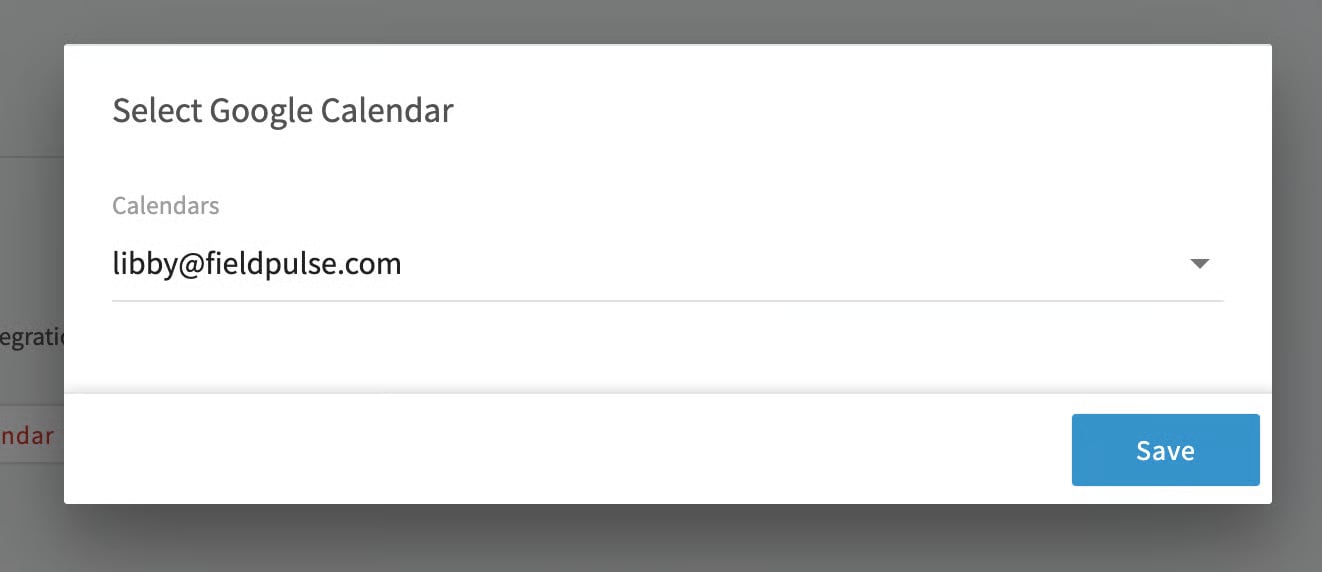
- Choose which Google Calendar to sync your FieldPulse jobs to.