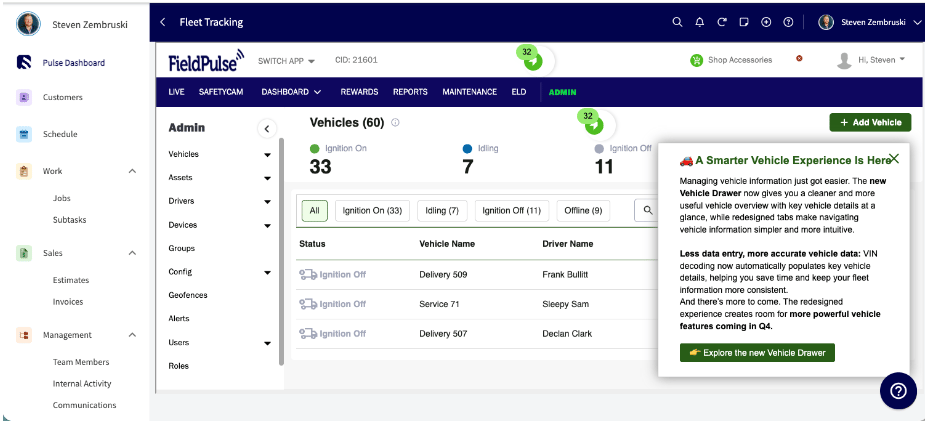
Who uses this: Teams tracking drivers and vehicles — Pulse Fleet Tracking handles fleets of any size. Availability: United States and Canada · Pulse Fleet Tracking add-on, delivered through FieldPulse’s Azuga partnership — contact the FieldPulse team to enable it.Pulse Fleet Tracking puts live GPS on every vehicle in your fleet, flags events like hard braking and speeding, and pulls reports that help cut fuel and maintenance costs. It runs through FieldPulse’s Azuga partnership, and once it’s on, your vehicles show up right on your FieldPulse schedule map. This page is the starting point for the whole feature: what you can get, how to turn it on, and where to go next.
Overview
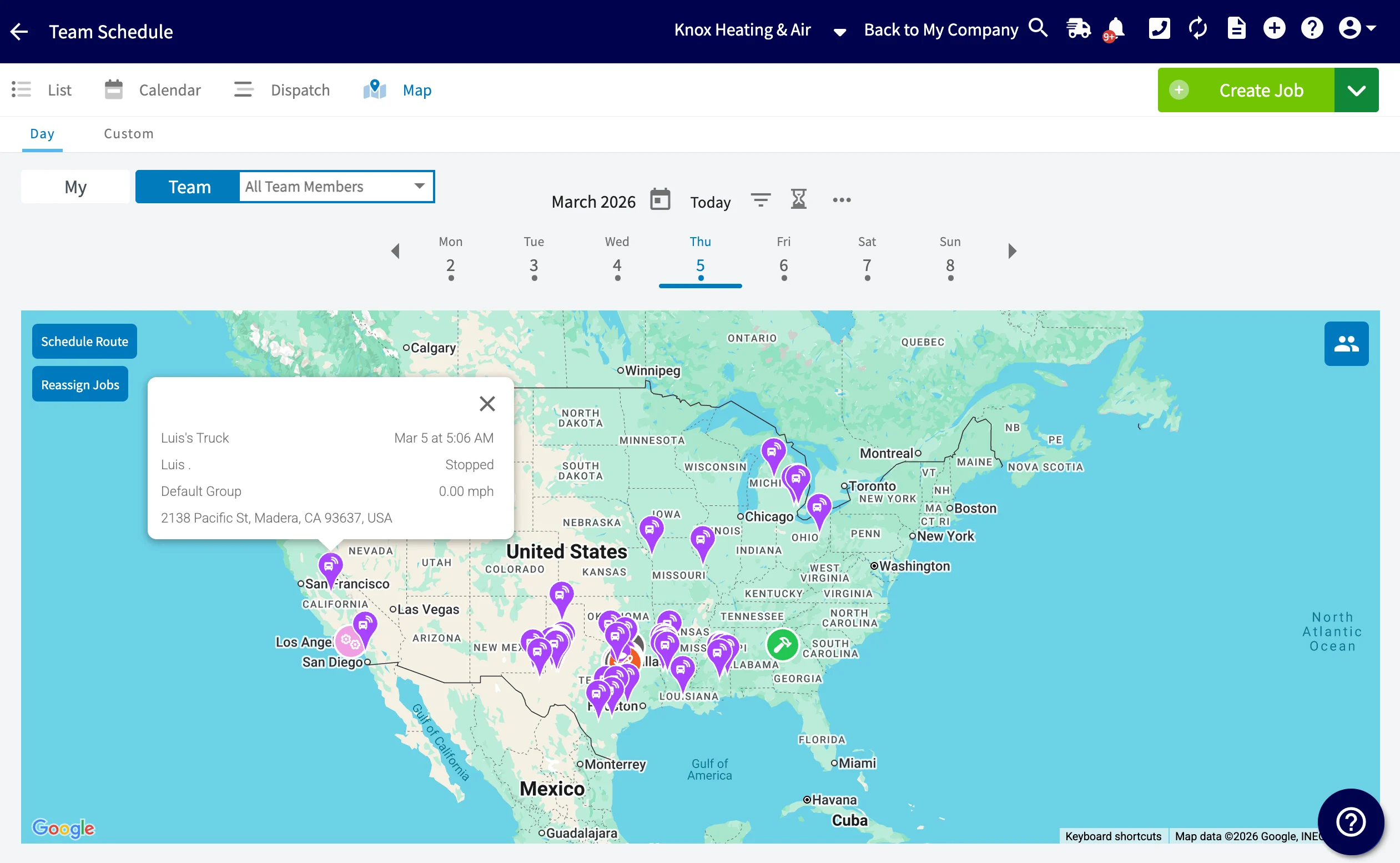
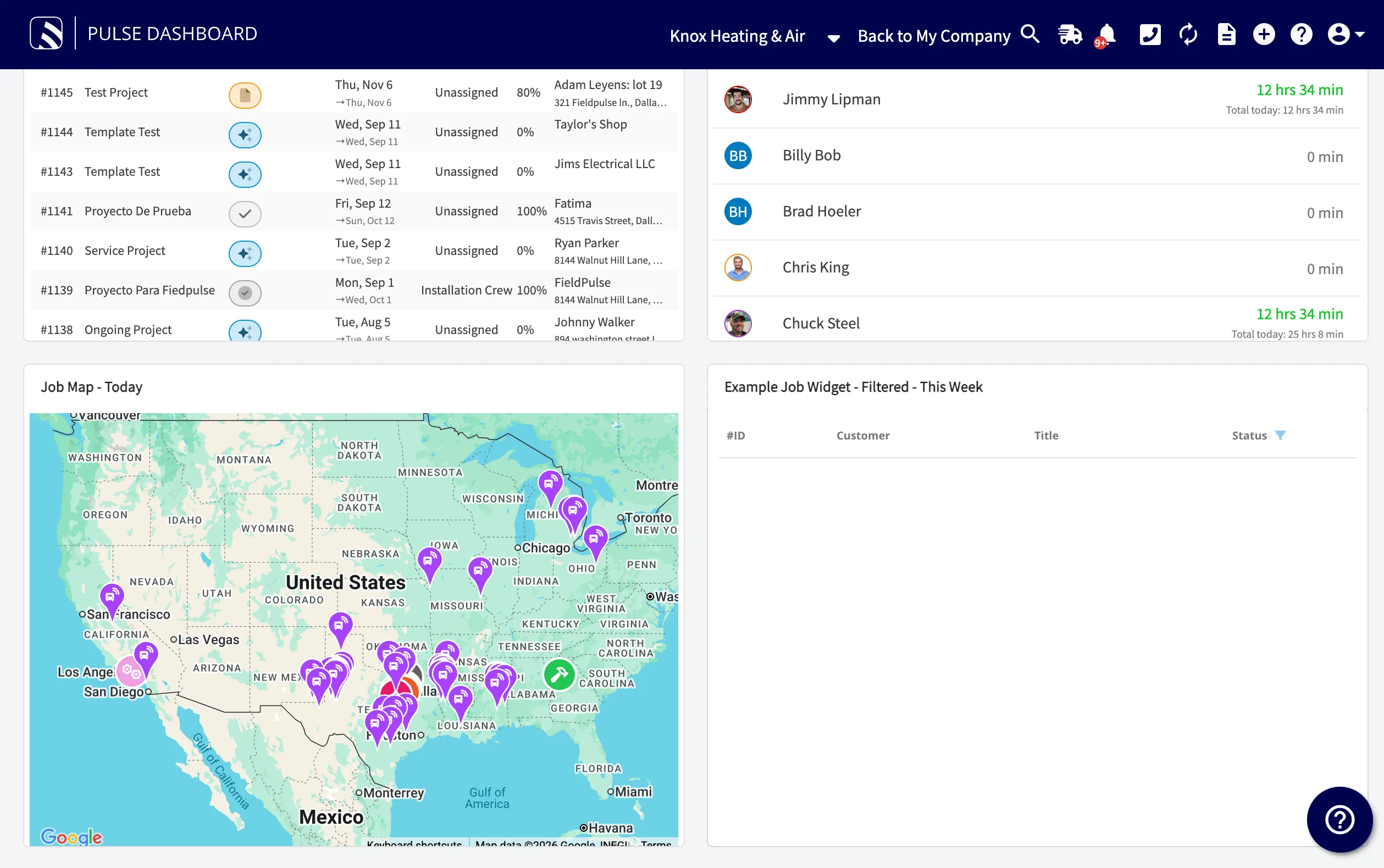
Pulse Fleet Tracking solves a common problem: not knowing where your trucks are. Without live location, dispatch is guesswork, a customer asking “how far out is the tech?” gets a shrug, and unsafe driving or off-hours use goes unseen until it costs you. Pulse Fleet Tracking gives you real-time eyes on drivers and vehicles, and it handles fleets of any size. Once enabled, Pulse Fleet Tracking shows up in FieldPulse two ways:- On the schedule map — your vehicles appear as live GPS locations alongside your jobs.
- In the full Fleet Tracking dashboard — open it from Fleet Tracking under Management in the left-side menu for reports, alerts, and geofences.
- Event reporting — track events such as hard braking and speeding, and use the detailed reporting to improve vehicle efficiency and cut operating costs.
- Driver Rewards Program — improves your team’s safety by reducing accidents and increasing productivity.
- Asset tracking — protects high-value gear from theft and unauthorized use, with real-time visibility of your equipment and simplified billing.
- AI-powered smart detection — clear evidence of road events and driver behavior, including distracted driving.
Video walkthrough
Video walkthrough: Pulse Fleet Tracking in FieldPulse
Offerings
Pulse Fleet Tracking comes in two Azuga plans. Both include the GPS datalogger hardware; the dashcam plan adds AI video.Video walkthrough: Azuga fleet safety features
Before you begin
- Pulse Fleet Tracking is an add-on delivered through Azuga, so it isn’t turned on by default.
- It’s available in the US and Canada only.
- Decide which plan fits your fleet — GPS only, or GPS plus AI dashcam — before you reach out.
Step-by-step setup
Enabling Pulse Fleet Tracking runs through the FieldPulse team, since it involves Azuga hardware.- Contact FieldPulse at support@fieldpulse.com, or use the chat feature in the bottom right corner of your screen.
- Tell the team which plan you want — the Azuga GPS Flex Plan or the Azuga GPS & Surfsight AI Dashcam Flex Plan.
- Once your hardware is installed and your account is provisioned, select Fleet Tracking under Management in the left-side menu to reach your Fleet Tracking dashboard.
How vehicle locations appear on the schedule map
To keep locations current, the Schedule Map auto-refreshes every 60 seconds, so you always see the latest GPS device locations. This auto-update runs everywhere the schedule map appears:- The Schedule Map View page
- Your FieldPulse dashboard widgets
- The FieldPulse mobile app
Viewing vehicle details
Select a vehicle from your fleet to open its details in the Vehicle Drawer, which brings together everything about that vehicle in one place:- Vehicle Profile — make, model, VIN, assigned driver, odometer reading, and current status
- Connected Hardware — the GPS tracker and dashcam’s connection status, signal strength, and diagnostics