
Creating a Project
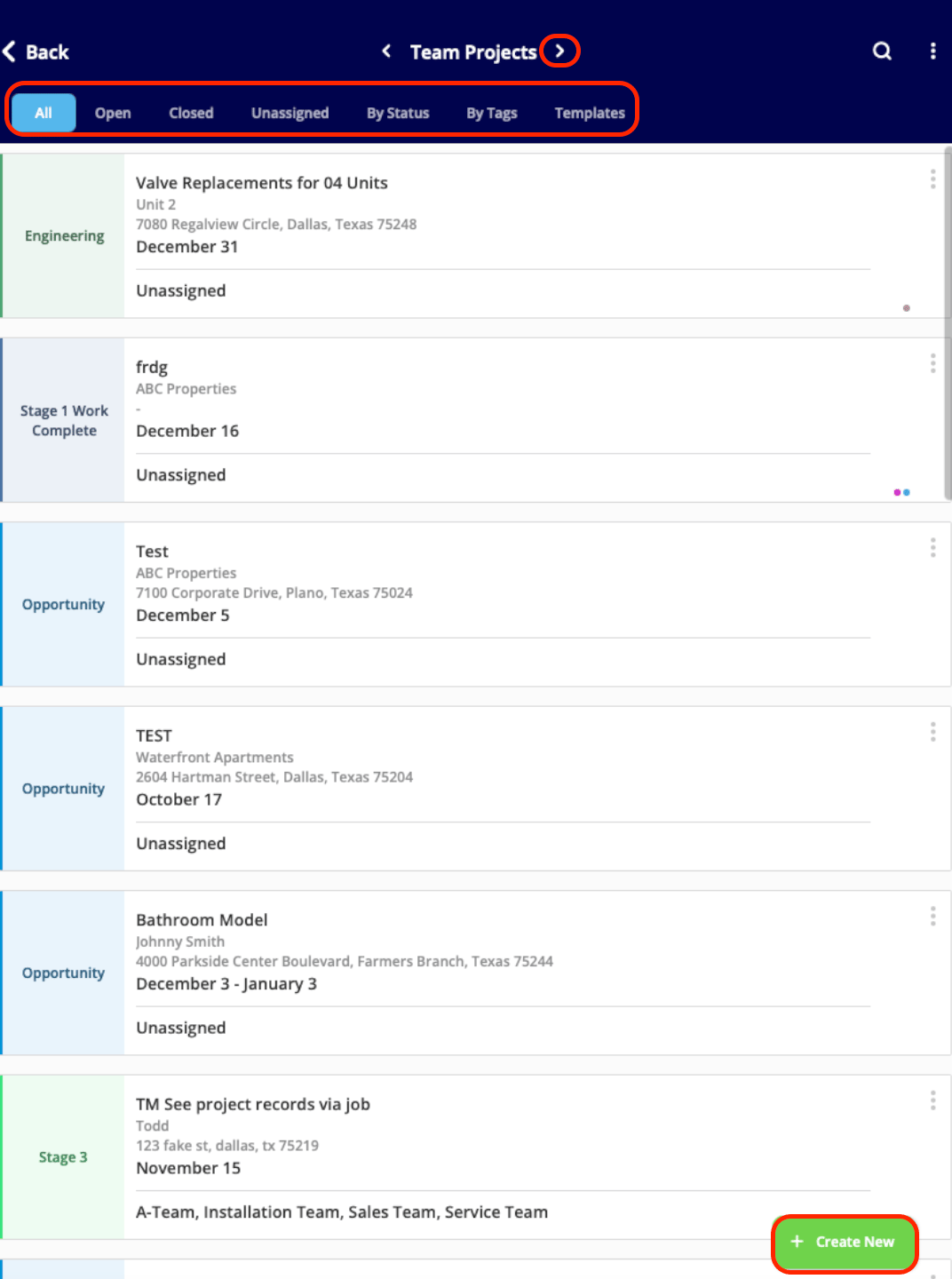
To create a project, begin by selecting the Work tab from the bottom menu. Then select Projects.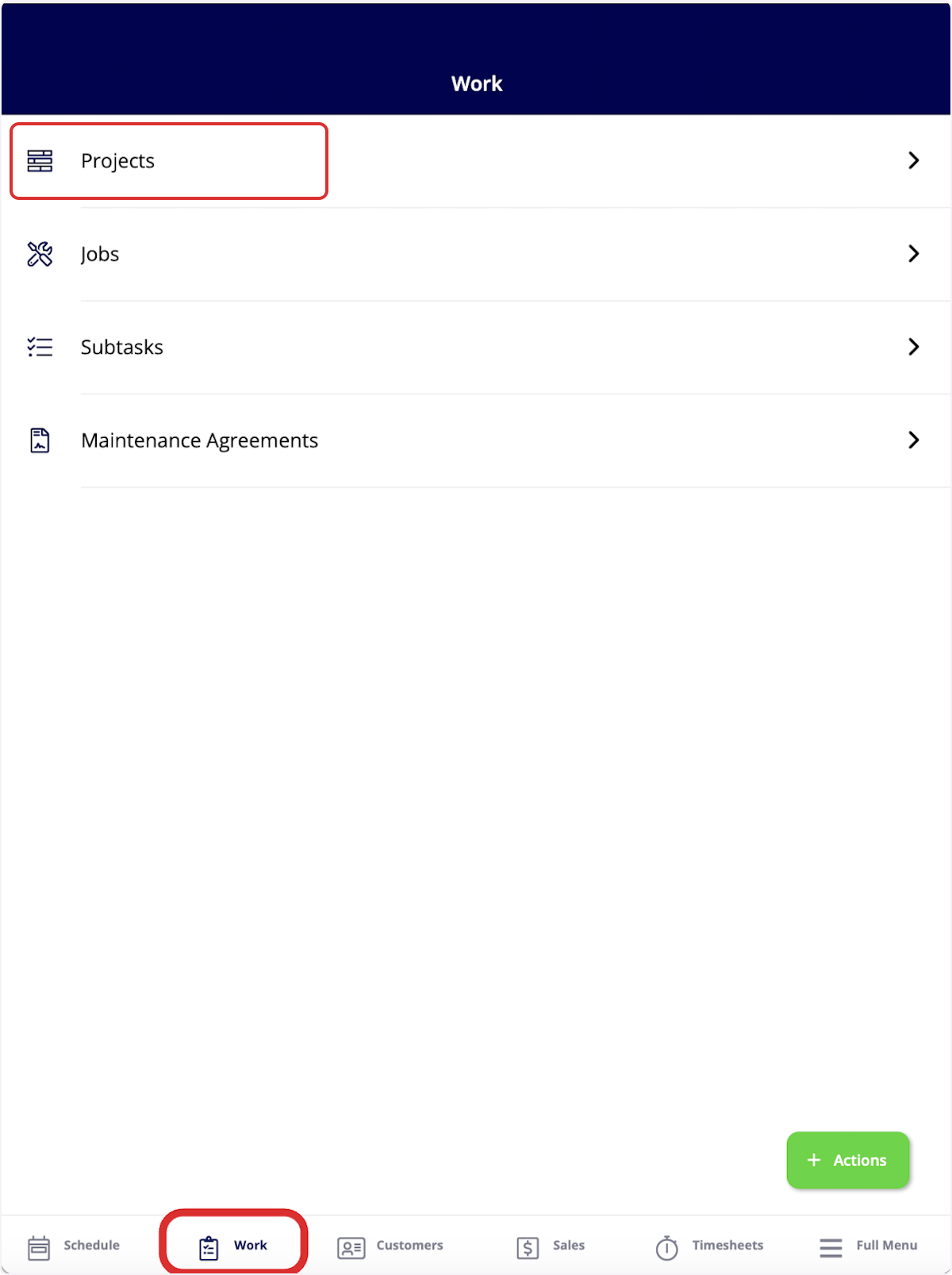
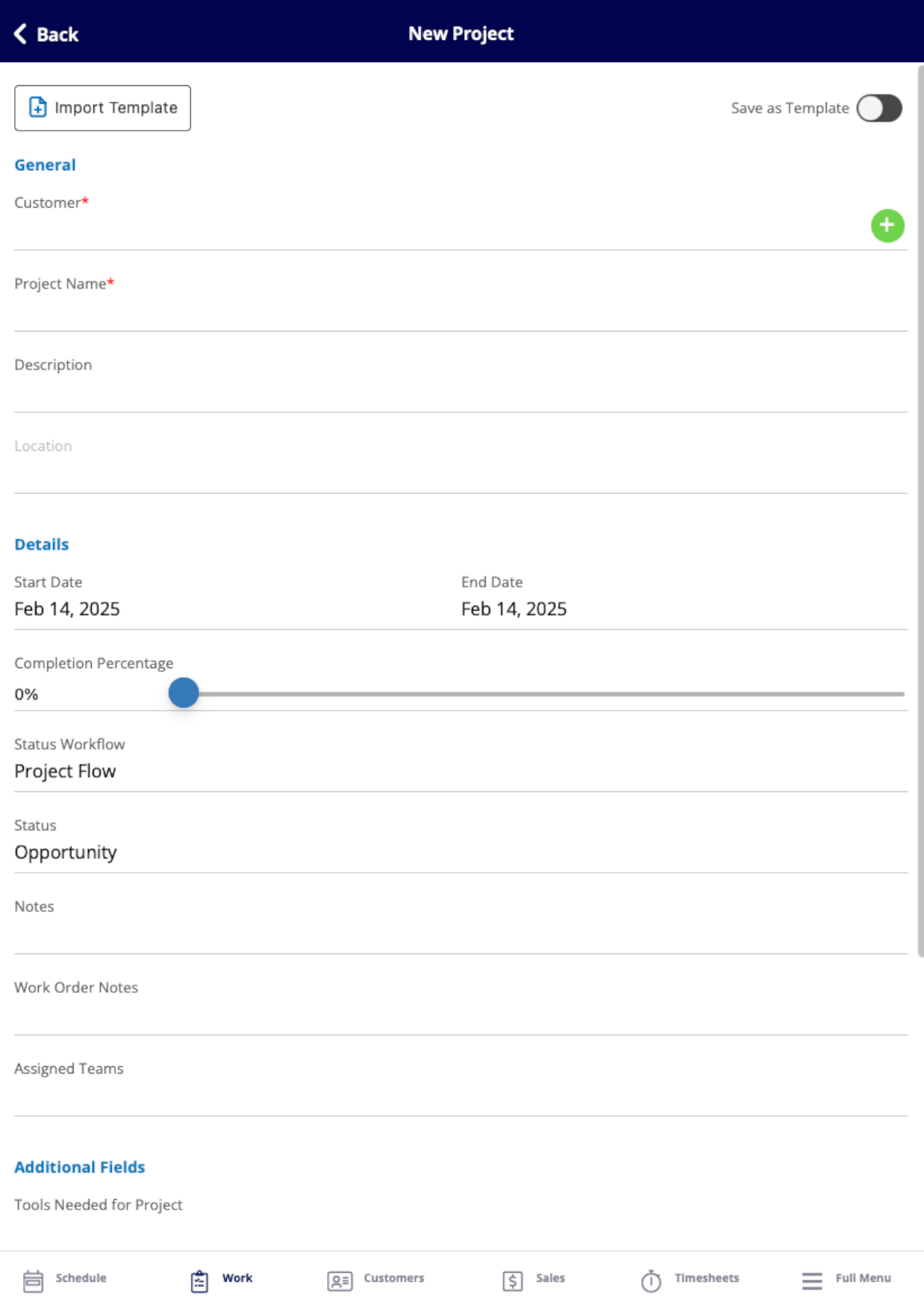
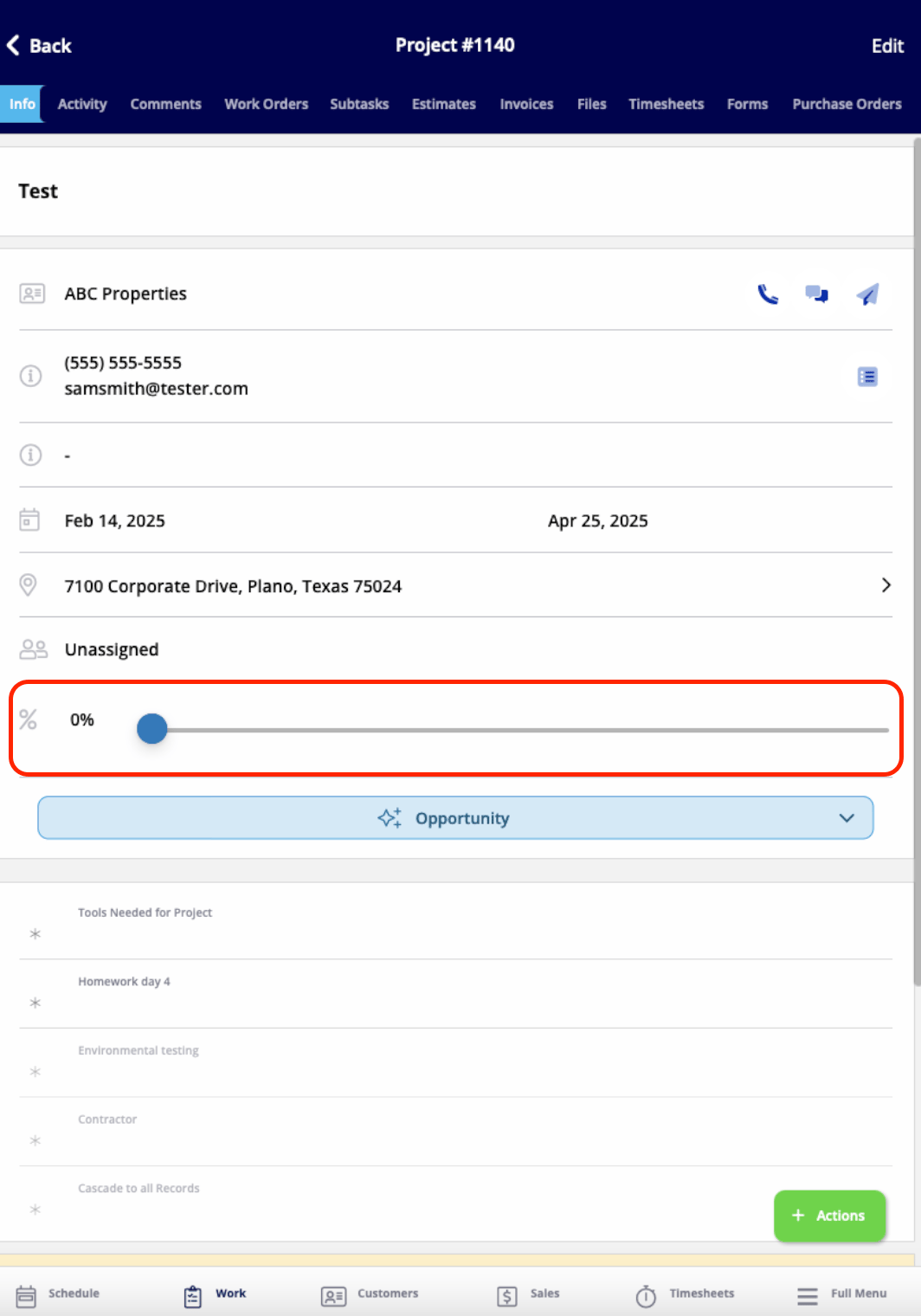
- View and edit all the details you just entered
- Add comments
- Add jobs or subtasks
- Create estimates and invoices
- Attach files
- Track employee timesheets
- And more!
Have additional questions? Contact us at support@fieldpulse.com or use the chat feature in the bottom right corner of your screen.