Who uses this: Any FieldPulse user with the Pulse Dashboard tab in the web app’s left-side menu. Availability: FieldPulse web app.The Pulse dashboard is the widget screen in FieldPulse that shows your current business activity at a glance — recent jobs, estimates and invoices, payments, and sales — the moment you open it. You choose which widgets appear and the order they sit in, so the numbers you check most are the first thing you see instead of something you go digging for.
Overview
The Pulse dashboard opens from the Pulse Dashboard tab in the web app’s left-side menu, and it is part of FieldPulse’s dashboards and reporting.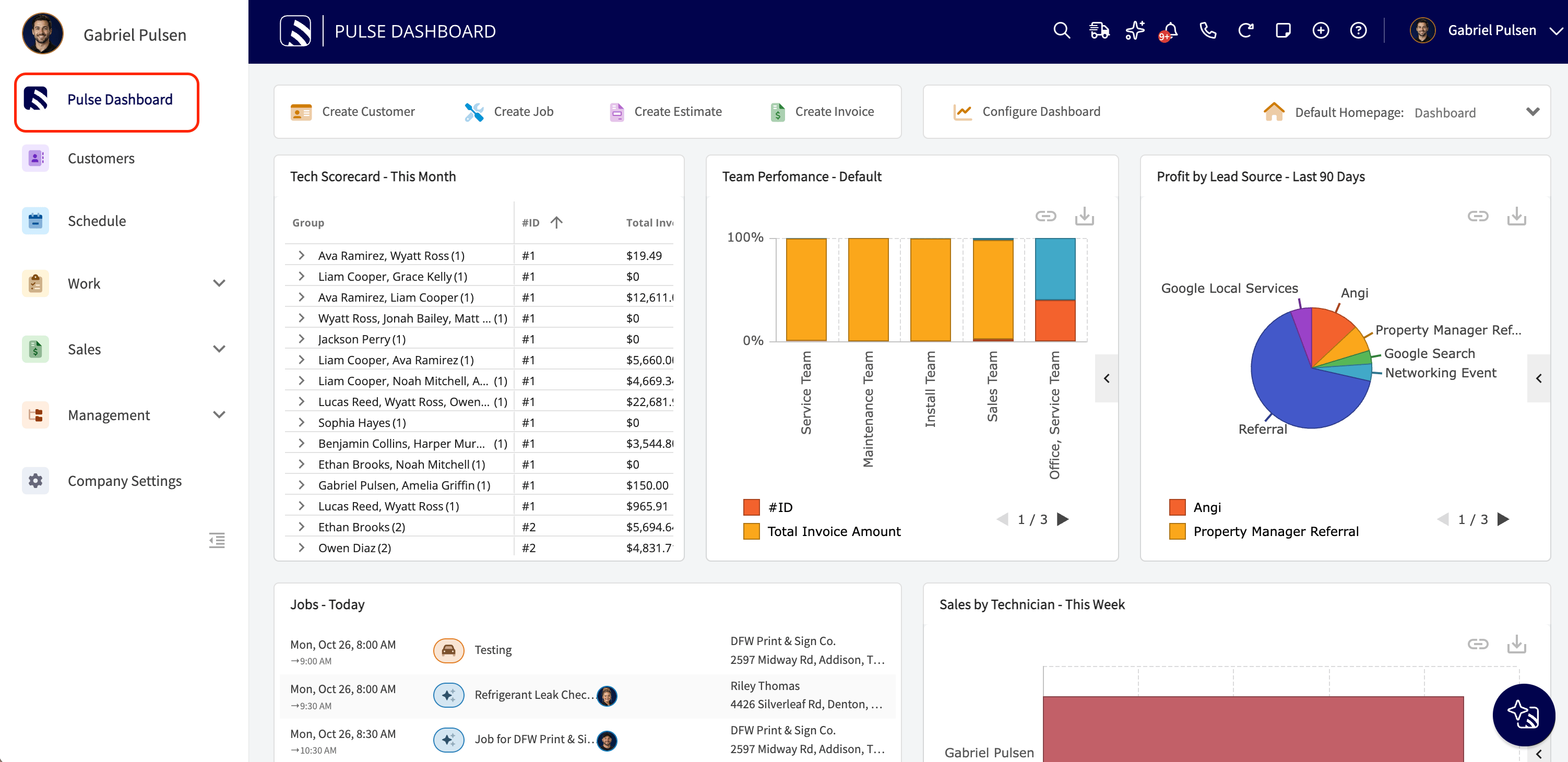
How it works
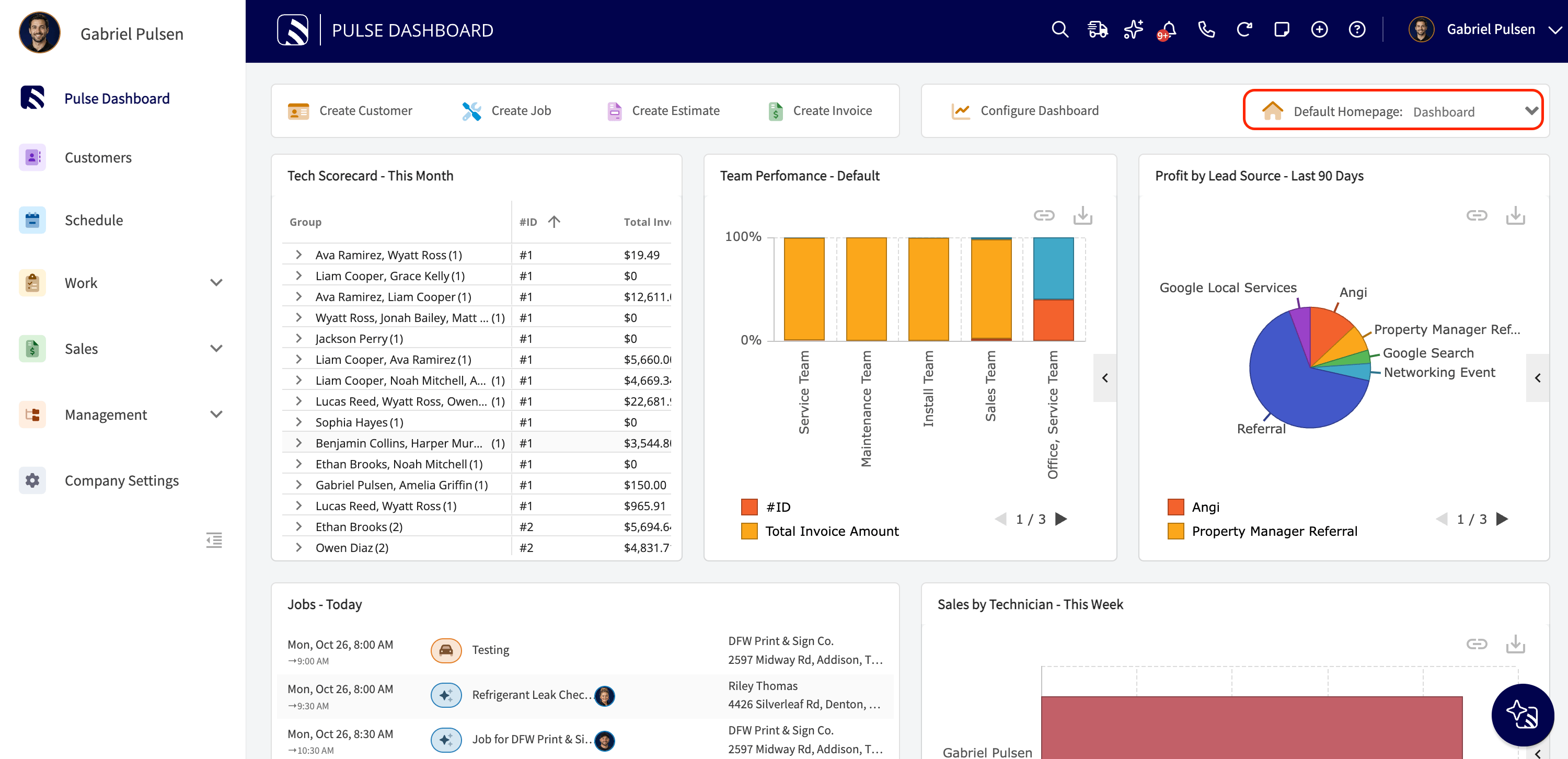
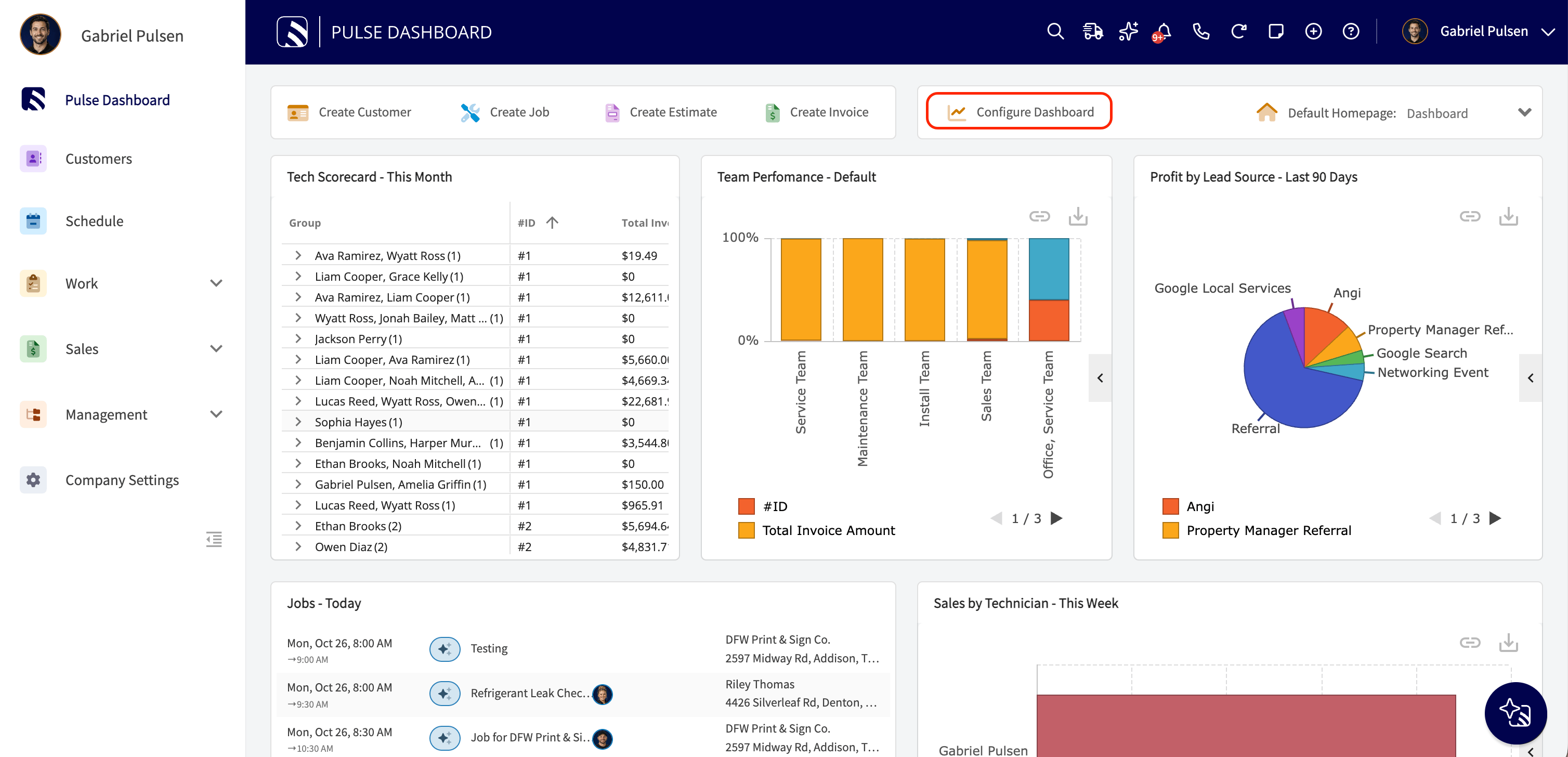
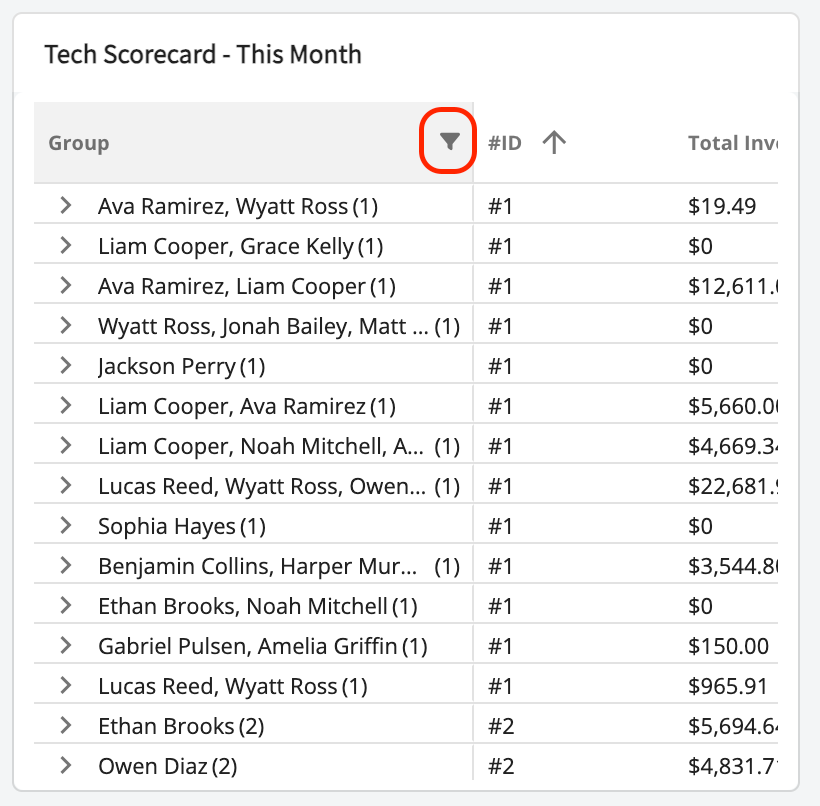
The Pulse dashboard solves a common problem: not knowing where the business stands without opening five different screens to find out. Instead of checking jobs, then invoices, then payments one at a time, you see the current picture in one place at login. The Pulse dashboard is customizable in three ways: Set it as your default homepage. Select the Default Homepage dropdown at the top of the dashboard to land on the Pulse dashboard when you log into the web app. The other homepage options are Team Schedule, Team Timesheets, Estimates, Invoices, Customers, and Projects.