Who uses this: Admins. Availability: Sales Suite add-on — the Pricebook must be enabled on your account.You can import a pricebook you already keep in Excel, Google Sheets, or CSV directly into FieldPulse instead of rebuilding every flat-rate job by hand. Export your existing pricebook, fill in the FieldPulse template, and upload it — the import tool brings your pricing in for you.
Overview
Importing a pricebook is the fastest way to stand up your Pricebook when your pricing already lives in a spreadsheet. You download the Pricebook Excel template, move your pricing into it without changing the template’s structure, and re-upload the completed file. FieldPulse notifies you once the pricebook has imported successfully.Before you begin
- Confirm the Pricebook is enabled on your account. If it isn’t, contact the FieldPulse team at support@fieldpulse.com or use the chat in the bottom-right corner of your screen.
- Have your existing pricebook ready in Excel, Google Sheets, or CSV format.
- No Excel? You can use Google Sheets instead — see How to Self-Import Data With Google Sheets.
Import your pricebook
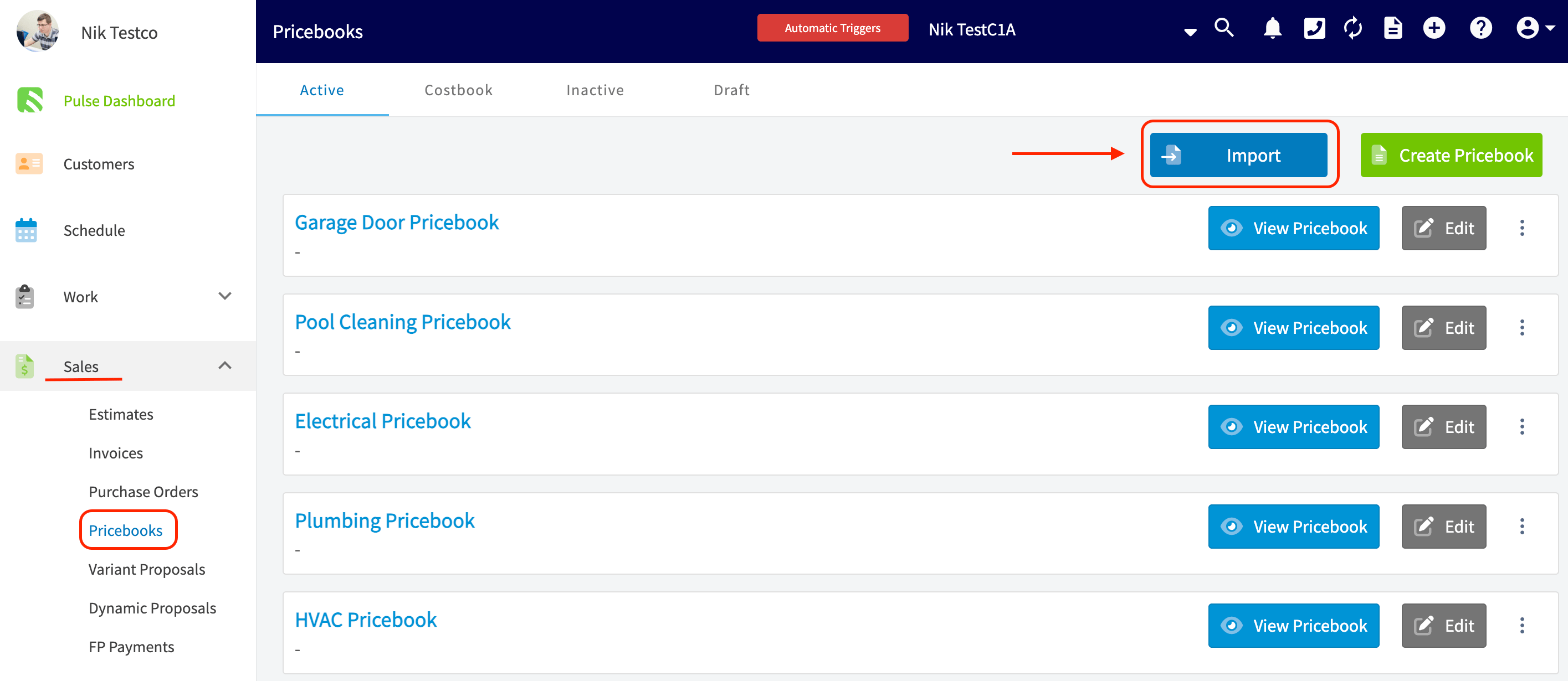
- Select the Sales tab in the left menu, then select Pricebooks. The page lists any active pricebooks in your account.
-
Near the top-right corner, select the blue Import button.
-
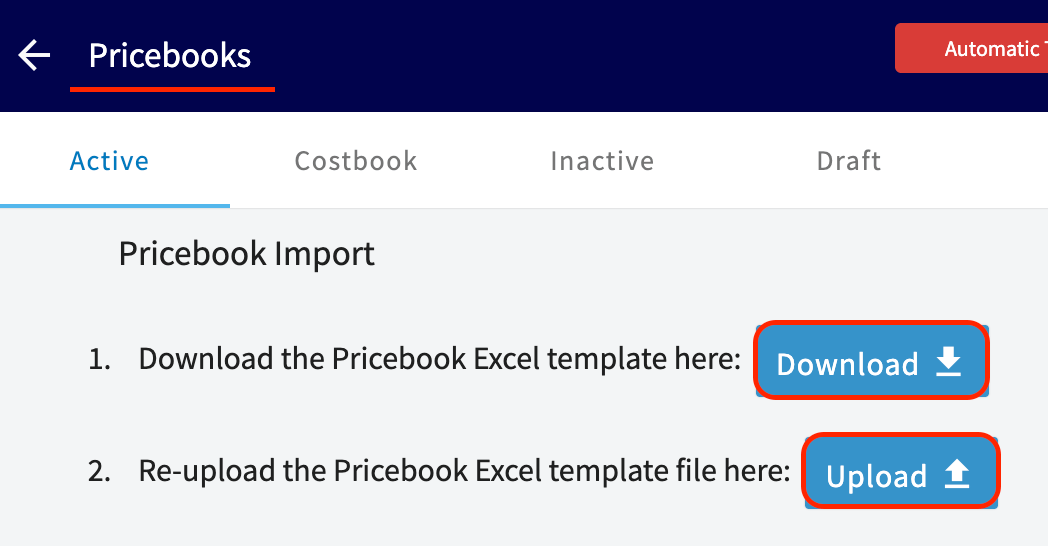
Follow the on-screen prompts and select Download to save the Pricebook Excel template.
- Fill in the template with your pricing without altering the template’s structure.
- Re-upload the completed template on the same Pricebook Import screen using the Upload button.
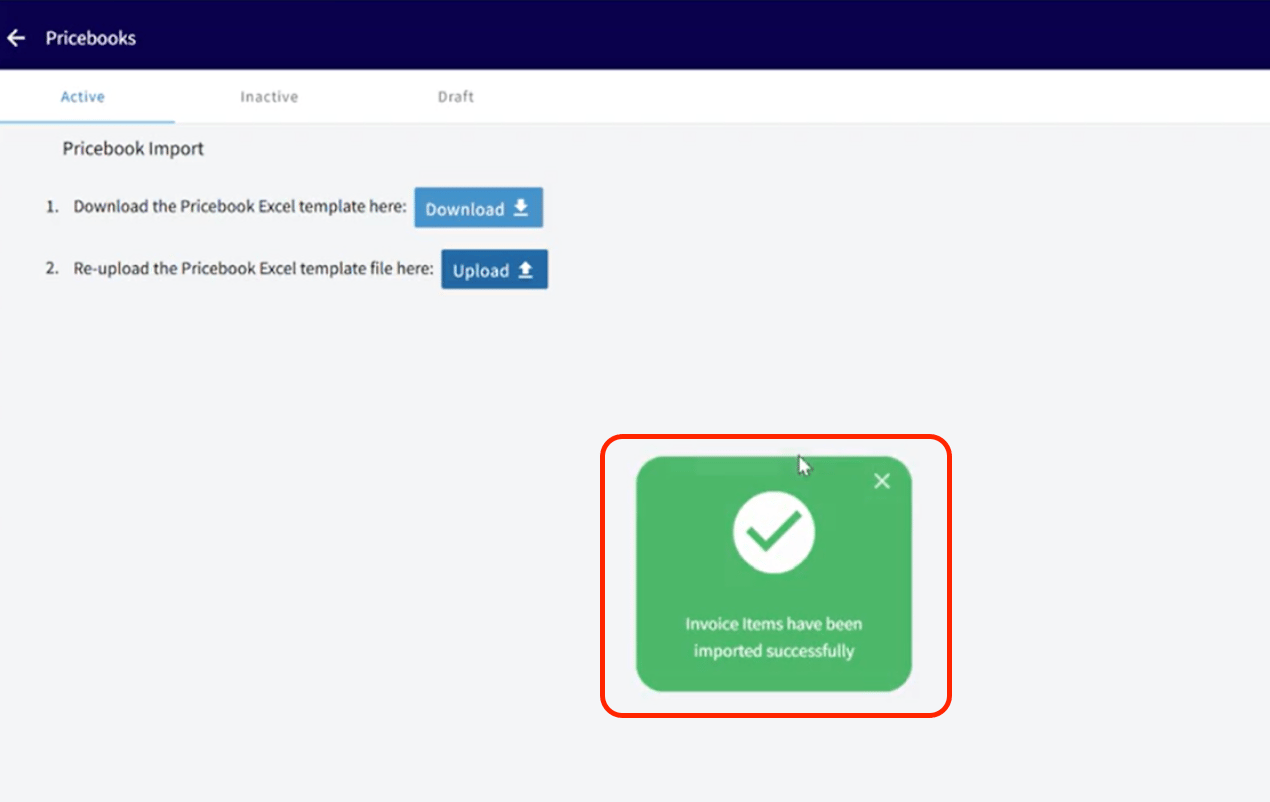
- Wait for the confirmation — FieldPulse notifies you when your pricebook has imported successfully.