
Integrating with Mailchimp
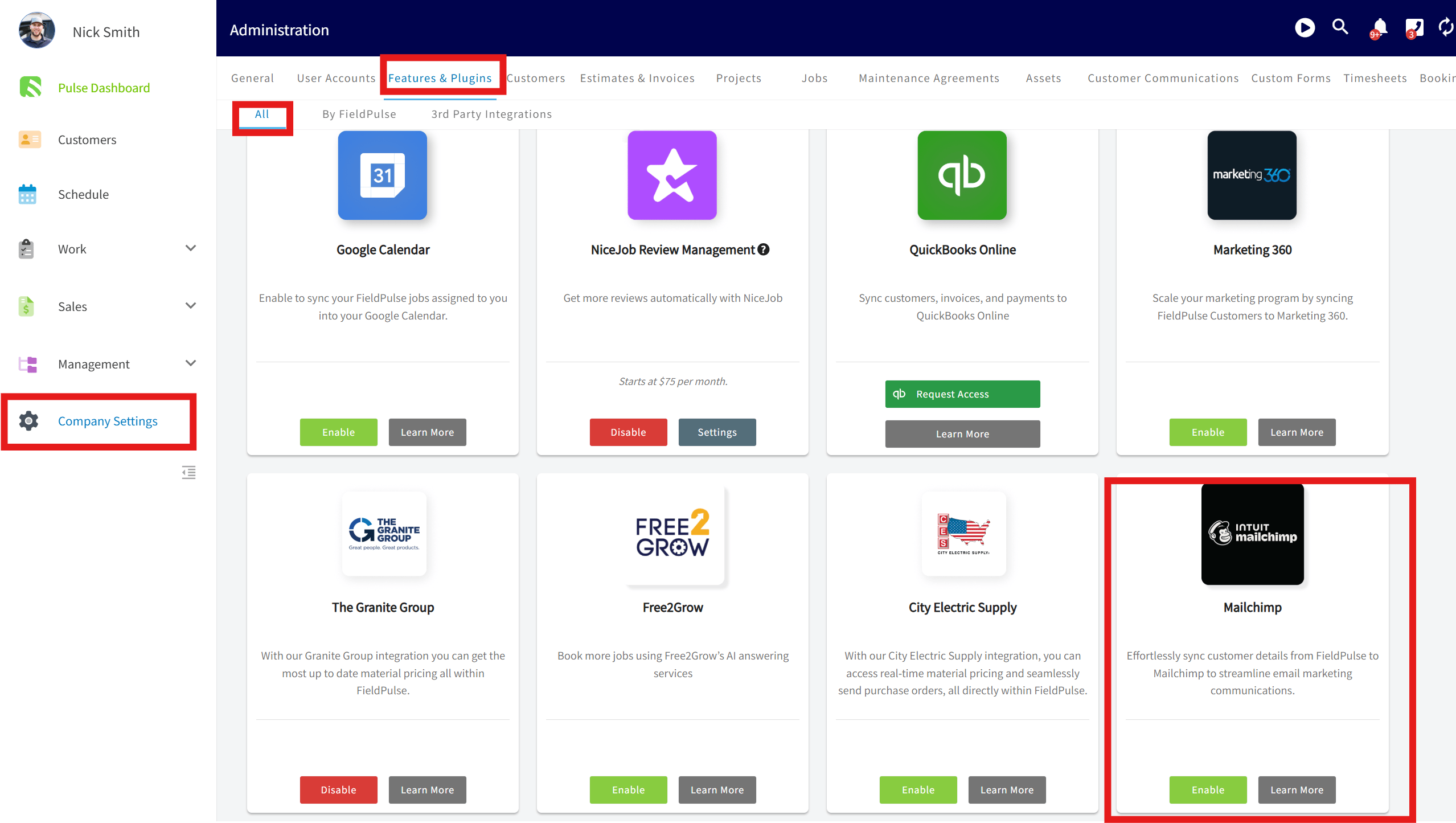
1. Snag an API Key: Log into your Mailchimp (or create an account), then tap on Account Settings, then Extras, and down to API Keys.- Go to Company Settings > Features & Plug-ins. Scroll to the very bottom see MailChimp and click Enable.
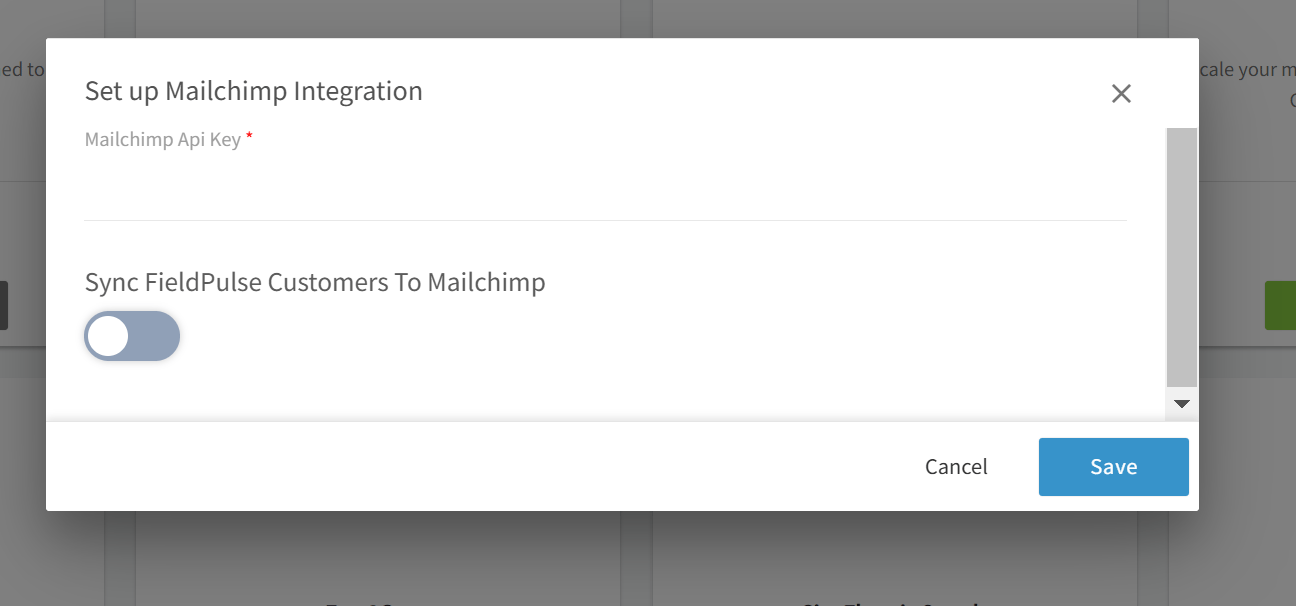
- Enter your Mailchimp API key. Optionally, toggle Customer Sync to activate it.
Mailchimp Sync
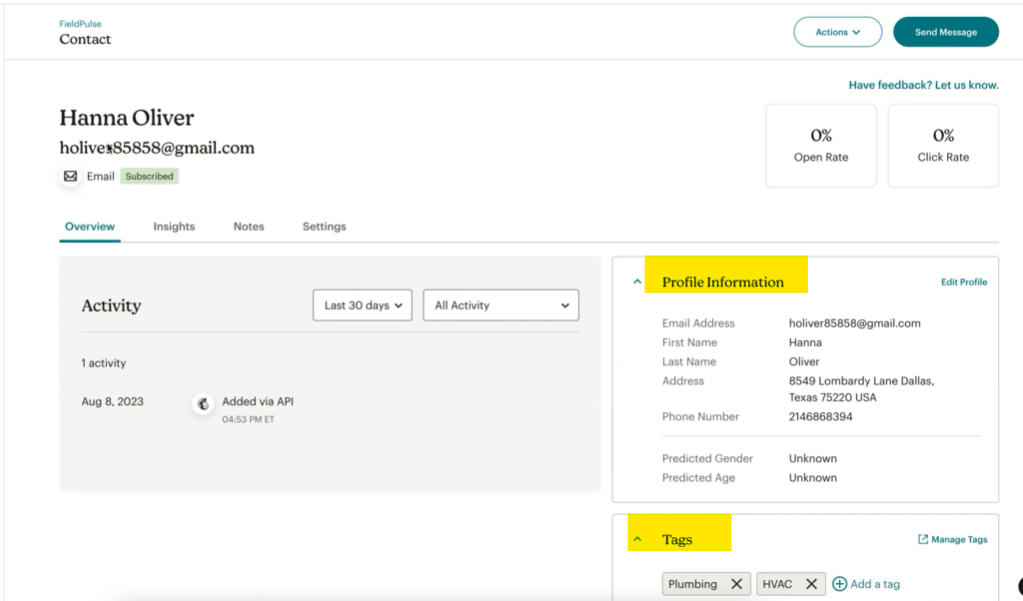
When creating or editing customers in FieldPulse, their details will be updated in Mailchimp. From FieldPulse, the following fields will sync to Mailchimp:- Customer First and Last Name
- Address
- Phone Number
- Tags
(Note: Users on the Mailchimp free plan cannot have more than one audience. If you have another audience besides FieldPulse, you will need to upgrade your MailChimp plan. Click Mailchimp pricing plans to learn more.)
Have additional questions? Contact us at support@fieldpulse.com or use the chat feature in the bottom right corner of your screen.