Who uses this: An Admin requests the integration; anyone who builds estimates, invoices, or purchase orders uses it once it’s live. Availability: Requires an active City Electric Supply account; enabled by the FieldPulse Support team.The City Electric Supply integration pulls your live CES pricing into FieldPulse so material costs on your estimates, invoices, and purchase orders stay accurate in real time. To turn it on, you send your CES account details to the FieldPulse Support team, who links the integration to your account with CES.
Overview
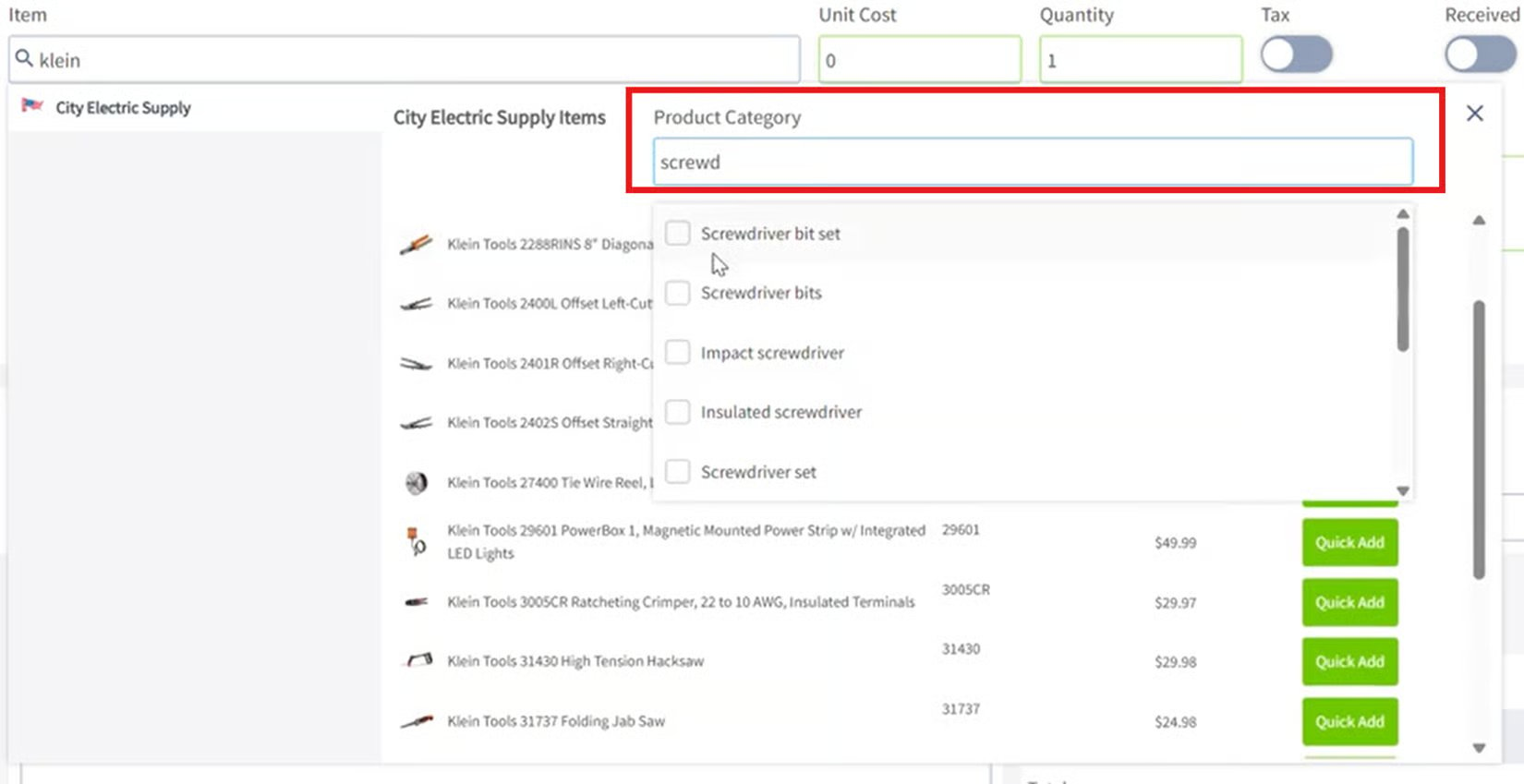
The City Electric Supply integration connects your CES account to FieldPulse and displays your personalized CES pricing directly inside the app. Once it’s live, three things flow between CES and FieldPulse:- Catalog — Search CES line items from inside an estimate, invoice, or purchase order and add them to the record.
- Pricing — Each CES line item carries your account’s current pricing, updated in real time, so you quote and order at the right cost.
- Ordering — Purchase orders you submit to CES from FieldPulse show up in your City Electric Supply account.

Before you begin
- You need an active City Electric Supply account.
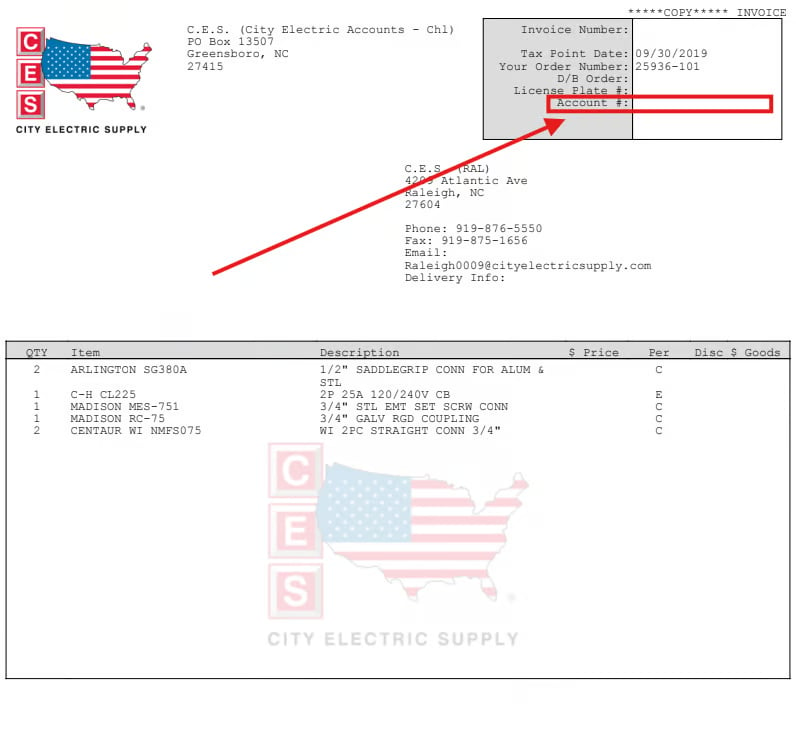
- Have your CES Customer ID / Account Number ready — the 11-digit number in the top right corner of your CES invoice.
- Have the email address tied to your CES account and your company name as registered with CES.
- Setup runs through FieldPulse Support and CES, so it isn’t instant — plan for a few days while the accounts are linked.
Connect City Electric Supply
- Contact the FieldPulse Support team at support@fieldpulse.com or through the in-app chat, and tell them you want to enable the City Electric Supply integration.
- Provide your CES Customer ID / Account Number, the email address on your CES account, and your company name as registered with CES.
- Wait while the FieldPulse team works with its CES partners to link the integration to your account. This can take a few days.
- Once CES confirms, FieldPulse activates the integration and notifies you that it’s live.
What syncs
Once the integration is live, CES data is available in the records where you price and order material: