
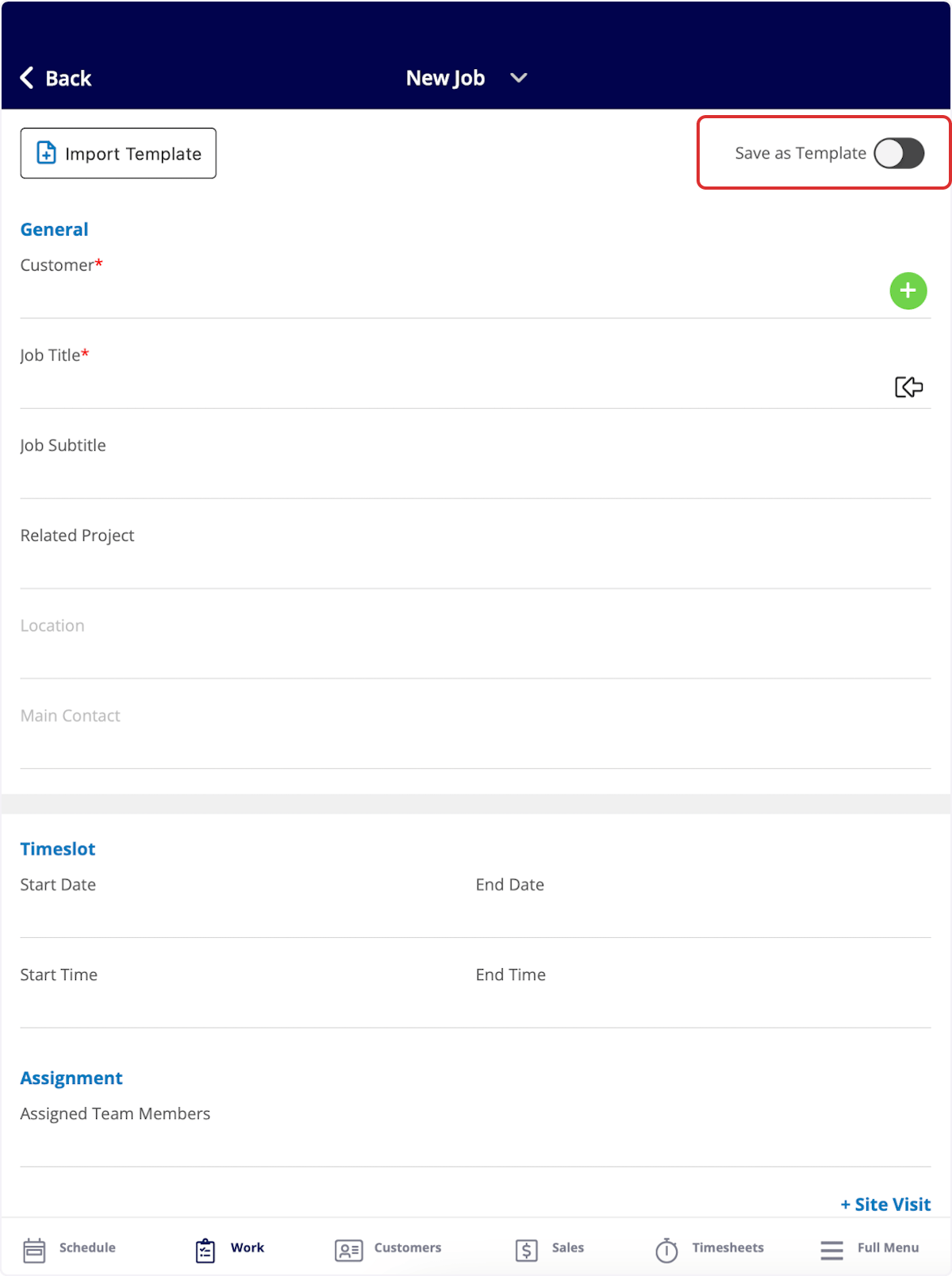
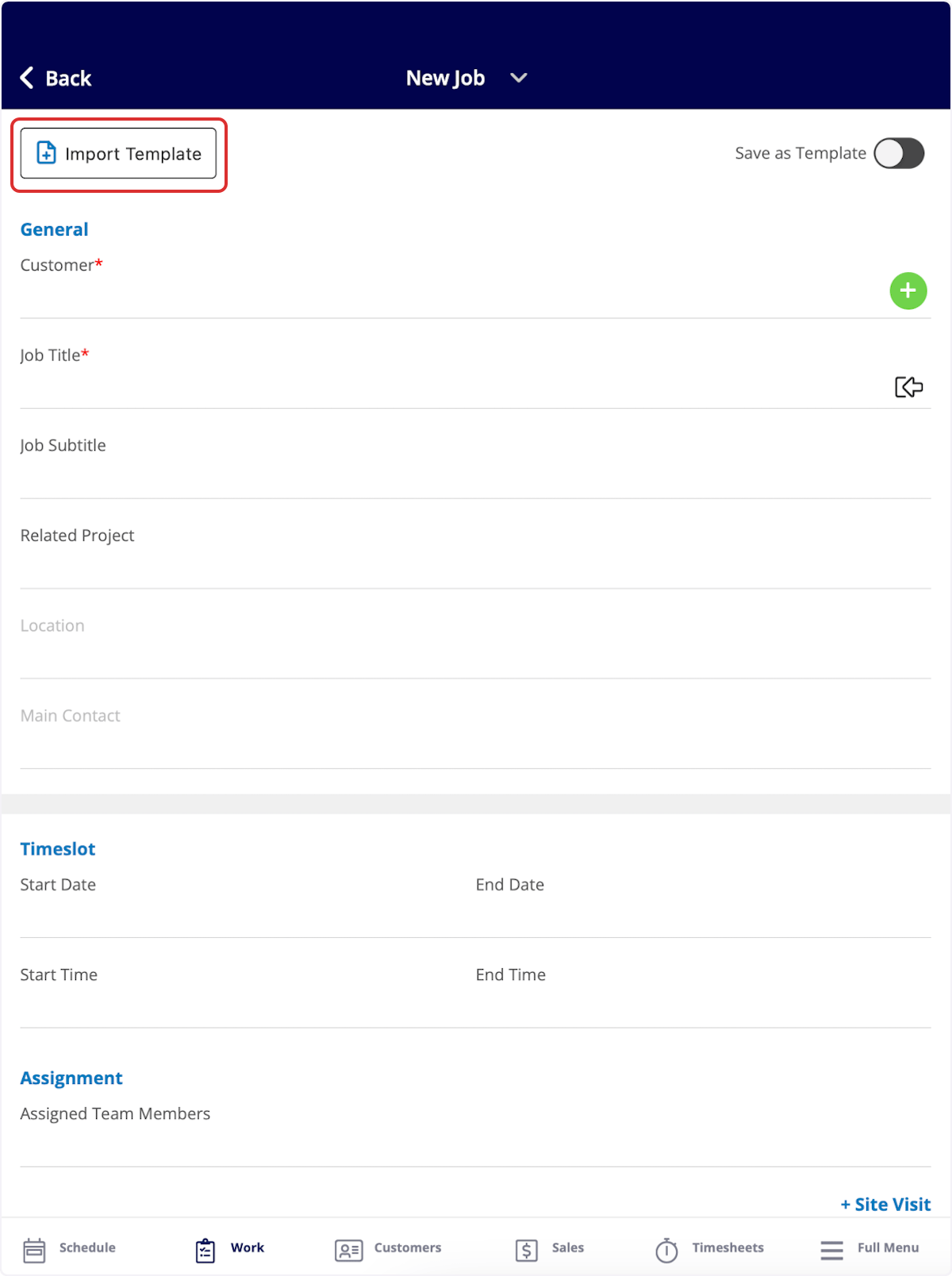
To create a job template, follow the process of creating a new job. (To learn more about how to create a job in the mobile app, creating a job in the mobile app.) Once you are creating a new job record, toggle on Save as Template in the top right corner. The details you enter for this job will now be saved as a template for future use!
Have additional questions? Contact us at support@fieldpulse.com or use the chat feature in the bottom right corner of your screen.