Who uses this: Any team member can add a note from the FieldPulse header; the section a note is saved under — My Notes, All Managers, or Entire Company — controls who sees it. Availability: All regions.A note is a short internal message you keep inside FieldPulse for yourself, your managers, or the whole business. You add one from the notepad icon in the FieldPulse header, choose the section it belongs in, and then notify specific teammates so no one misses it.
Overview
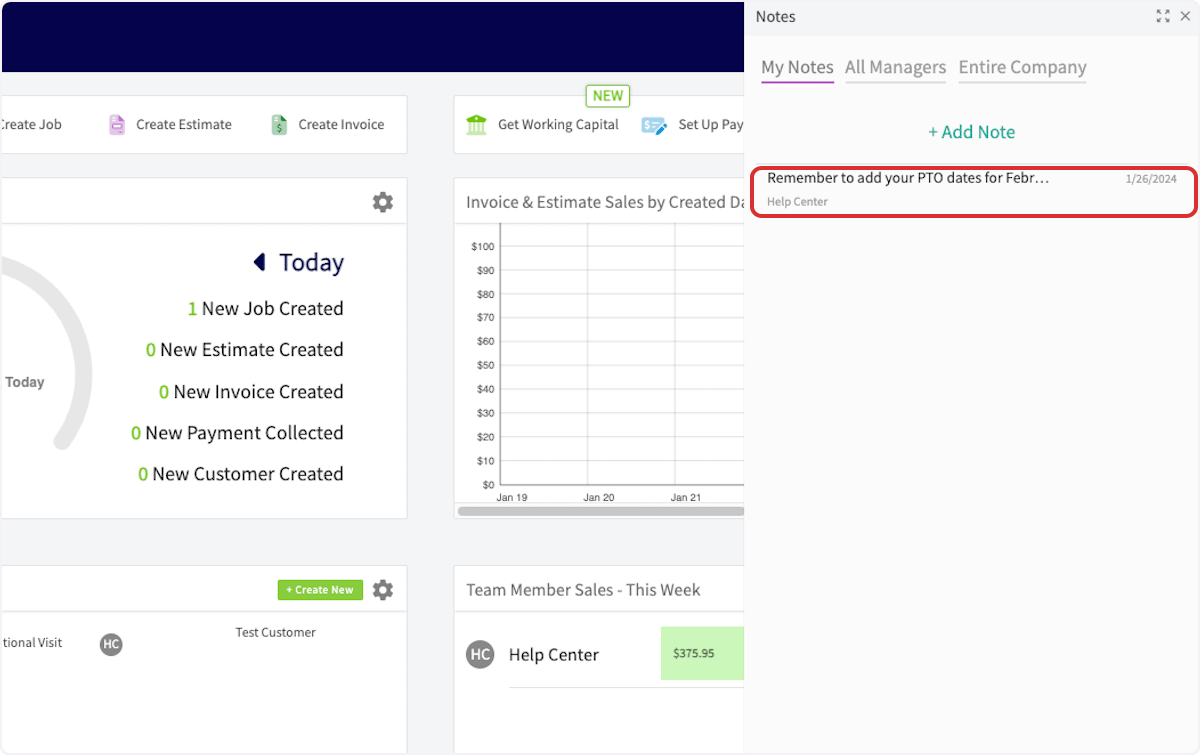
You save each note under one of three sections, and the section controls who can read it. My Notes keeps the note visible to you only, All Managers shows it to your managers, and Entire Company shows it to everyone in the business. A saved note appears under the section you chose and is visible to all team members in that section. You notify teammates in a separate step after you save. A note stays in its section whether or not you notify anyone; selecting Notify sends a notification to the role types or individual users you pick.Video walkthrough
Watch a walkthrough of adding a note and notifying teammates about it, then follow the written steps below.Video walkthrough: adding a note and notifying teammates in FieldPulse
Before you begin
- Decide who the note is for before you write it, because you pick the section before you type the note.
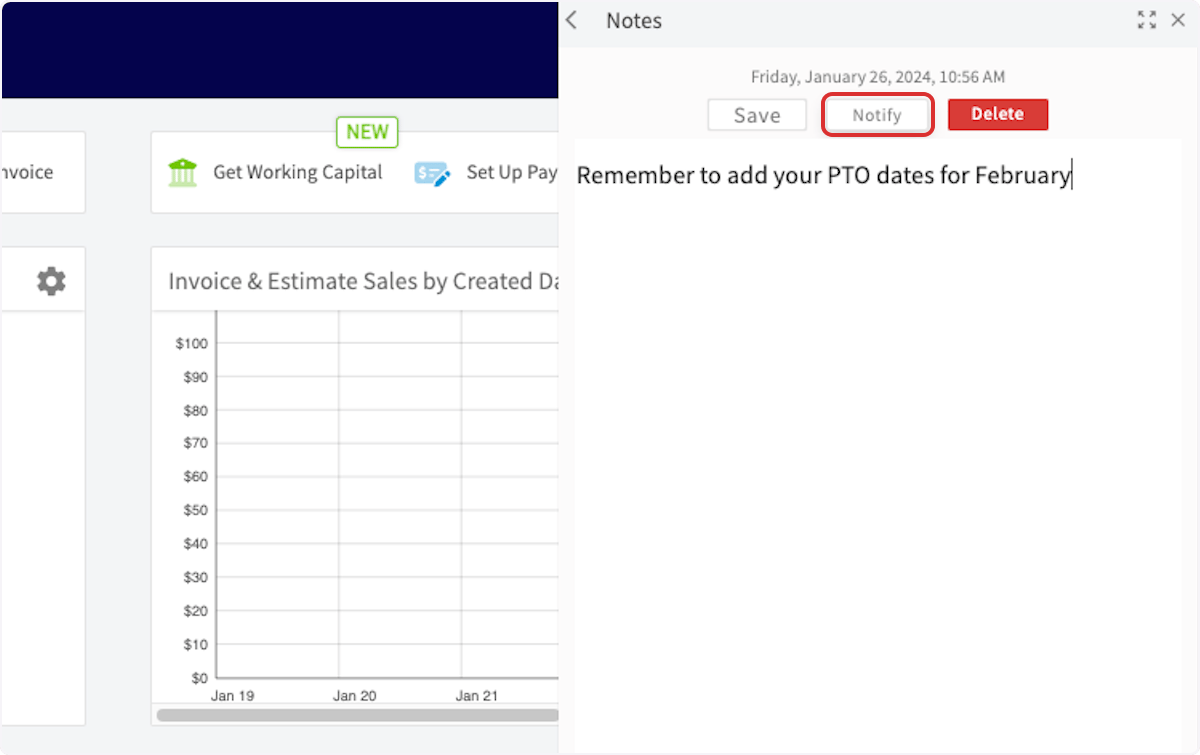
- Notifying teammates is a step you take after the note is saved. The Notify button appears on a note only once the note has been saved.
Add a note
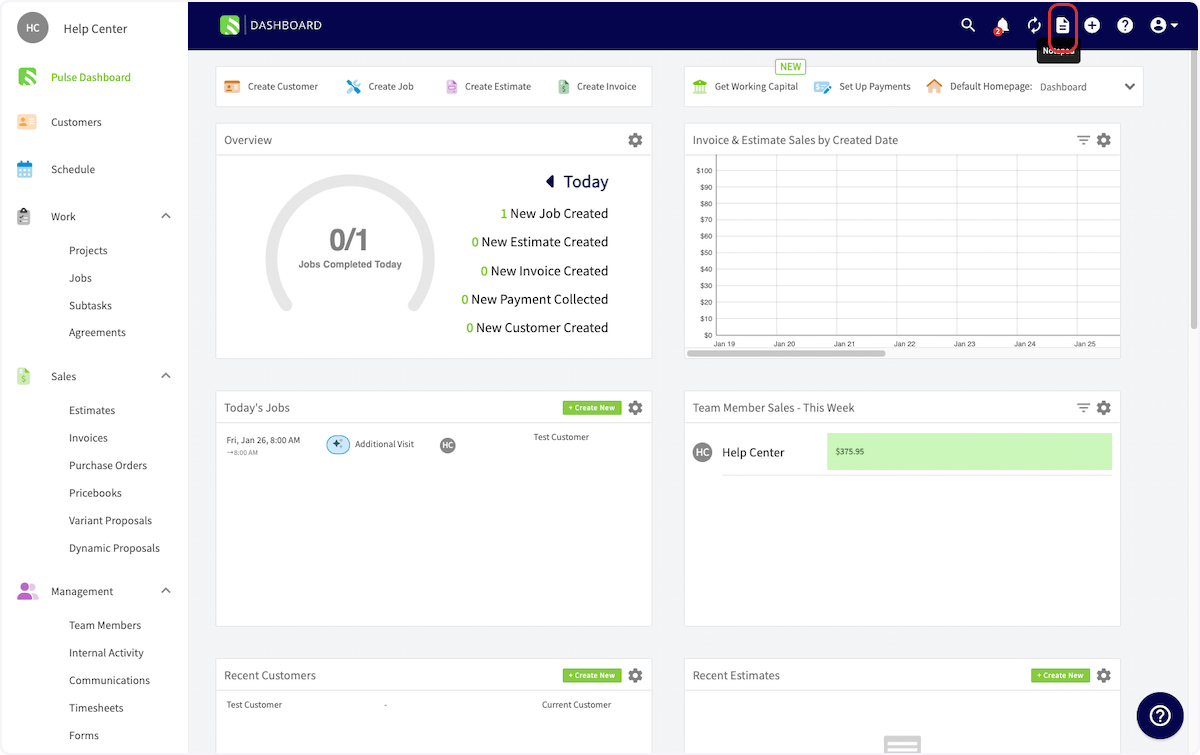
You add a note from the notepad icon in the FieldPulse header, and you pick its section before you type it.-
Select the notepad icon in the top-right corner of the FieldPulse header.
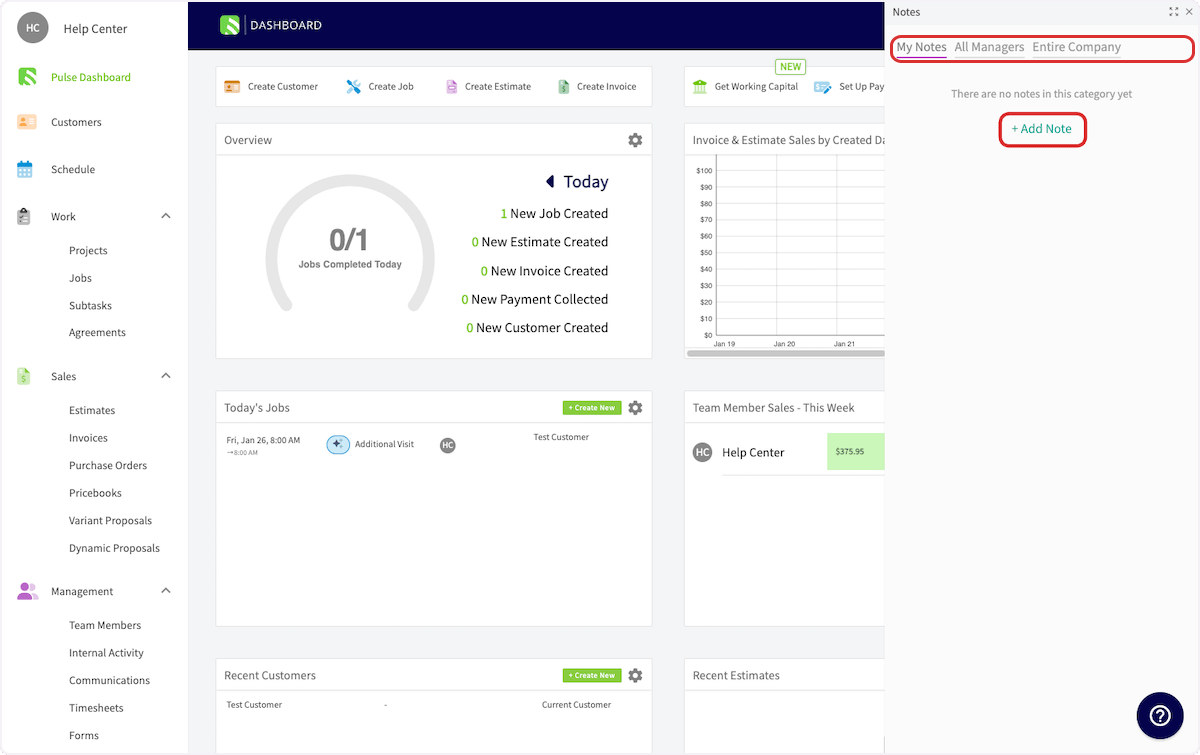
- In the Notes panel that opens on the right, select the section the note belongs in — My Notes, All Managers, or Entire Company.
-
Select + Add Note.
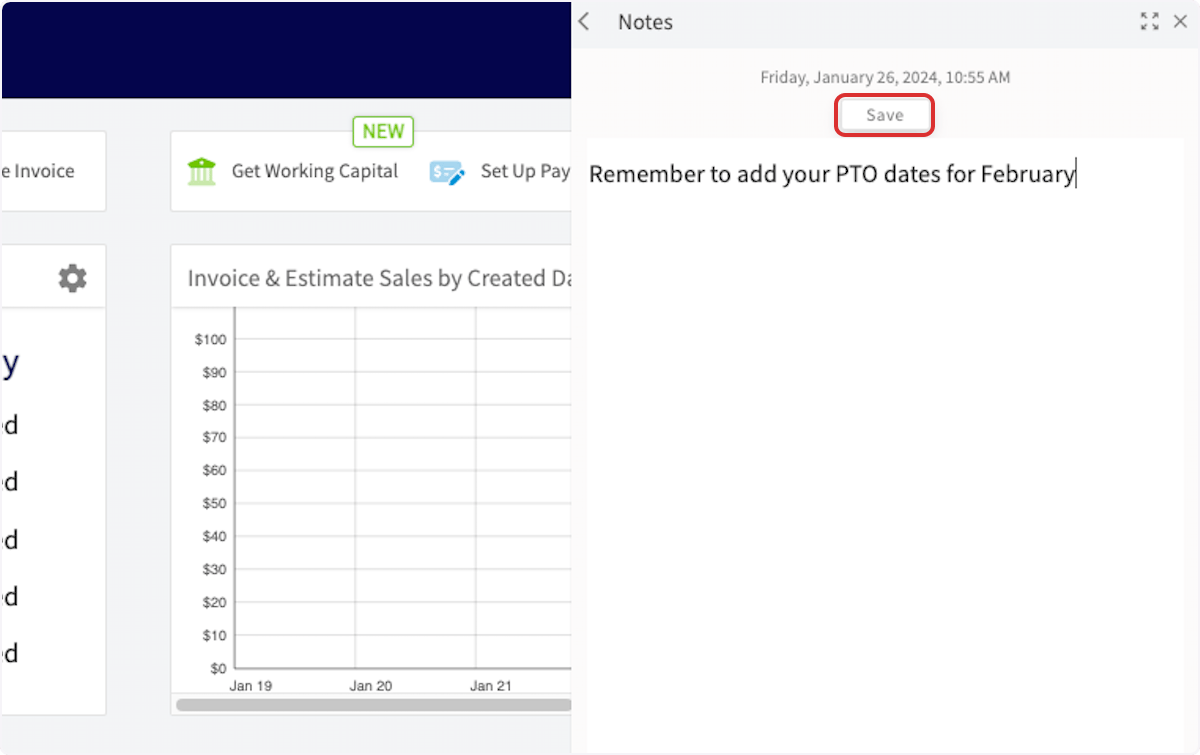
- Type your note.
- Select Save.
Notify teammates about a note
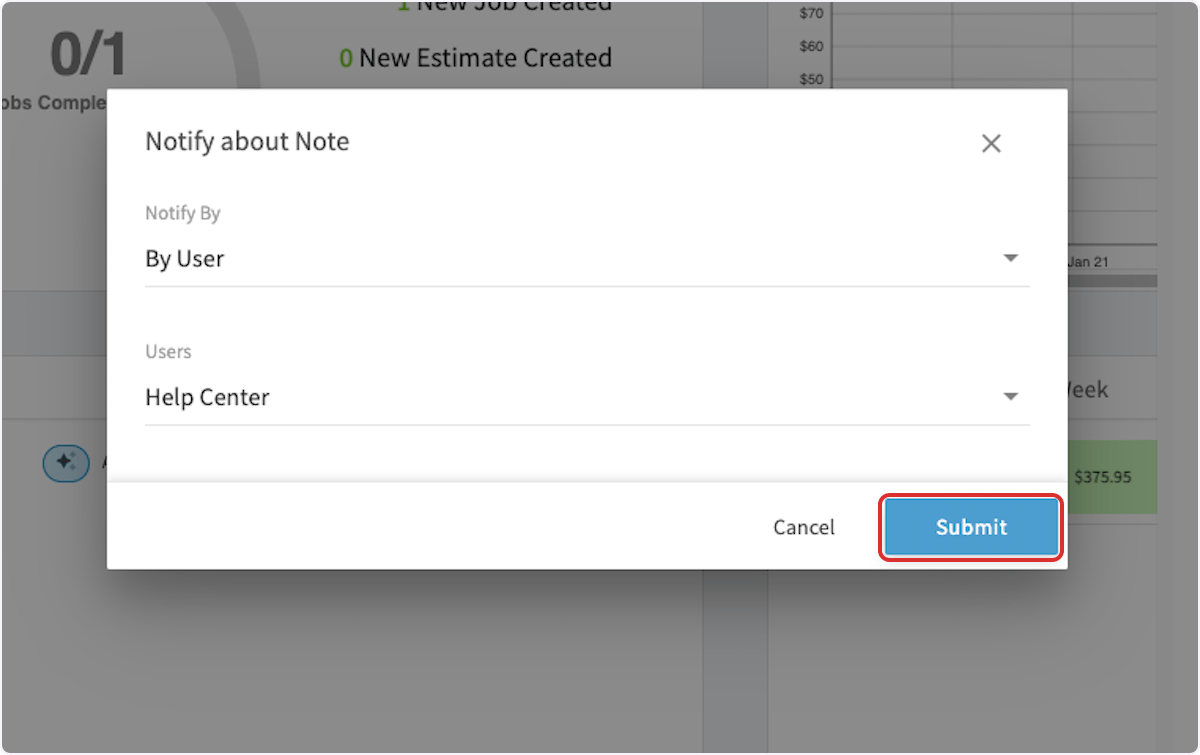
Notifying sends a notification about the note to the teammates you select, either by role type or by individual user.- On the saved note, select Notify.
- In the Notify about Note window, set Notify By to notify by role type or by individual user.
- Choose the roles or the users to notify.
- Select Submit.