
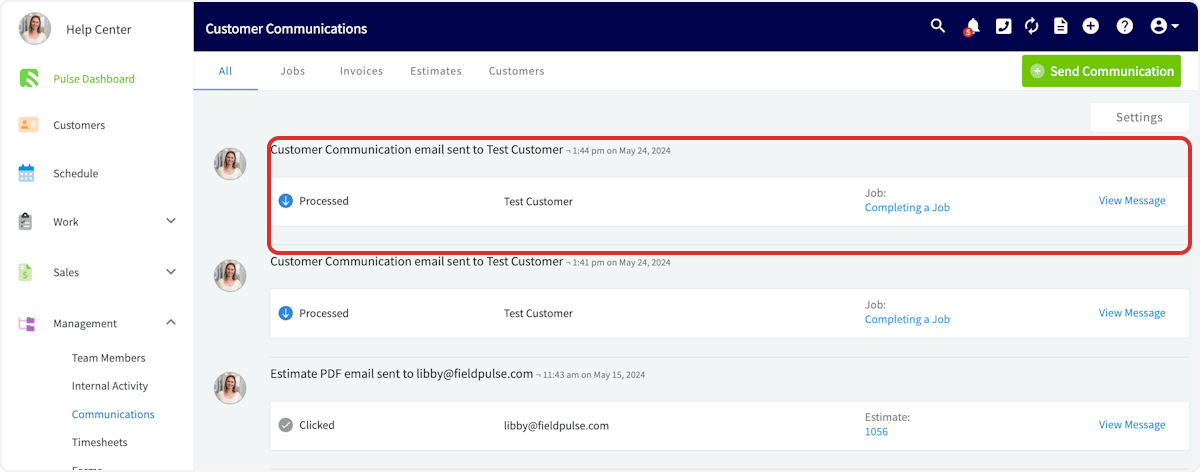
- User who sent the communication
- Sent date and time
- Status
- Customer
- Related record
- Full message
Have additional questions? Contact us at support@fieldpulse.com or use the chat feature in the bottom right corner of your screen.
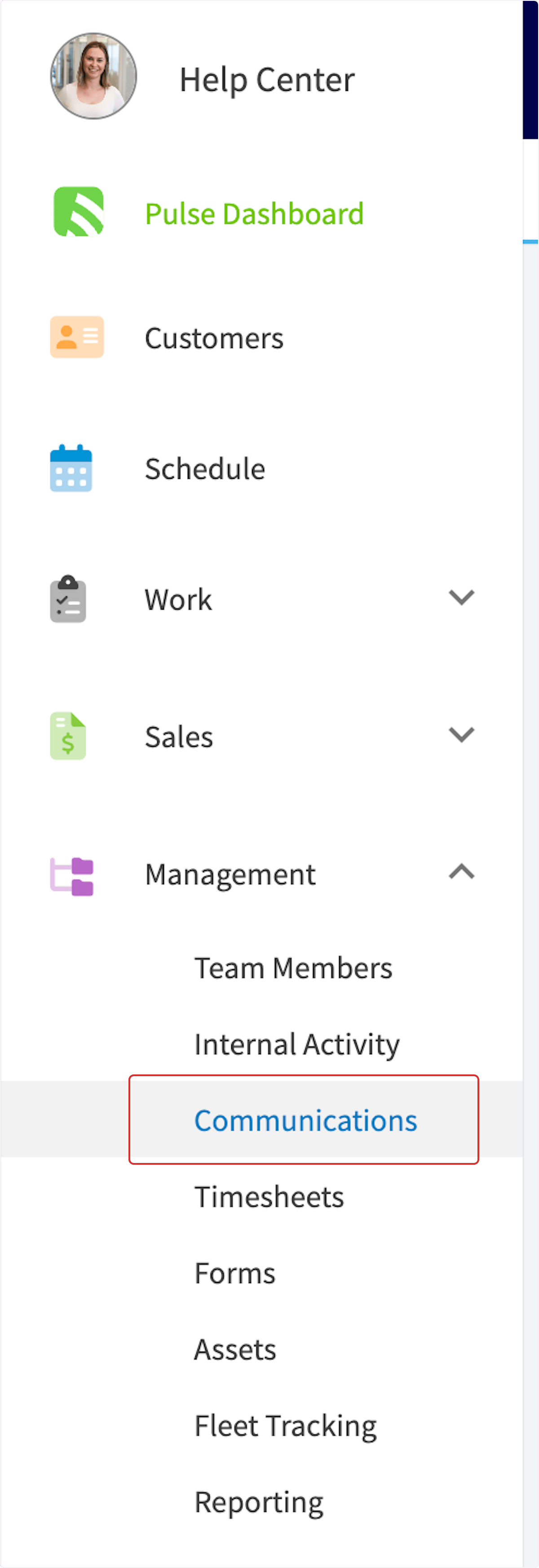
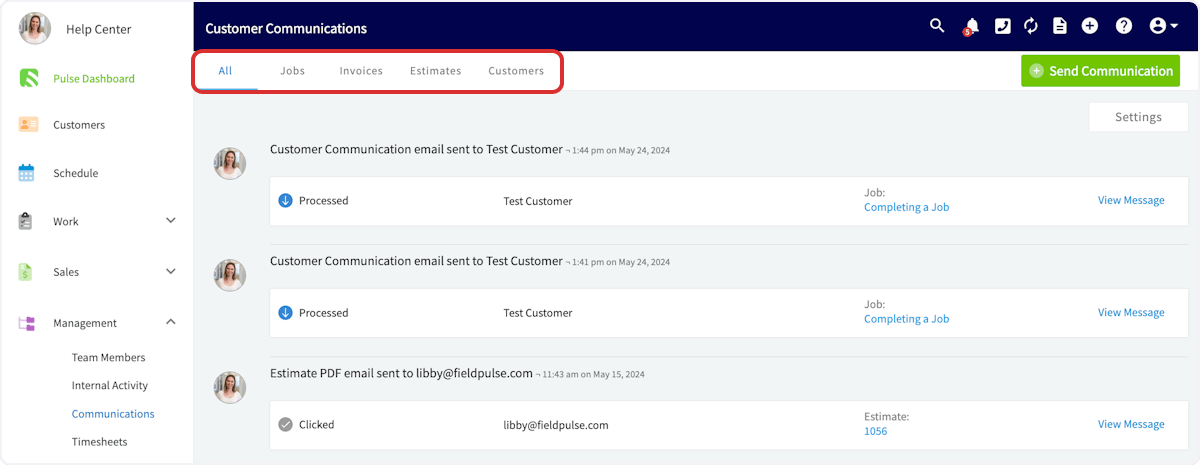
See every message your team sends from one tab, filter by record type, and check each one’s delivery status.
Related topics
Customer CommunicationsCommunications & NotificationsFieldPulse360: Customer CommunicationsFieldPulse360: How to get FieldPulse to do the most for your workflows - Part 2: Automatic Customer Communications & Notification SettingsCustomer Portal