

Estimates & Invoices
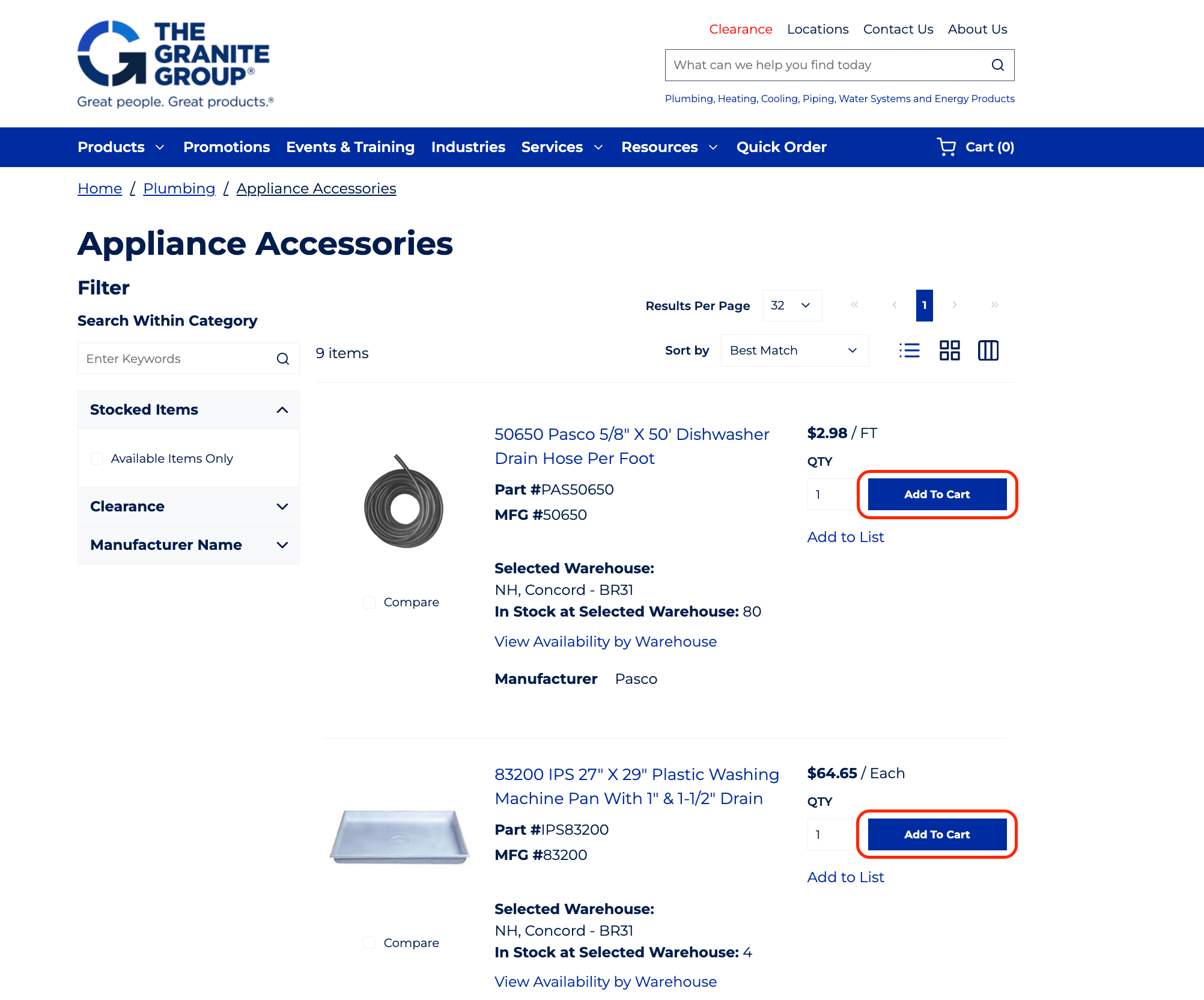
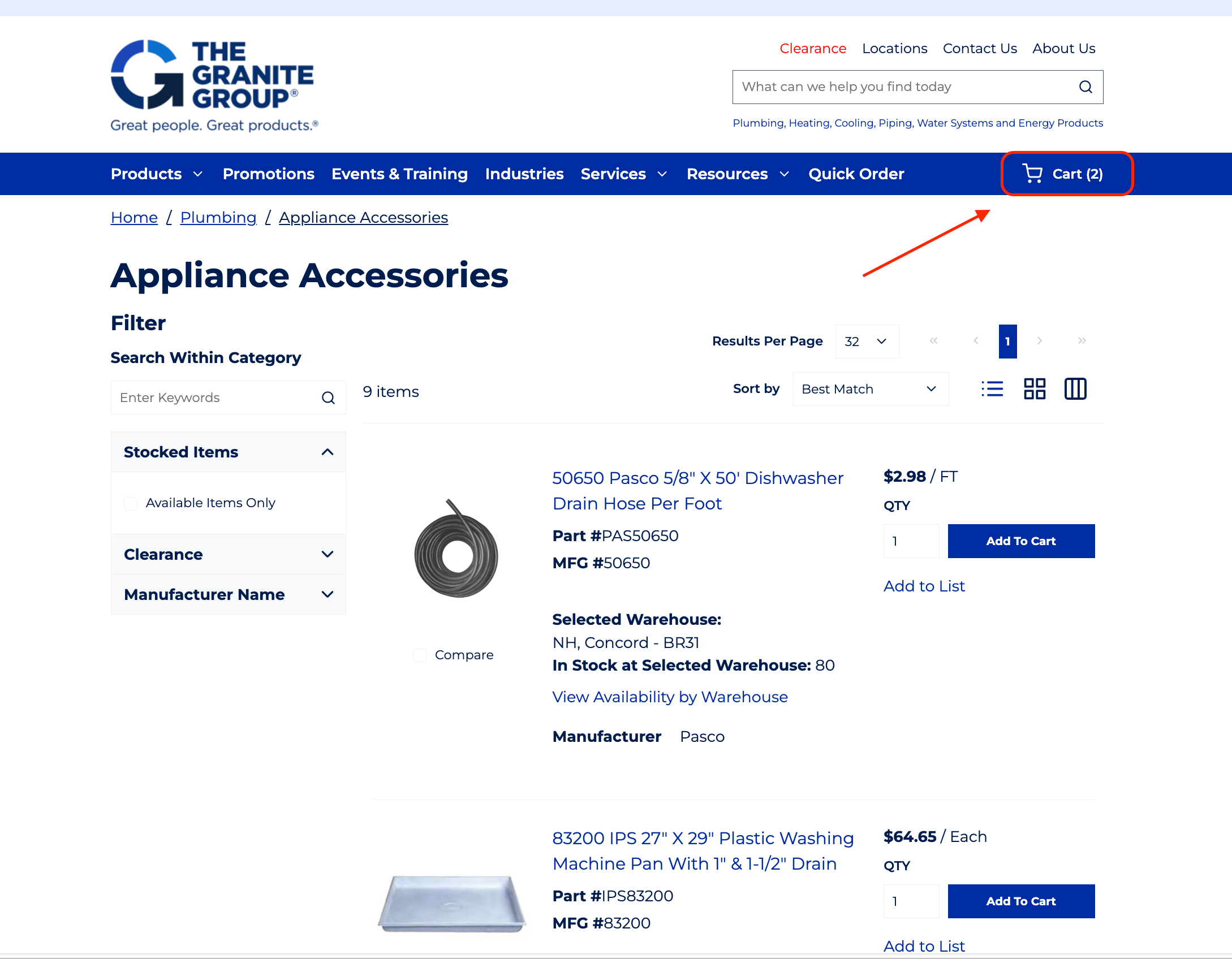
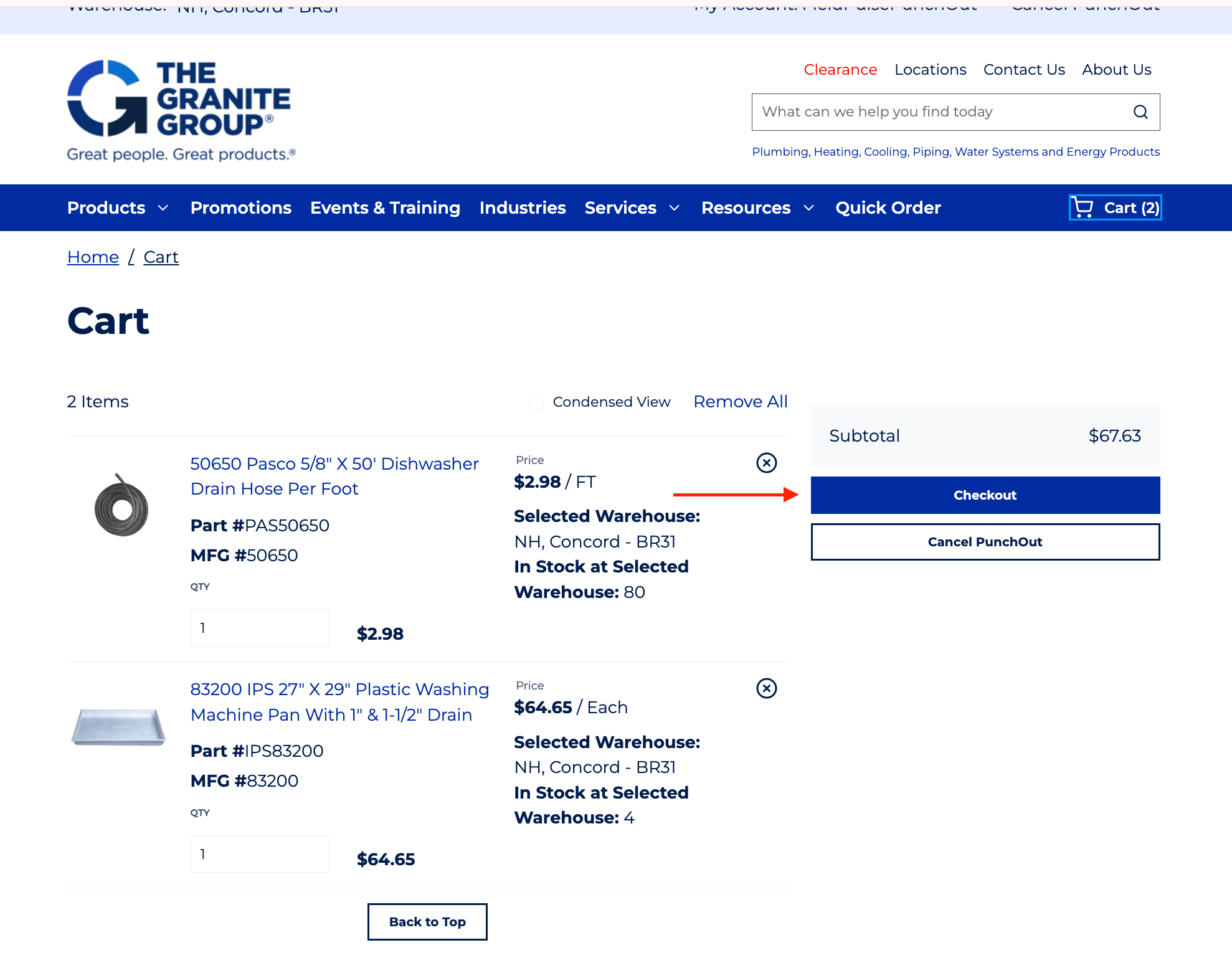
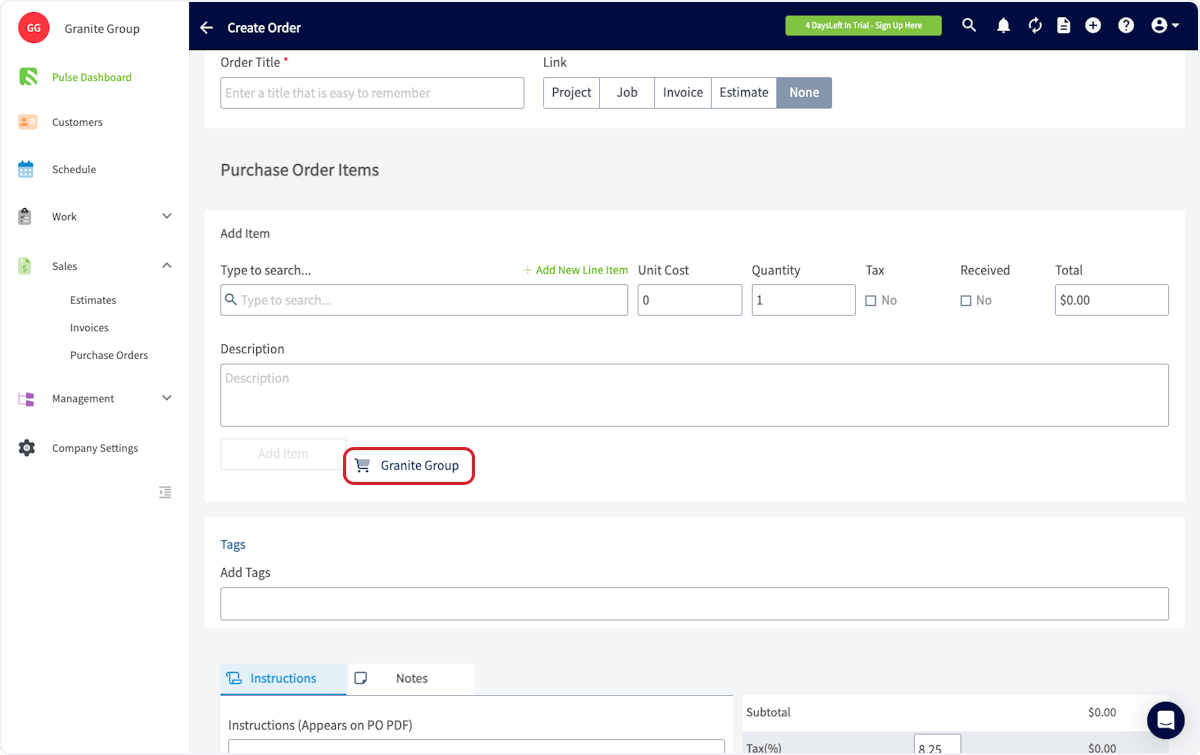
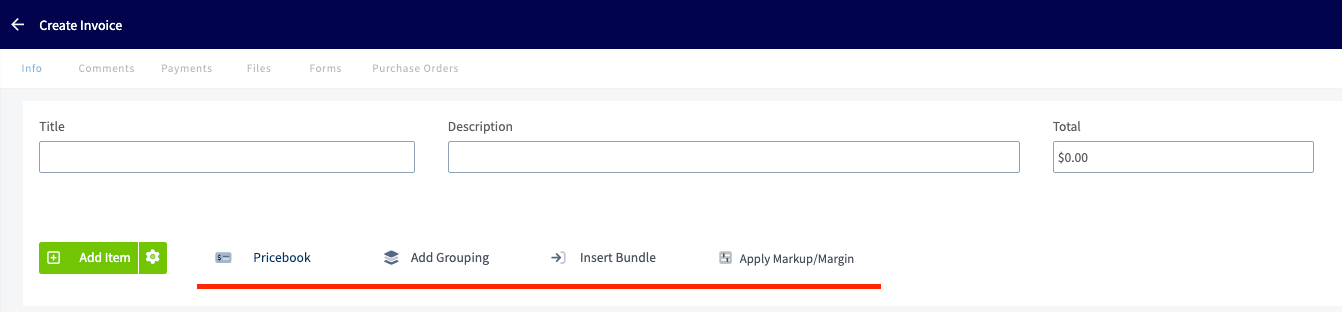
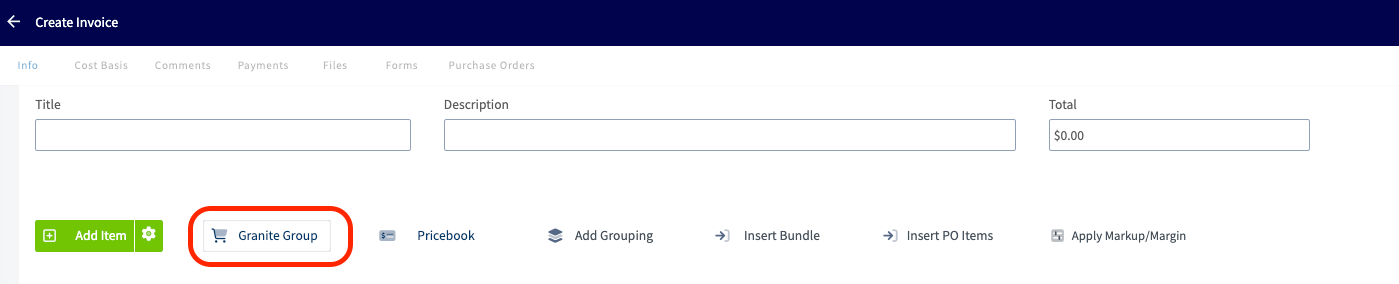
To add a Granite Group line item to an estimate or invoice, navigate to your desired record. Click Granite Group to open the catalog and select the line items you need. Begin by clicking Products, then selecting the necessary category.
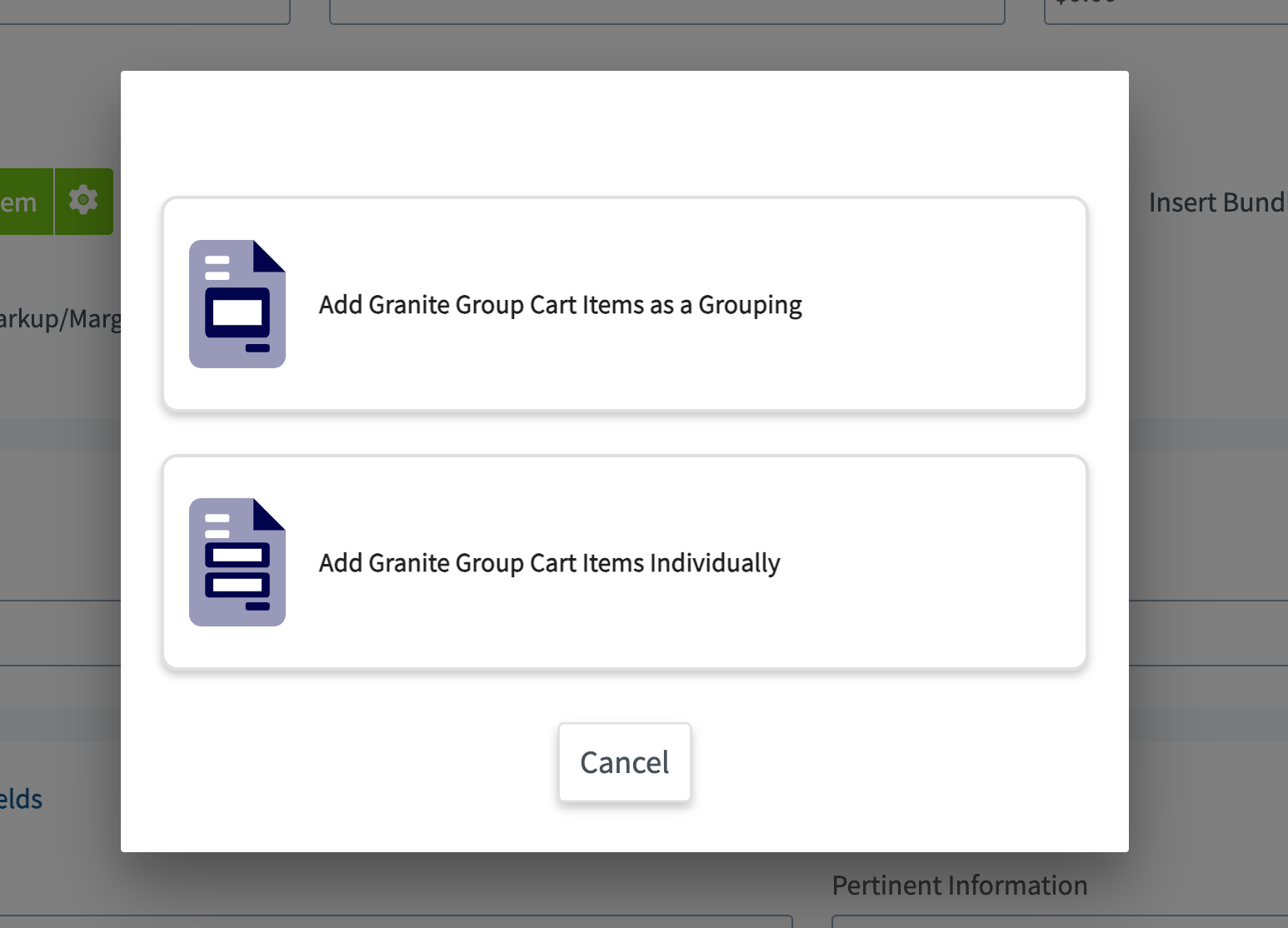
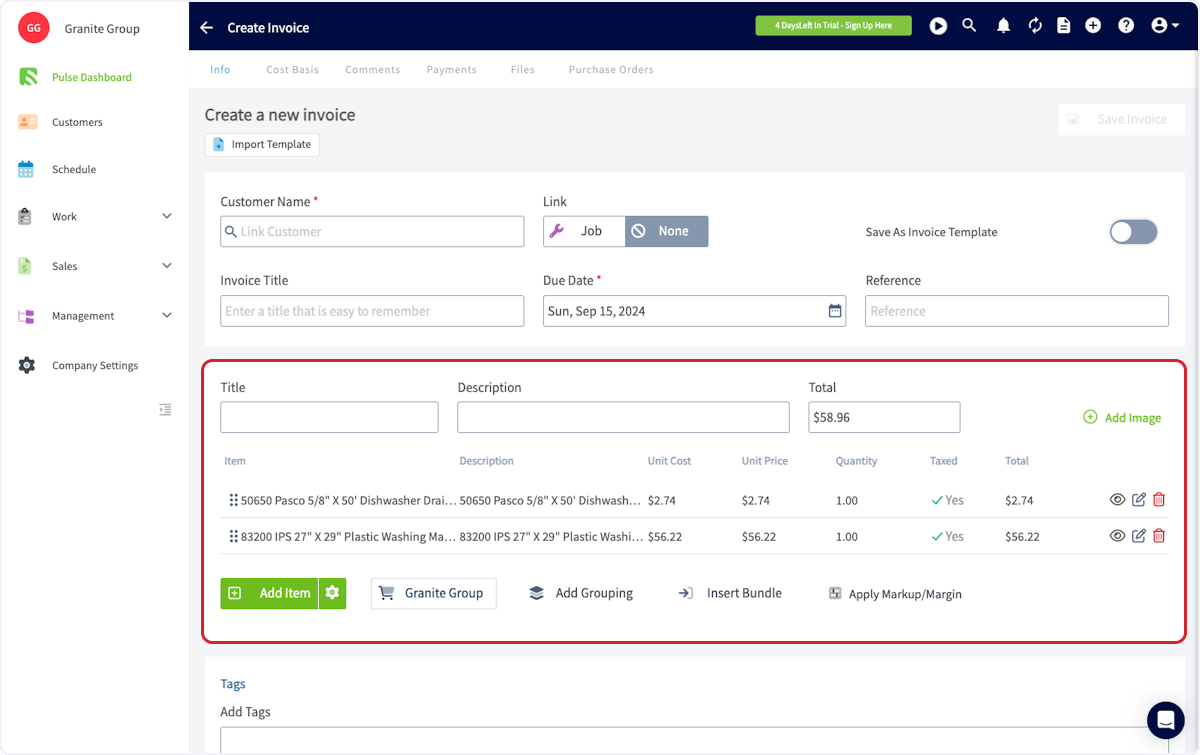
Default Mark Up on Items from The Granite Group
Purchase Orders
To place purchase orders with The Granite Group through FieldPulse, you will need to enable purchase orders in your FieldPulse account. To learn more, visit the Purchase Orders article.From an Estimate or Invoice
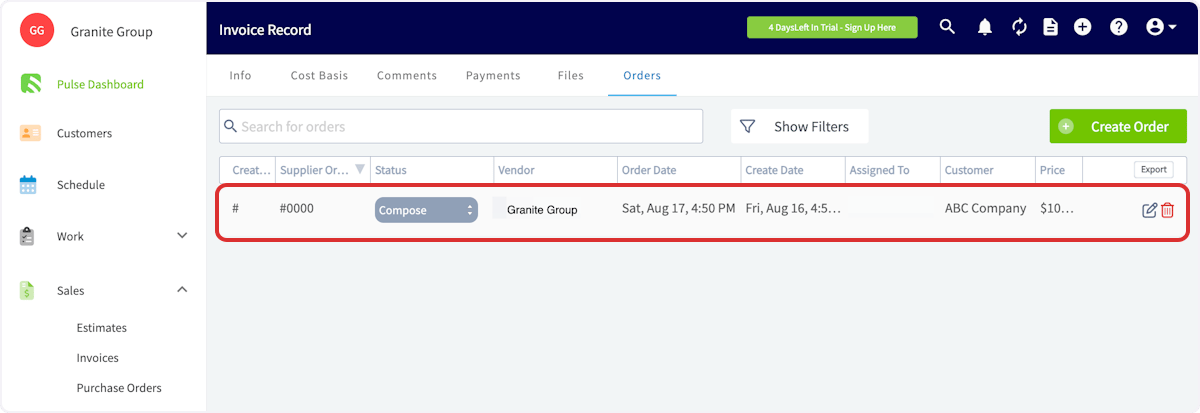
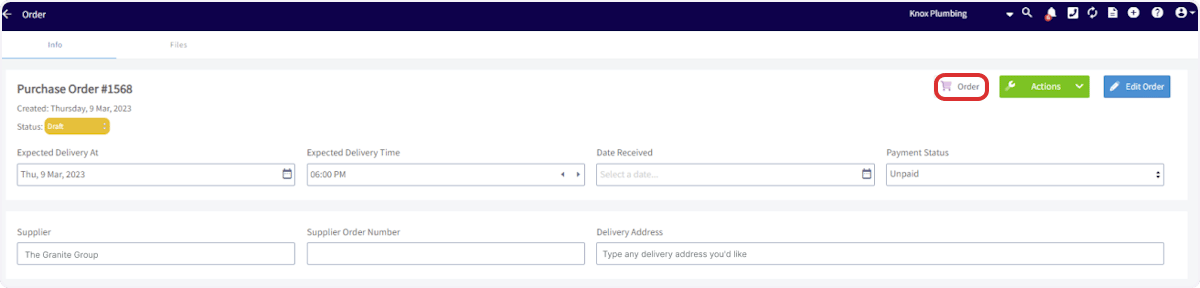
The easiest way to create a purchase order for The Granite Group is to go directly from an estimate or invoice record. Navigate to the estimate or invoice you’d like to create a purchase order from and select Order from the top menu.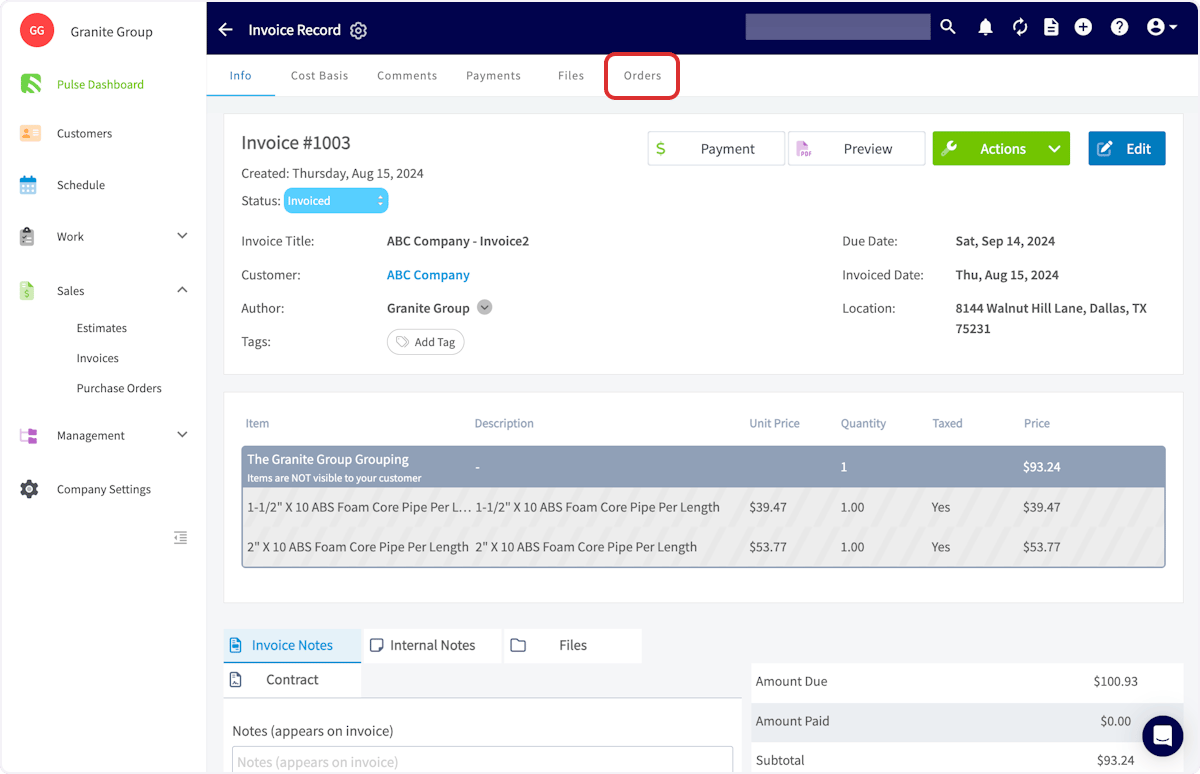
From Scratch
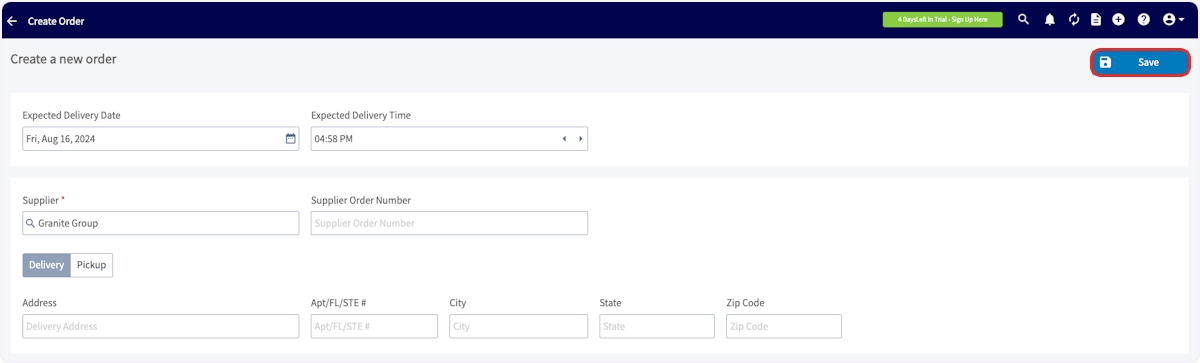
Begin your purchase order by selecting The Granite Group as the supplier. This will only allow you to add items from The Granite Group to this order.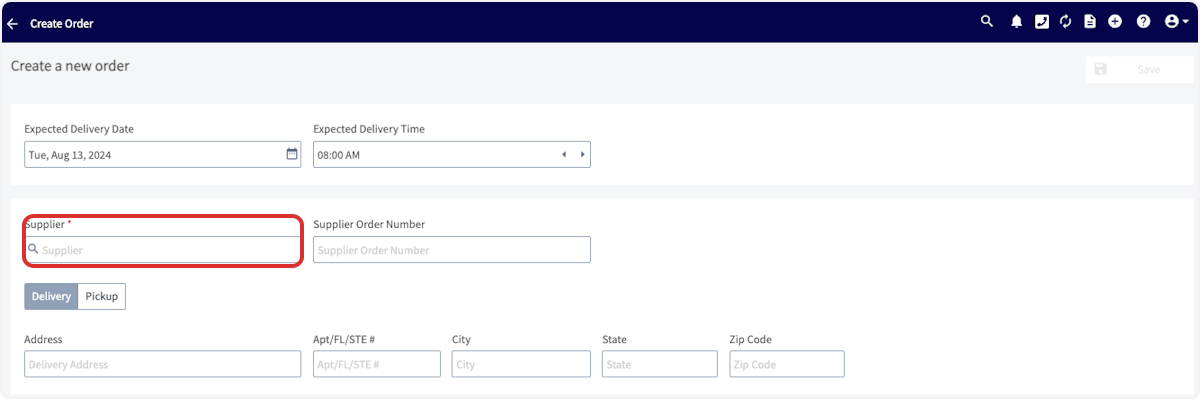
Please Note:
When sending purchase orders from FieldPulse to The Granite Group, item prices at the time of adding them to your order are not guaranteed. The Granite Group will charge the current price at the moment you select ‘Order’ in FieldPulse. This is important to keep in mind for accurate job costing. While price fluctuations are typically minor, they can still affect your calculations.We’re actively exploring enhancements for the next version of our integration with The Granite Group. These improvements may include pre-order price checks, ensuring that your purchase orders reflect accurate, up-to-date pricing for more precise job and project costing.Permission Settings That Will Impact This Integration
If you do not want your Service Agents to have access to see the cost of items from The Granite Group, ensure that the toggle is off for the ability to View Unit Costs on Estimates/Invoices.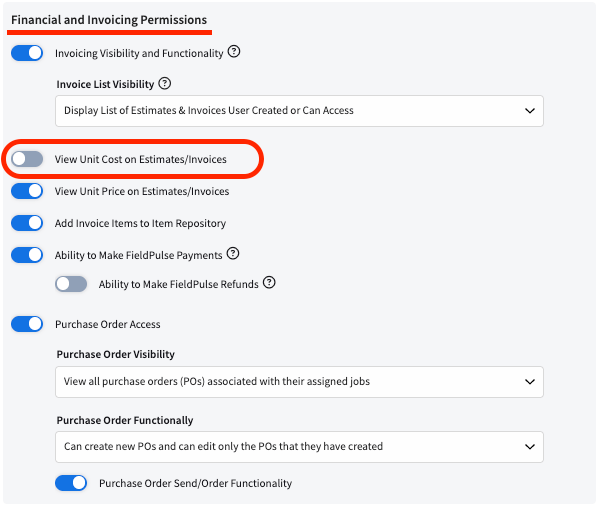
Video Tutorial
Have additional questions? Contact us at support@fieldpulse.com or use the chat feature in the bottom right corner of your screen.