
Overview
Turning on Do Not Disturb will send your calls directly to voicemail without ringing on your device. For example, you may want to turn on Do Not Disturb during an important all-team meeting or on a holiday when your company is not doing business. This operates on an individual user basis: a user can turn on Do Not Disturb without affecting the status of any other users.Turning Do Not Disturb On or Off
To turn Do Not Disturb on or off, click the phone icon in the top left corner to open Engage. Then click the settings gear and toggle Do Not Disturb on or off.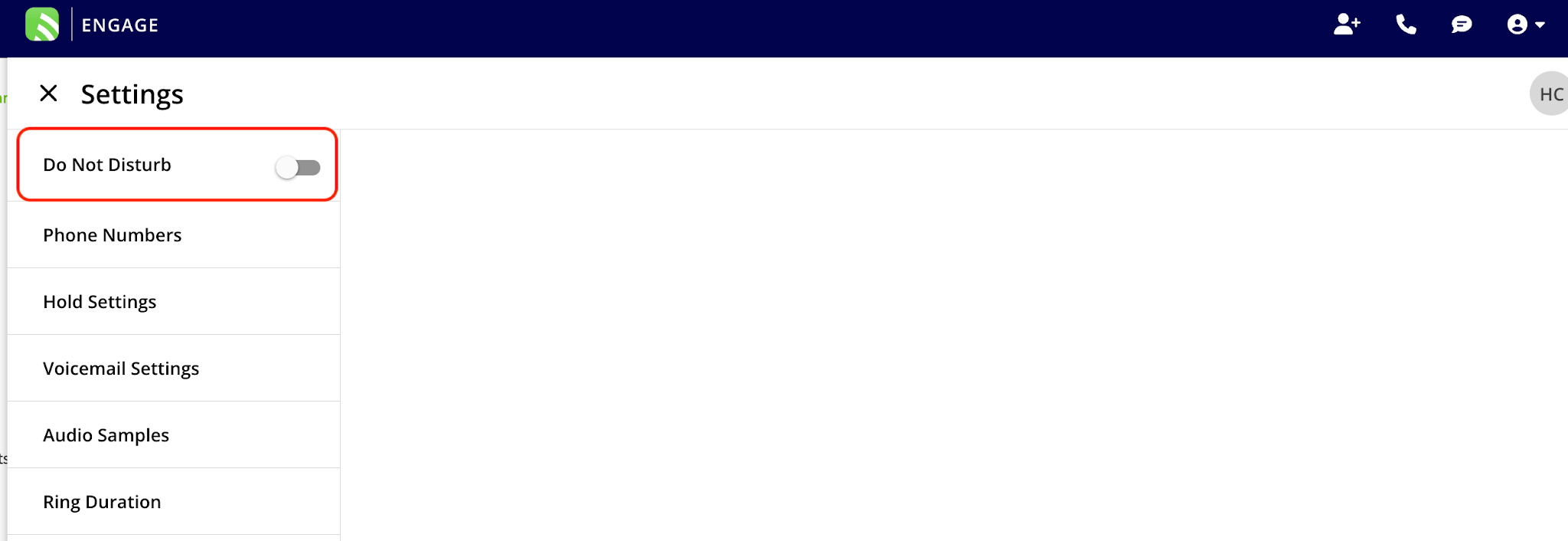
Have additional questions? Contact us at support@fieldpulse.com or use the chat feature in the bottom right corner of your screen.