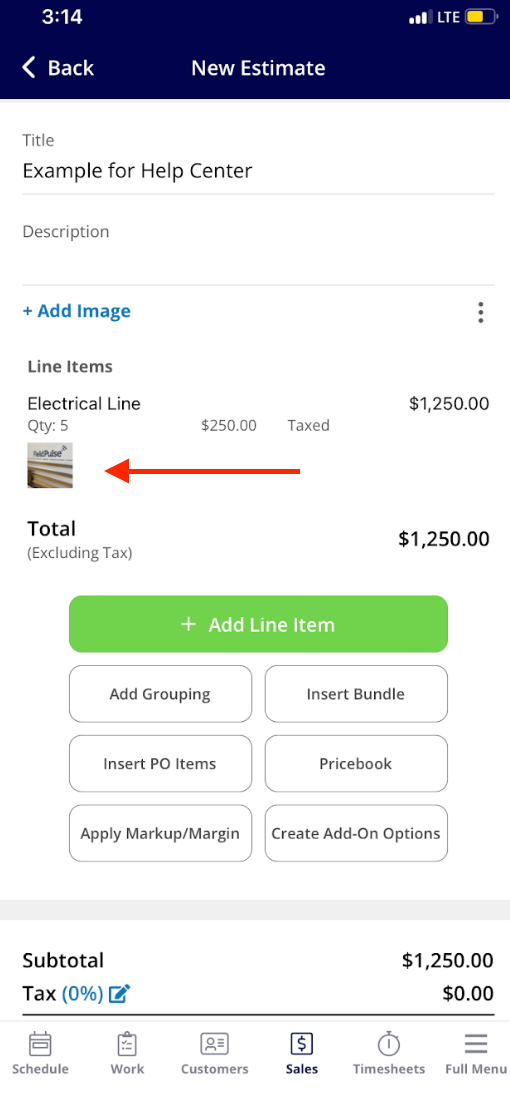
Who uses this: Any user who builds estimates or invoices in the FieldPulse mobile app. Availability: FieldPulse mobile app only · All regions.A technician pricing a repair on site should not have to leave the estimate to photograph the part. In the FieldPulse mobile app, you take or upload the photo from inside the line item, so the image stays with the item on the estimate or invoice and carries over to the record’s files.
Overview
Line item images are photos captured or uploaded from inside a line item while you build an estimate or invoice draft in the mobile app. Each image can carry a title, markup, a description, and settings such as compression and a date/time stamp. When you save the estimate or invoice, the images cascade to the related Estimate and Service Record Files sections automatically, so the photo of the failed part sits next to the line that replaces it.Before you begin
- Line item image capture works only in the FieldPulse mobile app.
- Open the estimate or invoice draft you want to add items and images to.
On mobile
-
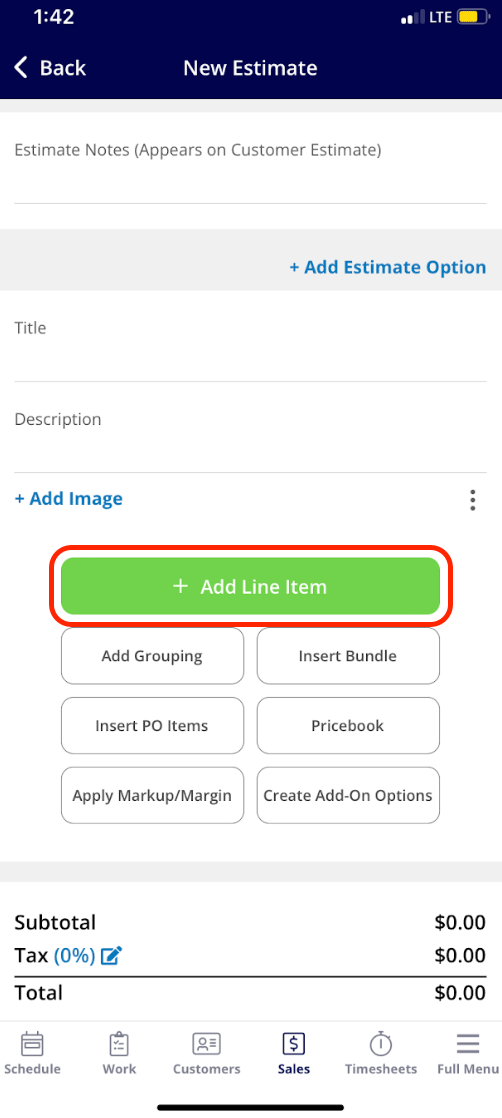
In the estimate or invoice draft, select the green Add Line Item button.
-
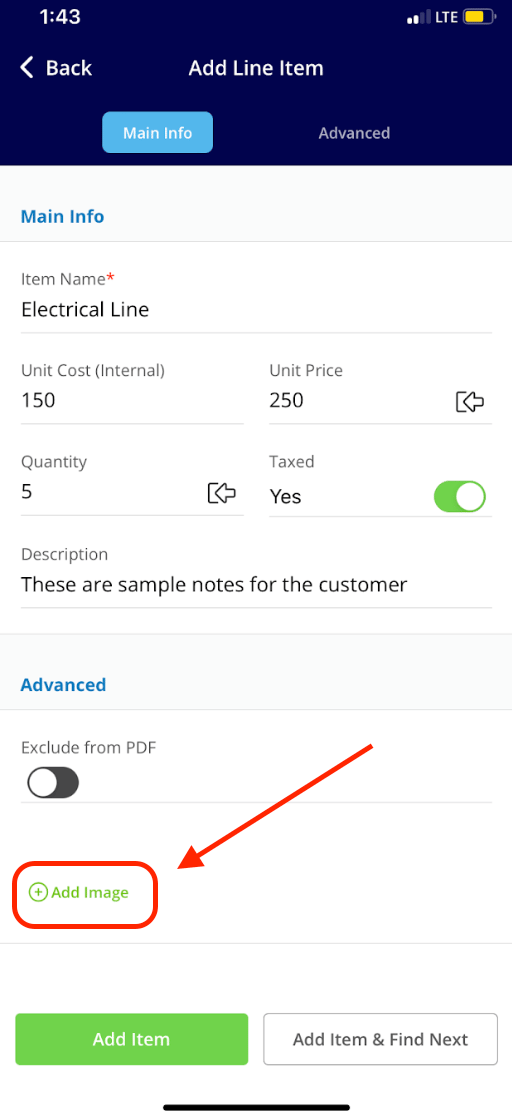
Select the line item you want to add, then select Add Image before choosing Add Item or Add Item & Find Next.
-
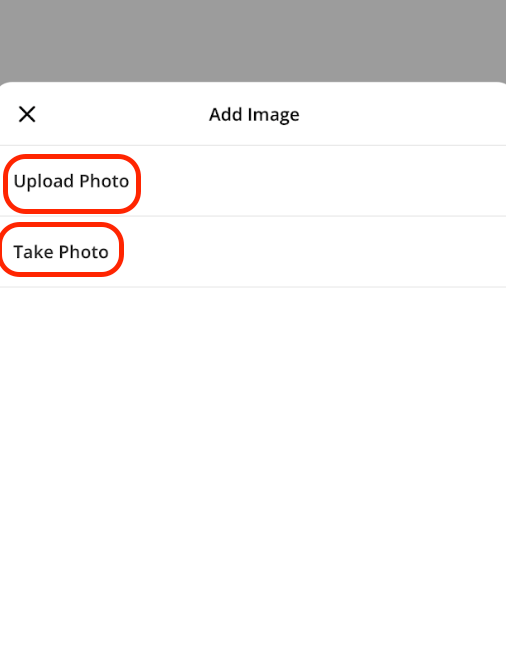
Choose Upload Photo to pick an existing image from your device, or Take Photo to open the camera and capture a new image for the line item.
-
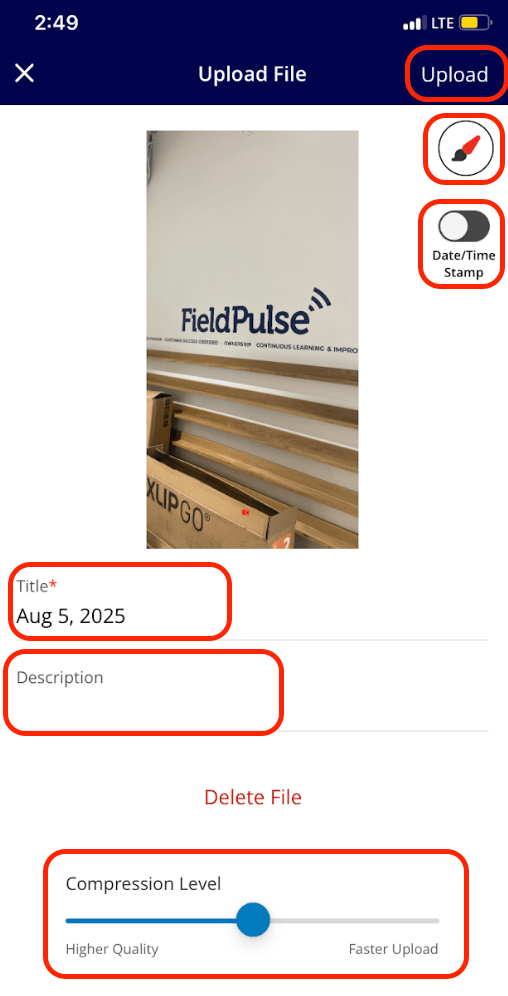
Add a title, mark up the photo, add a description, and adjust settings such as compression and the date/time stamp. Select Upload in the top-right corner when you are done.