
Who uses this: Admins, Team Managers, and Service Agents — the roles offline mode is available to. Availability: FieldPulse mobile app only · All regions.Service work does not stop when the signal does — basements, mechanical rooms, and rural routes all drop connection. The FieldPulse mobile app switches to offline mode on its own when the connection gets weak or the device goes into Airplane Mode, and your team keeps building estimates and invoices within the caps on this page. The app holds everything your team enters offline on the device and syncs it to your account once it reconnects.
Overview
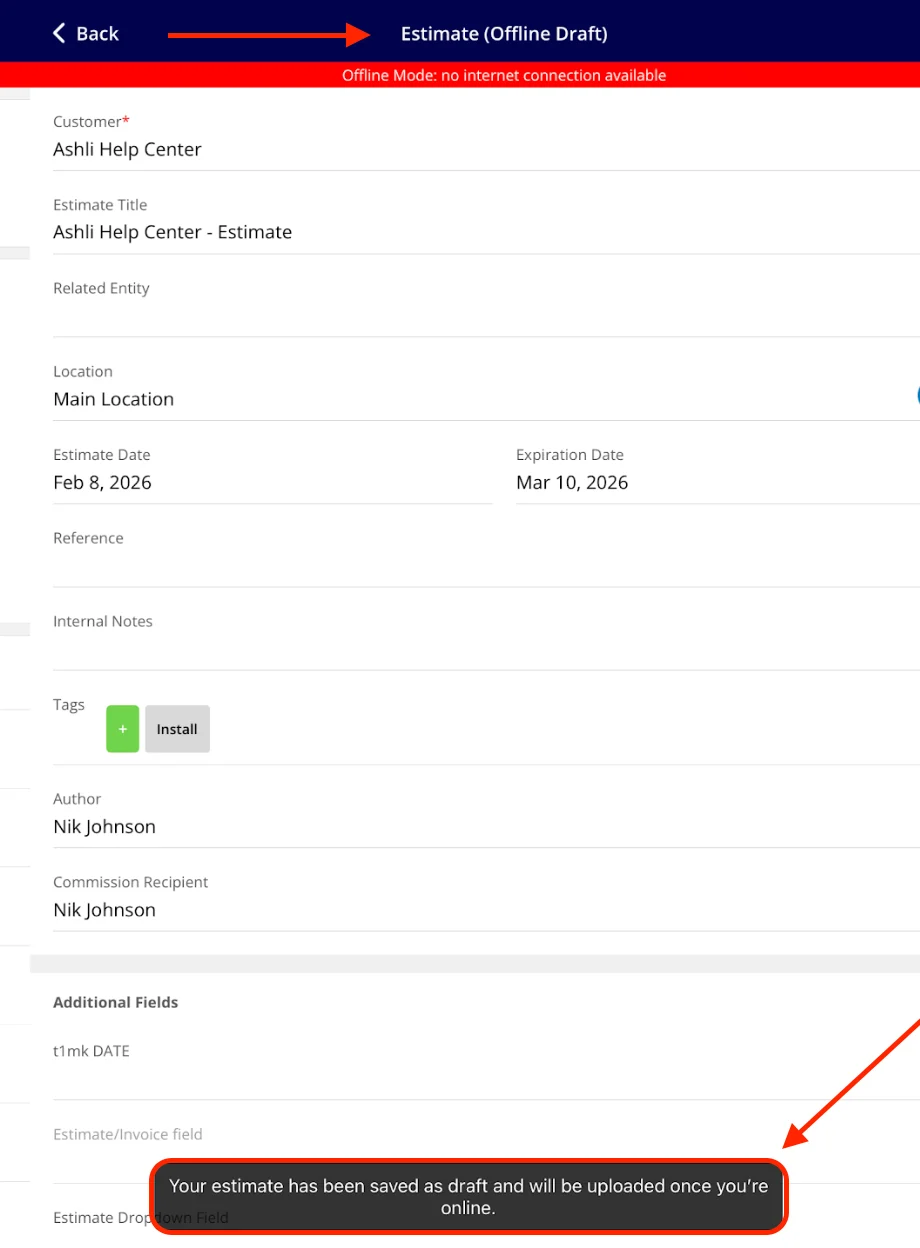
Offline mode gives your team a cached set of estimates and invoices to open and edit, lets them start new drafts, and holds those changes on the device until the connection returns. When the mobile app detects a weak connection or Airplane Mode, it shows a Poor Internet Connection message and switches to offline mode so your team can keep editing and saving. Whatever was entered on the current estimate or invoice draft carries over into an offline draft, and the app opens that offline draft so the work continues without a break. The record title then reads Estimate (Offline Draft), and a red Offline Mode: no internet connection available banner sits across the top of the screen.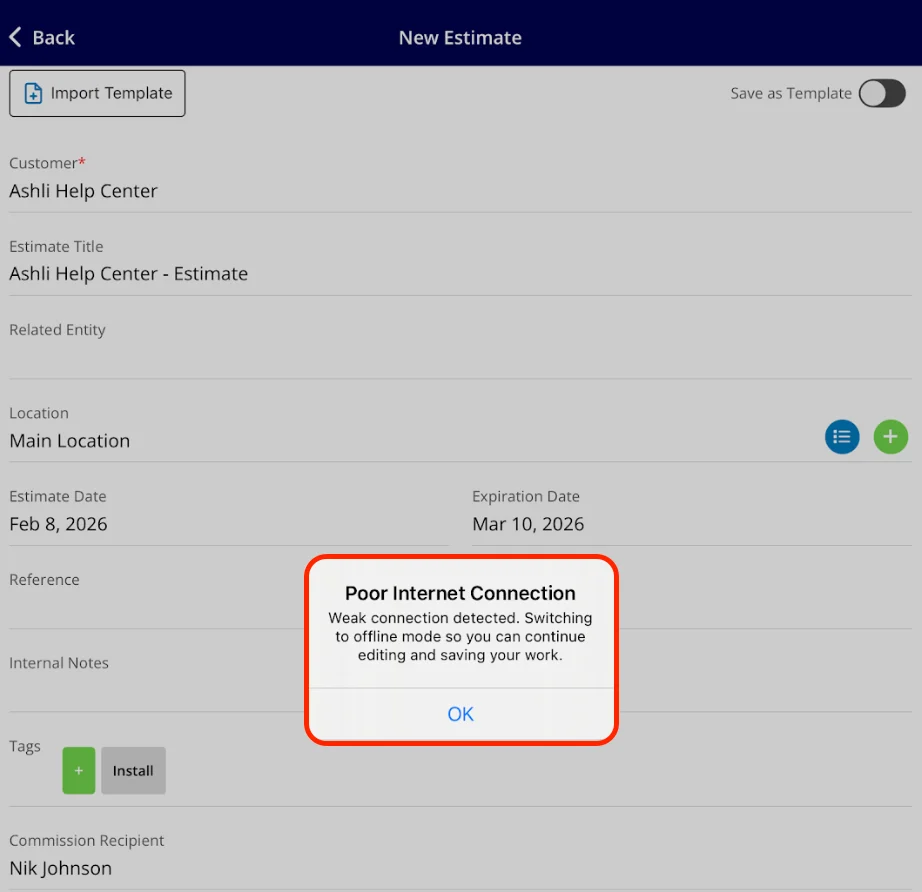
What works offline for cached records
These actions apply to existing online estimates and invoices the app has cached into offline mode.
On an invoice, your team can also deduct inventory from the record while offline.
What works offline for new drafts
Your team can create new estimates and invoices offline, linked to related customers, jobs, or projects. Three actions are unavailable on a new offline draft:- Previewing the estimate
- Converting the estimate record to an invoice
- Collecting signatures
Searching in offline mode
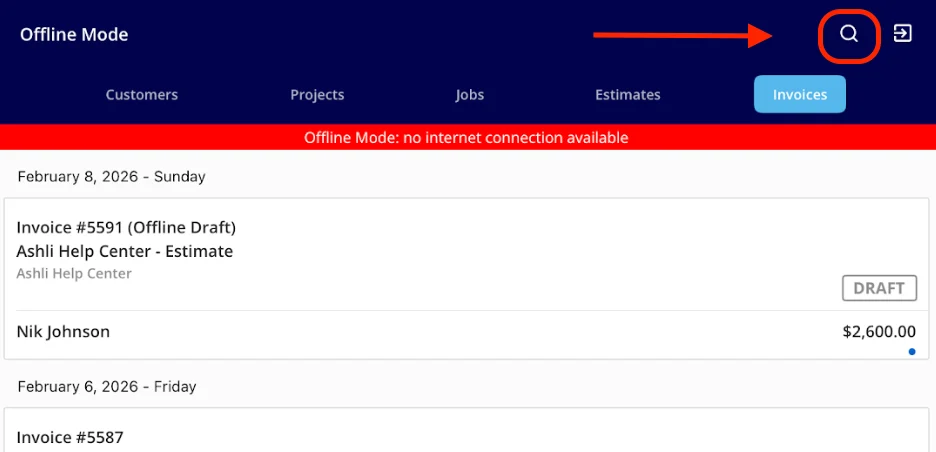
Use the search function in the list view for both estimates and invoices. Your team can find records by:- Estimate or invoice title
- Estimate or invoice ID
- Customer name
How offline drafts sync
Offline estimates and invoices sync on their own — nobody has to push them. The app saves anything your team creates or edits offline to the device and confirms with a message that the estimate has been saved as a draft and will be uploaded once you are online. When the device reconnects, those changes sync automatically with no extra steps. Signatures collected offline sync the same way, and you can generate a PDF of the signed estimate or invoice once you regain internet access. Status changes made offline apply to your records once you are back online.Notes & limitations
- Offline mode is available in the FieldPulse mobile app only.
- The mobile app shows a Poor Internet Connection message and switches to offline mode on its own when it detects an unstable connection or Airplane Mode.
- The 600-record cap covers estimates and invoices combined, not 600 of each.
- The cached item list holds up to 10,000 line items drawn from your recent history.
- Payment records on invoices are view-only offline and cannot be edited or opened.
- Payment collection requires an internet connection and is not available offline.
- On a new offline draft, preview, estimate-to-invoice conversion, and signature collection are unavailable until you reconnect.
- The device stores offline changes until it reconnects, so keep the app installed and signed in until syncing completes.
- Offline mode is available to Admins, Team Managers, and Service Agents.