Overview

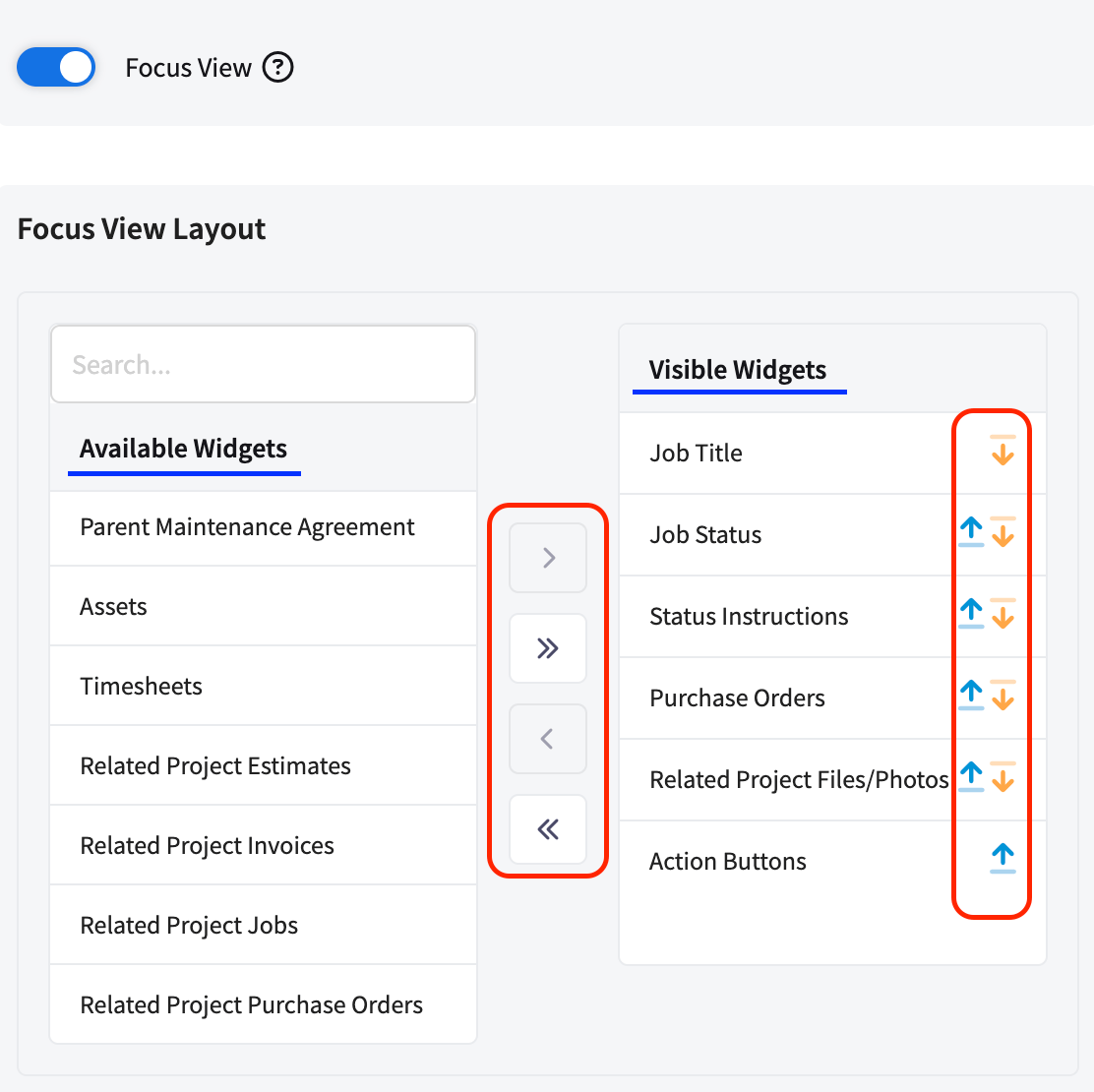
The Related Project widgets display records from the project that the current job is associated with. If your job is tied to a larger project, these widgets give techs visibility into the broader project context like estimates, invoices, other jobs, files, and purchase orders, all from the Focus View.
To learn how to add widgets to your Status Action Flow, click here.
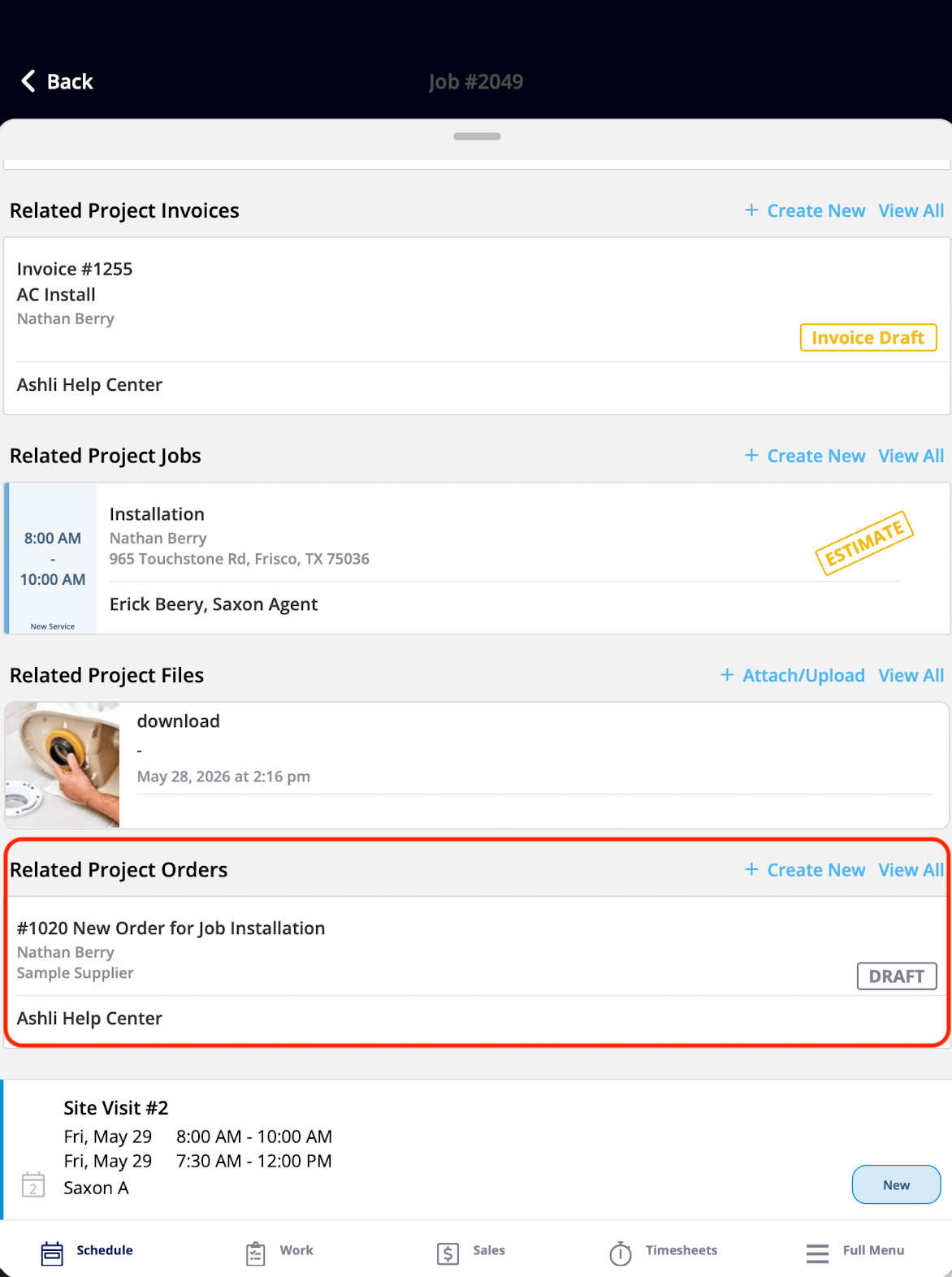
Related Project widgets displayed in the ClearPath Focus View

Widgets

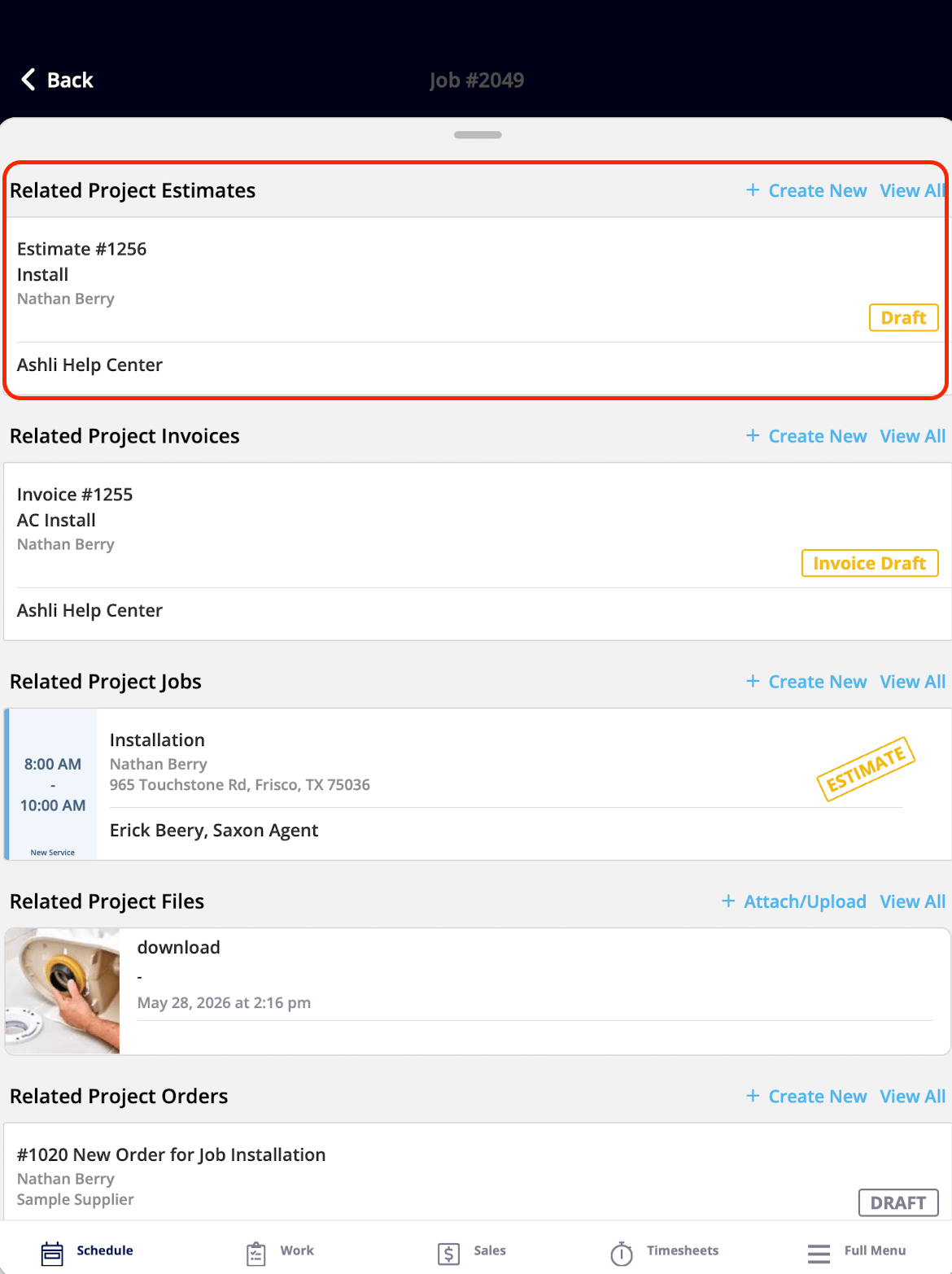
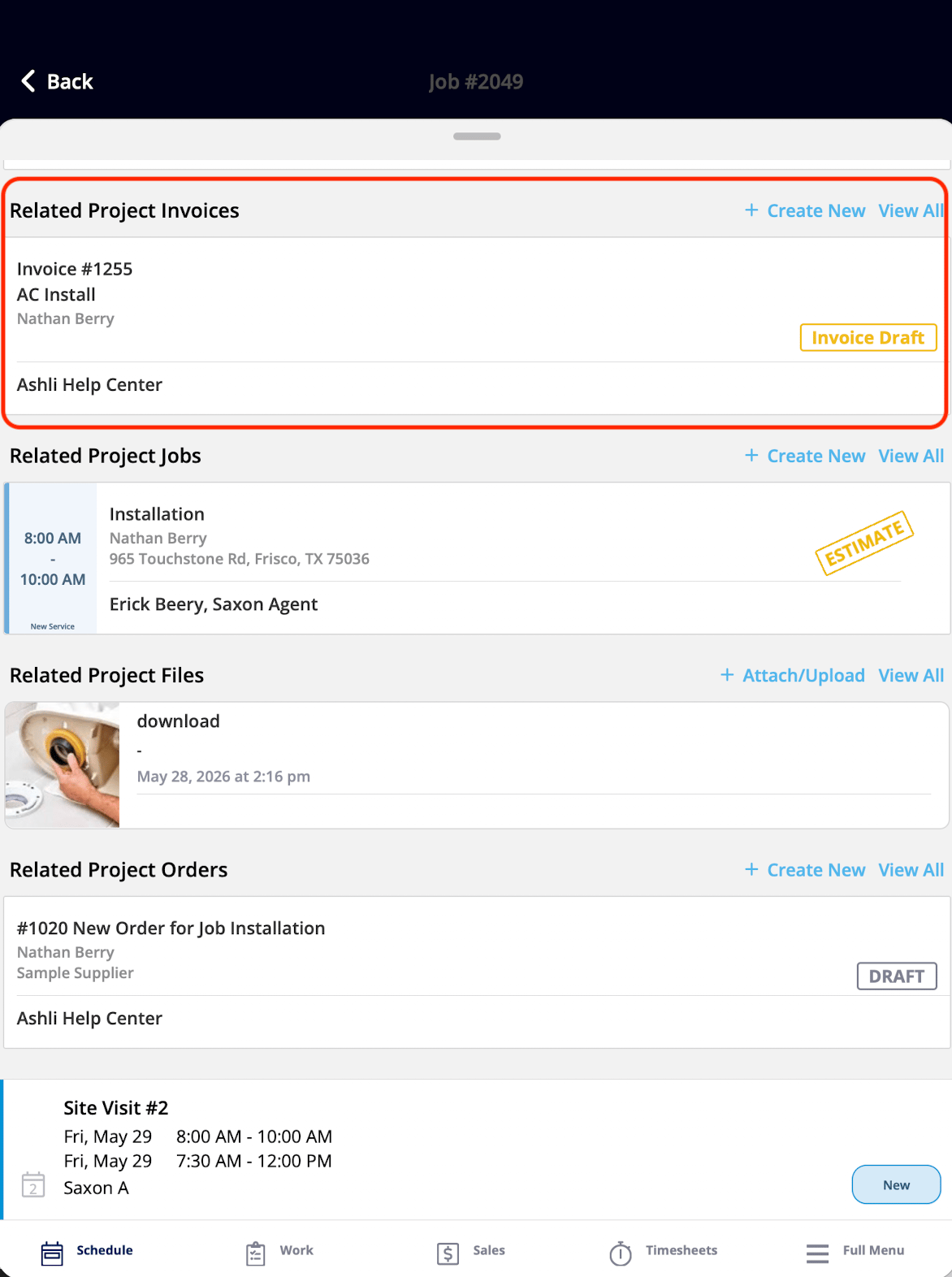
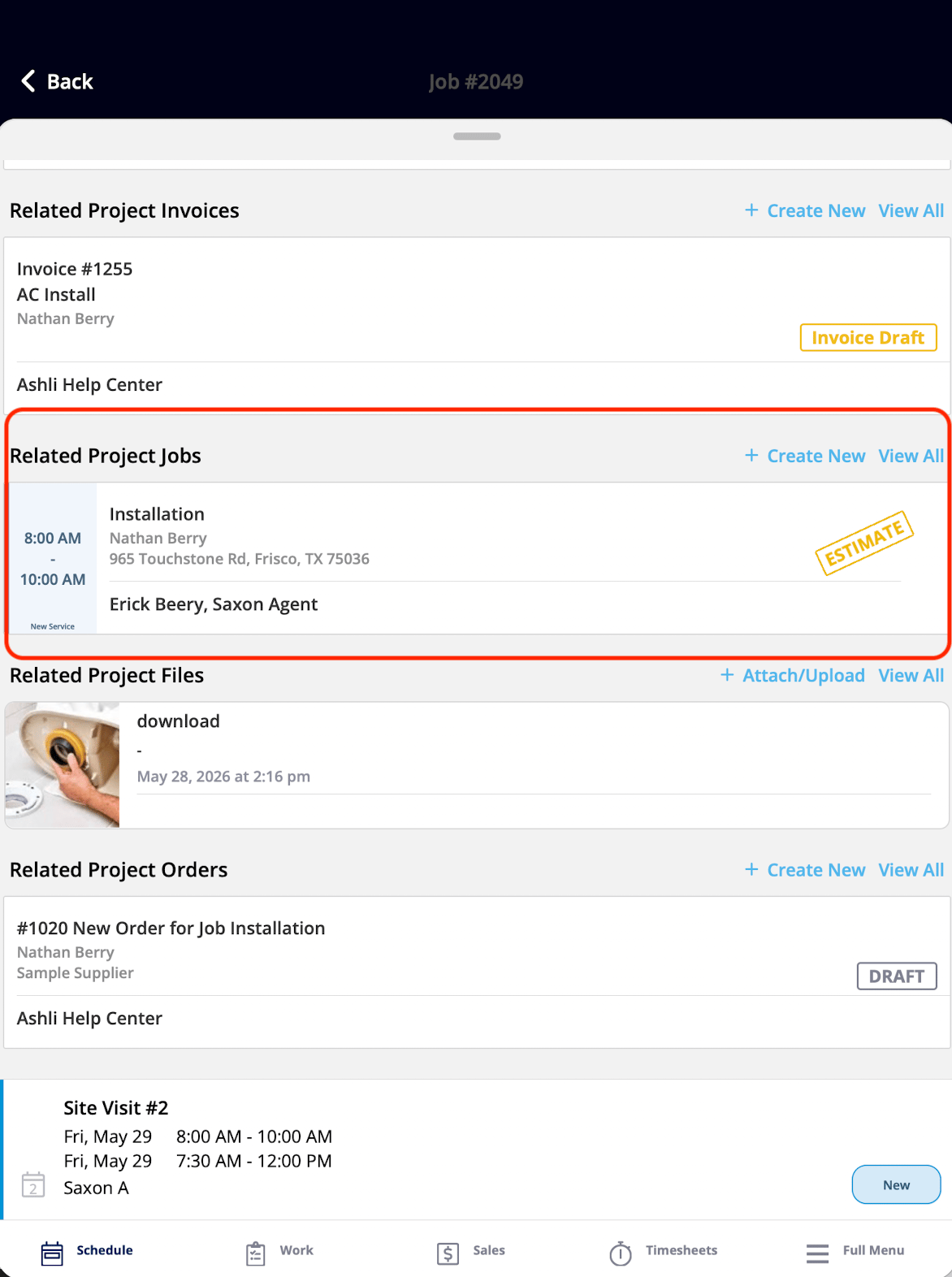
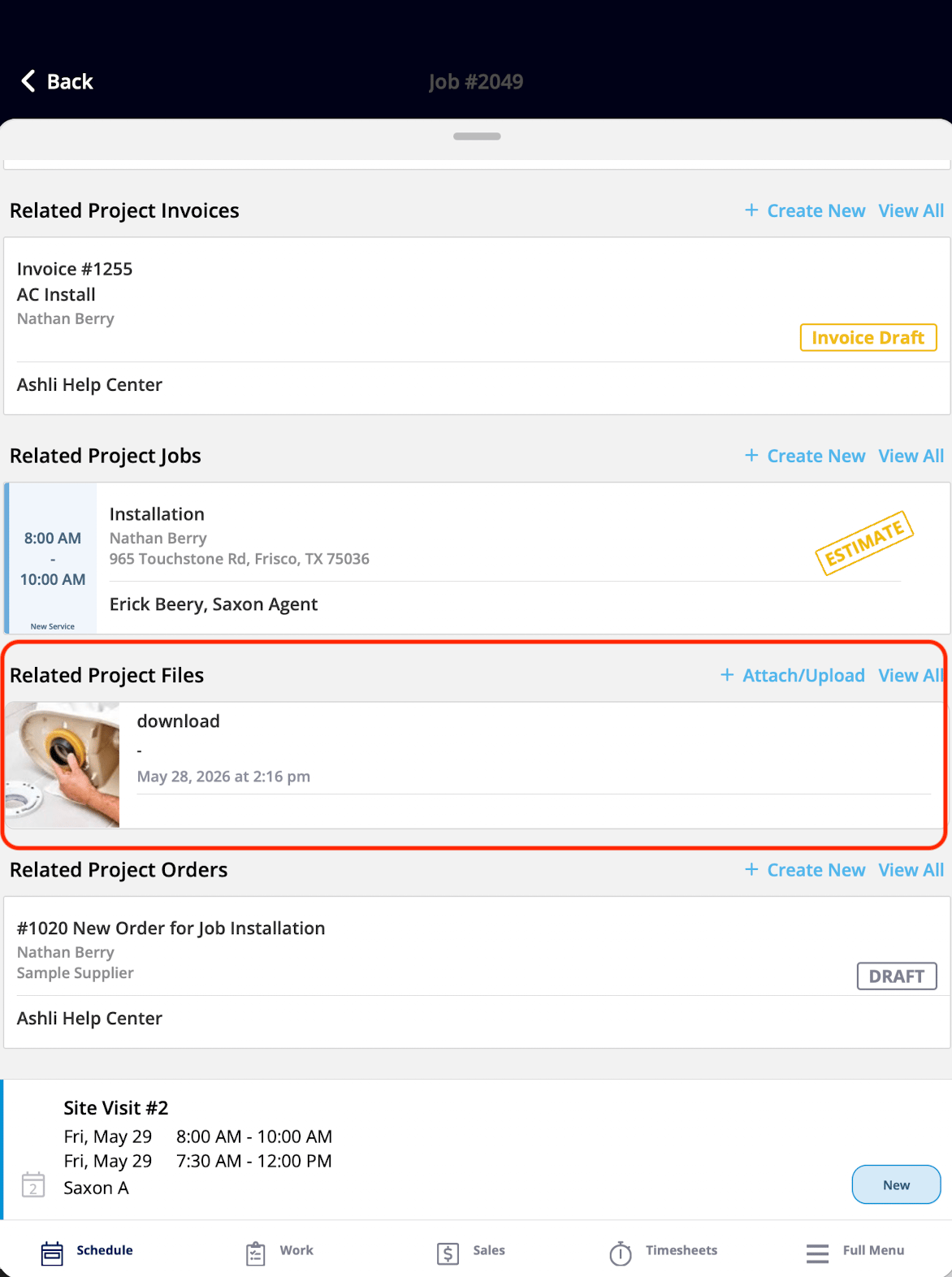
The Related Project Estimates widget listing project estimates What It Shows: All estimates associated with the related project. What You Can Do: You can view the list of project estimates and tap into any record to open it in full. The Related Project Invoices widget listing project invoices What It Shows: All invoices associated with the related project. What You Can Do: You can view the list of project invoices and tap into any record to open it in full. The Related Project Jobs widget listing other jobs on the project What It Shows: All other jobs associated with the related project, giving the you visibility into the full scope of work under that project. What You Can Do: You can view the list of project jobs and tap into any record to open it in full. The Related Project Files/Photos widget showing project files and photos What It Shows: All files and photos associated with the related project. What You Can Do: You can view the list of project files and photos, and tap any file to open it in full. The Related Project Purchase Orders widget listing project purchase orders What It Shows: All purchase orders associated with the related project. What You Can Do: You can view the list of project purchase orders and tap into any record to open it in full.
Have additional questions? Contact us at support@fieldpulse.com or use the chat feature in the bottom right corner of your screen.