Overview

The related records widgets give technicians access to all records tied to a job like estimates, invoices, material lists, purchase orders, the parent maintenance agreement, assets, and forms. Techs can review, create, and open records without ever leaving the Focus View.
To learn how to add widgets to your Status Action Flow, click here.
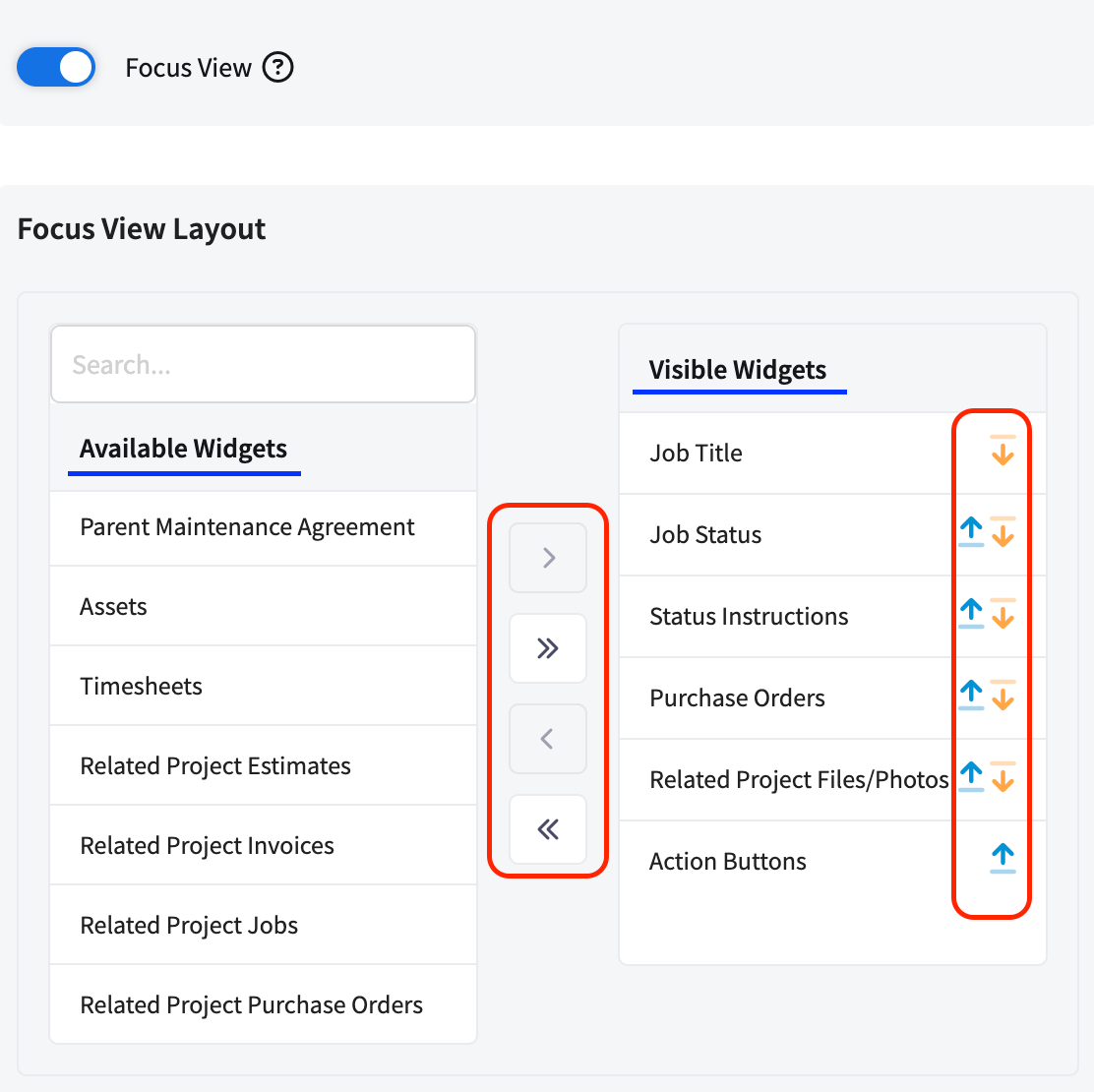
Related records widgets shown in the ClearPath Focus View

Widgets

Estimates

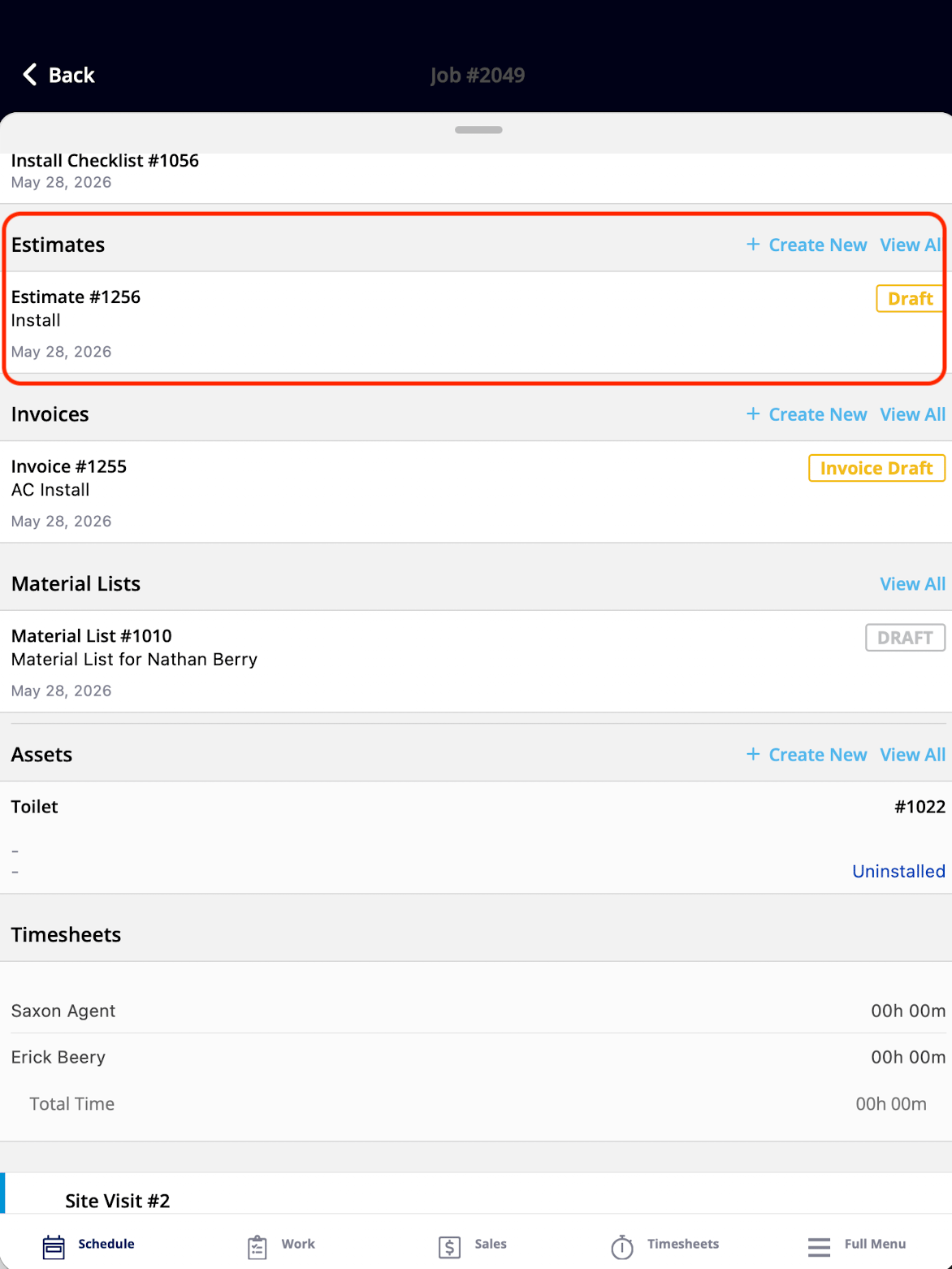
The Estimates widget showing estimates attached to the job What It Shows: All Estimates attached to your Job. What You Can Do: You can view the list of Estimates, tap into any Estimate to open the full record, and create new Estimates — if you have the required permission.

Invoices

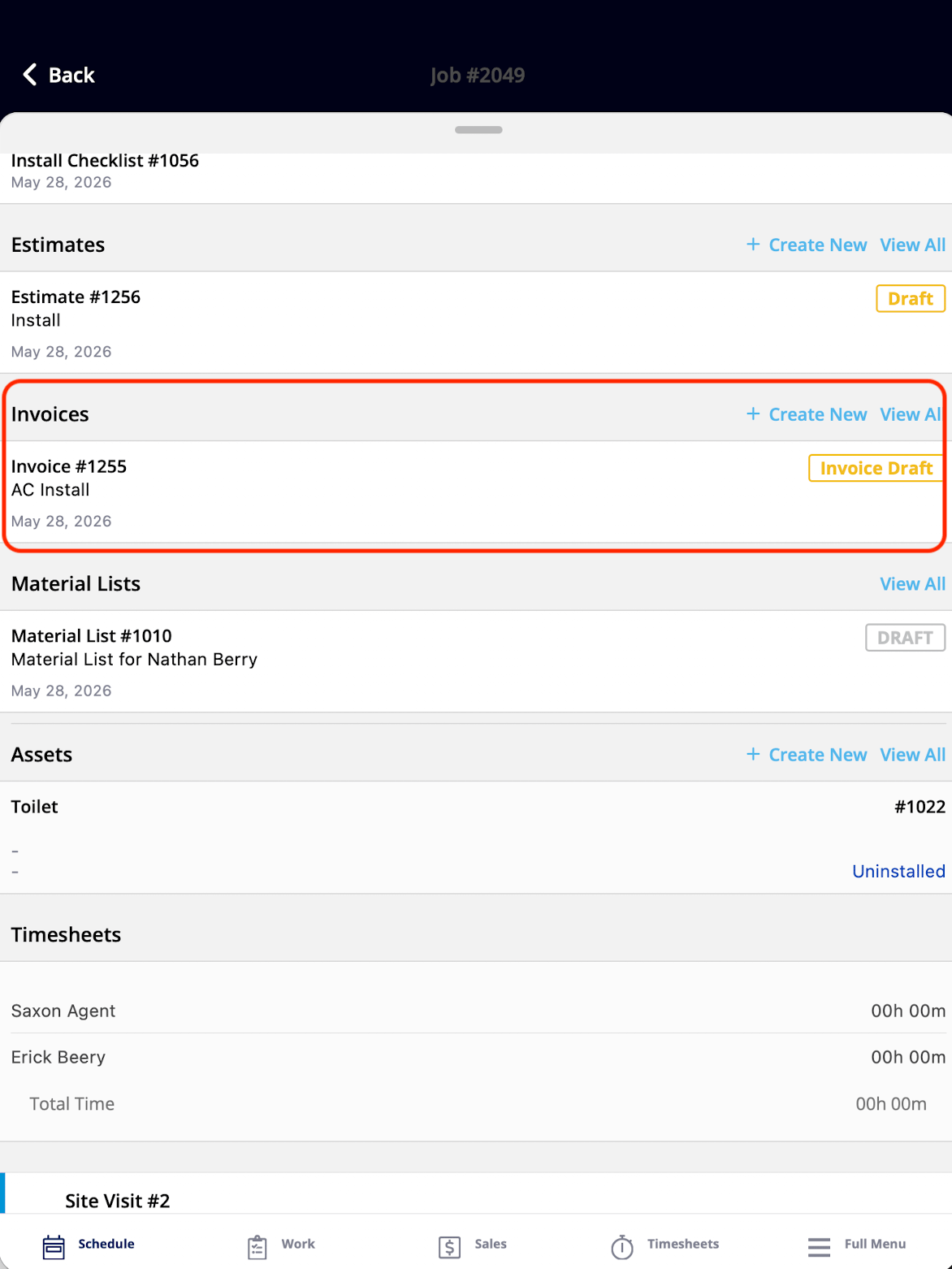
The Invoices widget showing invoices attached to the job What It Shows: All Invoices attached to your Job. What You Can Do: You can view the list of Invoices, tap into any Invoice to open the full record, and create new Invoices — if you have the required permission.

Material Lists

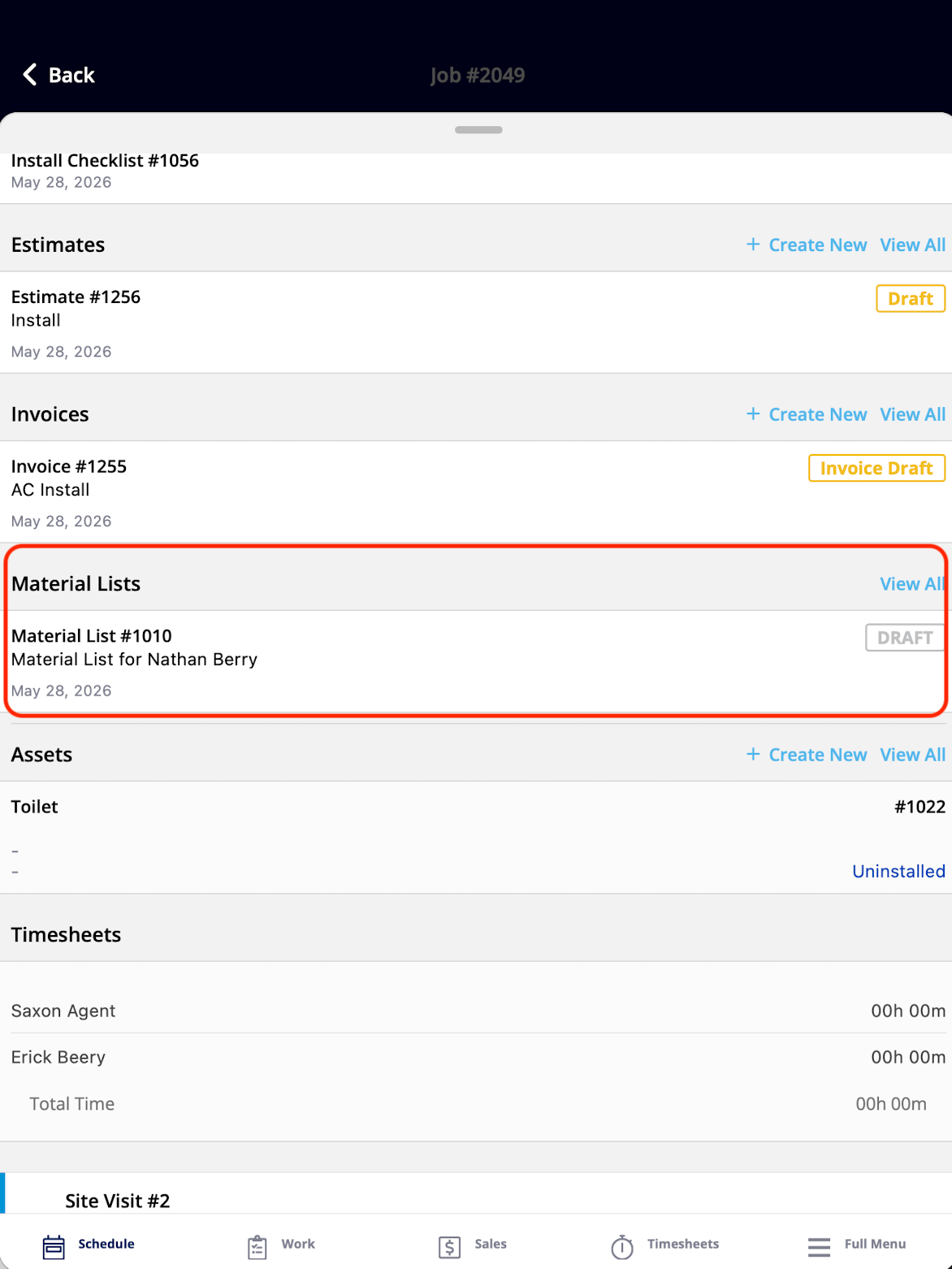
The Material Lists widget showing material lists attached to the job What It Shows: All Material Lists attached to your Job. What You Can Do: You can view the list of Material Lists, tap into any Material Lists to open the full record, and create new Material Lists — if you have the required permission.

Purchase Orders

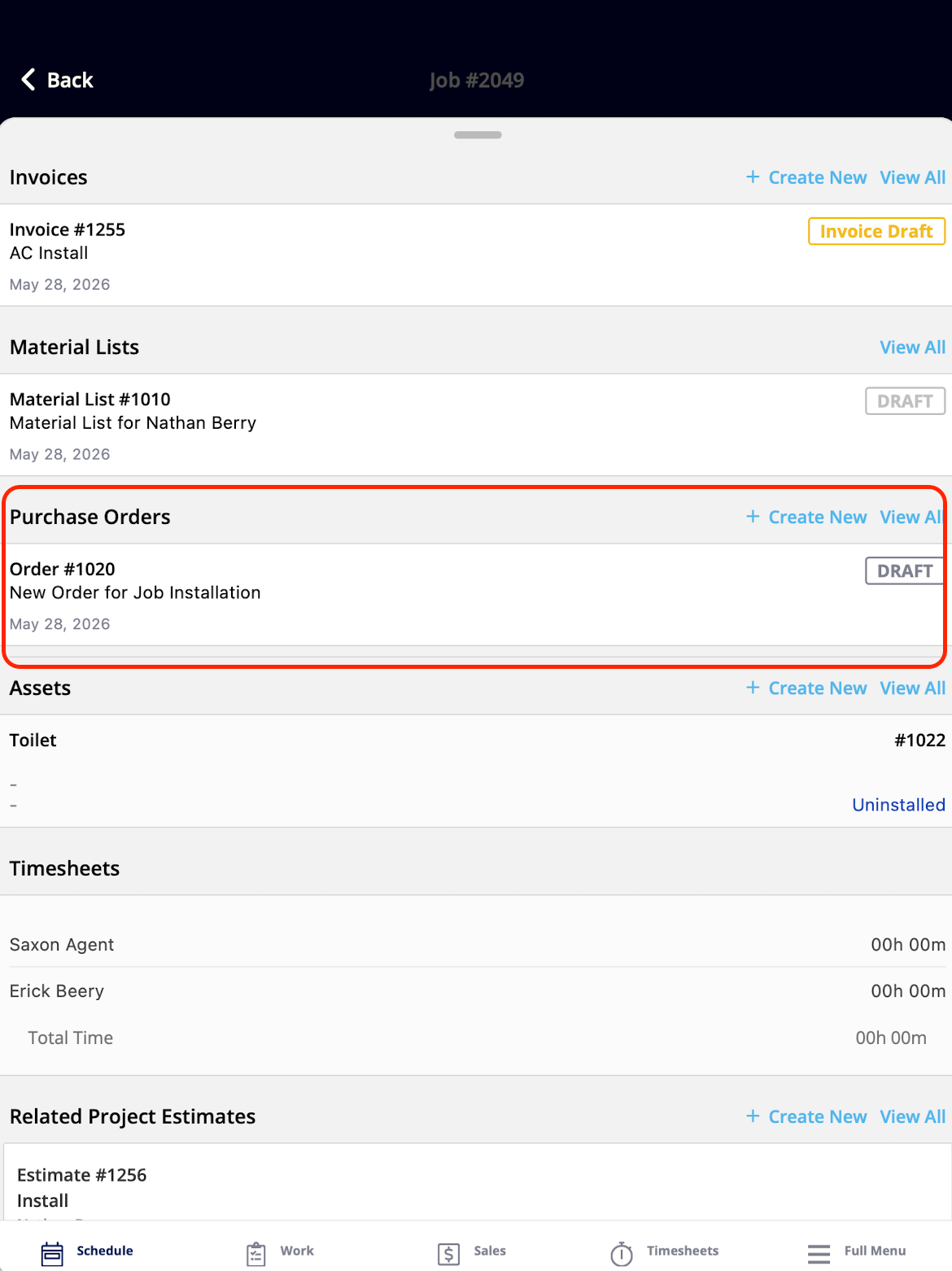
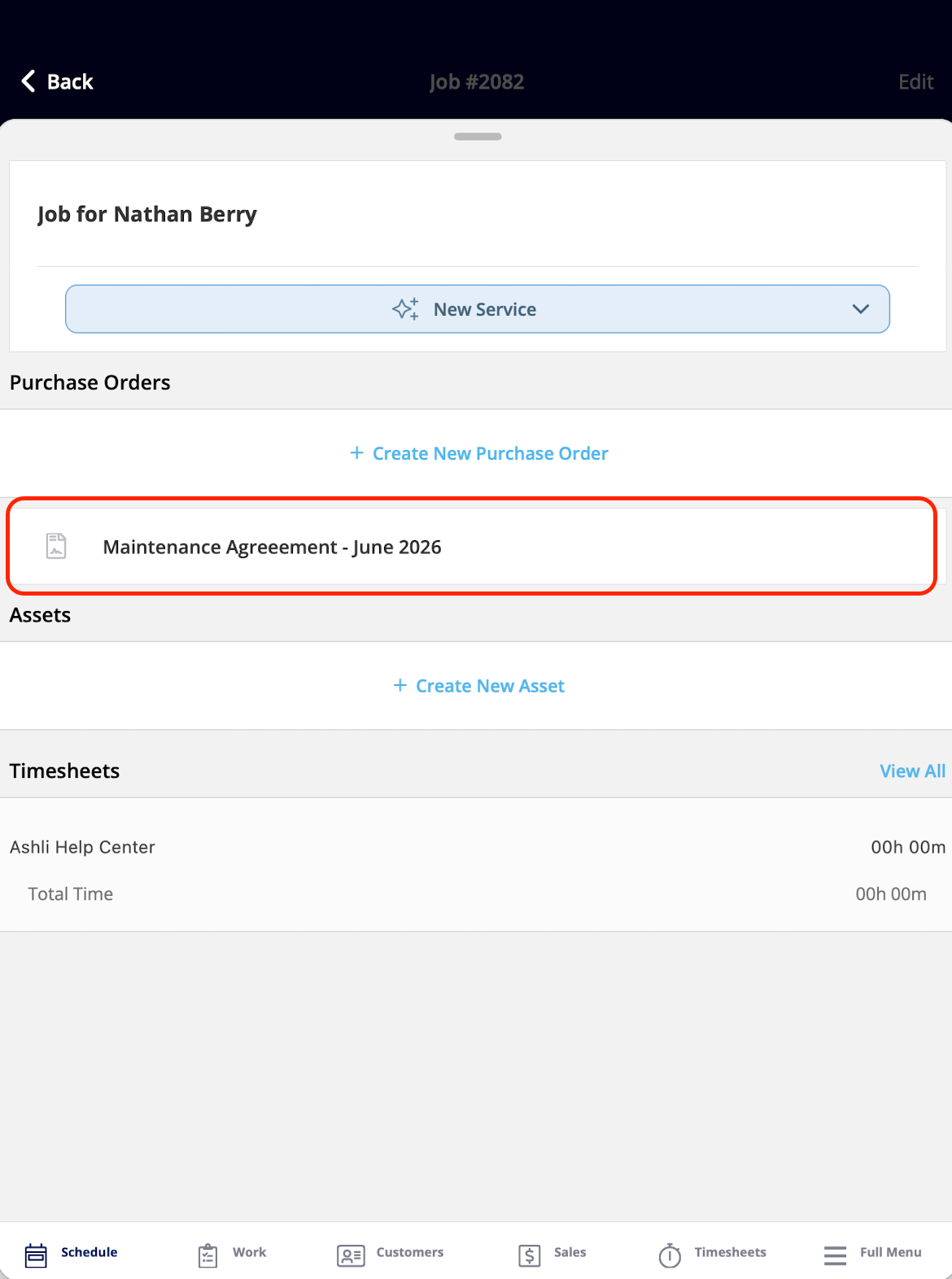
The Purchase Orders widget showing purchase orders attached to the job What It Shows: All purchase orders attached to the job. What You Can Do: You can view the list of purchase orders, tap into any purchase order to open the full record, and create new purchase orders — if you have the required permission.

Parent Maintenance Agreement

ClearPath related records widget showing the parent Maintenance Agreement for a job What It Shows: The parent Maintenance Agreement that this Job is under, providing context that the job is part of an ongoing service contract. What You Can Do: You can view the maintenance agreement linked to the job and tap into a record to open it — if you have the required permission.

Assets

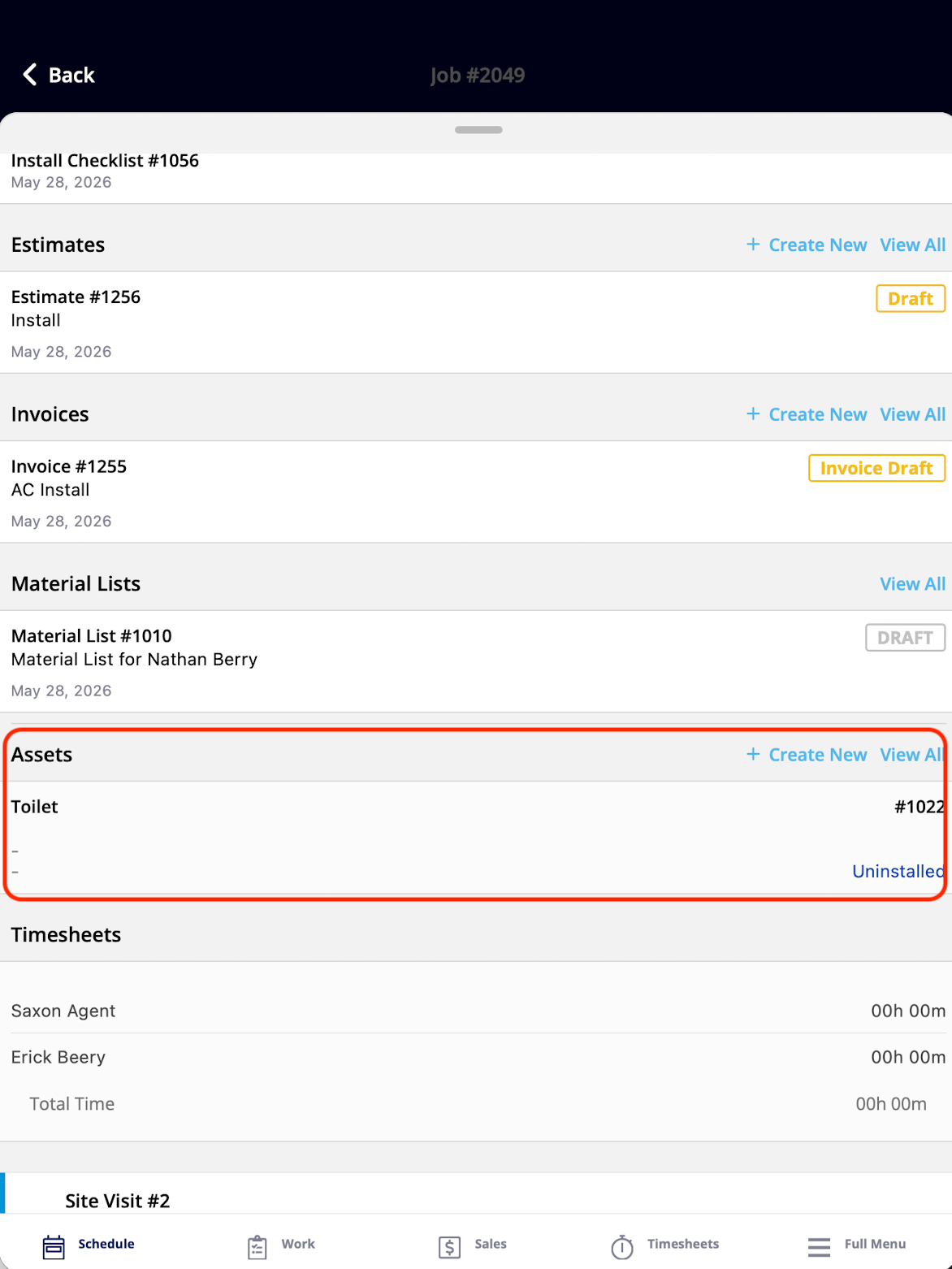
ClearPath related records widget listing all Assets associated with a job What It Shows: All Assets associated with your Job. What You Can Do: You can view the list of Assets on the Job, tap into any Asset to open the full record, and create new Assets — if you have the required permission.

Forms

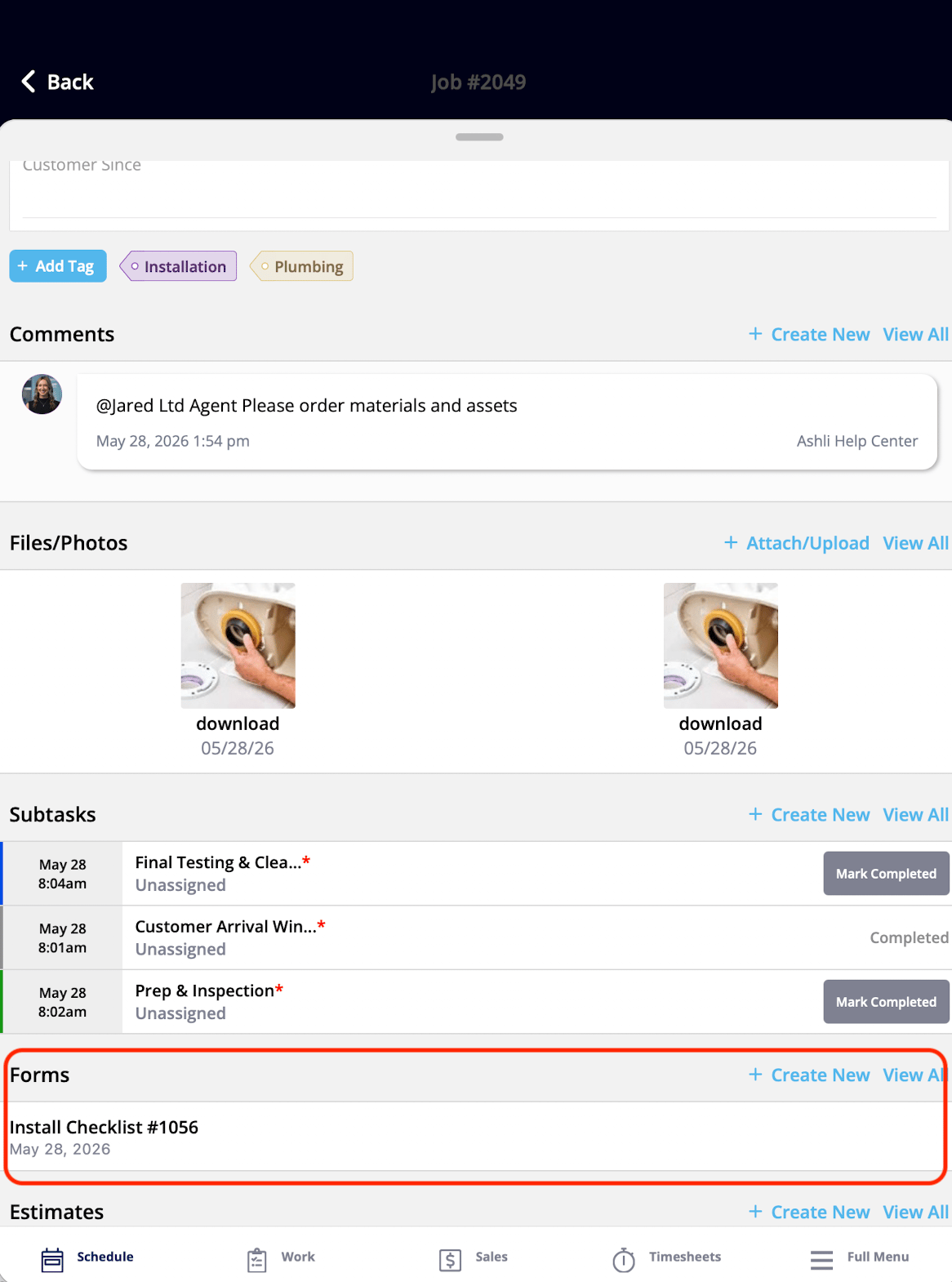
ClearPath related records widget listing all Forms attached to a job What It Shows: All Forms attached to your Job. What You Can Do: You can view all Forms on the Job, tap into any Form to open and fill it out, and create new Forms directly from this widget — if you have the required permission.
Have additional questions? Contact us at support@fieldpulse.com or use the chat feature in the bottom right corner of your screen.