
Who uses this: Admins, Team Managers, and Service Agents can create and view maintenance agreements, where the reminder is set; your customer receives the reminder email. Availability: All regions · Maintenance Agreements must be enabled on your account.When a customer’s maintenance agreement has an upcoming visit, FieldPulse can send the customer an automatic service reminder email so the visit doesn’t catch them off guard. This page shows what that reminder looks like from the customer’s side and which parts of it you control. You write the message once, set the timing, and FieldPulse sends the reminder for you.
Overview
The service reminder is an automatic email FieldPulse sends to a customer ahead of an upcoming maintenance agreement visit. The reminder is tied to the customer’s maintenance agreement — no agreement, no automatic reminder. Everything about the reminder lives on the agreement itself: the message the customer reads, the subject line, how far in advance the reminder is sent, and which of your team members receive a copy. The reminder then goes out automatically based on the timing you set on the agreement.How it works
Ahead of the upcoming maintenance visit, the customer receives the service reminder email in their inbox. An example reminder may look like this: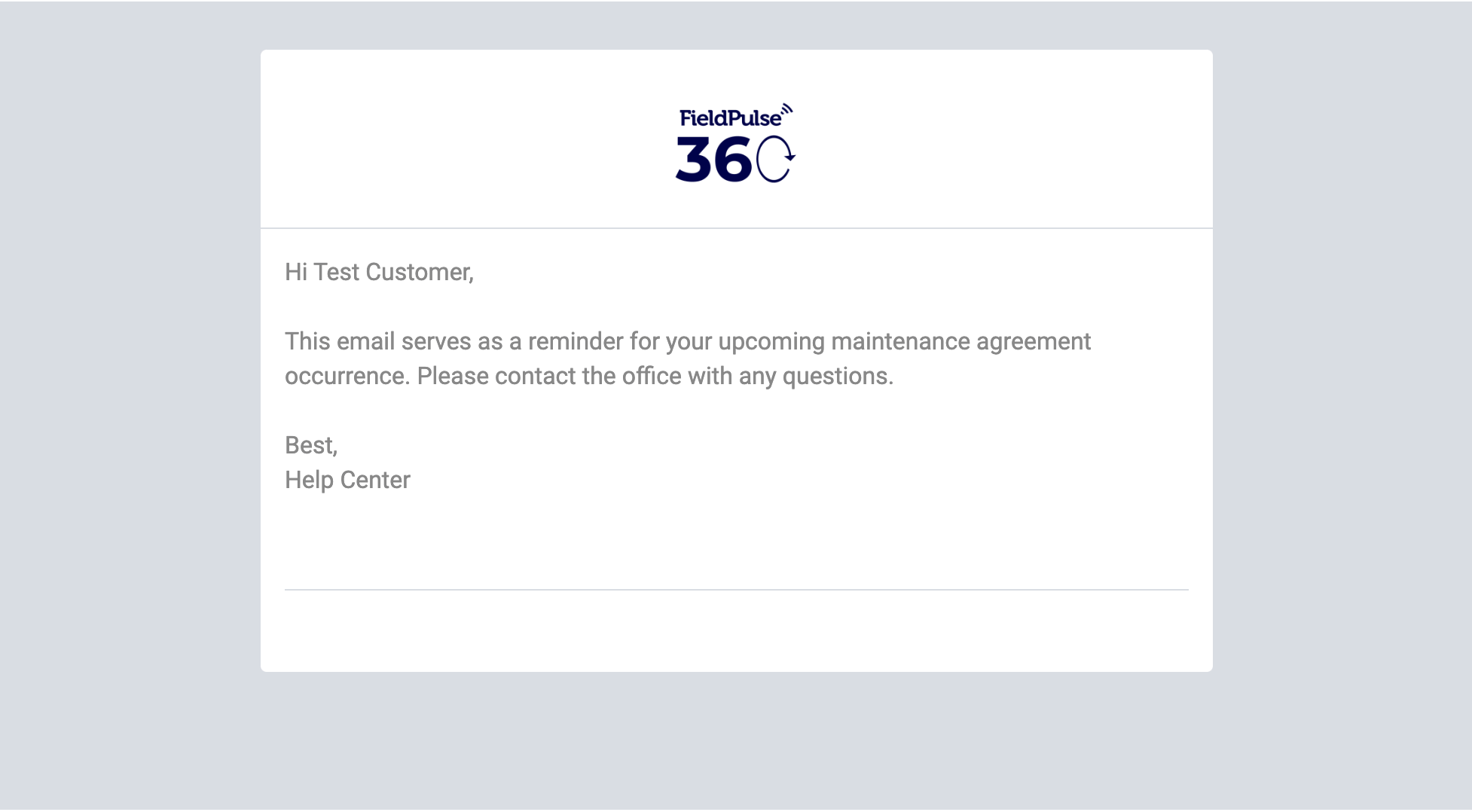
Settings reference
You control four parts of the reminder email:You set the body, subject, timing, and internal recipients when you configure the maintenance agreement. For where these fields live and the full setup, see How to Create a Maintenance Agreement.