
Convert an Estimate to an Invoice
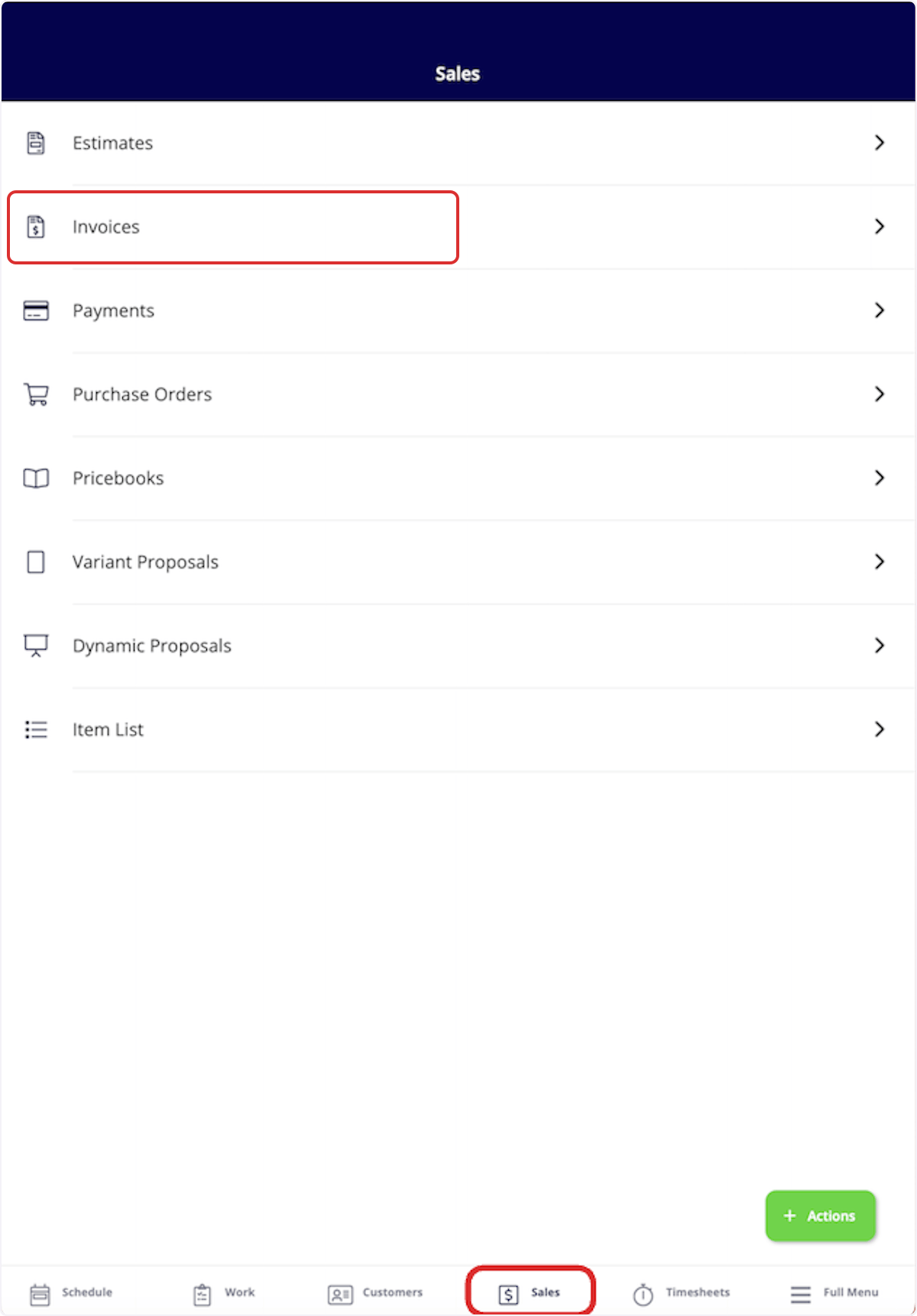
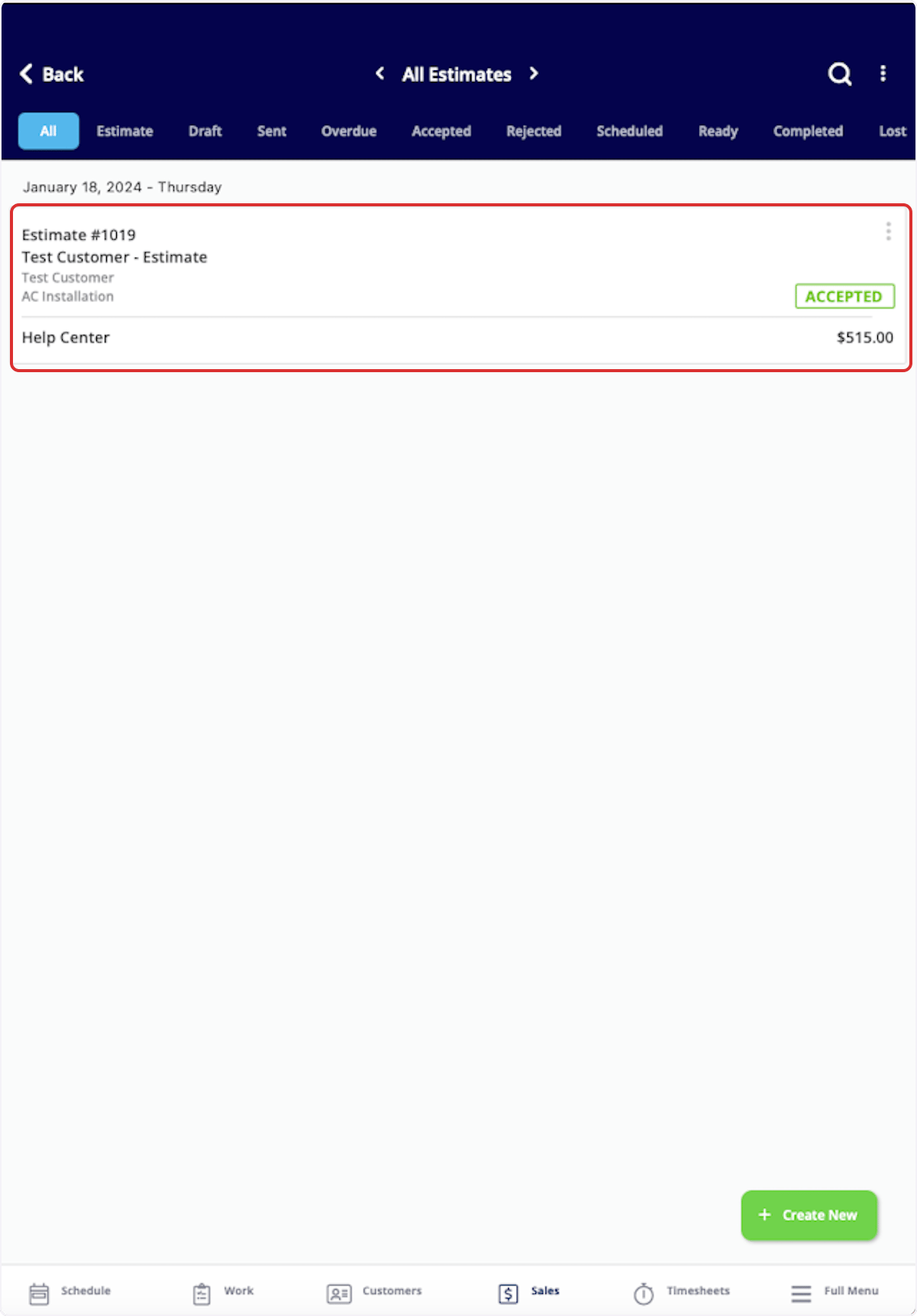
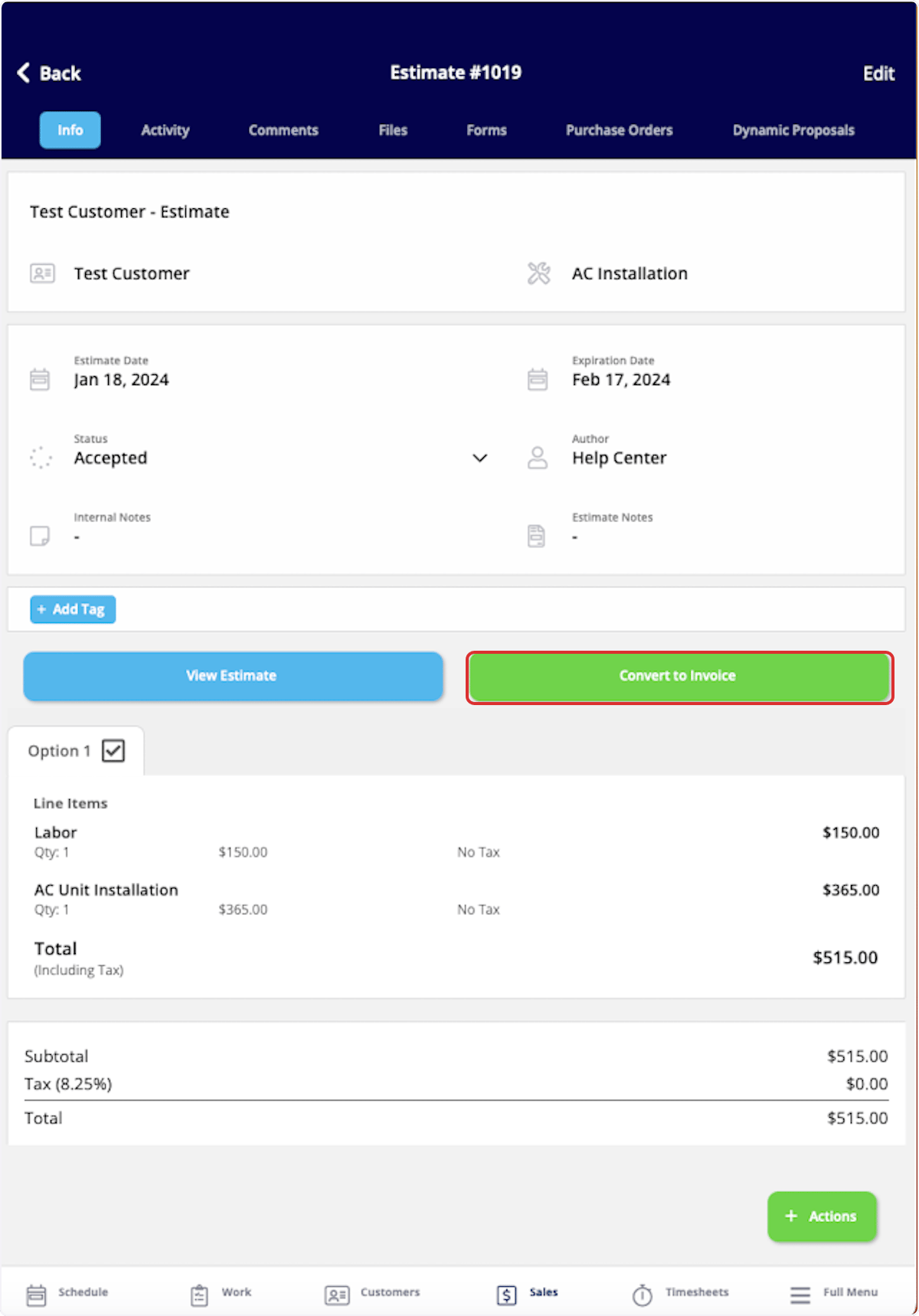
If your customer accepts an estimate, select Convert to Invoice to transfer all the details from the estimate into an invoice record to save time. To begin, navigate to the Sales tab in the bottom menu and select Estimates.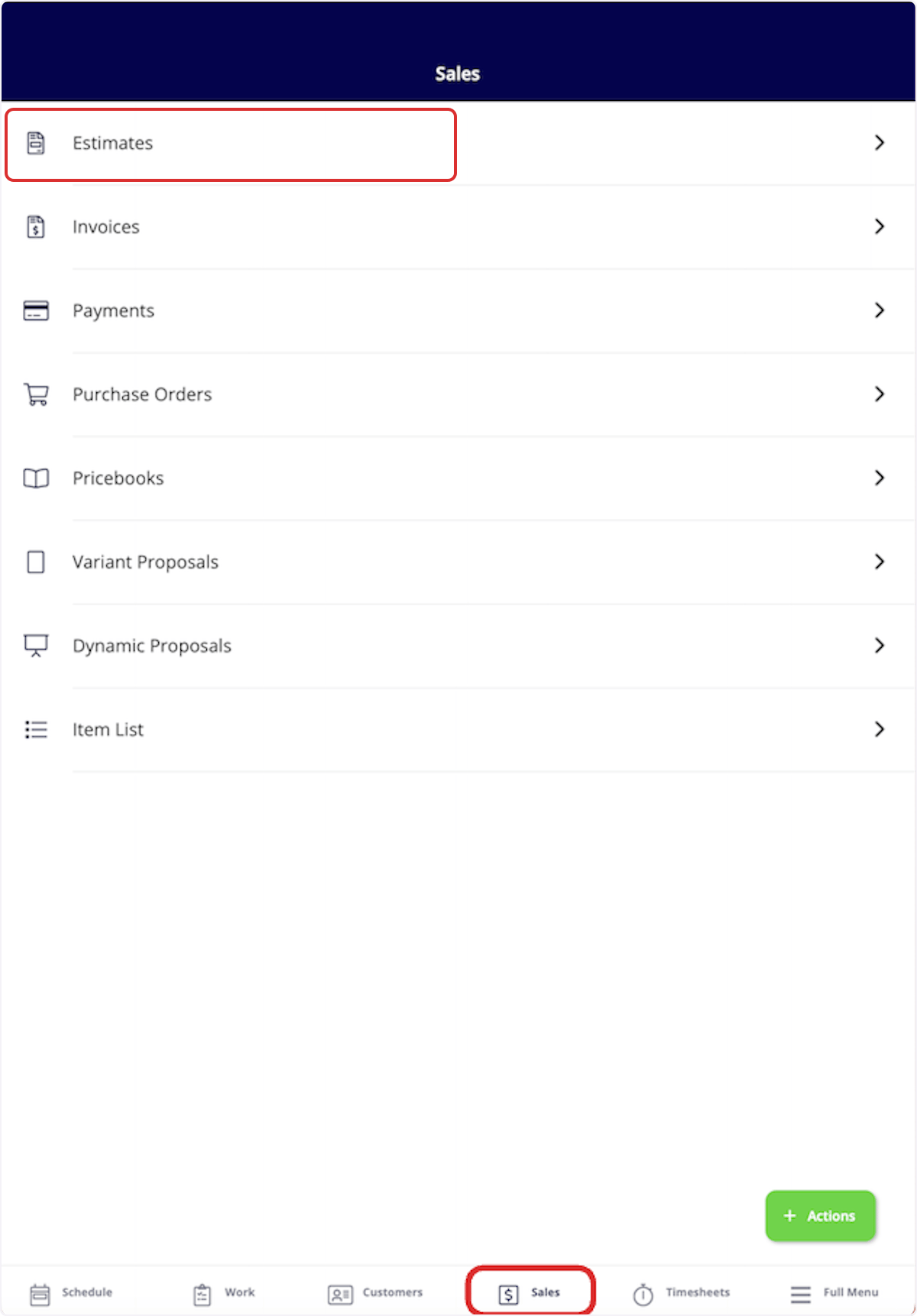
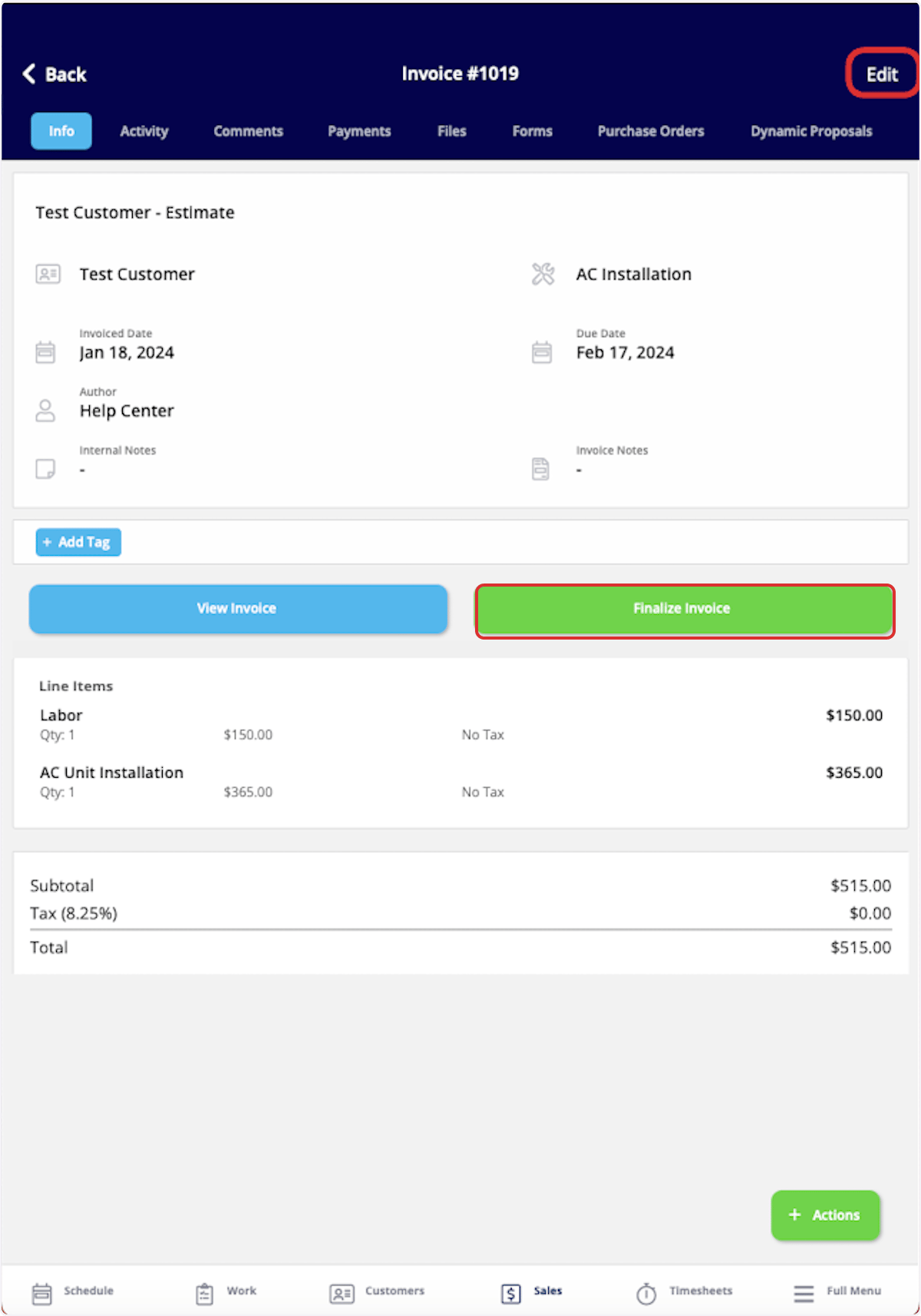
Create an Invoice from a Job Record
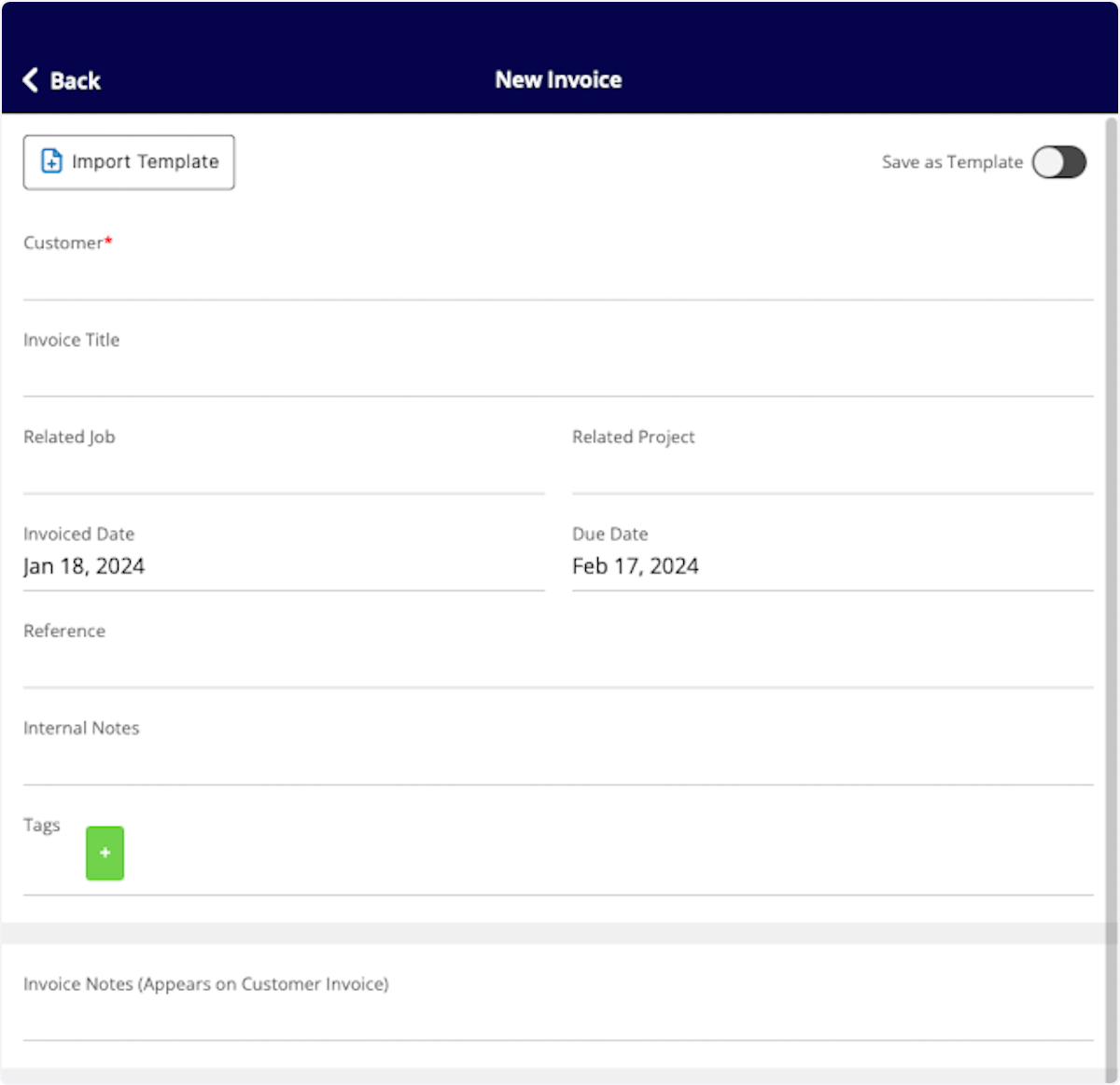
To create an invoice directly from a job record, begin by navigating to the job record. Once in the record, select Actions then Create Invoice, or select Invoices from the top menu then Create Invoice.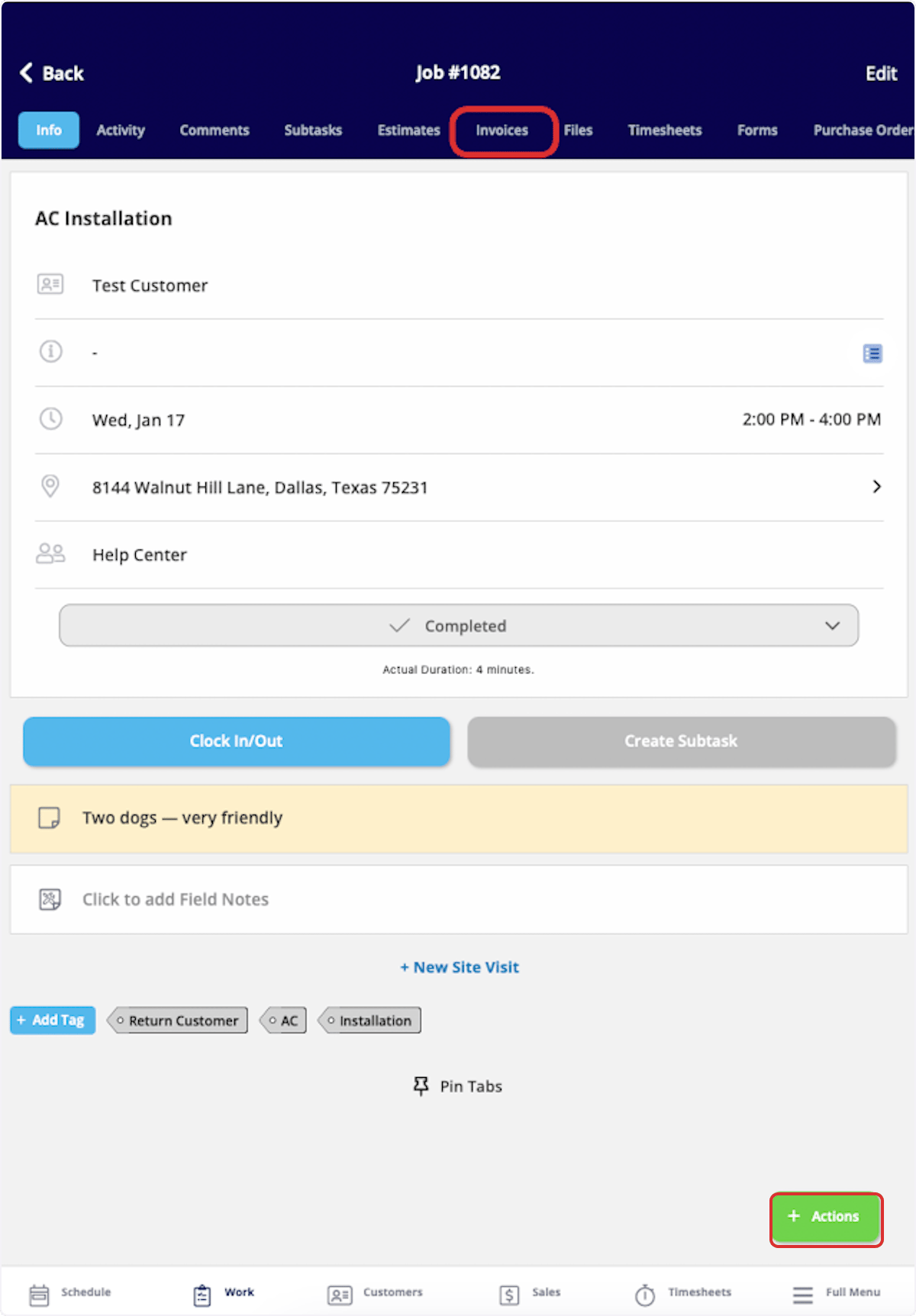
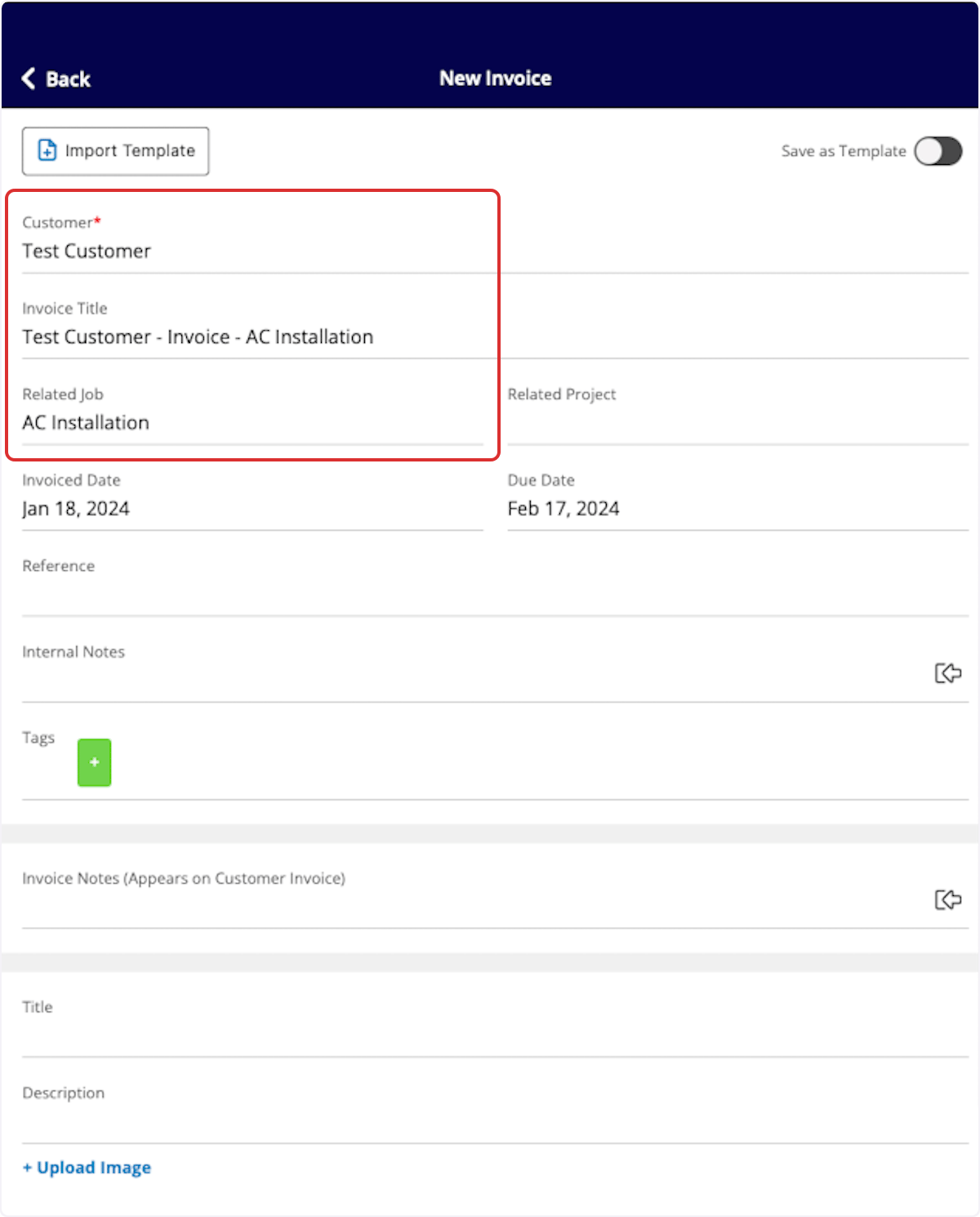
Invoice Statuses
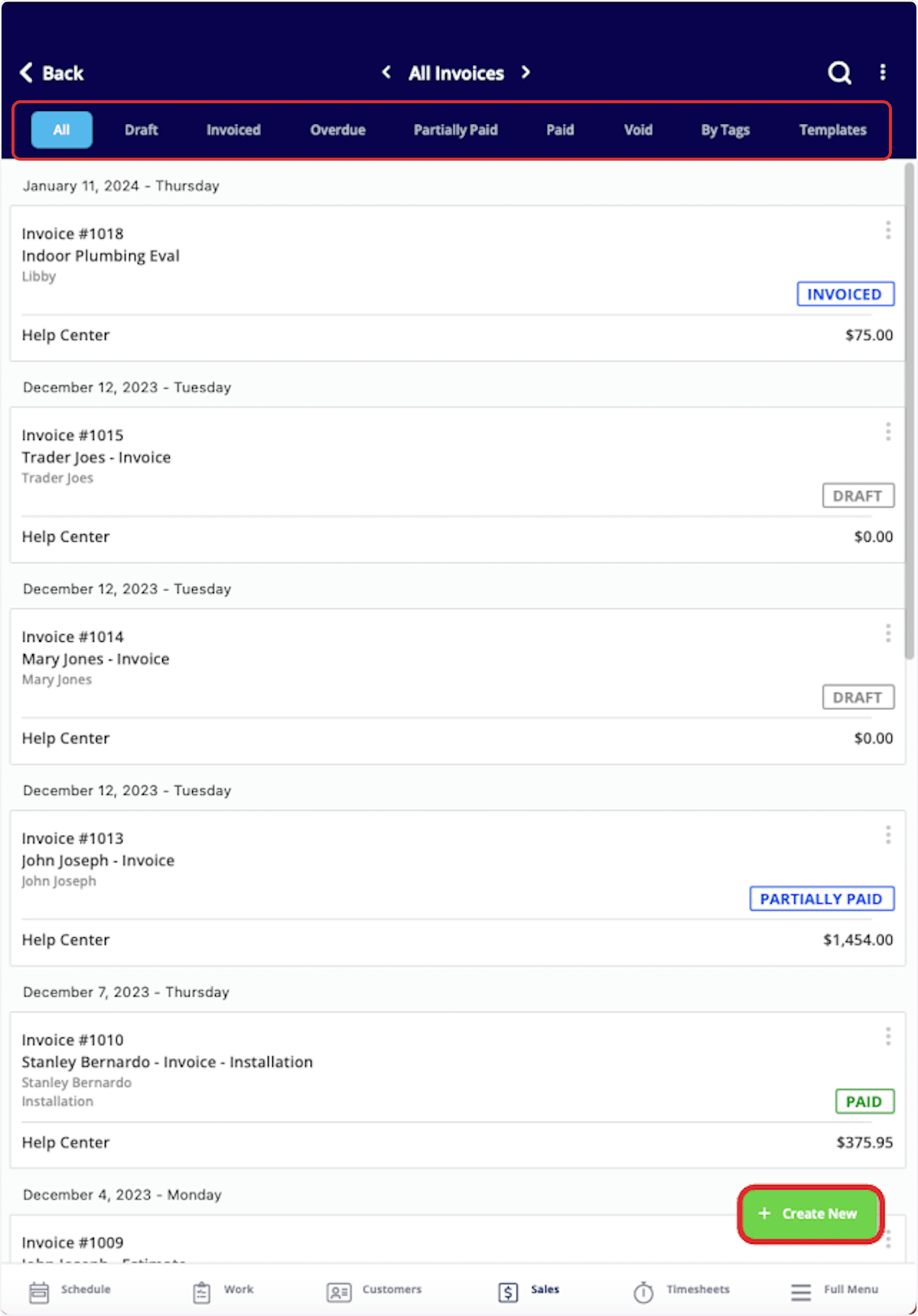
As you create and send invoices, FieldPulse makes keeping track of the statuses easy. On your Invoices page, notice the statuses listed on the right side of each invoice record. Statuses include: Draft, Invoiced, Partially Paid, Paid, Overdue, and Void. These statuses are automatically updated by FieldPulse. You can also use the menu at the top of the Invoices page to sort your invoices by status.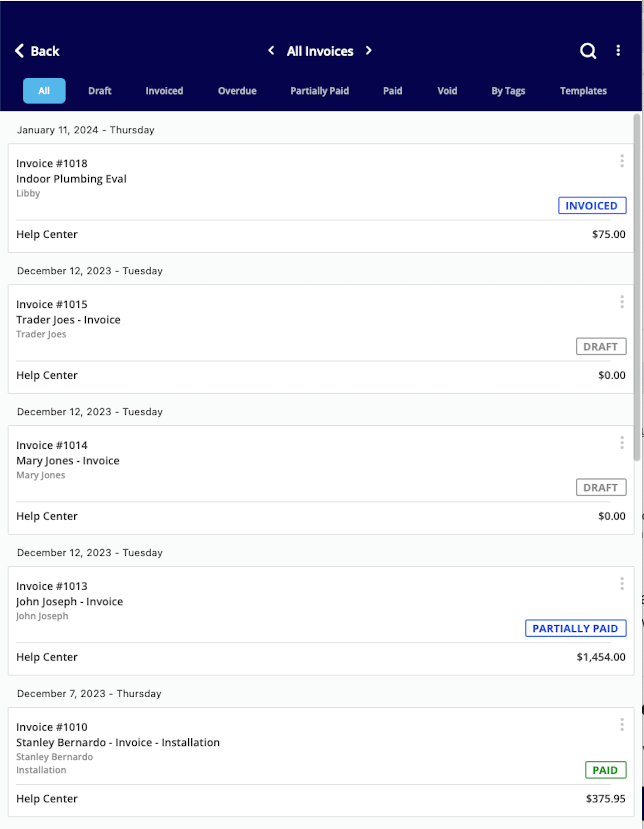
Customer Invoice Experience
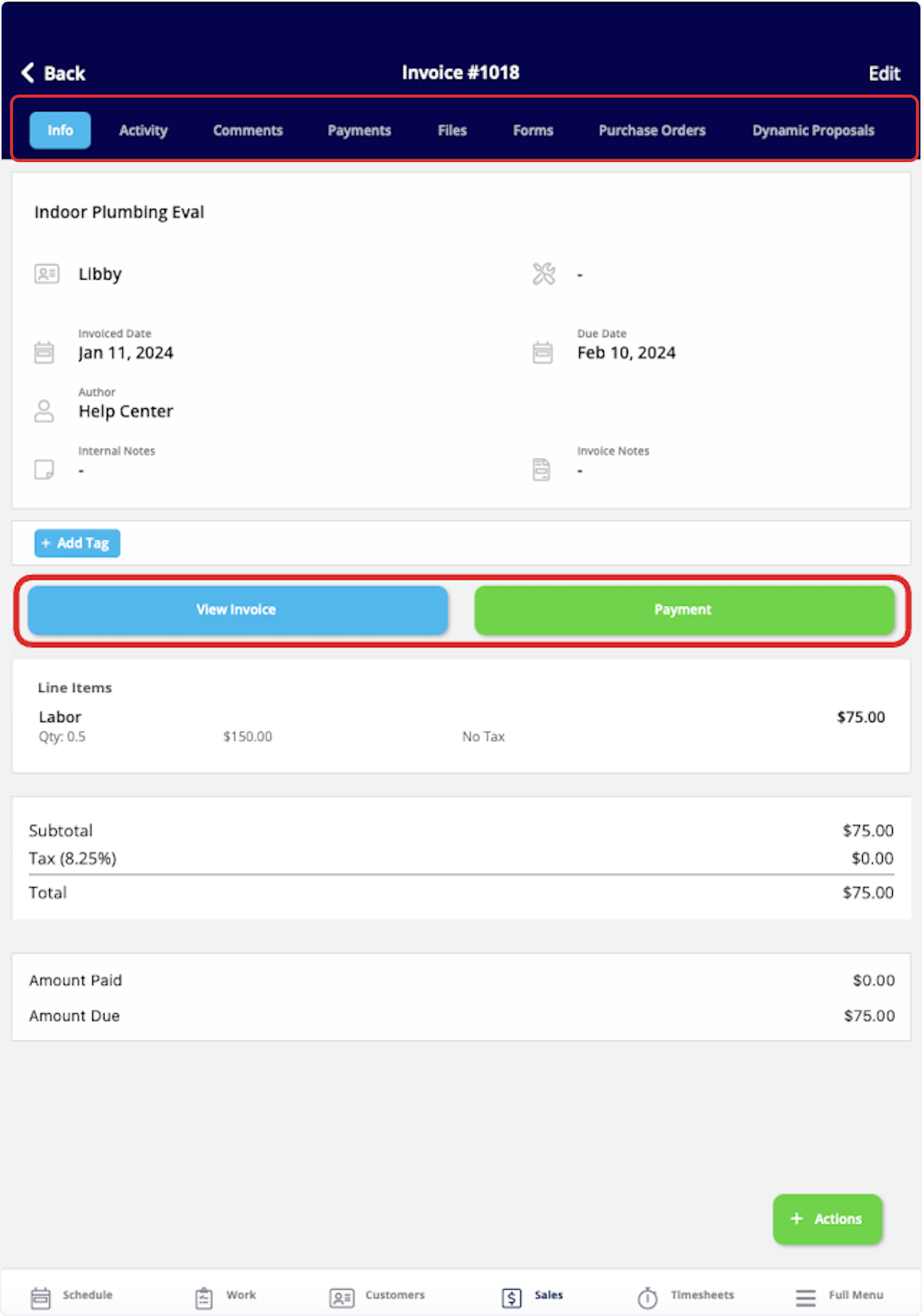
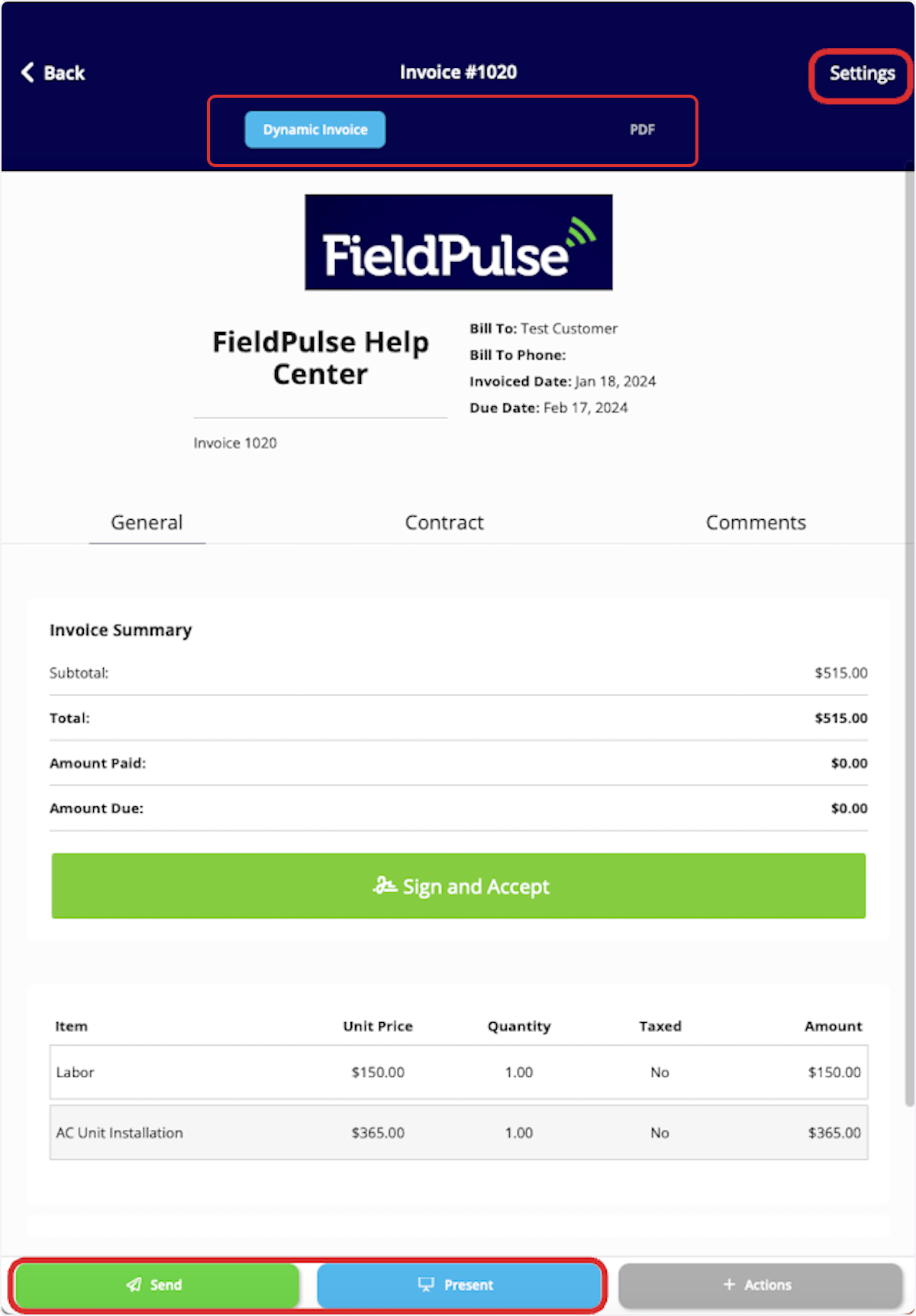
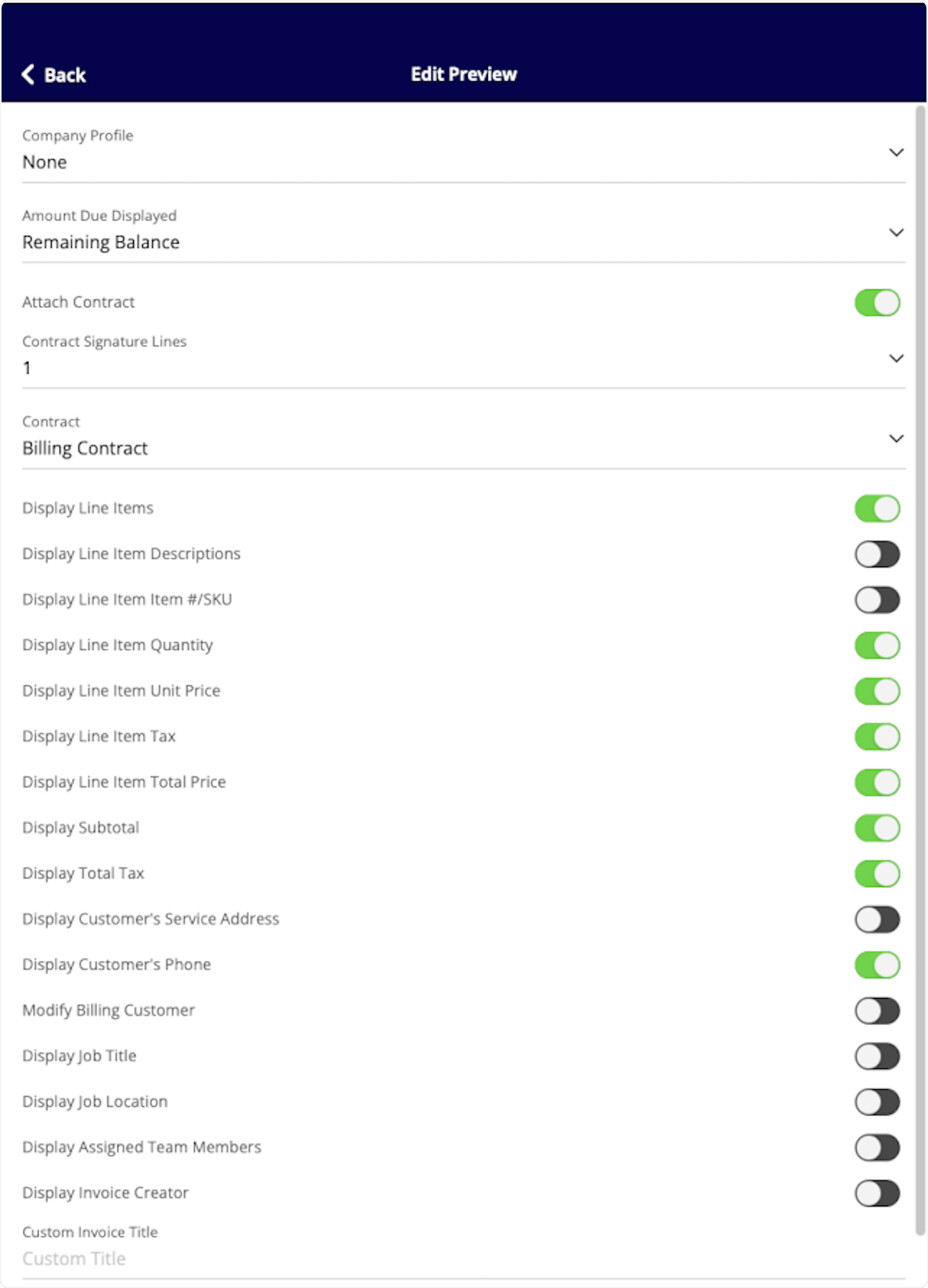
To preview, send, or show an invoice, select View Invoice on the invoice record.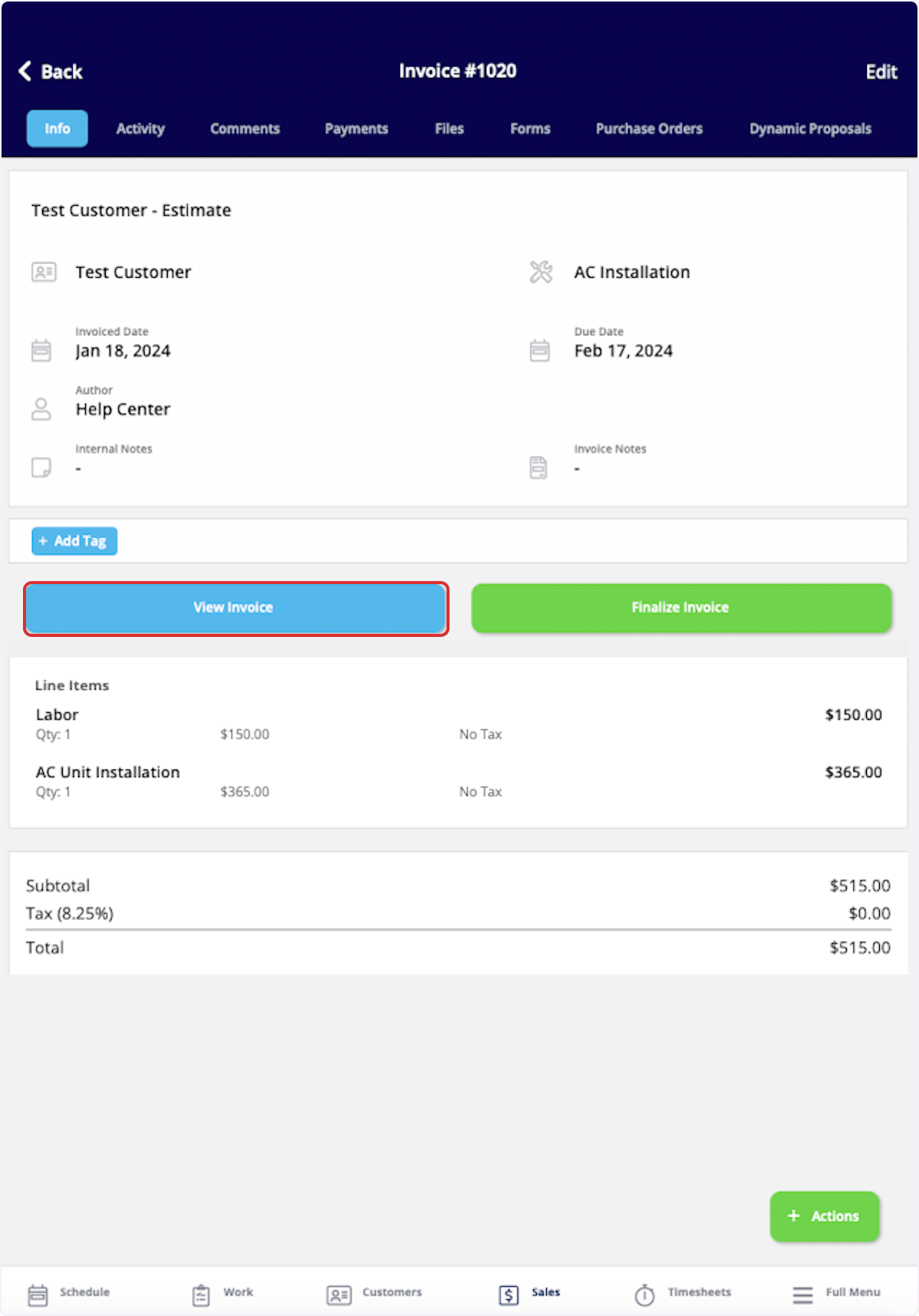
Have additional questions? Contact us at support@fieldpulse.com or use the chat feature in the bottom right corner of your screen.