
Overview
Audio Samples are custom audio messages that can be used for voicemail greetings. To record or upload an audio sample, go to Engage > Settings > Audio Samples.How to Use
Audio Samples are custom audio messages that can be used for voicemail greetings. Record your audio sample here, then select it as your voicemail greeting under Phone Numbers > Select Phone Number > Custom Voicemail Greeting > Audio Recording.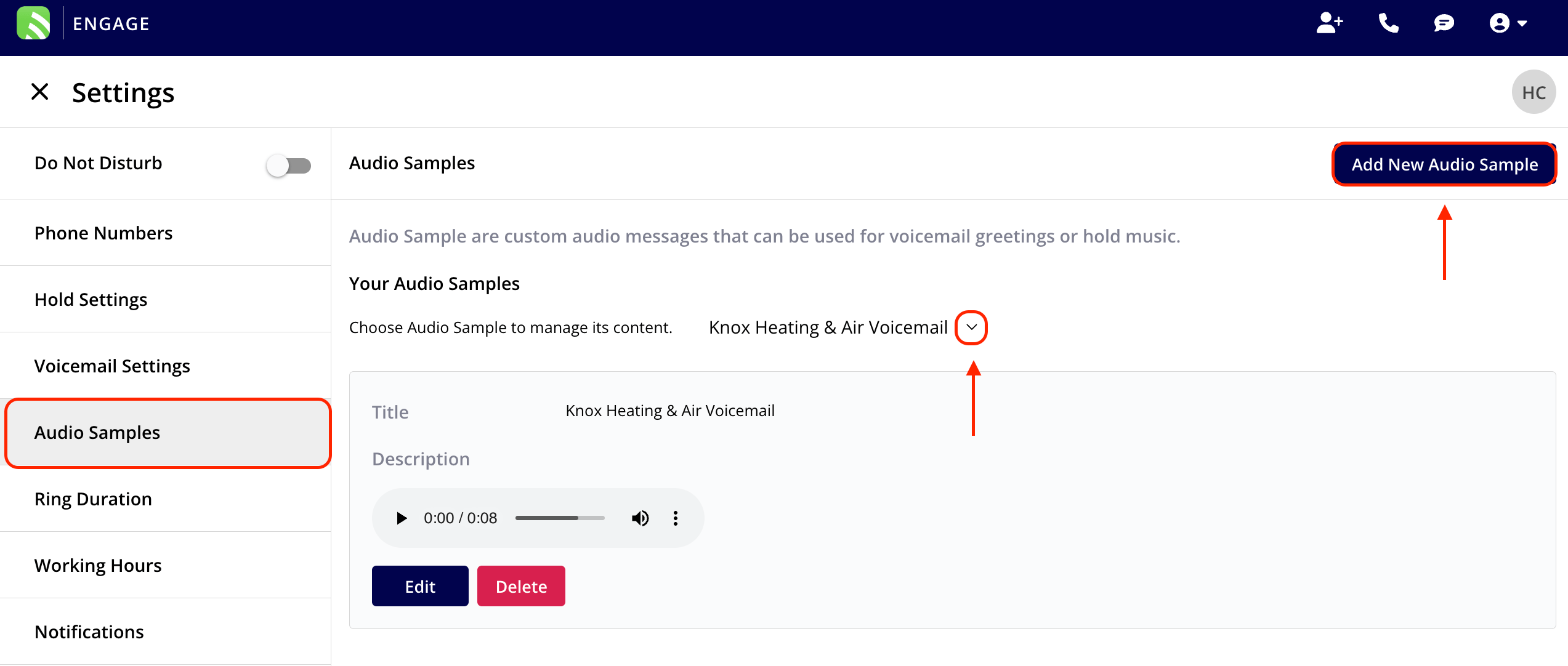
Supported File Types
Web App: Supports .mp3 audio files. Mobile App: Supports both .mp3 and .wav audio files.Have additional questions? Contact us at support@fieldpulse.com or use the chat feature in the bottom right corner of your screen.