
Overview
Building a great Custom Form takes time. Once you’ve nailed the fields, sections, and conditional logic, you shouldn’t have to rebuild it from scratch every time you want to use it somewhere else. You don’t have to, with one click you can export or import.Why this matters
Whether you run multiple locations, manage a franchise, or just want to share a working template outside of FieldPulse, this saves you from rebuilding 50+ fields by hand. Use it to:- Replicate a single source-of-truth template across child accounts
- Import a pre-built Custom Form template
- Back up your most important forms before making big changes
Who can use this
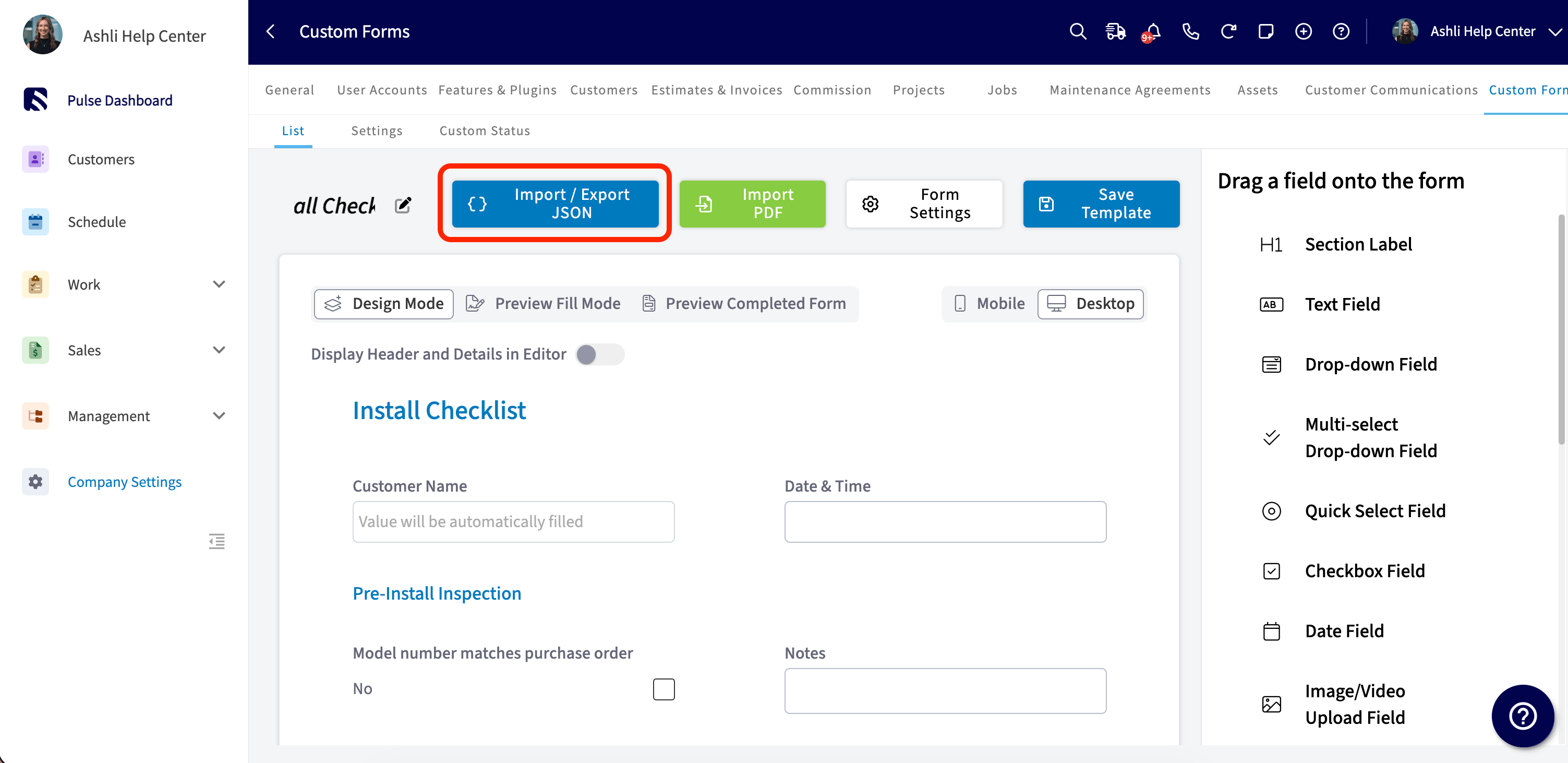
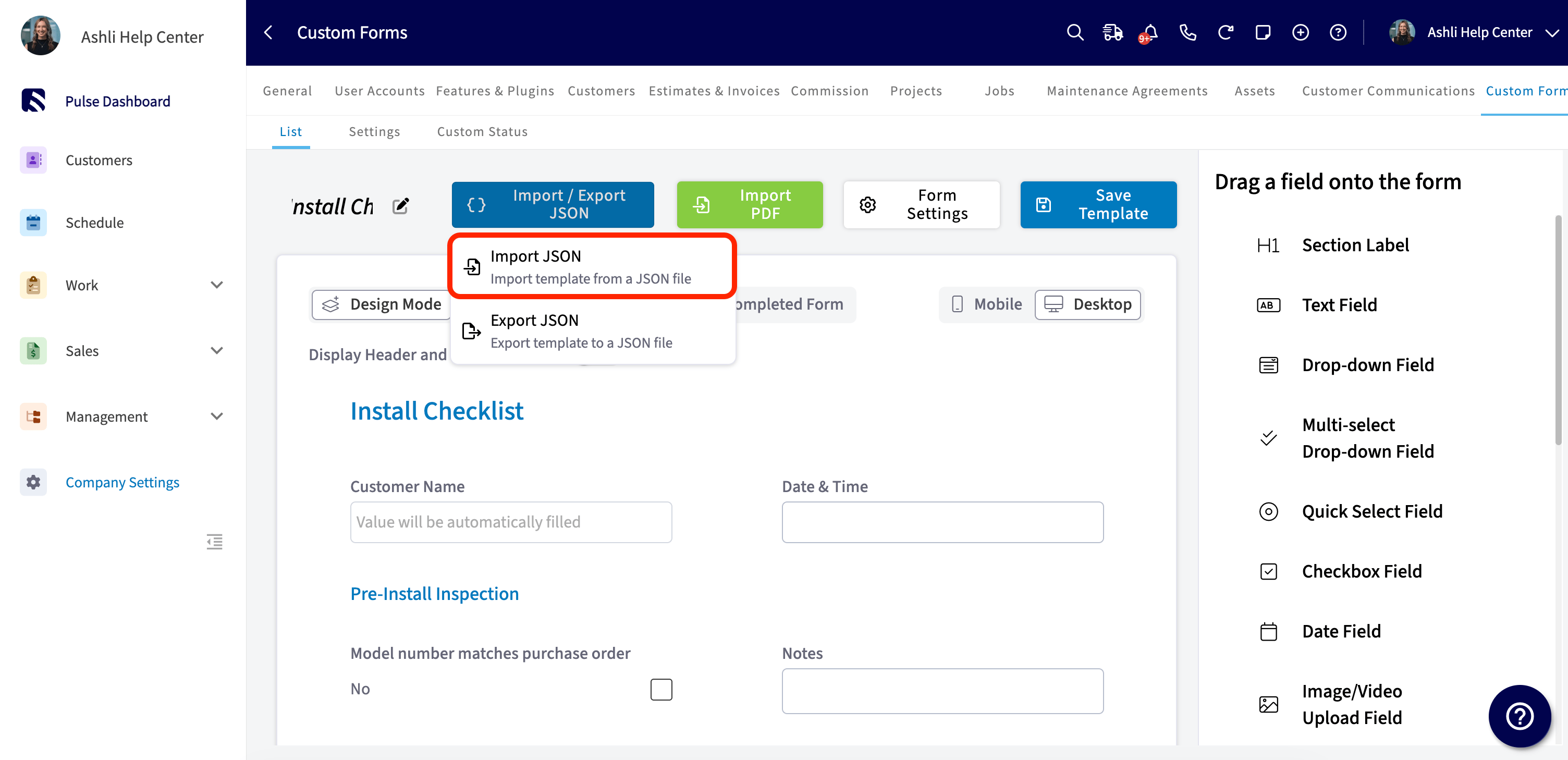
Import / Export JSON is admin-only and lives in Company Settings under Custom Forms. It’s available on web only. You’ll see the dropdown inside the Custom Form Template editor, right next to Import PDF, Form Settings, and Save Template.How to export a template
Step 1: Open Company Settings and click Custom Forms.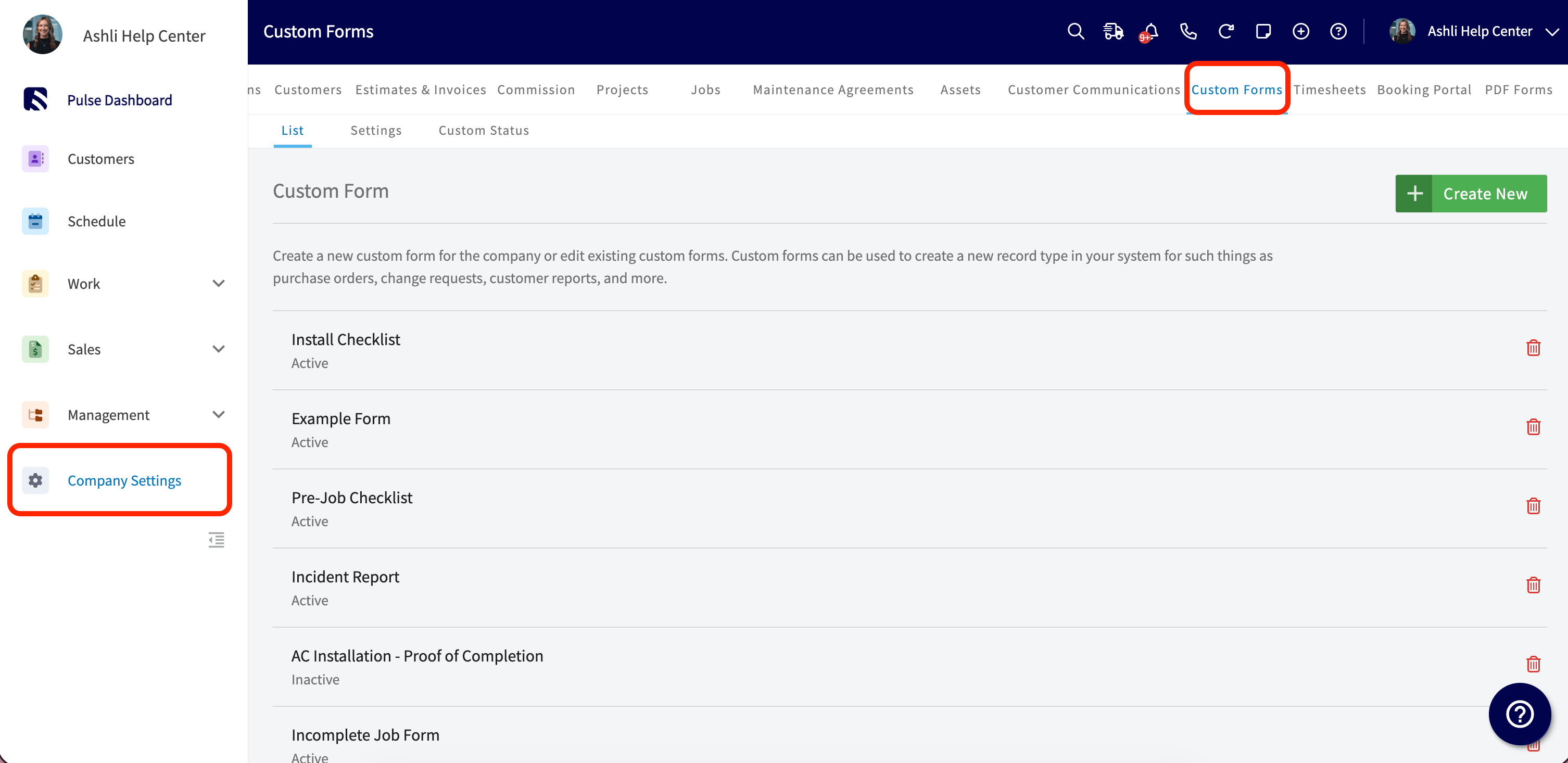
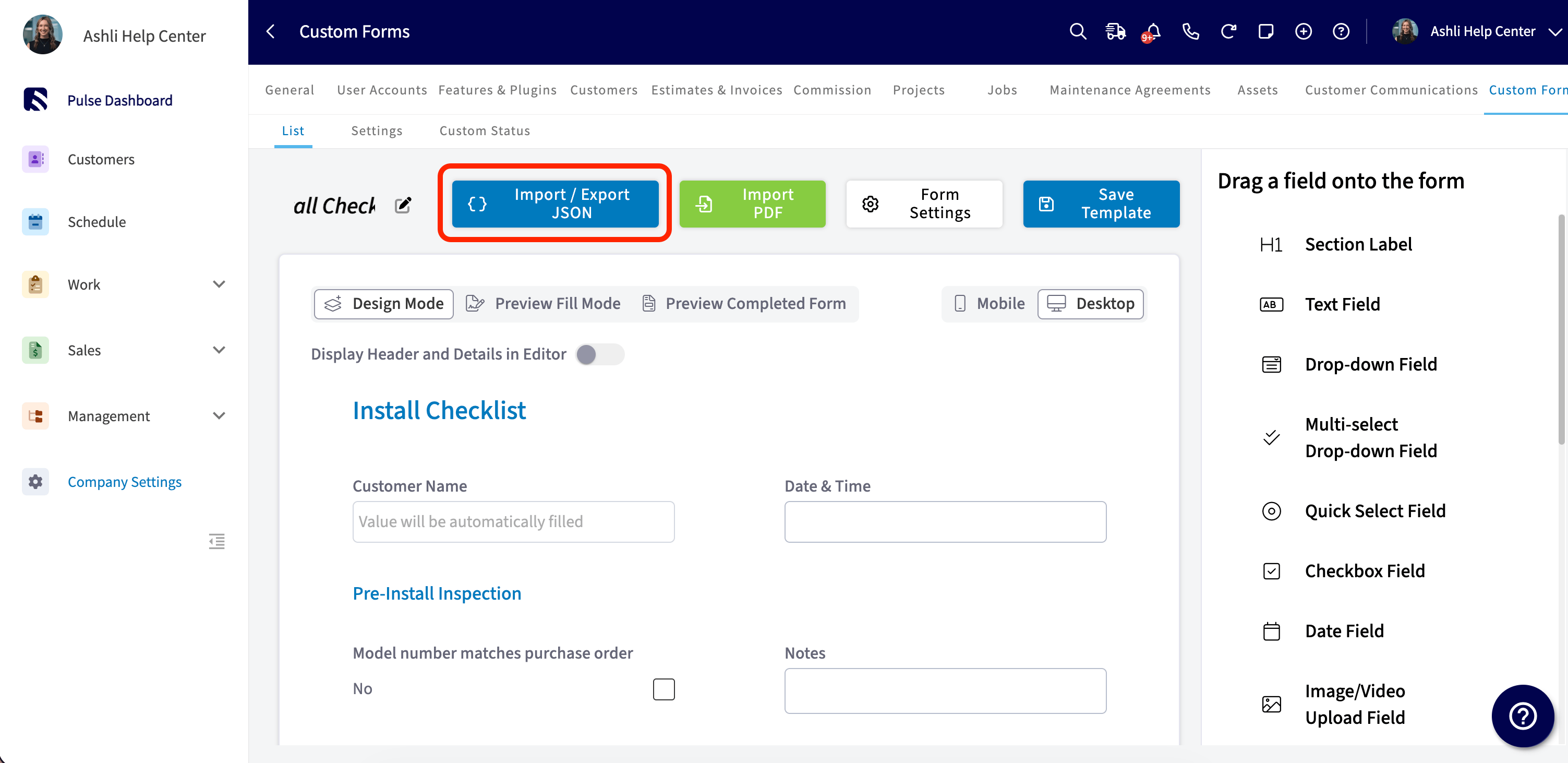
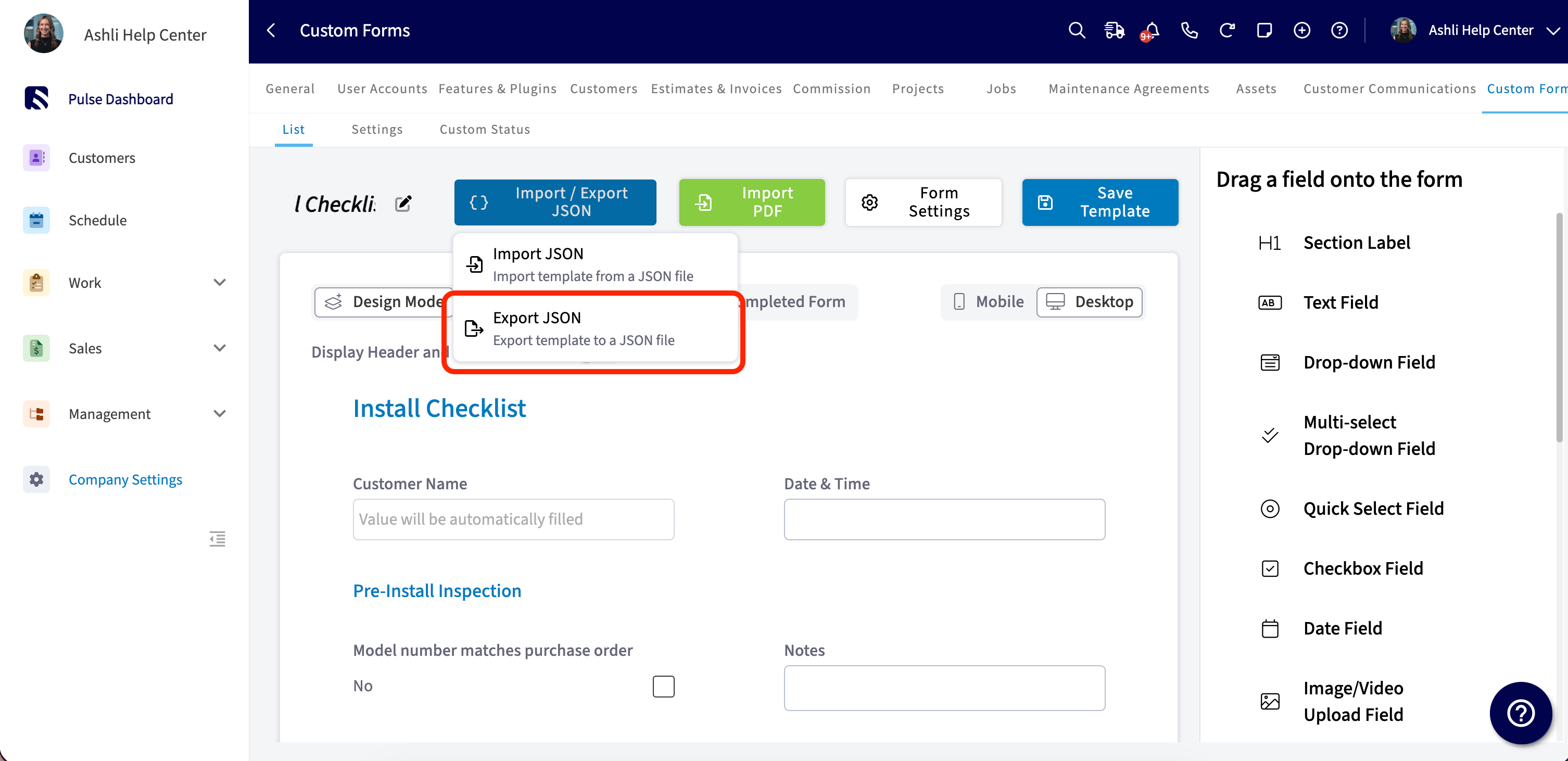
.json file named after your template. Save the file somewhere safe or send it to whoever needs it.
How to import a template
Step 1: Open Company Settings and click Custom Forms.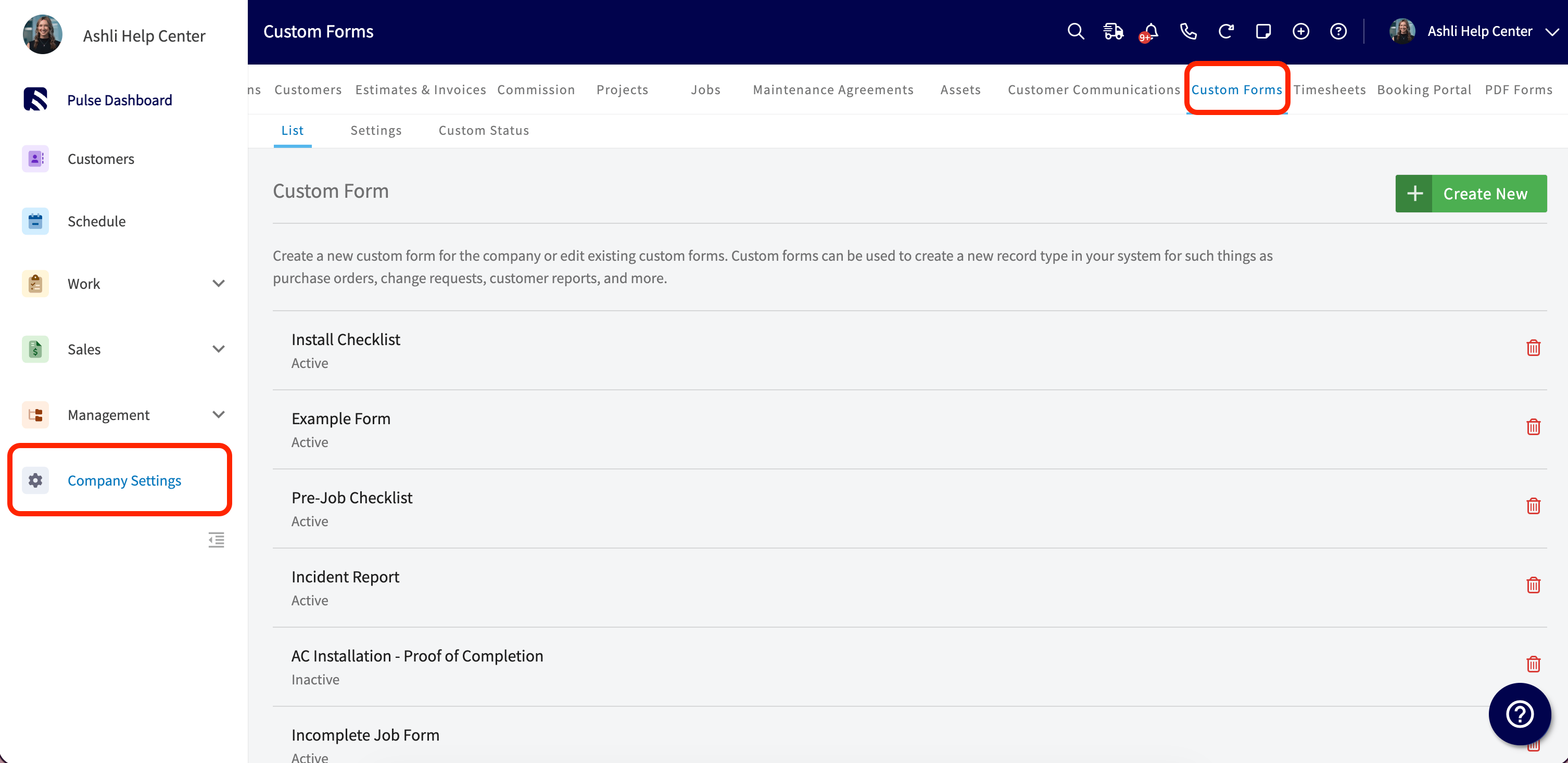
What’s included (and What’s Not)
To keep imports clean, account-specific settings don’t travel with the file. Here’s what comes along:- Fields and field-level settings
- Sections and layout
- Conditional logic
- PDF mappings
- Status Workflow
- View and Edit Permissions for teams and users
- Page Settings, including Page Background