Now that you’ve setup your company settings and enabled features and plugins, it’s time to learn how to manage your customers in FieldPulse! FieldPulse offers a robust Customer Relationship Management system that makes storing and finding related customer information easy. You can create and edit customer profiles to store detailed customer information, notes, and related records such as jobs, estimates, invoices, files, assets, maintenance agreements and more.

Add Your Customers to FieldPulse

FieldPulse offers three ways to add customers into your account.
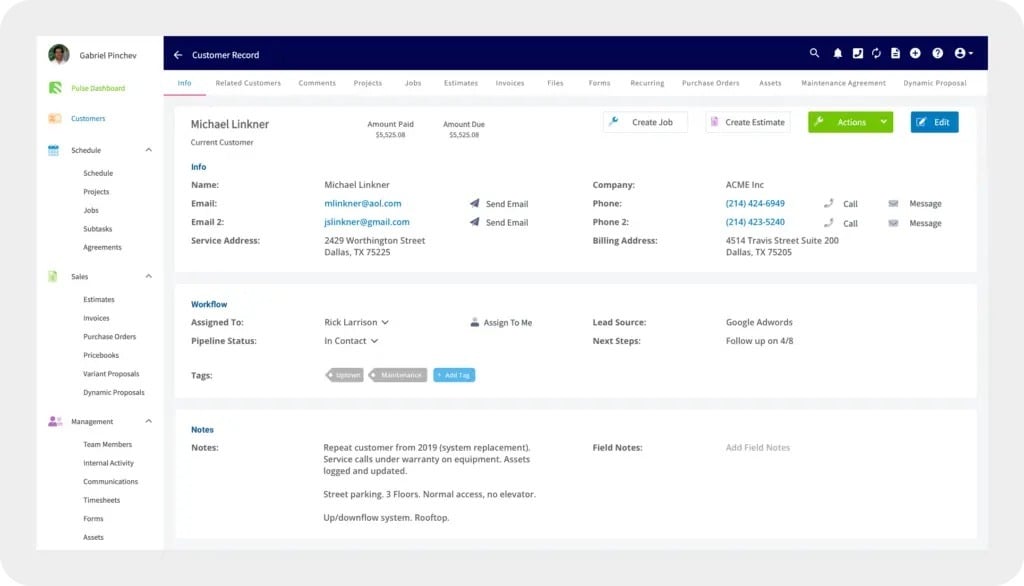
  1. Adding Customers Manually
  2. Importing a Customer List
  3. Importing Customers from a QuickBooks Sync
Options for adding customers manually, by import, or from QuickBooks To learn more about customers, visit our Customer articles in the Help Center.

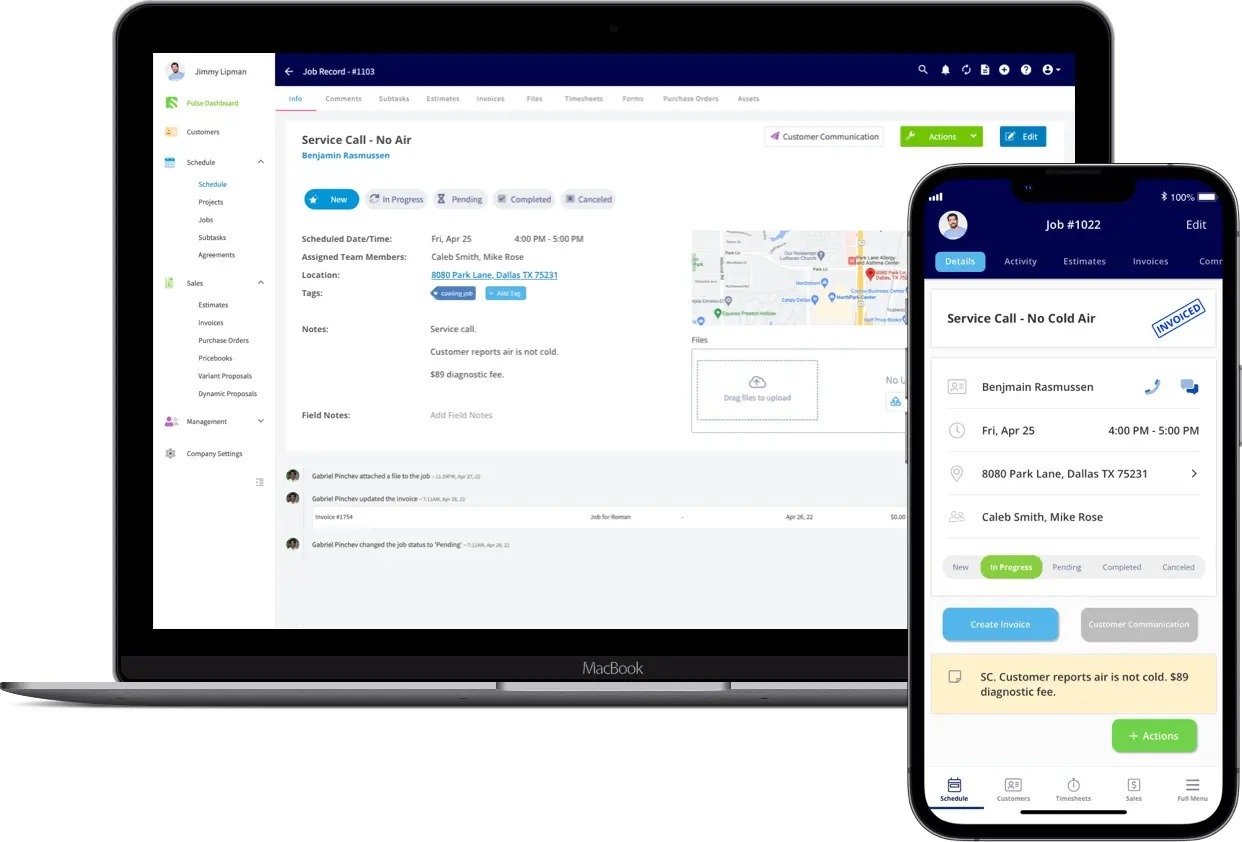
Creating a Job

After getting comfortable with creating customers, how to create jobs to learn to create jobs. The job creation screen in the FieldPulse mobile app To learn more about jobs, visit our Work articles in the Help Center.
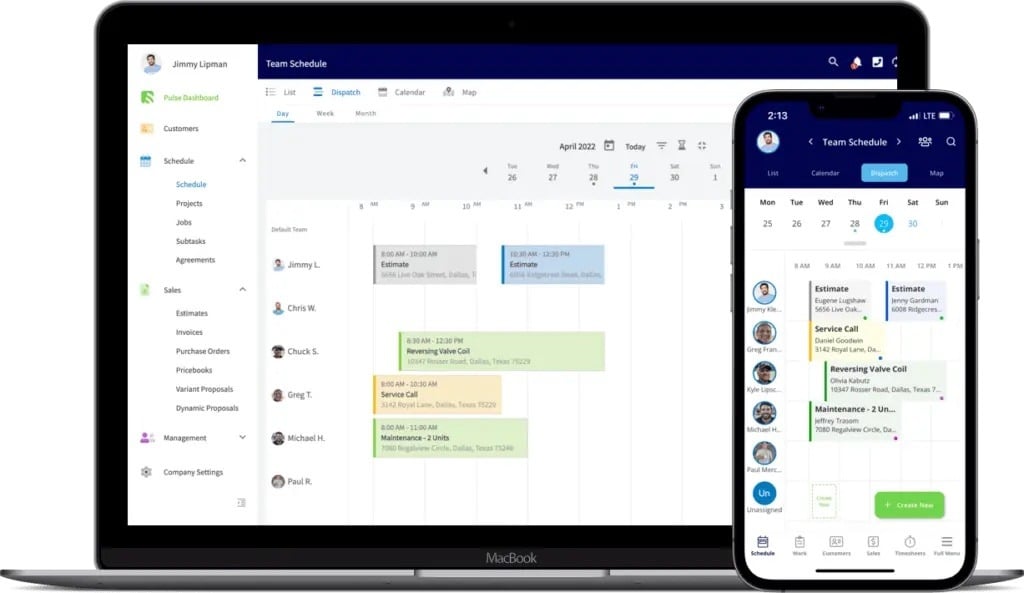
Scheduling

You can schedule a job directly from the job record, or use the schedule to add jobs. Scheduling a job from the job record in the mobile app To learn more about scheduling jobs, scheduling and dispatch options.
Video Tutorial


To learn more about Customers, Jobs, and Scheduling, visit the ‘How To’ Articles in the Help Center


Have additional questions? Contact us at support@fieldpulse.com or use the chat feature in the bottom right corner of your screen.