
Overview
When you send an Estimate or Invoice from FieldPulse, your customer receives more than just a number. They get a branded, professional experience that reflects your business. This article covers what that looks like, from the email they receive to the PDF, and the approval and signature page.Estimate & Invoice Emails
When you send an Estimate or Invoice from FieldPulse, your customer receives an email with a link to view their estimate/invoice. If you’ve added your logo in your Company Settings, it will display in the header.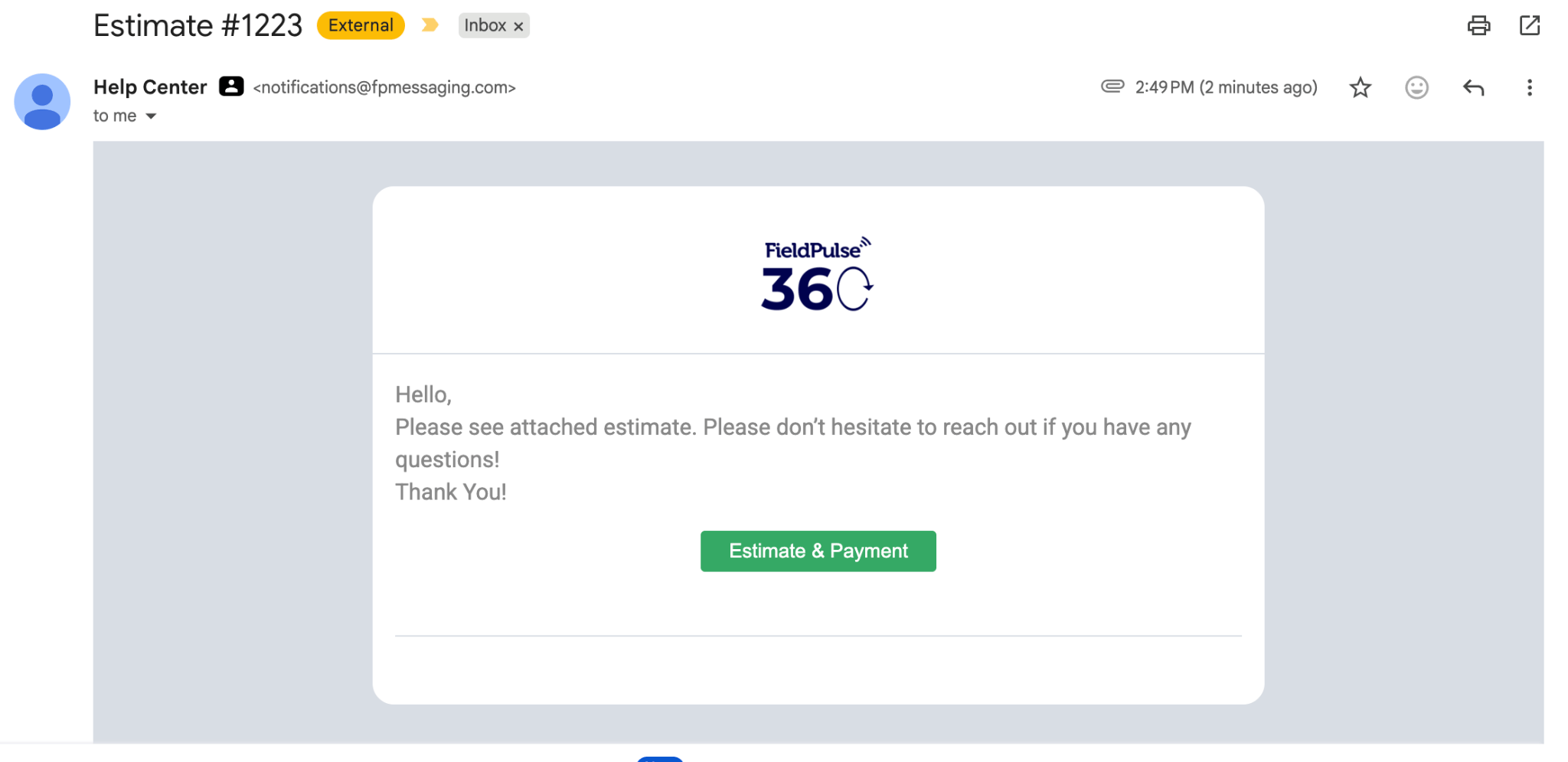
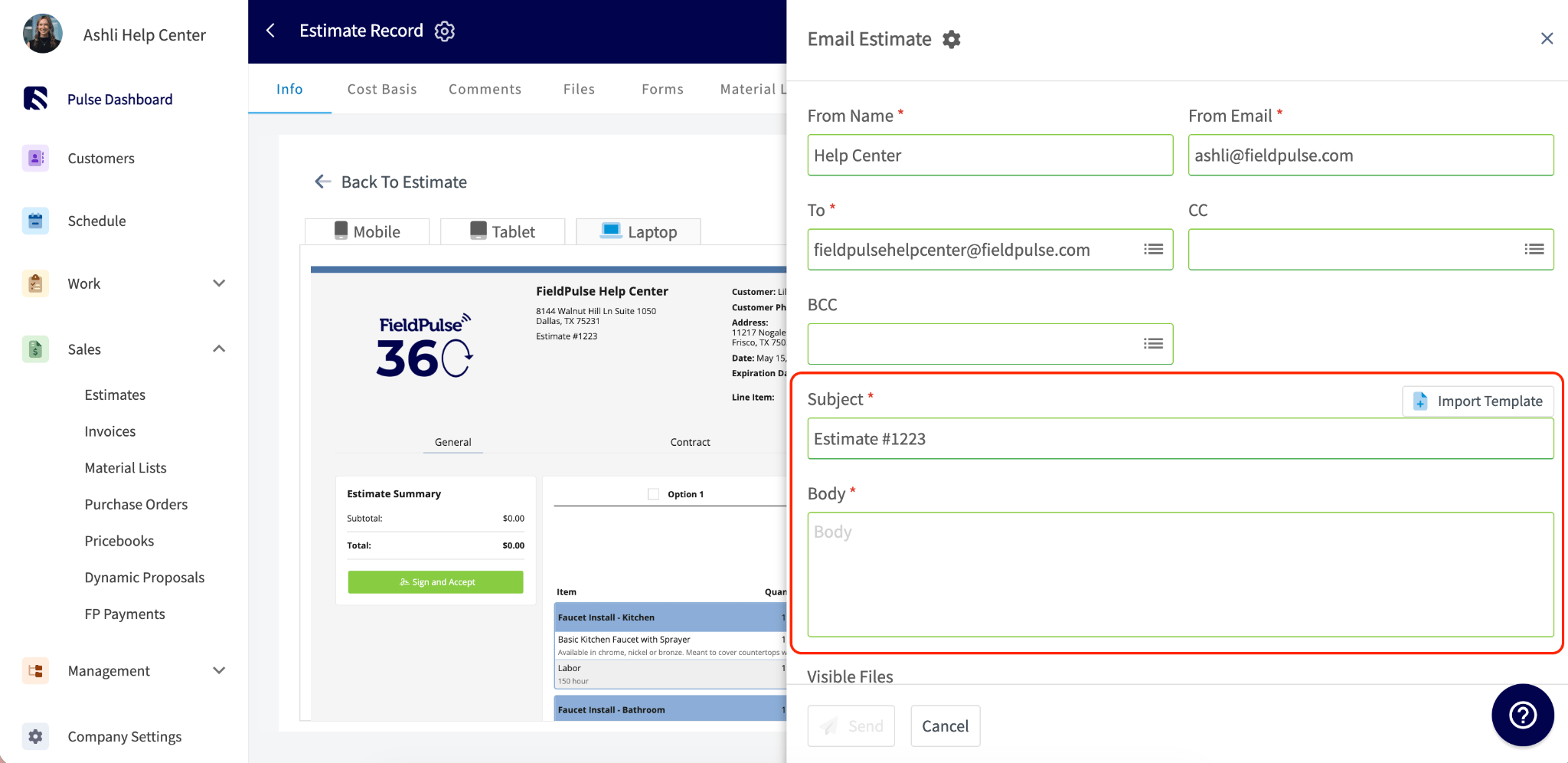
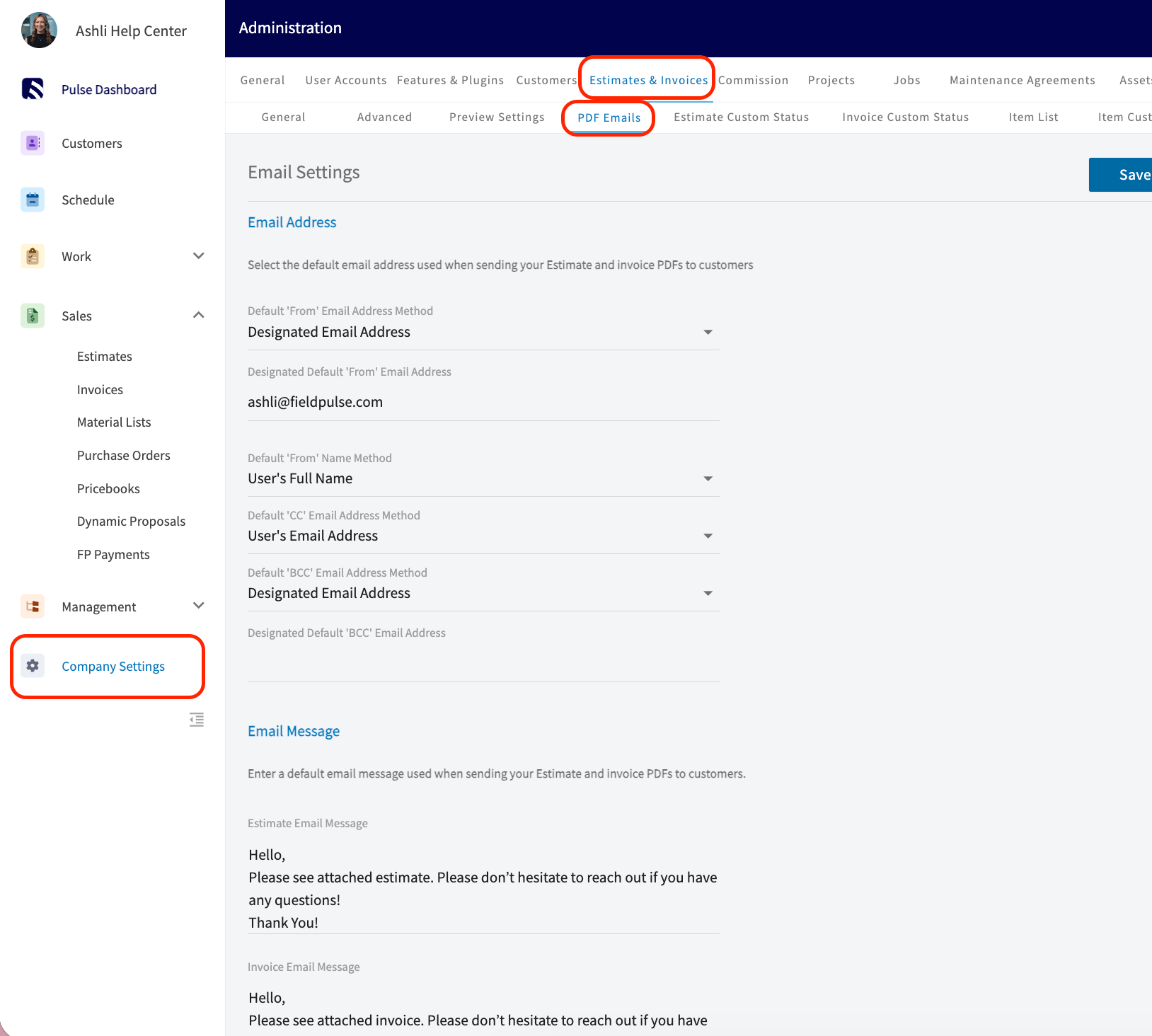
To learn more about Sending Estimates and Invoices to Customers, click the guide to sending estimates and invoices.
Estimate & Invoice PDFs
When you send an Estimate or Invoice from FieldPulse, you can choose to send your customer a PDF version. To view the PDF, go to your Estimate/Invoice record > View Estimate/Invoice > PDF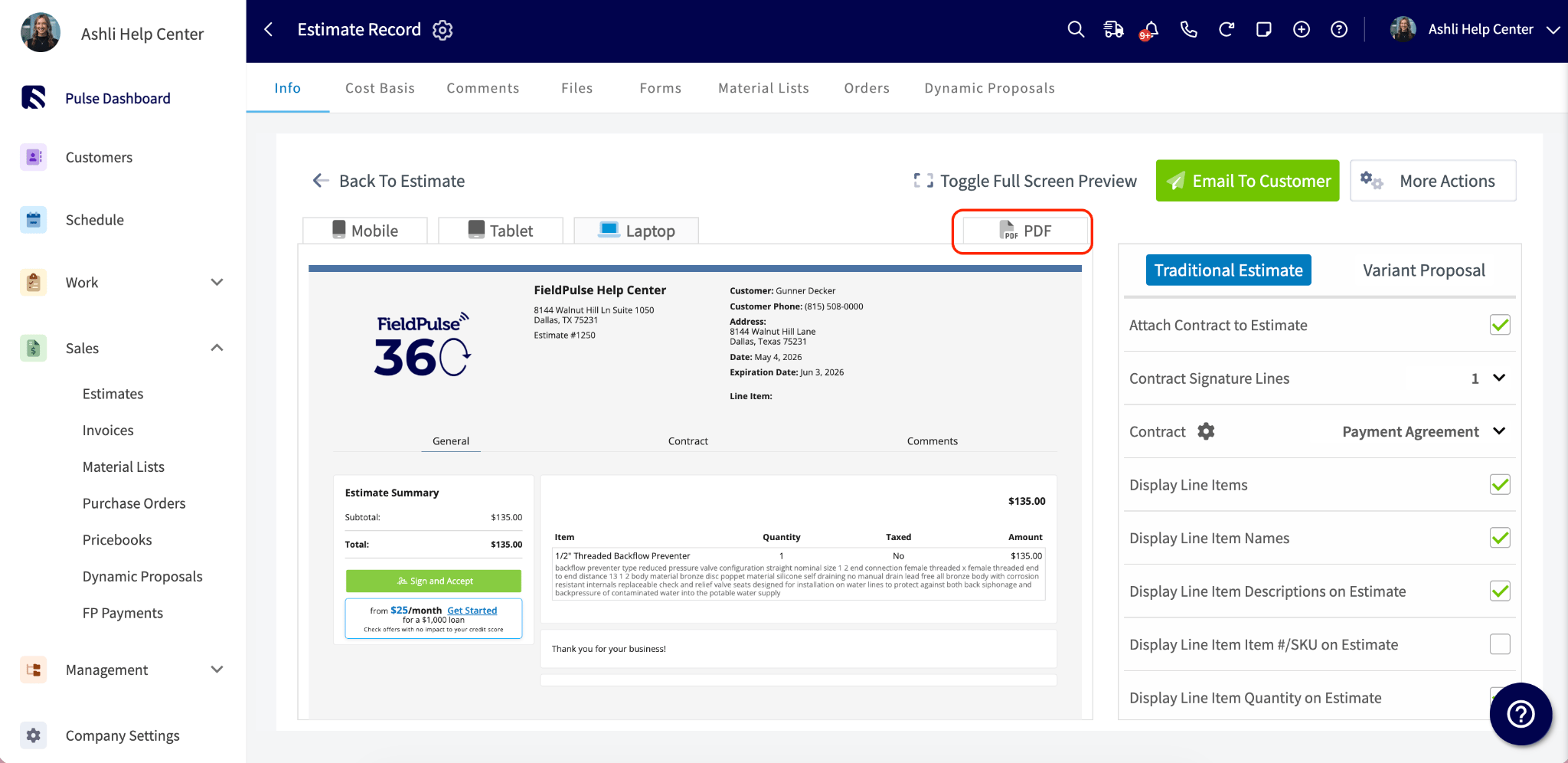
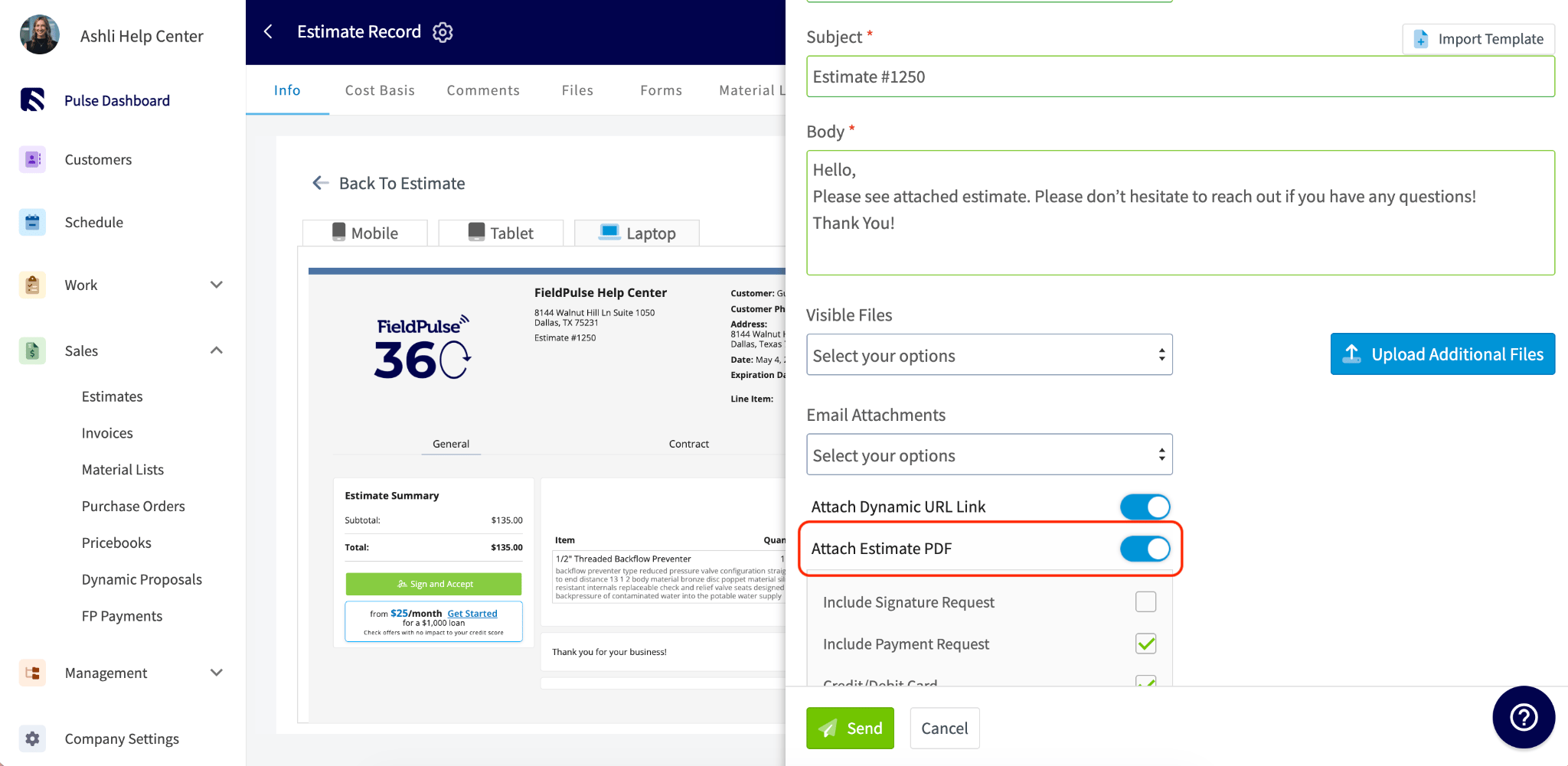
To learn more about Estimate & Invoice Themes, click the estimate and invoice themes guide. To learn more about Estimate & Invoice Preview Settings, click the estimate and invoice preview settings.
The Approval and Signature Page
If you’ve requested a customer signature, customers can approve their estimate/invoice directly from the dynamic link. They’ll see the record details and a green button to accept, no account or login required.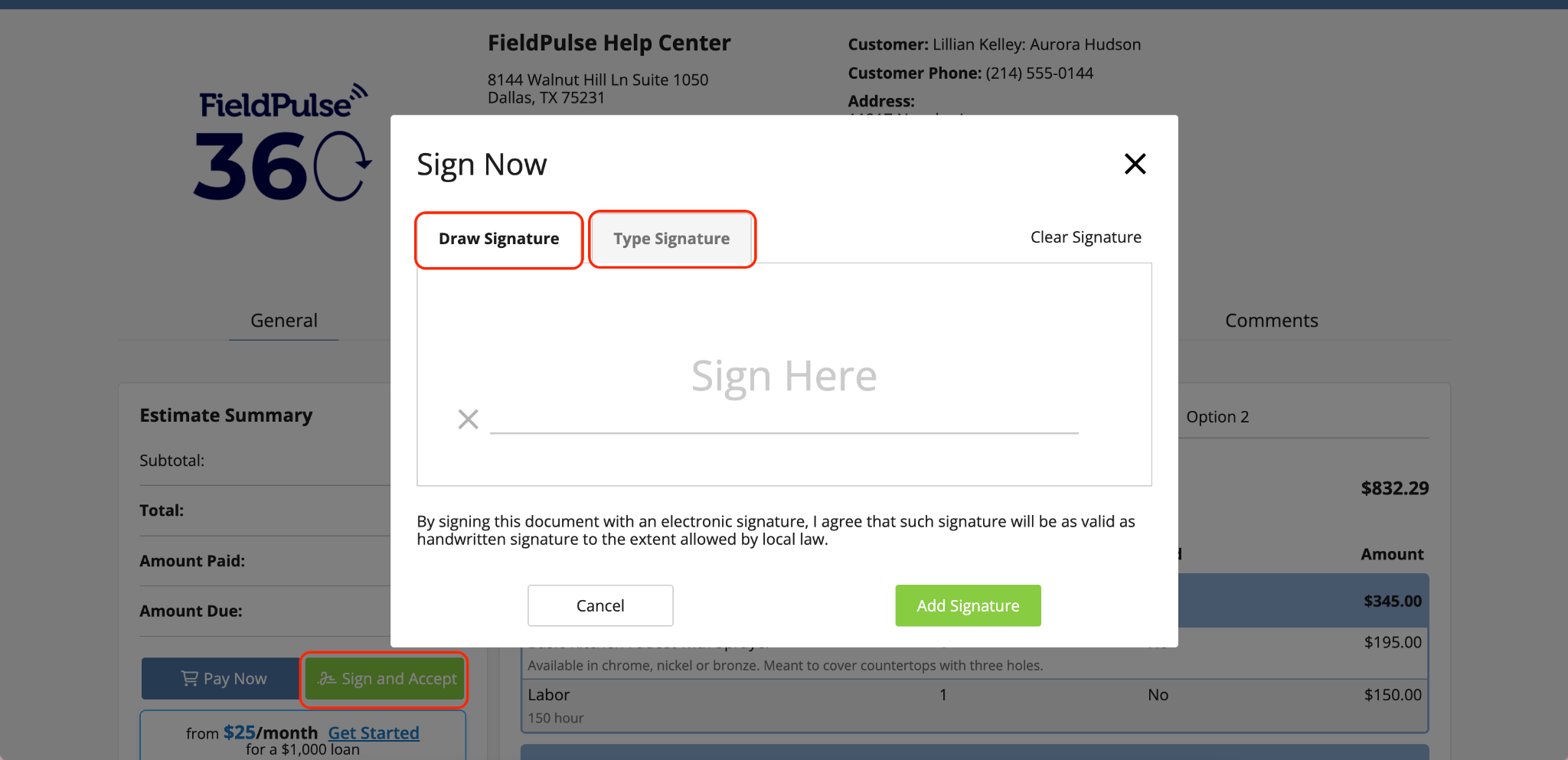
To learn more about Requesting a Customer Signature, click the customer signature request guide
Have additional questions? Contact us at support@fieldpulse.com or use the chat feature in the bottom right corner of your screen.