
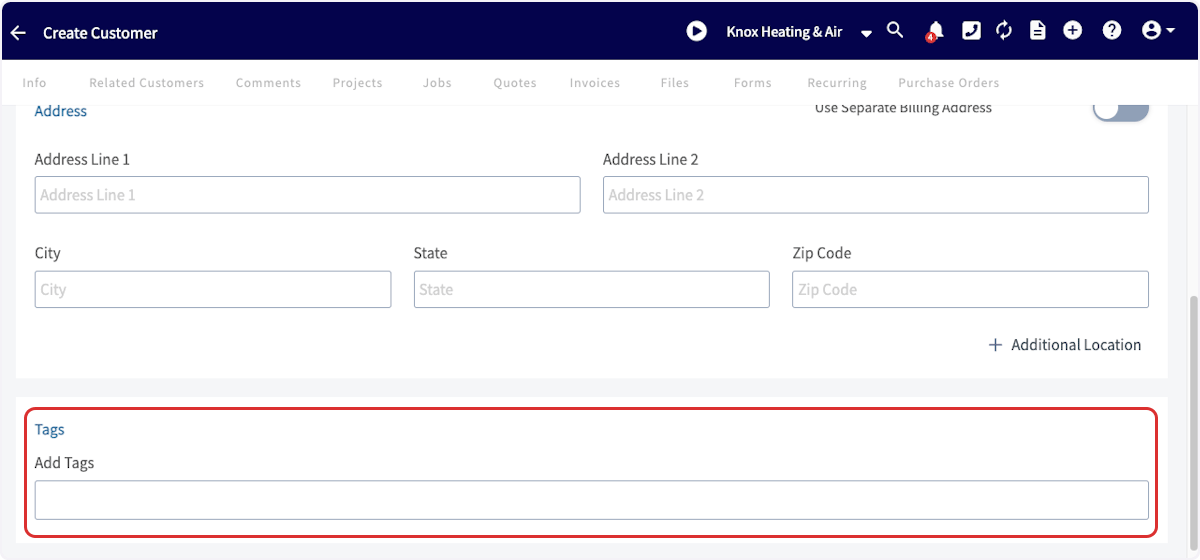
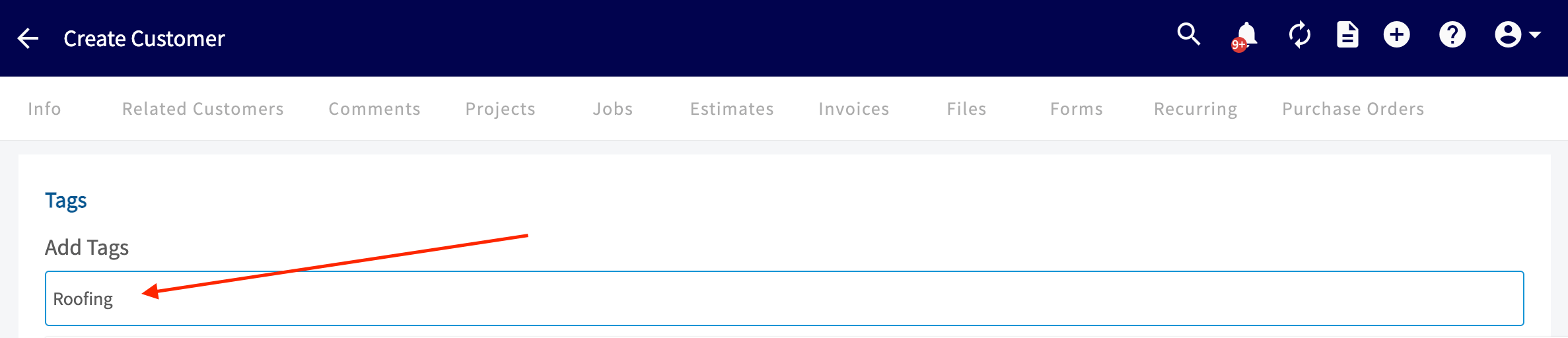
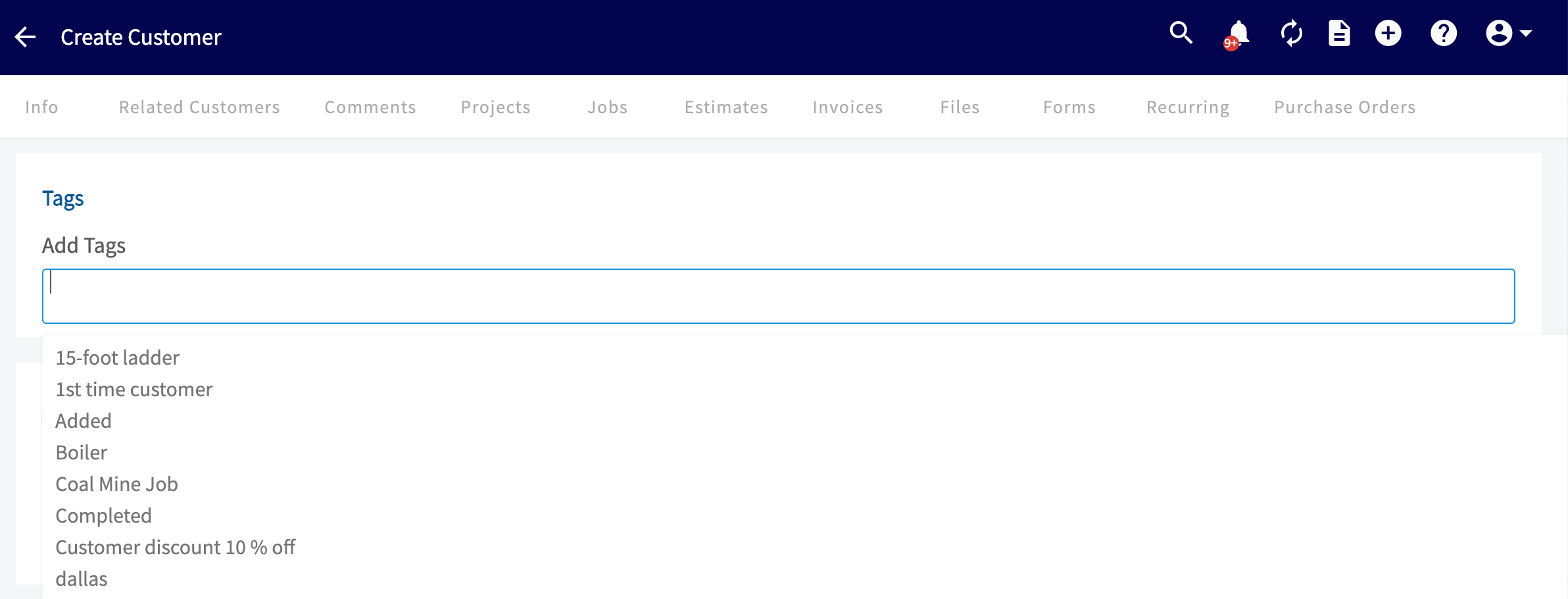
Adding a Custom Tag to a New Customer
Navigate to Customers and click Create Customer.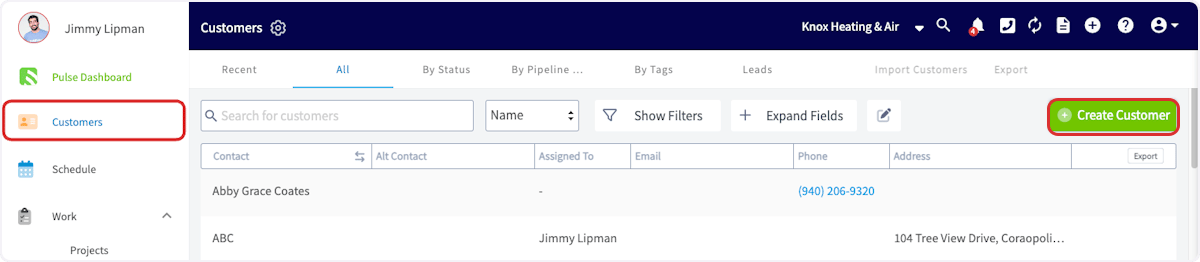
Adding a Tag to an Existing Customer
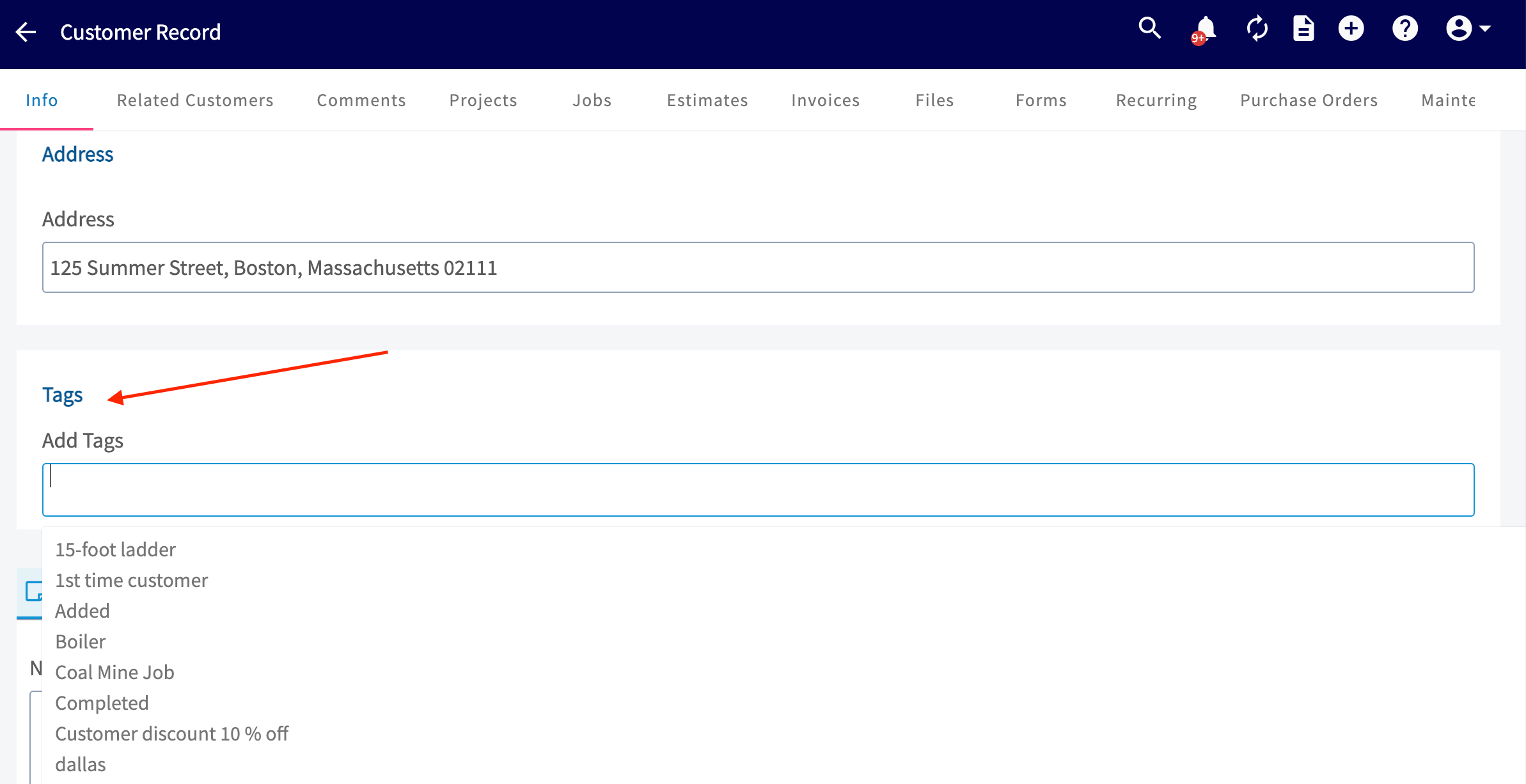
If you want to add a tag to a customer that’s already in your system, you can do that from the customer record. Navigate to the Customers page and click on the customer you want to add a tag to.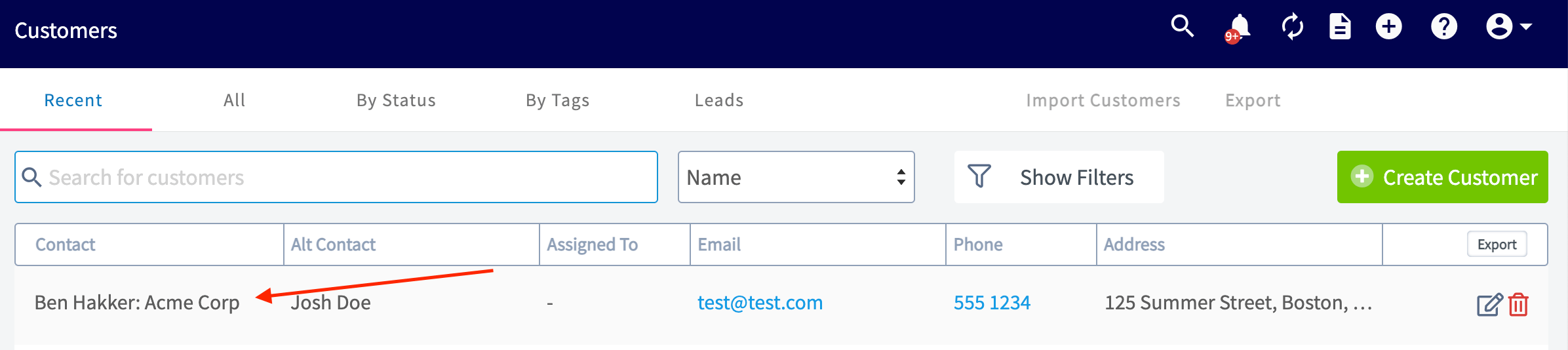
Sorting Your Customers by Tags
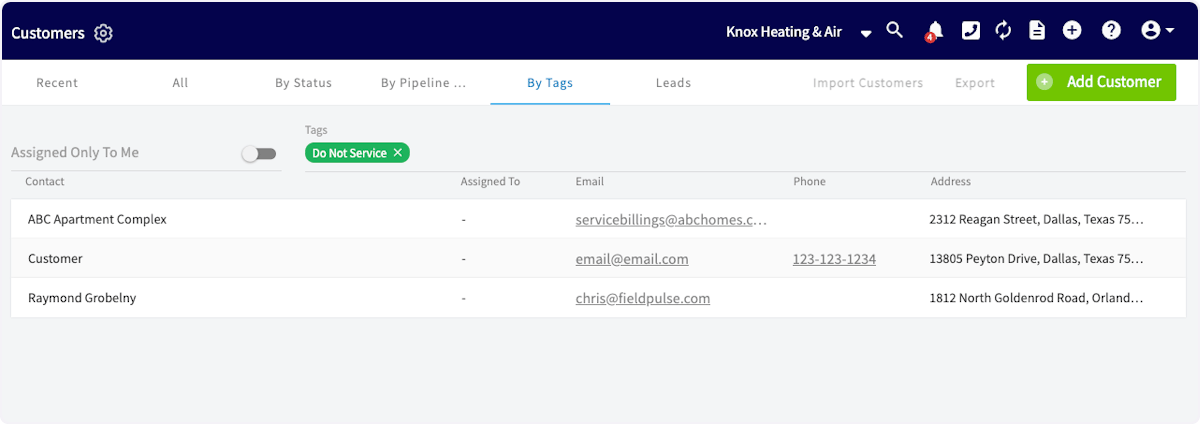
Once you’ve tagged your customers, you can view your customer lists organized by tags. To do so, go to the Customers page and click By Tags. From this list, select the tag you’d like to view.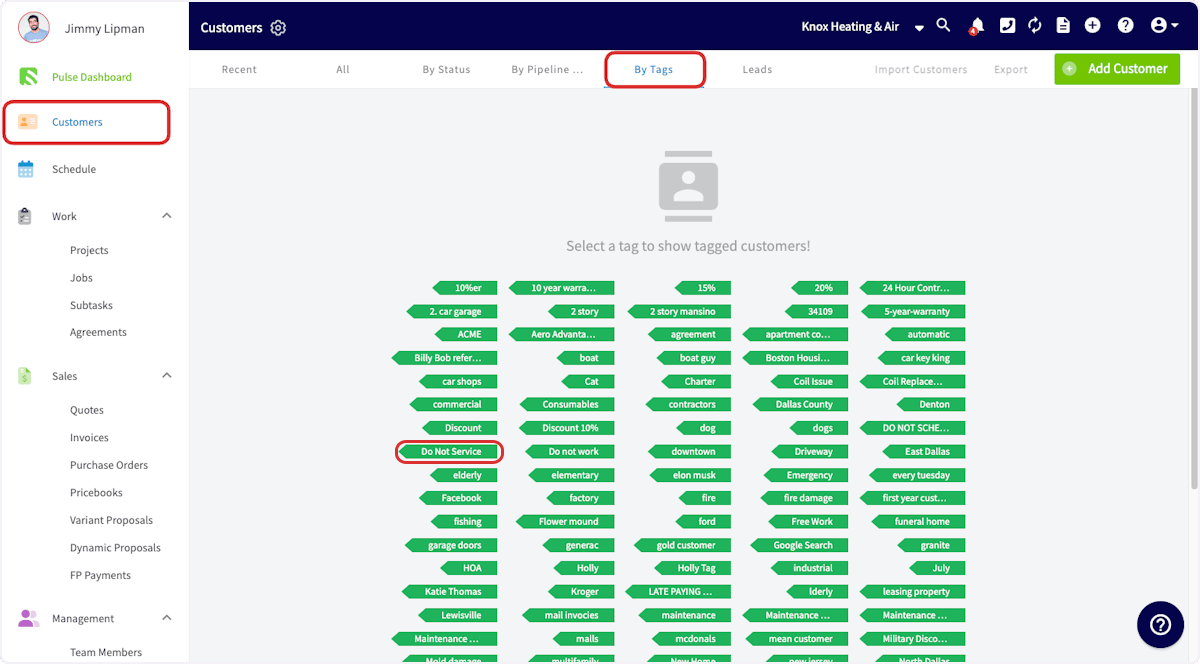
Deleting a Tag
To delete a tag from the customer record, simply click the little “x” that populates by the tag. To delete and tag and prevent it from popping up as an option to choose from you will need to navigate to Company Settings. Locate the Customers tab and click on Tags. From here you can easily click the little “x” that populates by the tags you wish to delete.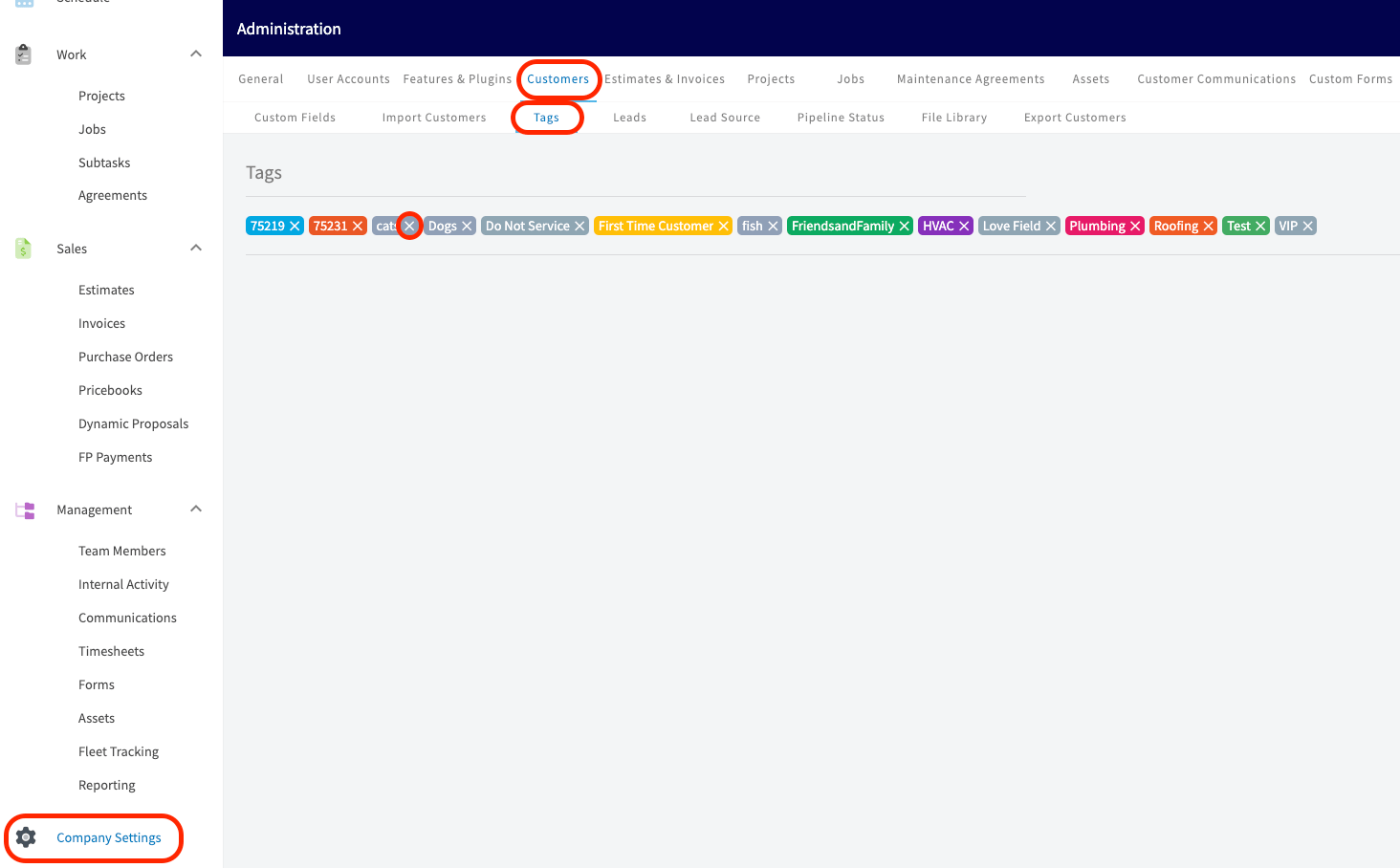
Have additional questions? Contact us at support@fieldpulse.com or use the chat feature in the bottom right corner of your screen.