Assign a fixed dollar spiff to a Pricebook job so techs earn a set bonus for selling a specific service or item.
This Flat Rate Job Commission feature simplifies how you manage sales incentives: flat-rate commissions. This model allows you to assign a specific dollar amount to a job, providing a clear and straightforward way to compensate your team. These are often used as spiffs—one-off bonuses for selling a particular service or item.
Currently, you can build these spiffs directly into your Pricebook as Flat Rate Jobs, which can contain a single item or multiple items. Once the commission is created in your Pricebook, the workflow for your team is simple.
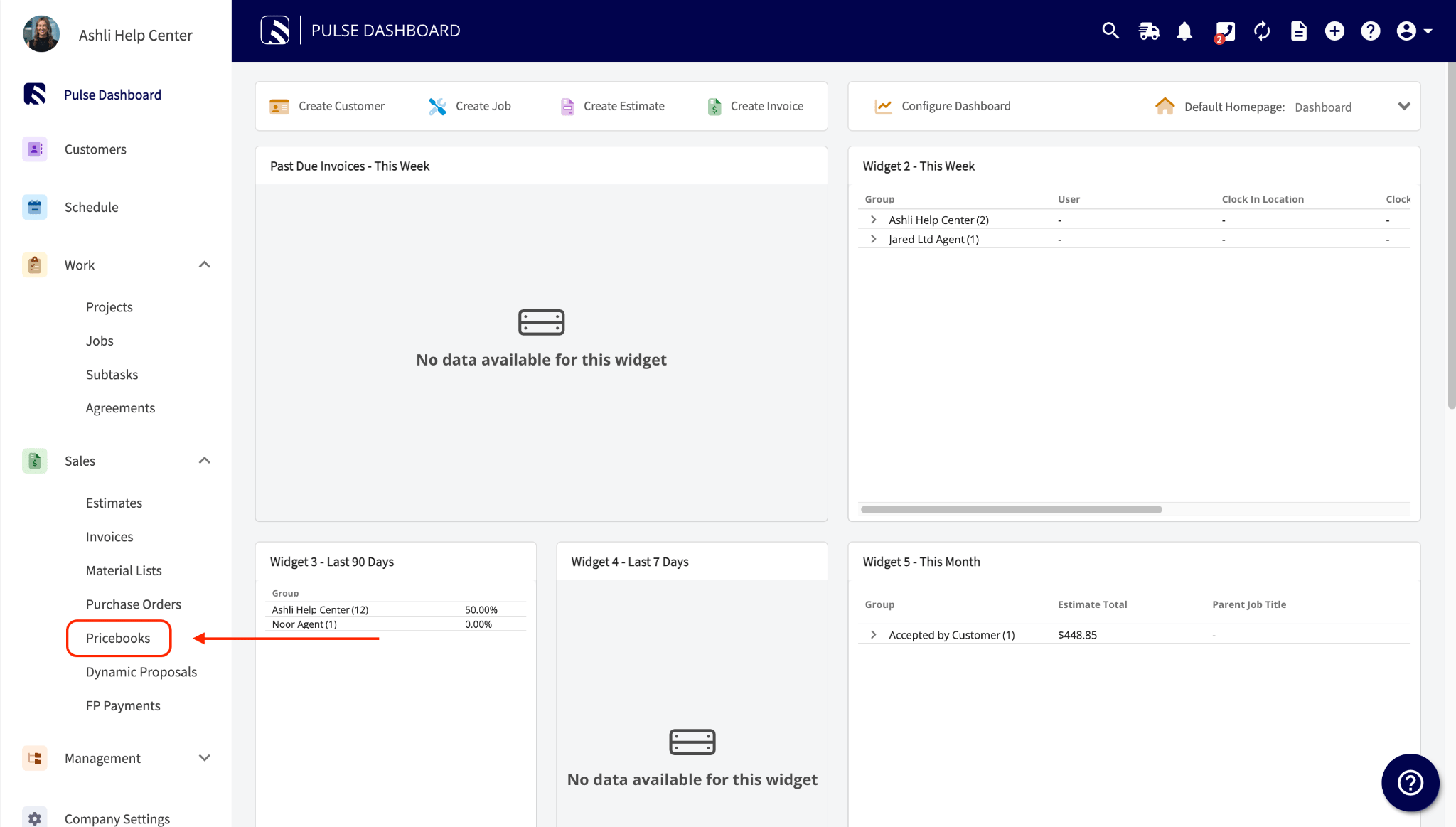
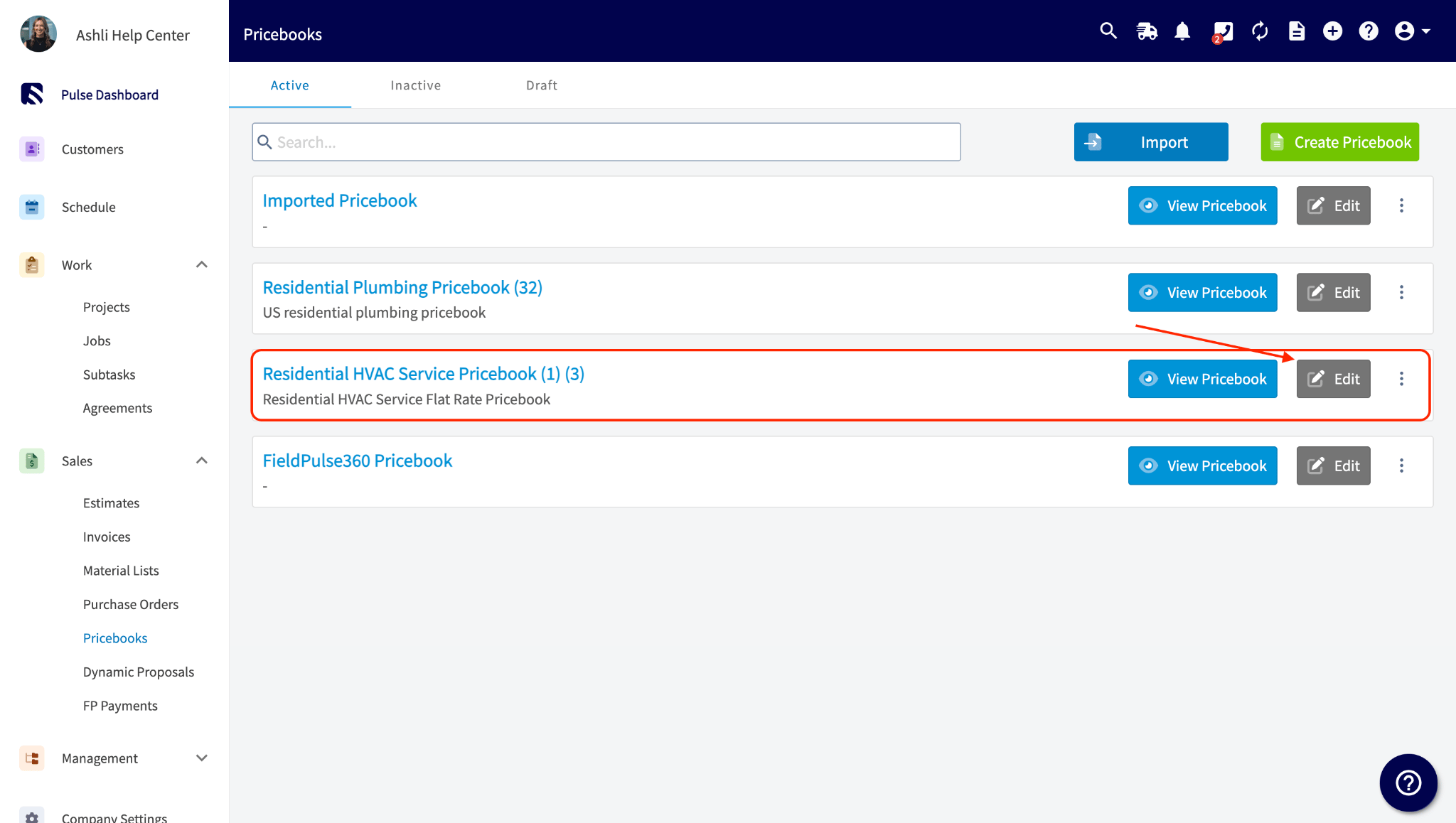
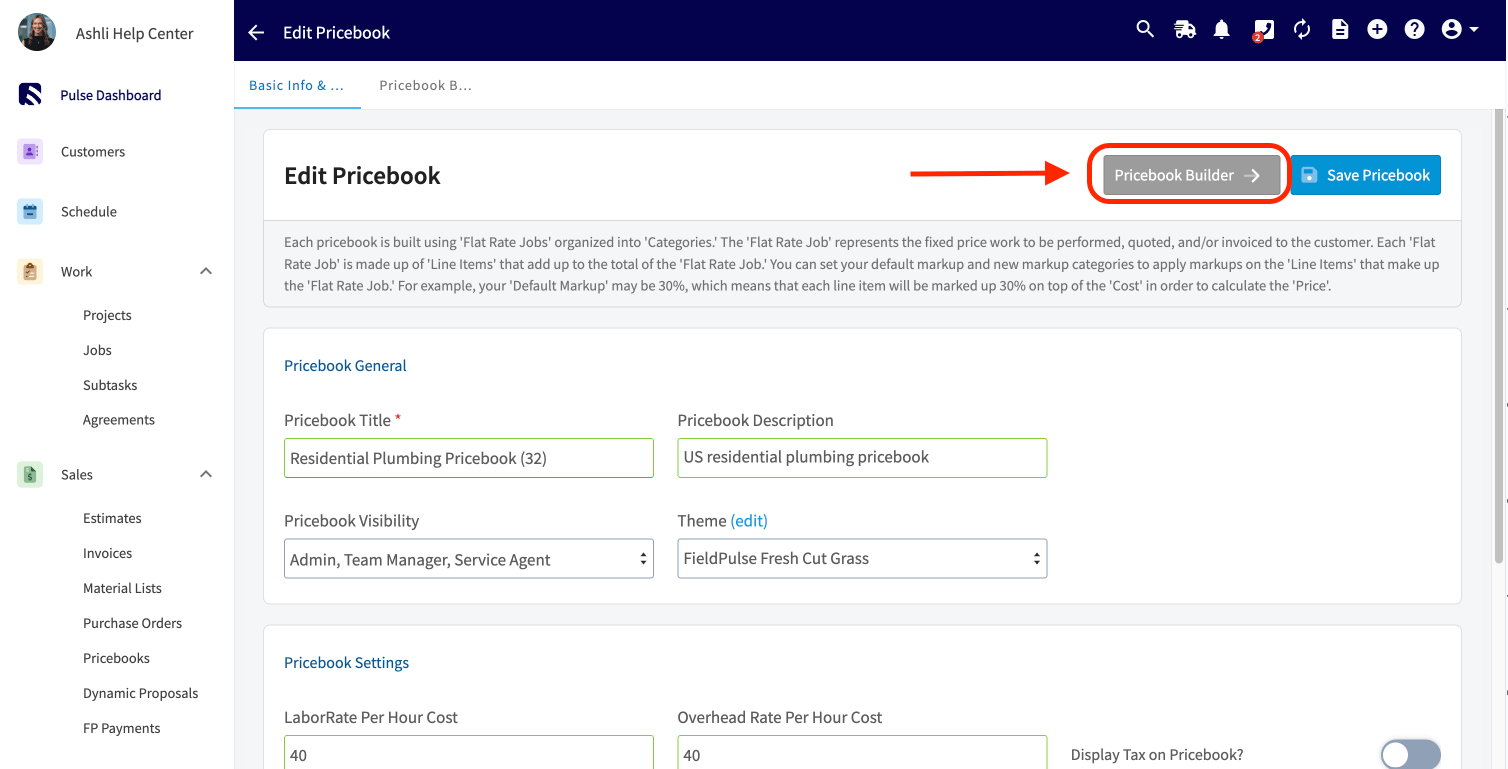
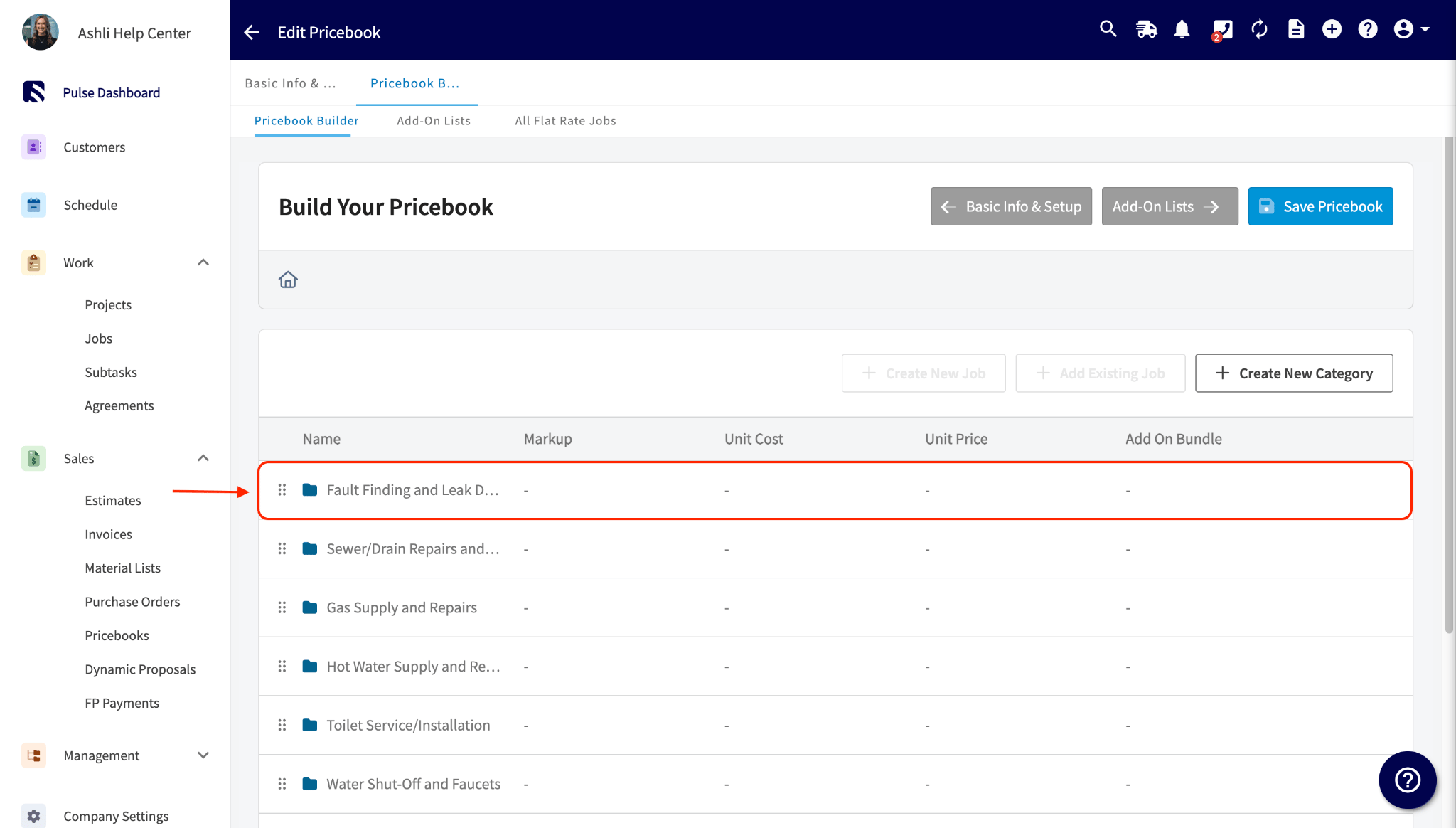
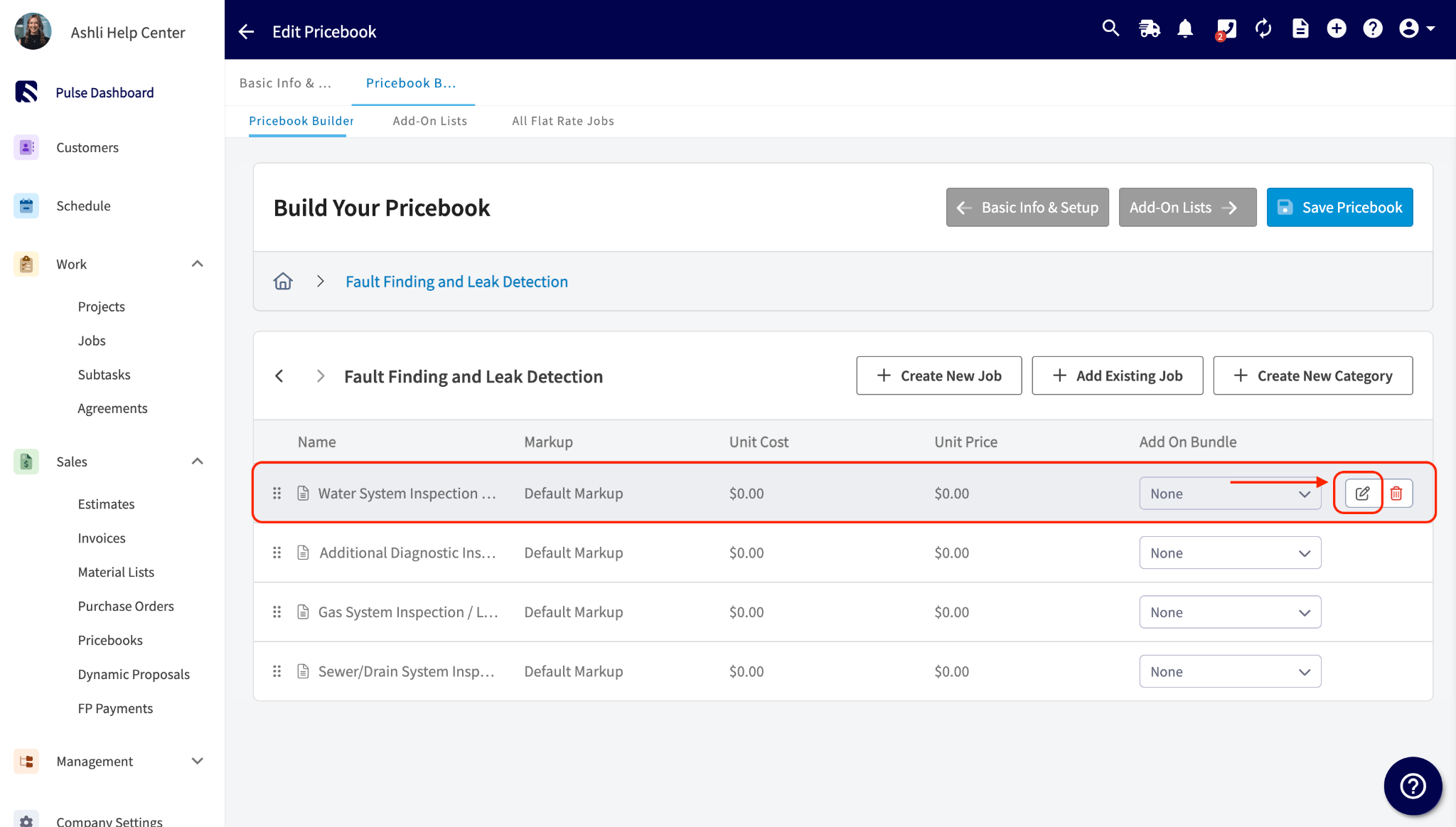
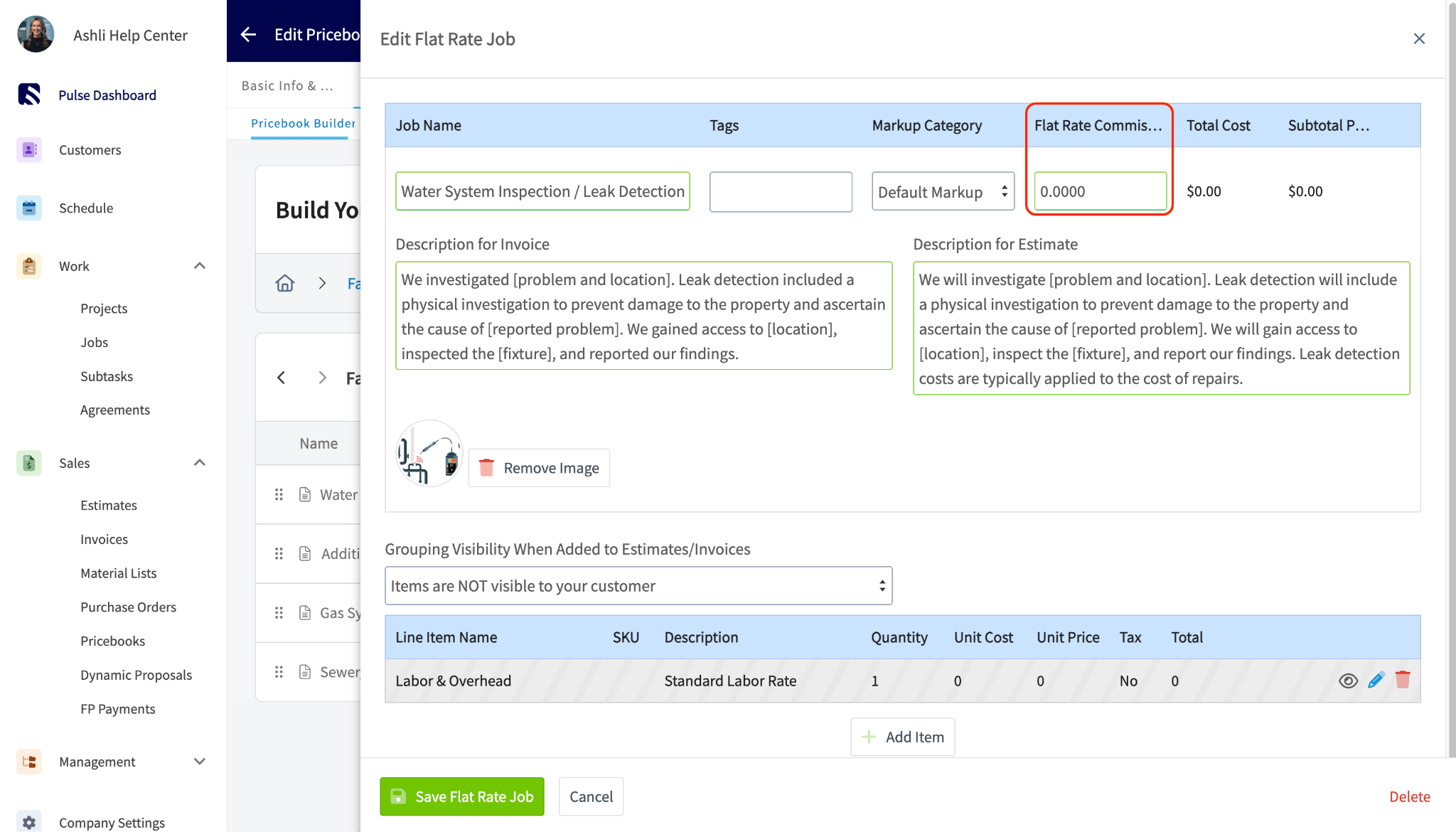
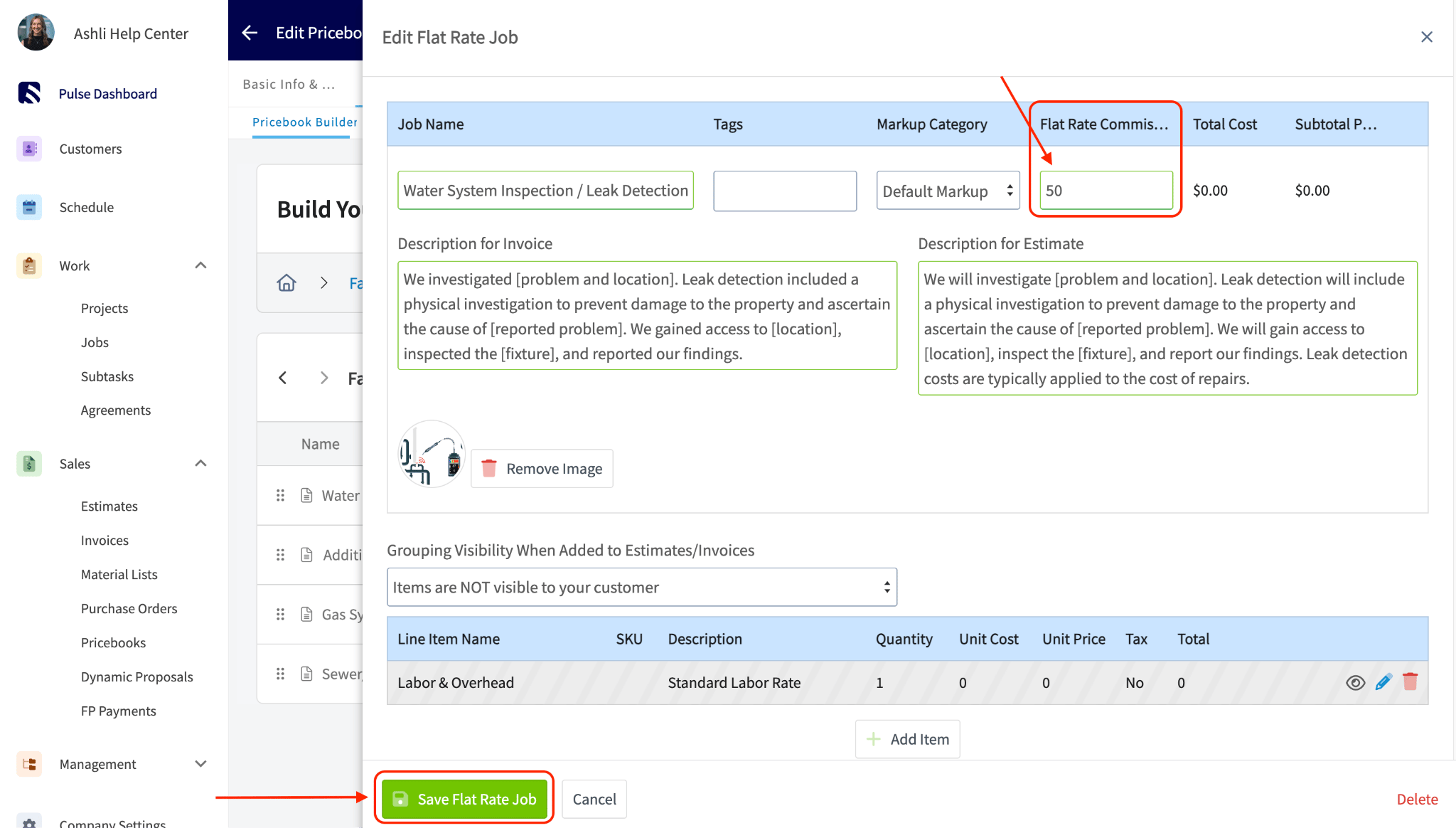
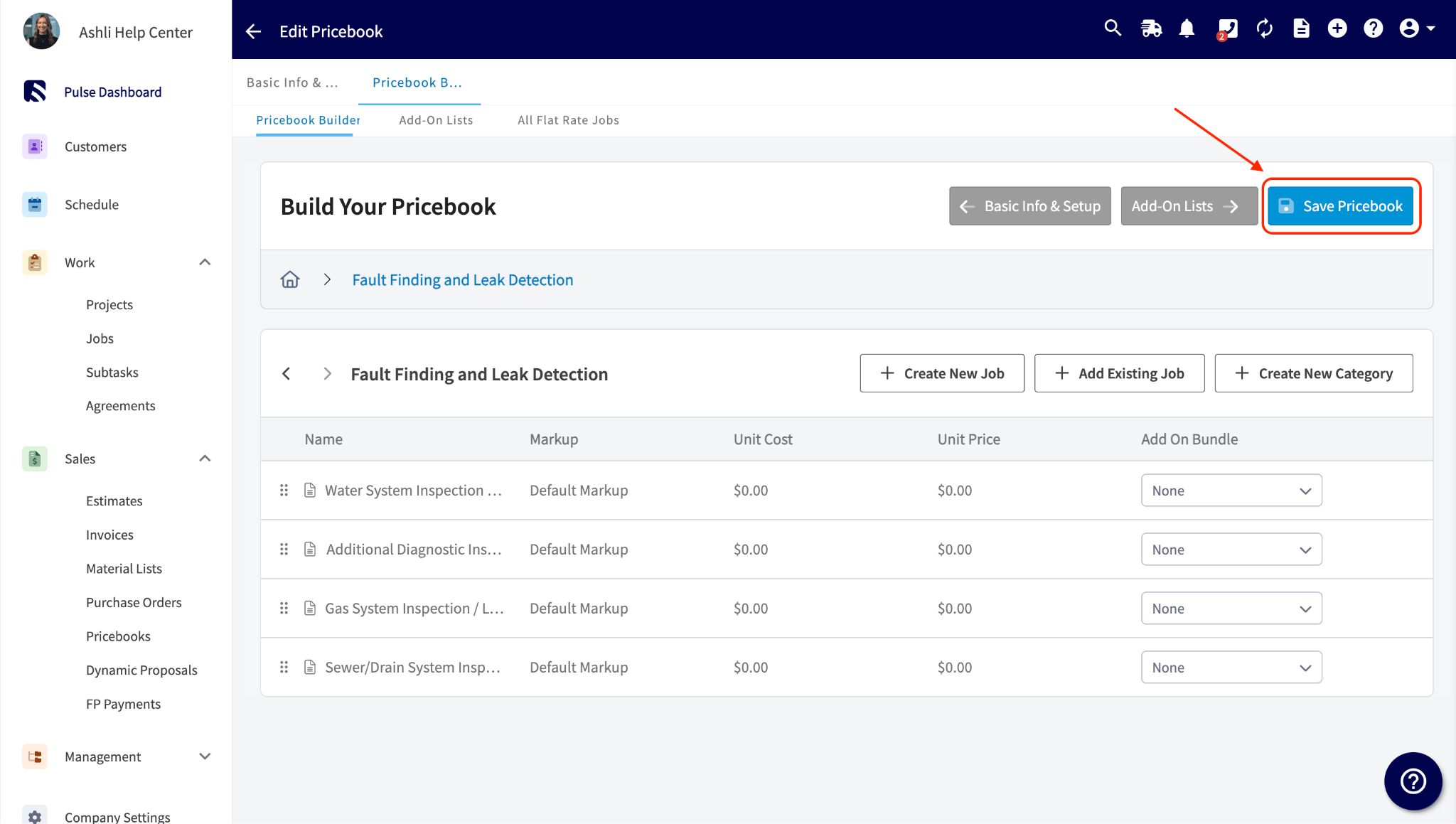
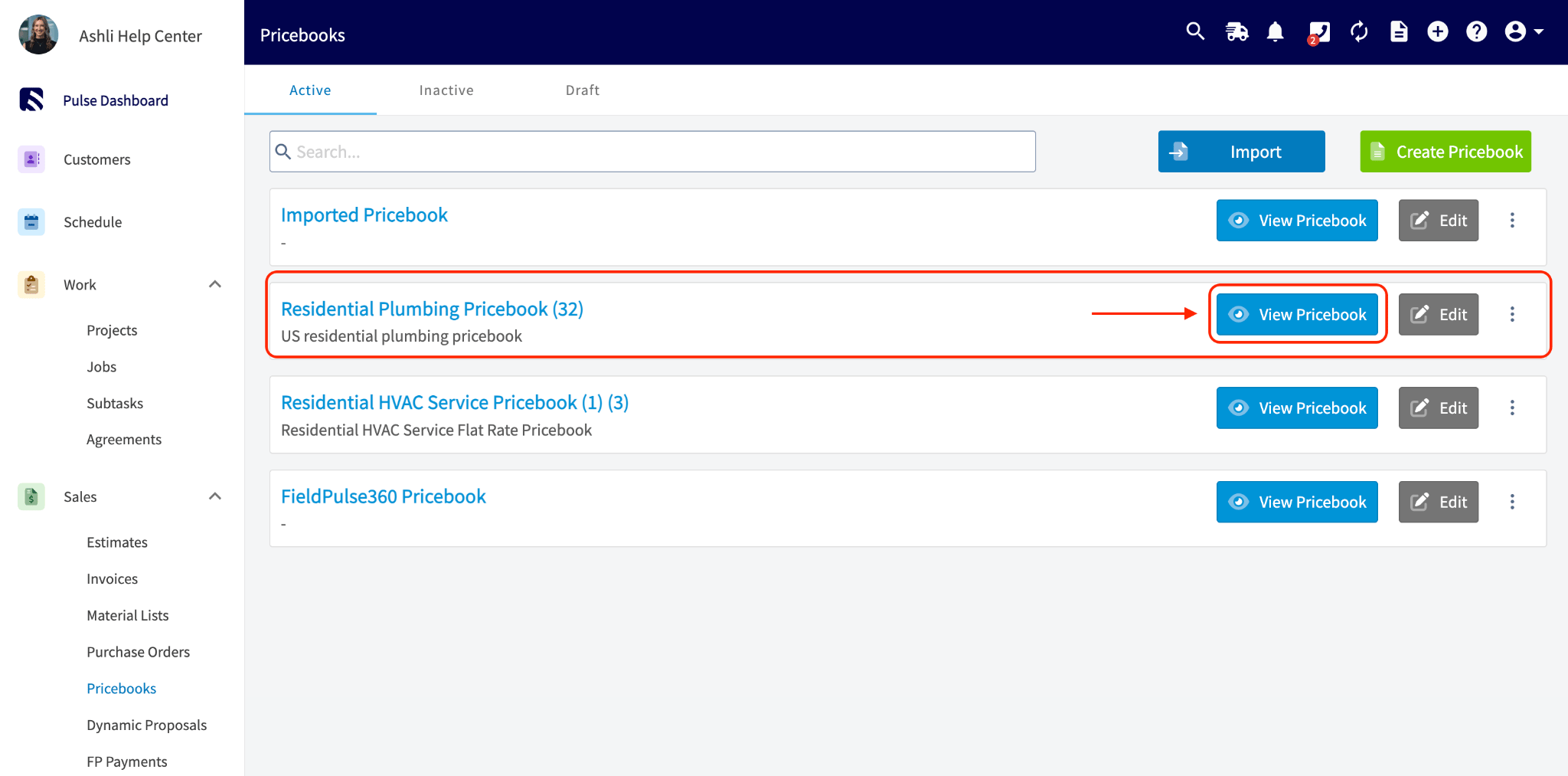
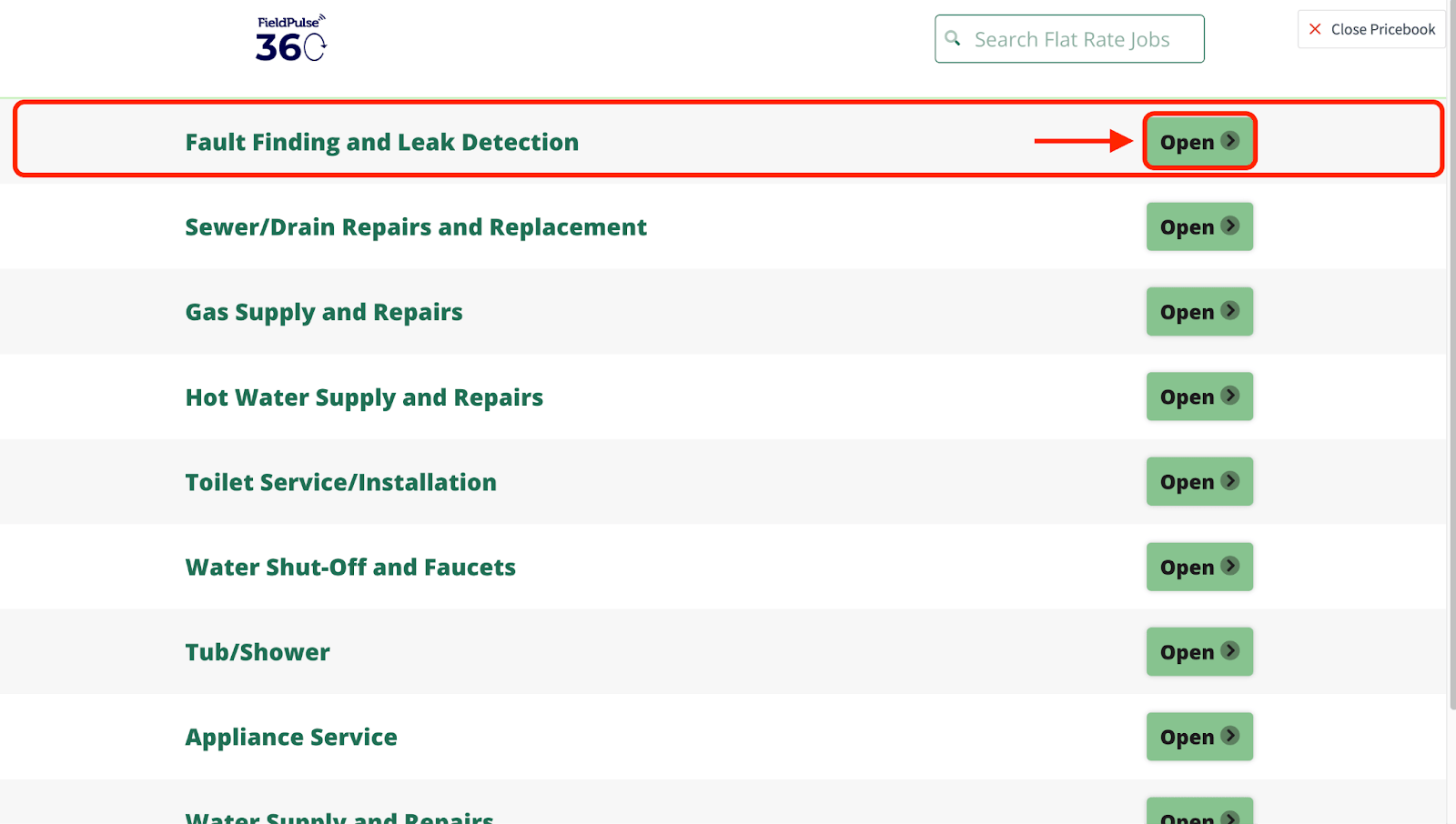
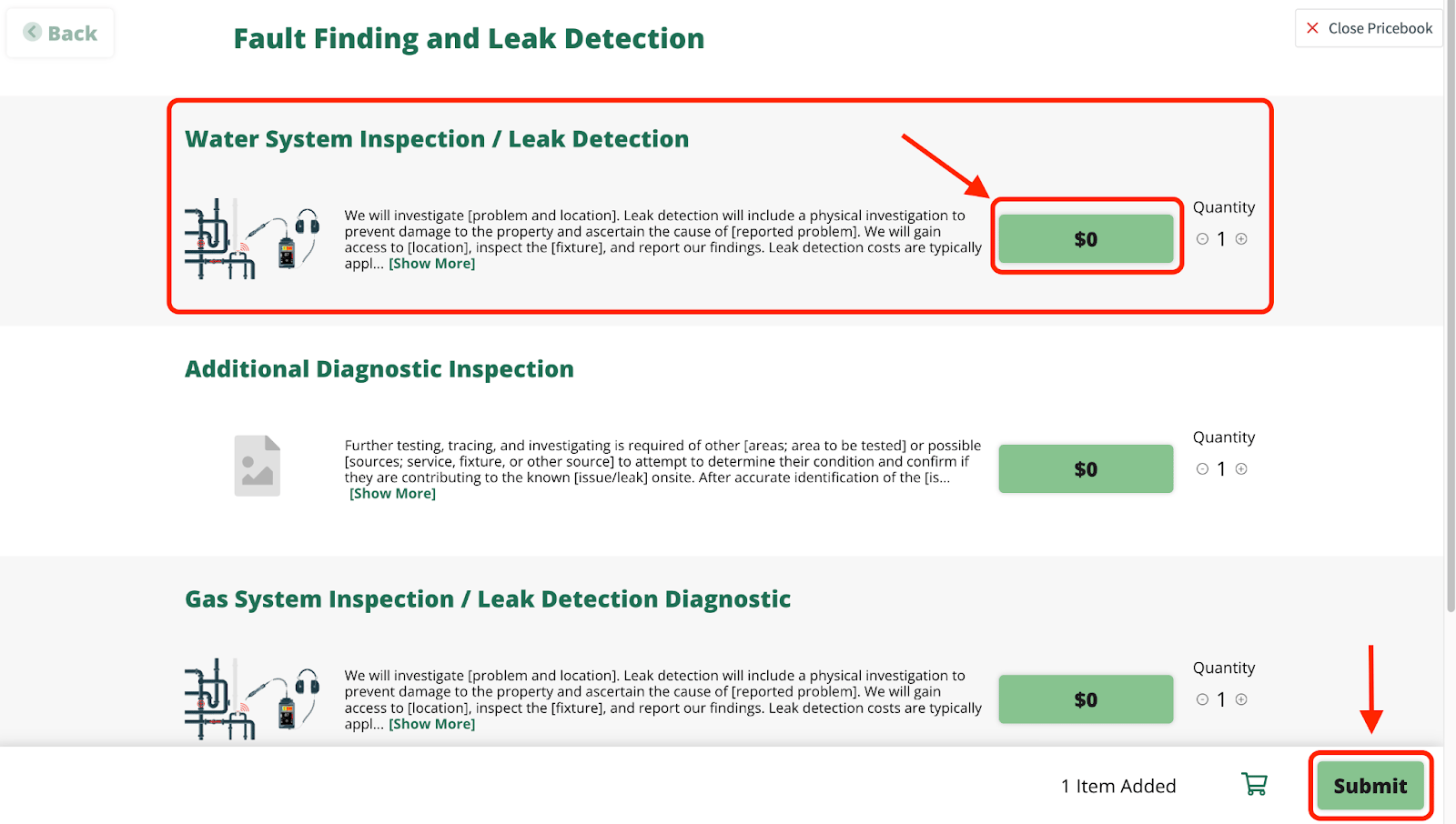
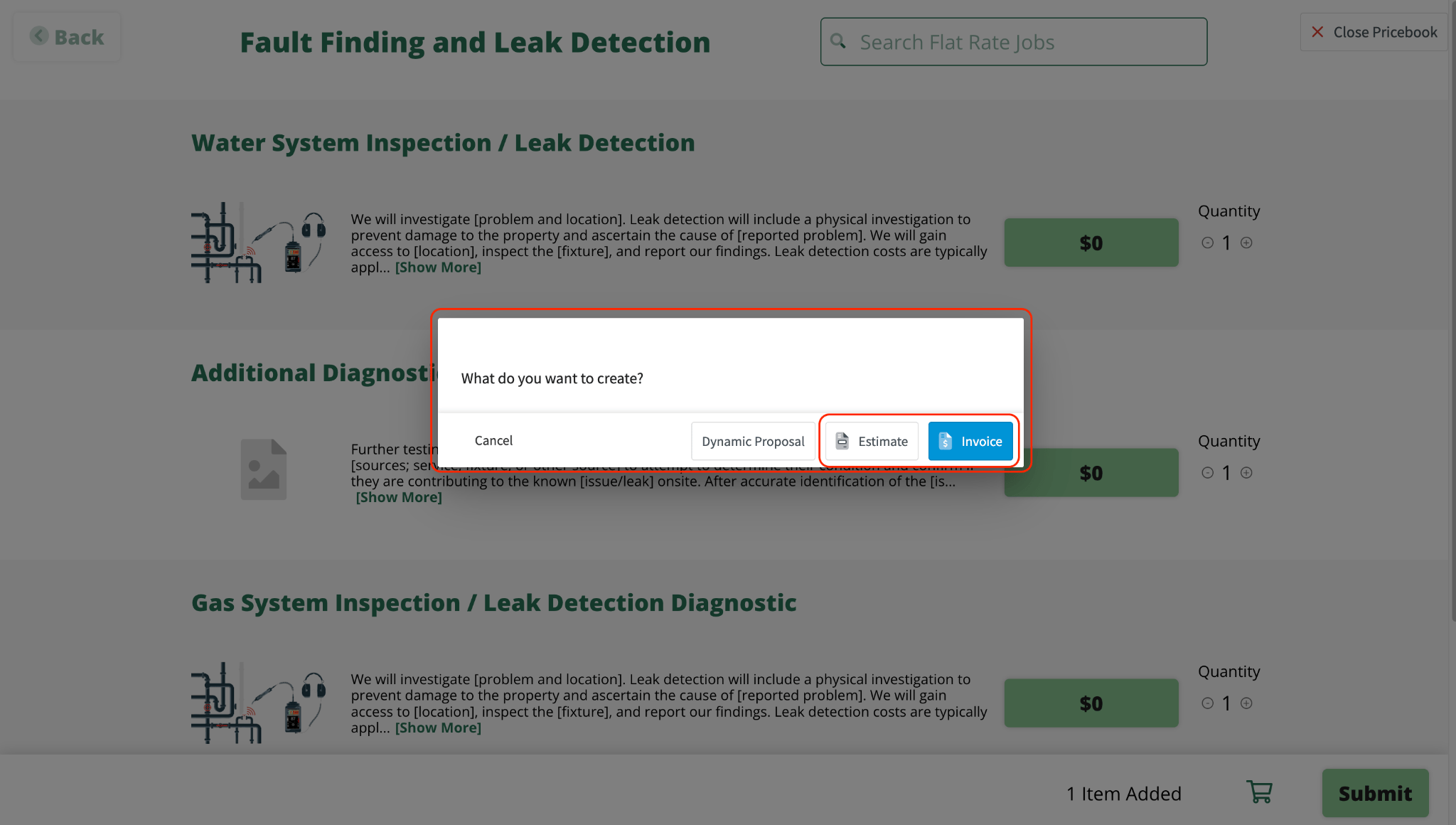
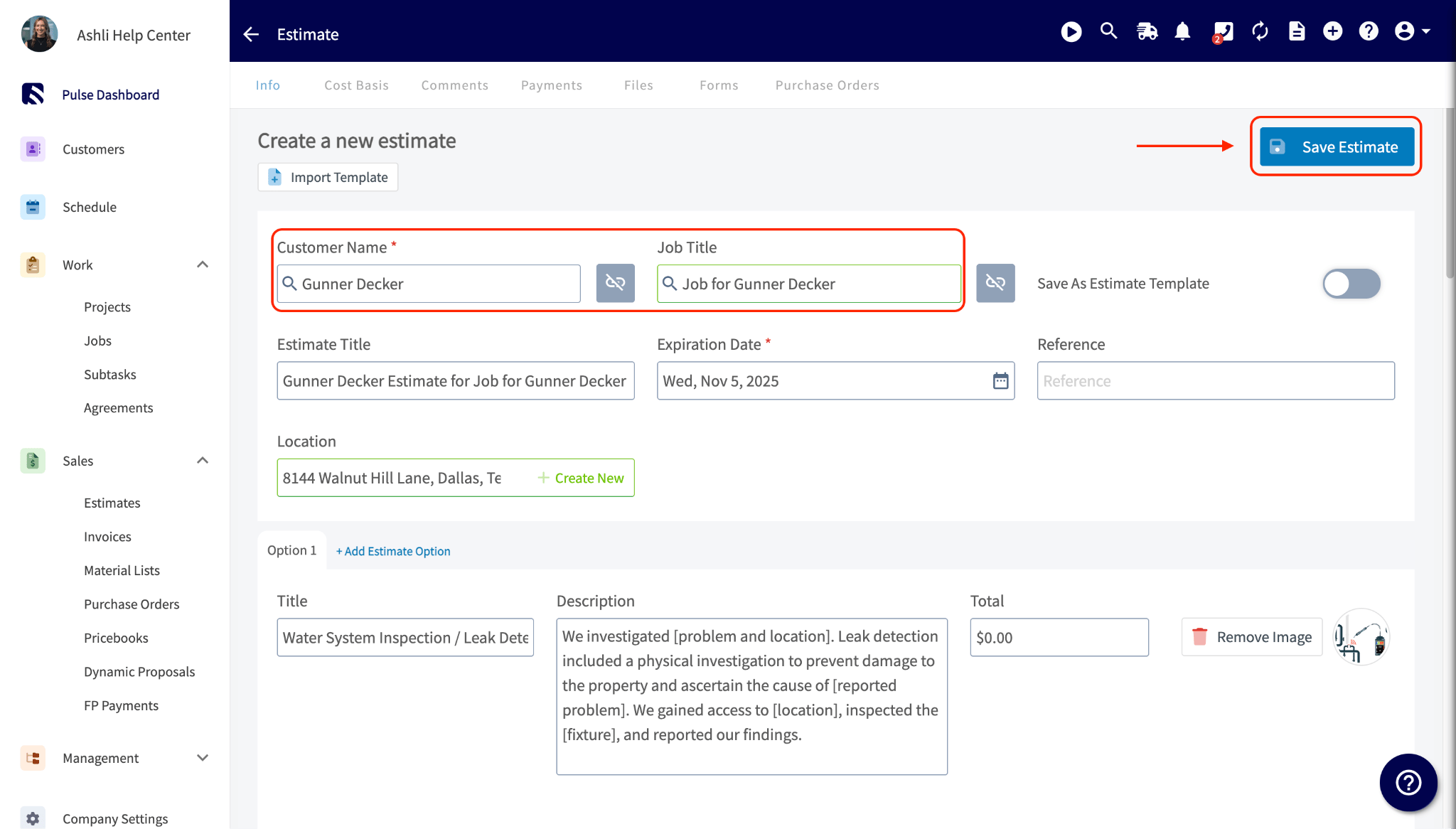
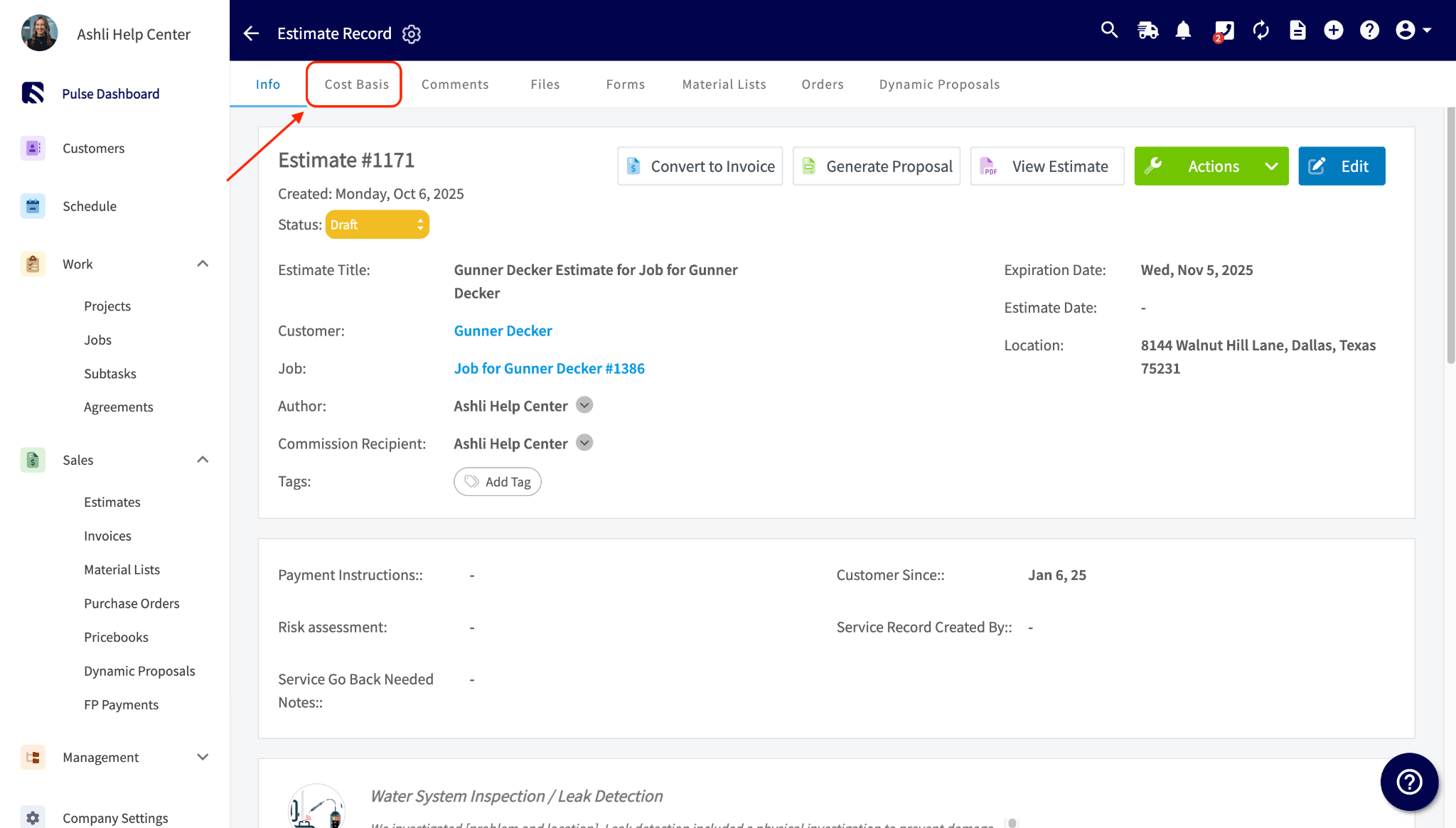
Step 1: Set Up the Job in Your PricebookFirst, open your Pricebook and select the flat-rate job you want to edit.Step 2: Assign the Commission to the JobSecondly, in the job’s edit section, you’ll enter the commission amount directly in the Flat Rate Commission field. Once you’ve made your changes, save the Pricebook.Step 3: Create the Estimate or InvoiceNext, your team will add the job with the assigned commission to a new estimate or invoice for a customer. Make sure to save the estimate or invoice.Note: You must add the customer to the estimate or invoice. You can also optionally add a related job.Step 4: View Commission Details on the RecordLastly, once the estimate or invoice is saved, open the record and click on the Cost Basis tab. Here, you’ll see the commission amounts listed, which are automatically assigned to the designated commission recipient.
If your Default Commission Recipient(s) setting is Related Work Order Assignees and more than one person is assigned to the job, the flat-rate commission from the Pricebook splits evenly among them automatically, the same as any other commission type.
Have additional questions?Contact us at support@fieldpulse.com or use the chat feature in the bottom right corner of your screen.