
Creating an Alternative Company Profile
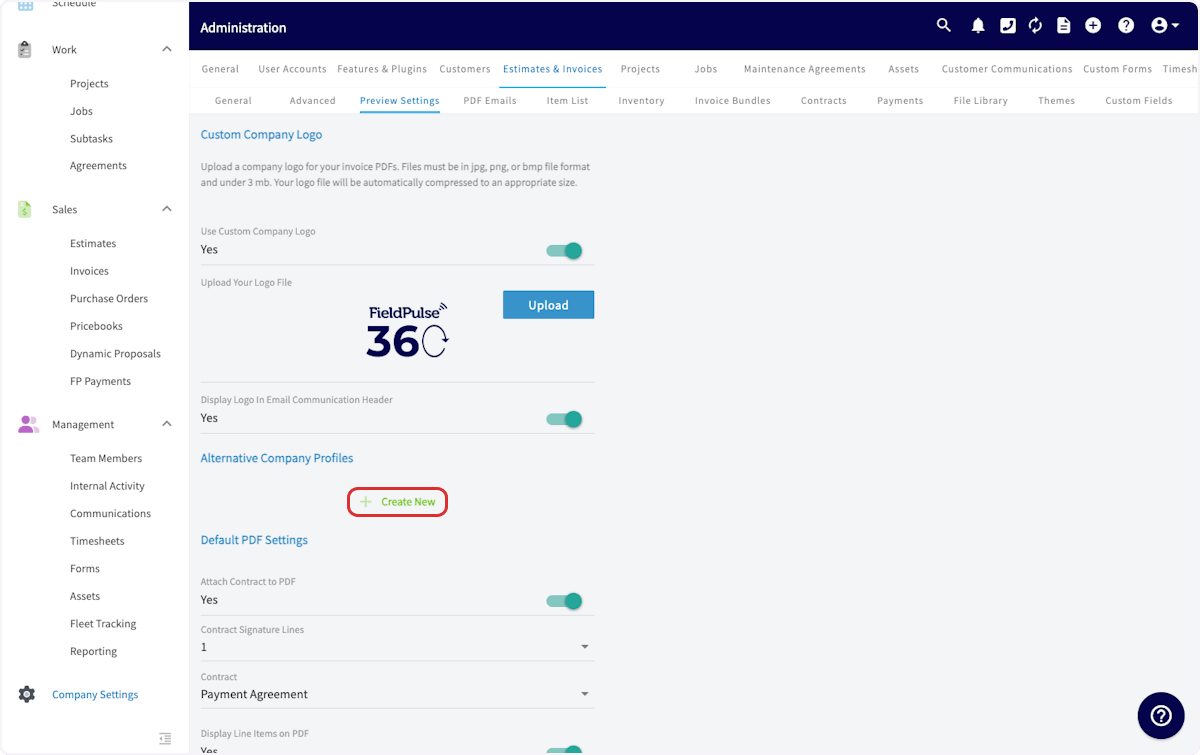
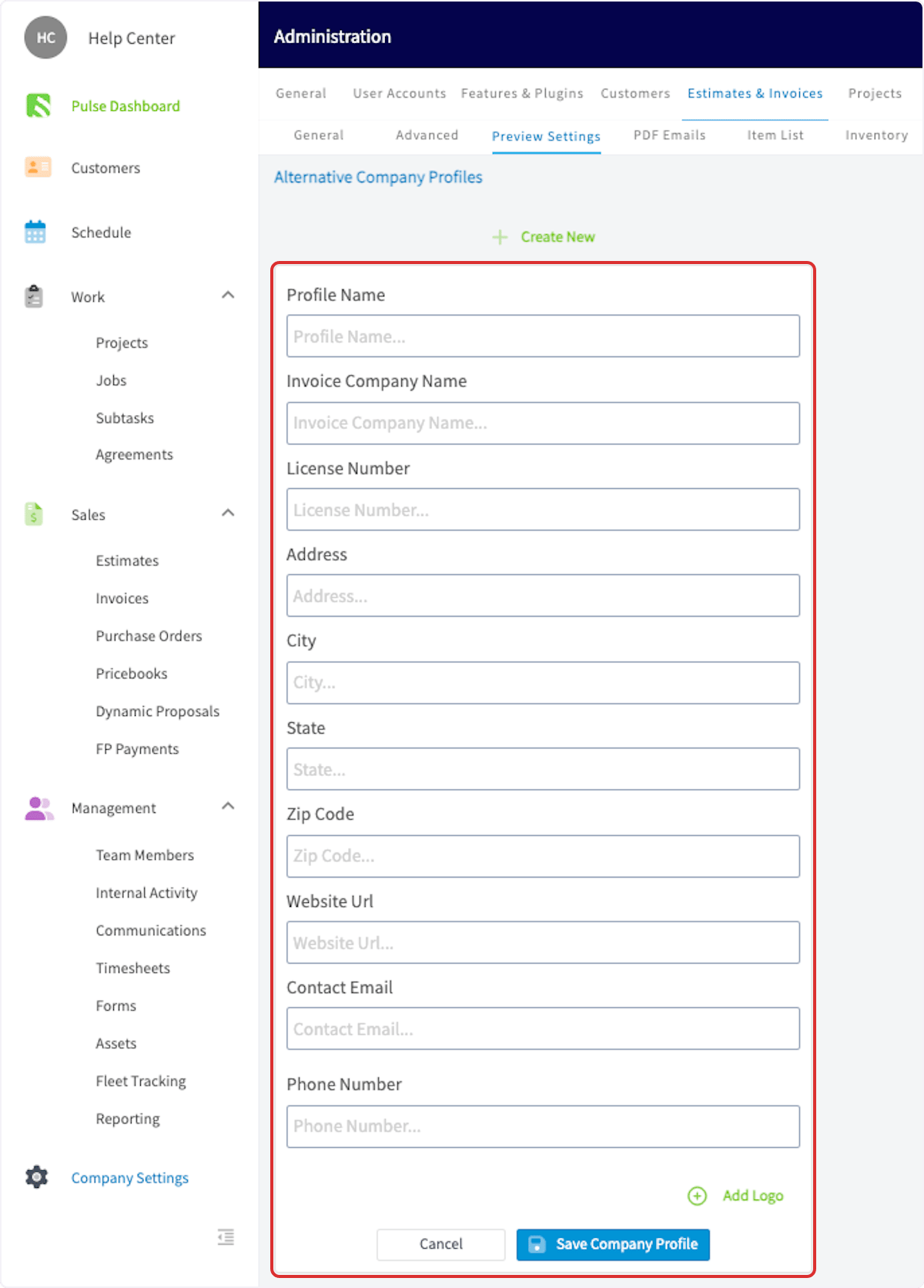
To create an alternative company profile, navigate to Company Settings. Select Estimates & Invoices, then Preview Settings.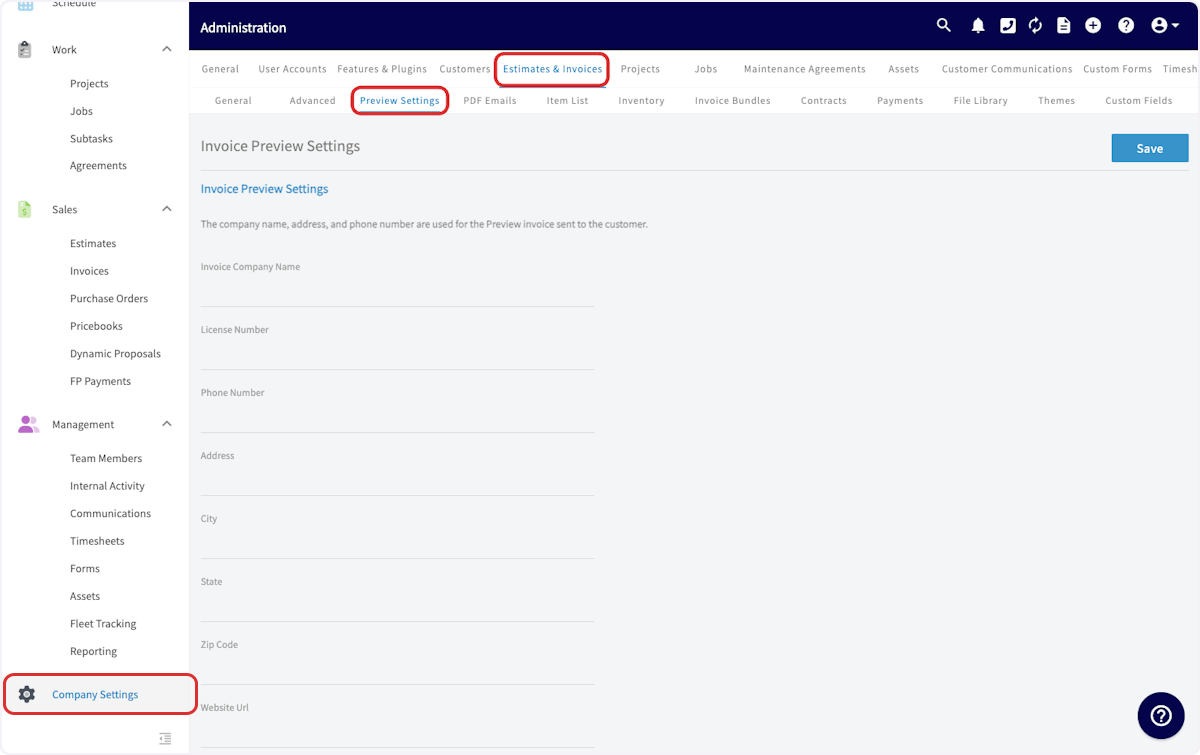
Using an Alternative Company Profile
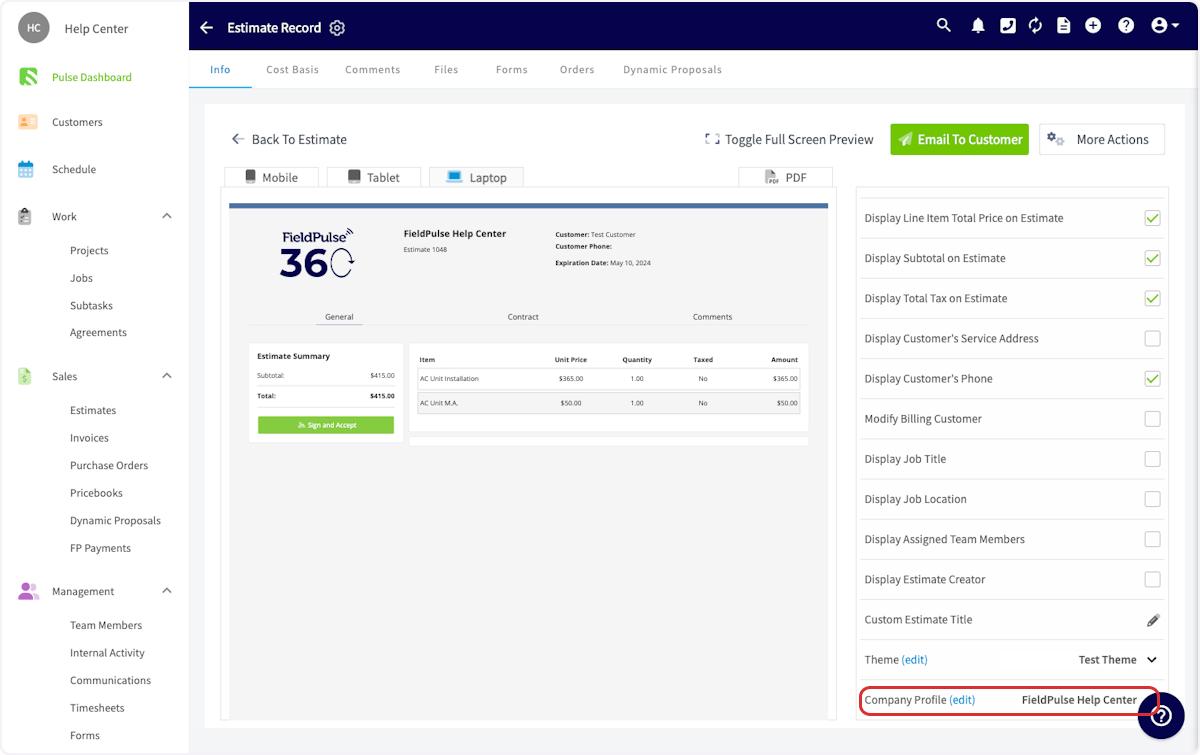
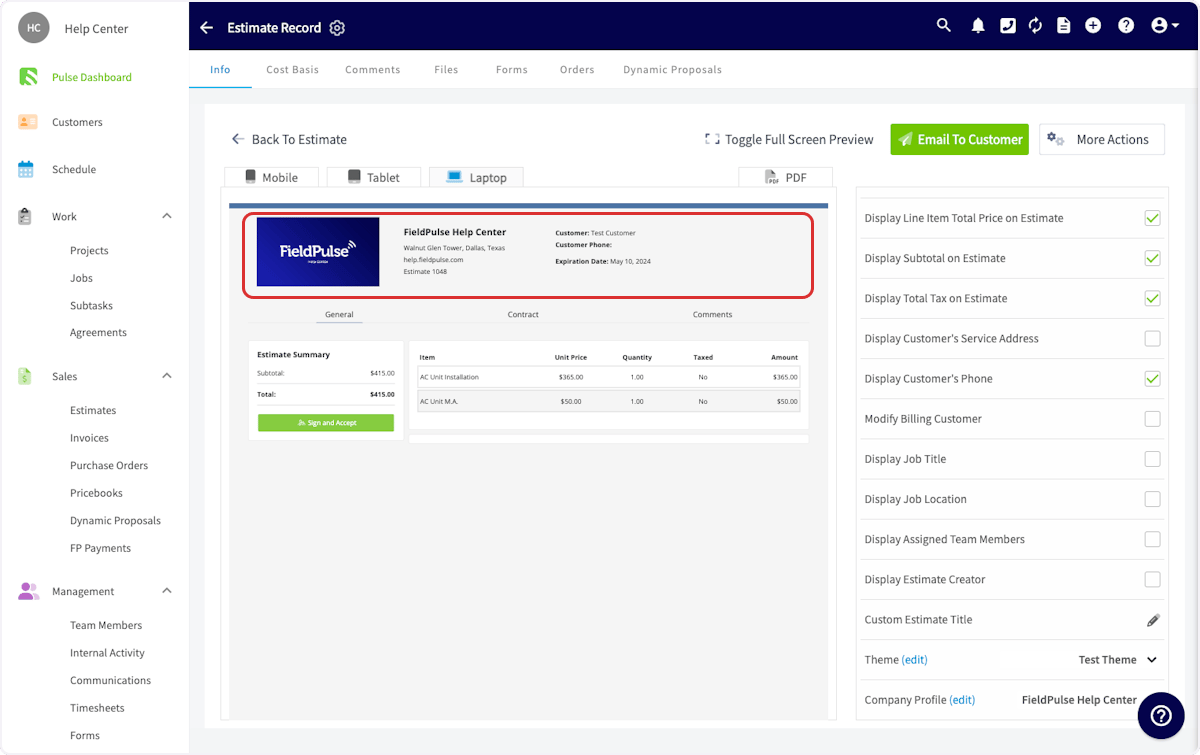
To use an alternative company profile on an estimate or invoice, begin by navigating to the estimate/invoice record and selecting View Estimate.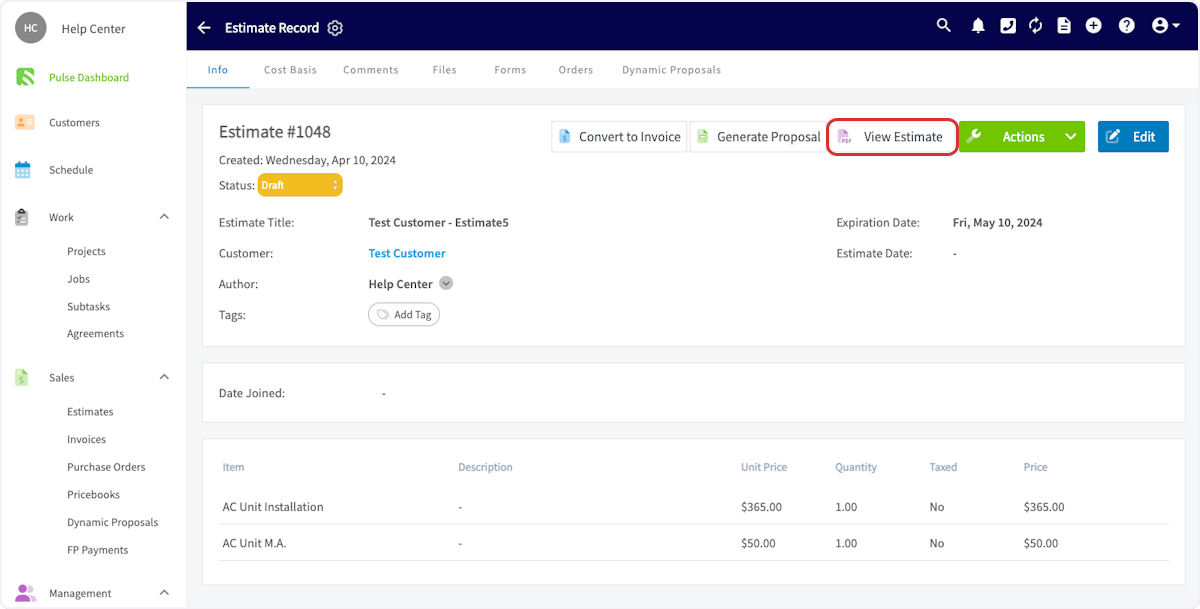
Have additional questions? Contact us at support@fieldpulse.com or use the chat feature in the bottom right corner of your screen.