
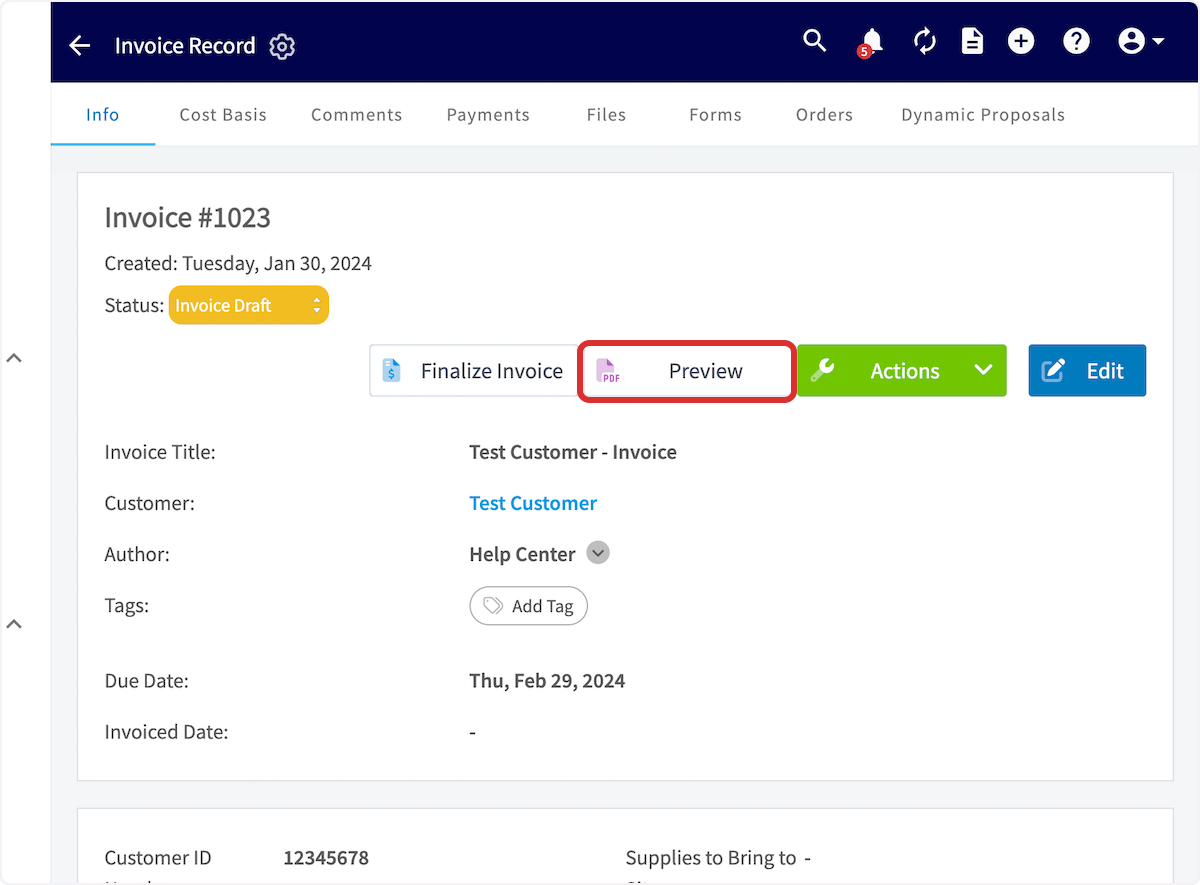
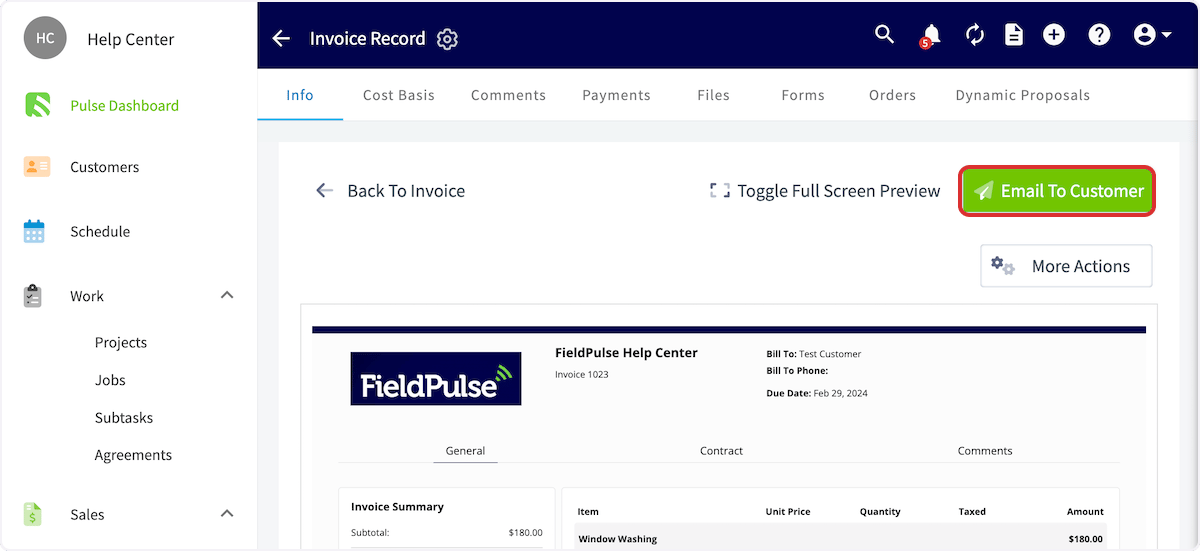
First, create the estimate or invoice and then select Preview.
Have additional questions? Contact us at support@fieldpulse.com or use the chat feature in the bottom right corner of your screen.
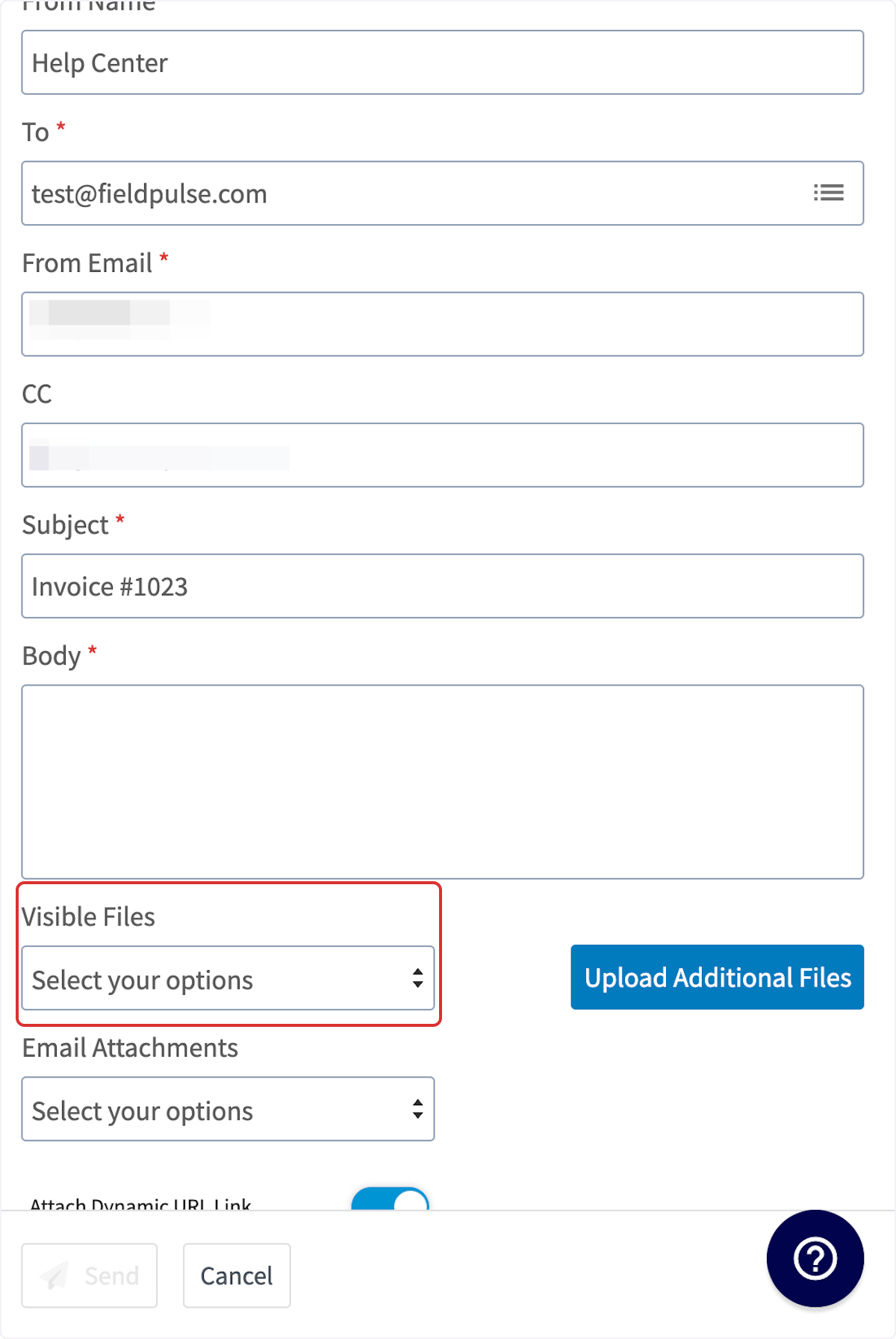
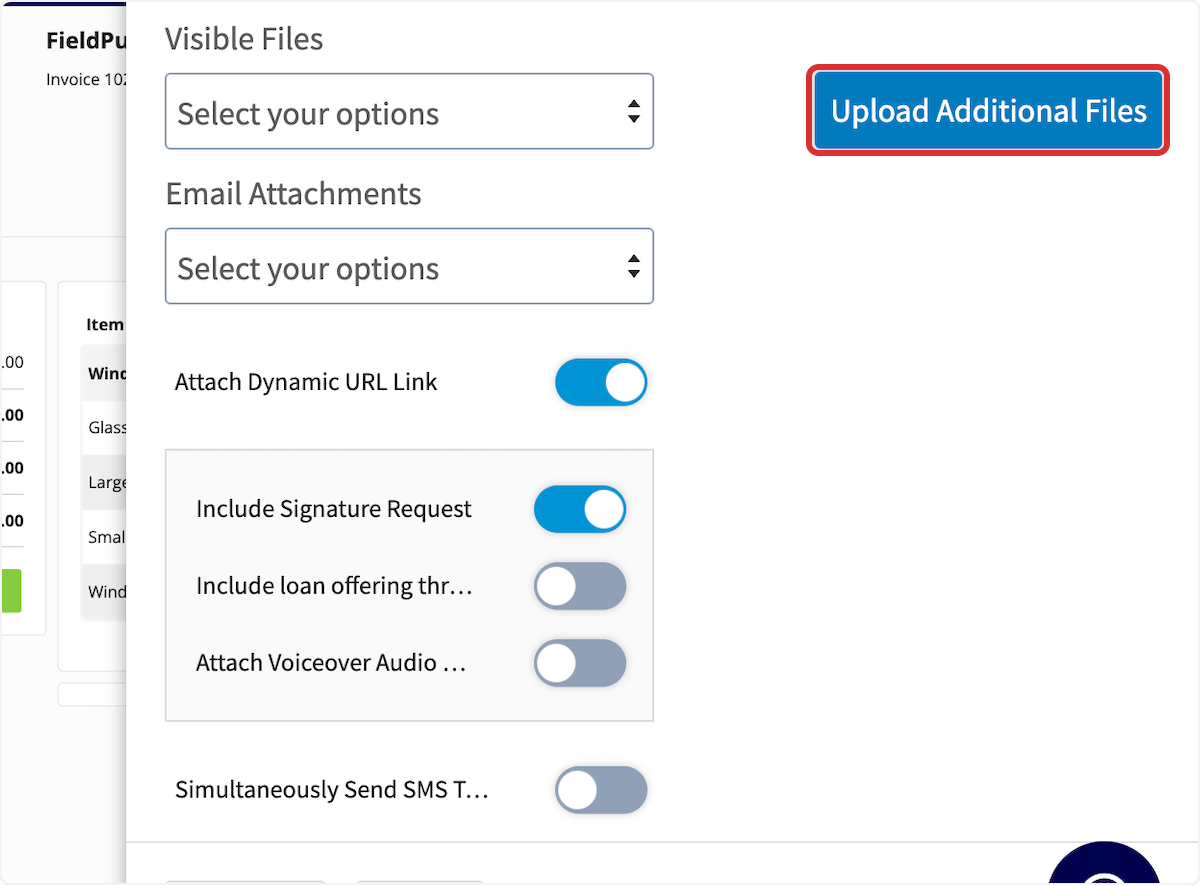
Attach job photos and files to an estimate or invoice email so customers see the supporting documents.
Related topics
Estimates & InvoicesCustomer CommunicationsSending Estimates & Invoices to CustomersViewing Photos and Files on Custom Form PDFsLocking Edits on Estimates & Invoices