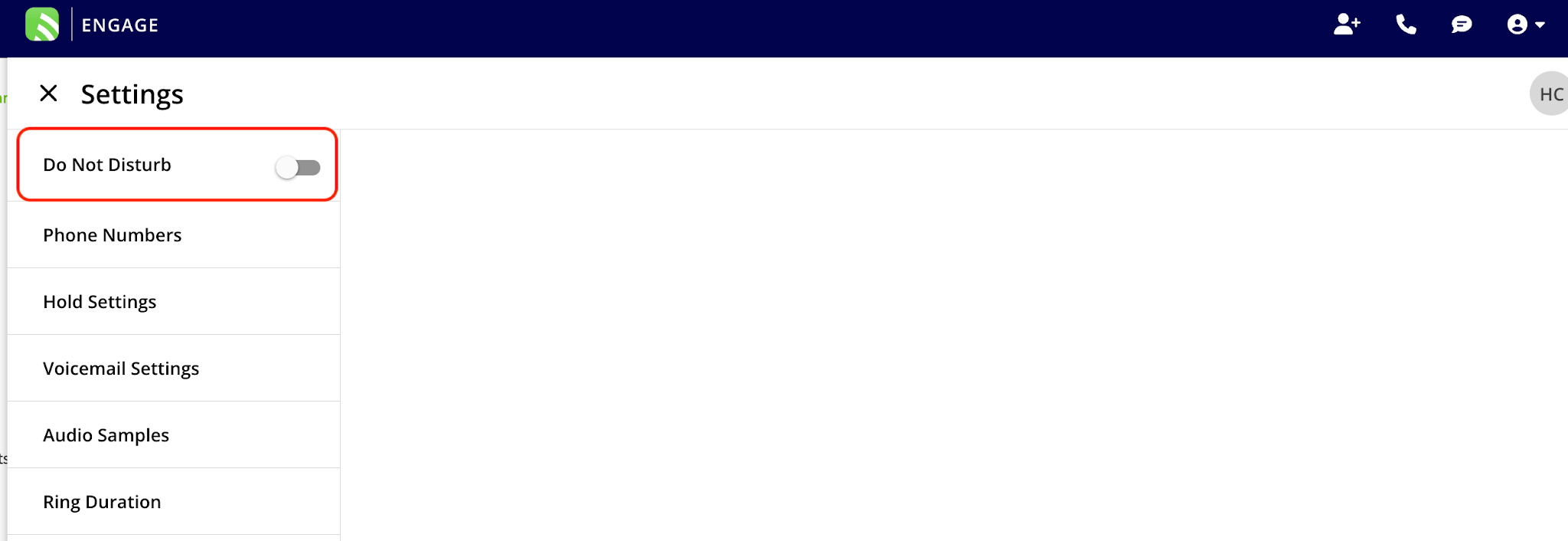
Who uses this: Admins, Team Managers, and Service Agents — Do Not Disturb is a per-user setting, and Limited Agents don’t have access to Engage. Availability: United States and Canada · Requires the Engage add-on.Do Not Disturb sends your incoming Engage calls straight to voicemail without ringing your device. It works per user, so turning it on quiets your own line without affecting anyone else on the team — useful during an all-team meeting or on a holiday when the company isn’t taking calls.
Overview
Do Not Disturb is an individual setting. When you turn it on, your calls go directly to voicemail and don’t ring on your device; other users’ availability is unchanged. Turn it off again when you’re ready to take calls.Turn Do Not Disturb on or off
- Select the phone icon in the top-left corner to open Engage.
- Select the settings gear.
- Toggle Do Not Disturb on or off.